Smithing FOV Adjustment
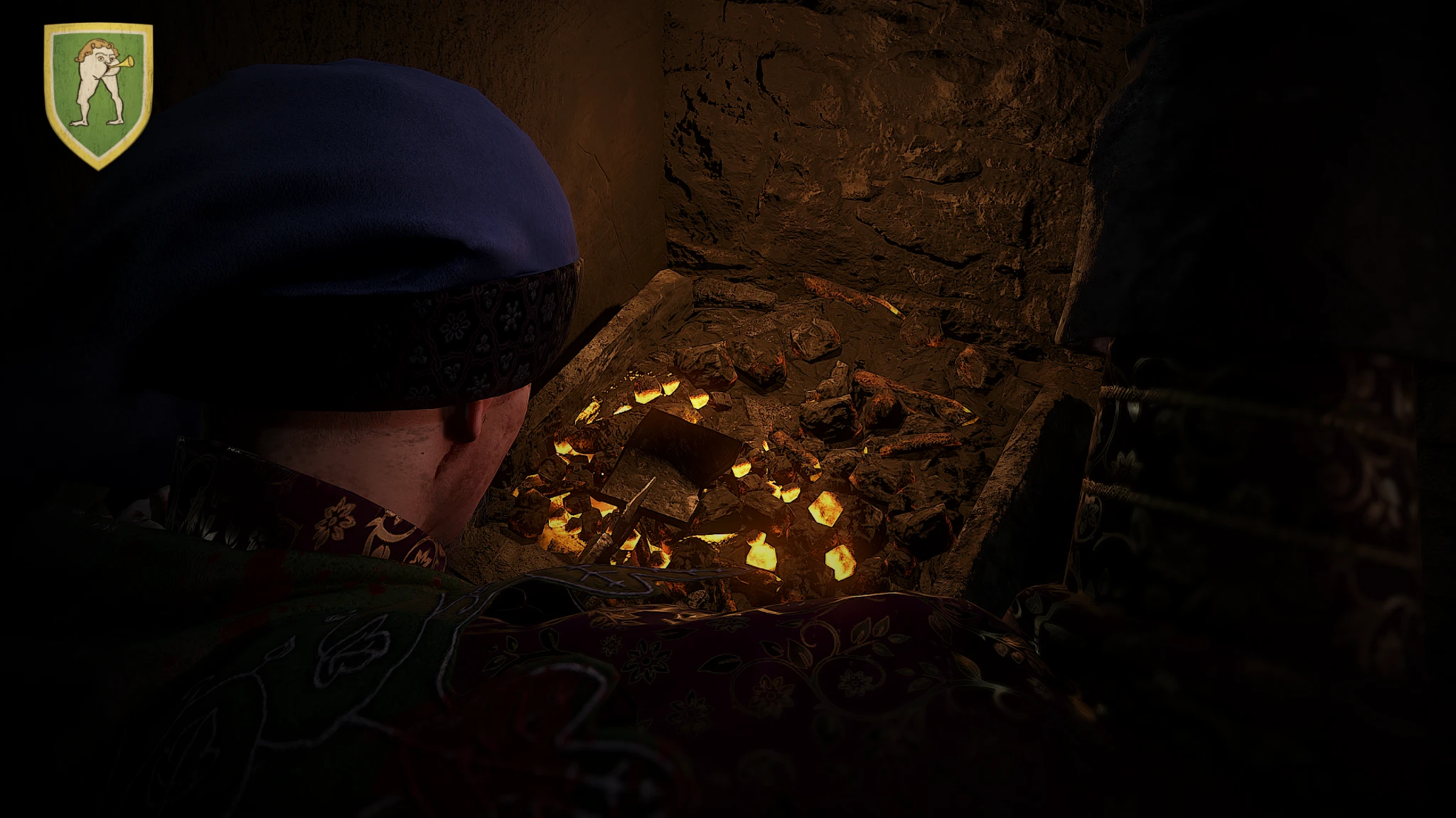
Sets the FOV to the standard value of 65 while smithing, for players who learned the minigame with the default FOV but now use a different FOV setting.
 查看大图
查看大图[size=4][b]Description[/b][/size]
[][color=#D4D4D8]Sets the FOV to the standard value of [b][i]65[/i][/b] while smithing. [/color][/]
[][color=#D4D4D8]Intended for players who learned the smithing minigame with the default FOV. [/color][/]
[][color=#D4D4D8]Keeps the familiar hammer movement and visual reference points when using a different FOV during normal gameplay.
[/color]
[size=4][b]Installation instructions[/b][/size]
[list]
[][color=#D4D4D8]Download and extract the mod. [/color][/]
[][color=#D4D4D8]Copy the
[/color]
[code]smithing_fov_fix[/code][color=#D4D4D8]folder into: [/color][/]
[/list]
[code]<KCD2 game folder>/Mods/[/code]
[list]
[][color=#D4D4D8]The following file should then exist: [/color][/]
[/list]
[code]<KCD2 game folder>/Mods/smithing_fov_fix/mod.manifest[/code]
[list]
[][color=#D4D4D8]Add
[/color]
[code]smithing_fov_fix[/code][color=#D4D4D8]to
[/color]
[code]Mods/mod_order.txt[/code][color=#D4D4D8]if you use one.[/color][/]
[/list]
[size=4][b]Main features[/b][/size][/]
[][color=#D4D4D8]Saves the current
[/color]
[code]cl_fov[/code][color=#D4D4D8]and
[/color]
[code]cl_hfov[/code][color=#D4D4D8]values. [/color][/]
[][color=#D4D4D8]Changes
[/color]
[code]cl_fov[/code][color=#D4D4D8]to [b]65[/b] when smithing begins. [/color][/]
[][color=#D4D4D8]Restores the previous FOV values after leaving the smithing minigame. [/color][/]
[][color=#D4D4D8]Includes the console command
[/color]
[code]sfov_restore[/code][color=#D4D4D8]for manual restoration. [/color][/]
[][color=#D4D4D8]The smithing FOV can be changed inside the Lua file.
[/color]
[size=4][b]Requirements[/b][/size][/]
[][color=#D4D4D8]No additional mods are required. [/color][/]
[][color=#D4D4D8]The developer console is only needed for the optional manual restore command.[/color]
[/]
还没有人评论,去客户端里说两句吧。
评论在新手盒子客户端中发表,这里同步展示。