"日志修正"
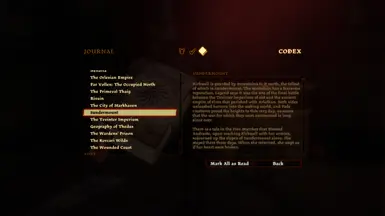
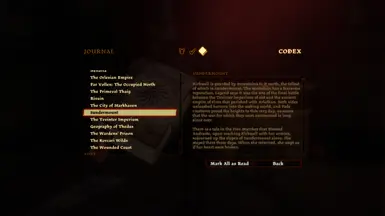
修复日志条目中的拼写错误和漏洞。
 查看大图
查看大图这个模组修复了我在日志条目中注意到的各种拼写错误和Bug。
从v1.1版本开始,该模组扩展为修复多个任务条目描述中的Bug。
[需求] 晨霜吊坠(即 da2_pro_fut01)。我使用此增补组件制作补丁文件以编辑对话表。
[地点]
- 裂境峰 =》将"Kirkwall is guarded by mountains to it north"改为"Kirkwall is guarded by mountains to its north"
[生物]
- 岩精 =》将"and then it turned it's eyeless skull toward us"改为"and then it turned its eyeless skull toward us"
- 双足飞龙 =》将"while the nobleman merely accept the praise."改为"while the nobleman merely accepts the praise."
[传说]
- 柯克沃尔历史:第三章 =》将"during last of the New Exalted Marches."改为"during the last of the New Exalted Marches."
- 本哈斯拉特 =》将"the assimilation of conqured peoples."改为"the assimilation of conquered peoples."
[物品]
- 狐狸拼图戒指 =》将"of secrets the he kept"改为"of the secrets he kept"
- 女士骑士之盾 =》将"Aveline may find it's attribution to her namesake of interest."改为"Aveline may find its attribution to her namesake of interest."
- 帕萨兰法杖 =》将"Tevinter Empirium"改为"Tevinter Imperium"
[任务]
- 闹鬼 =》将"rock wraith"改为"ethereal golem"(v1.1)
- 初次献祭 =》将"The elf works at Hightown's Blooming Rose at night."改为"The elf works at Hightown's Blooming Rose",因为他在白天也在那里。(v1.1)
- 草药师的任务(第三幕) =》将"created a powerful fire rune"改为"created a powerful amulet"(v1.1)
- 控制局面 =》将"Lowtown"改为"the Docks"(v1.1)
如果你发现更多拼写错误,请告诉我,我会看看能否修复。
如果你想手动操作:
- 下载 DA2 TLK 转换器 并解压
- 将
<游戏路径>\packages\core\data\talktables\core_en-us.tlk文件复制并粘贴到 TLK 转换器所在目录 所有基础游戏字符串位于此处或<游戏路径>\modules\campaign_base\data\talktables\campaign_base_en-us.tlk对于 DLC 字符串,你需要在它们的增补目录中搜索其对话表 对于 MOTA:<游戏路径>\addins\da2_prc_eye\module\data\talktables\da2_prc_eye_en-us.tlk - 打开指向 TLK 转换器目录的命令提示符窗口,输入: da2tlkconv -d core_en-us.tlk unpacked.txt
- 在任何文本编辑器中打开 unpacked.txt,修改你想要更改的字符串
- 完成后,删除除修改后的字符串及其 ID 之外的所有内容。示例: {6179814} Kirkwall is guarded by mountains to its north...
- 如果你完成时有多组 ID,请确保它们按升序排列
- 保存文件中的更改,返回命令提示符窗口,现在输入: da2tlkconv -c unpacked.txt da2_pro_fut01_c_en-us_p.tlk
- 将 da2_pro_fut01_c_en-us_p.tlk 文件放入你的覆盖目录
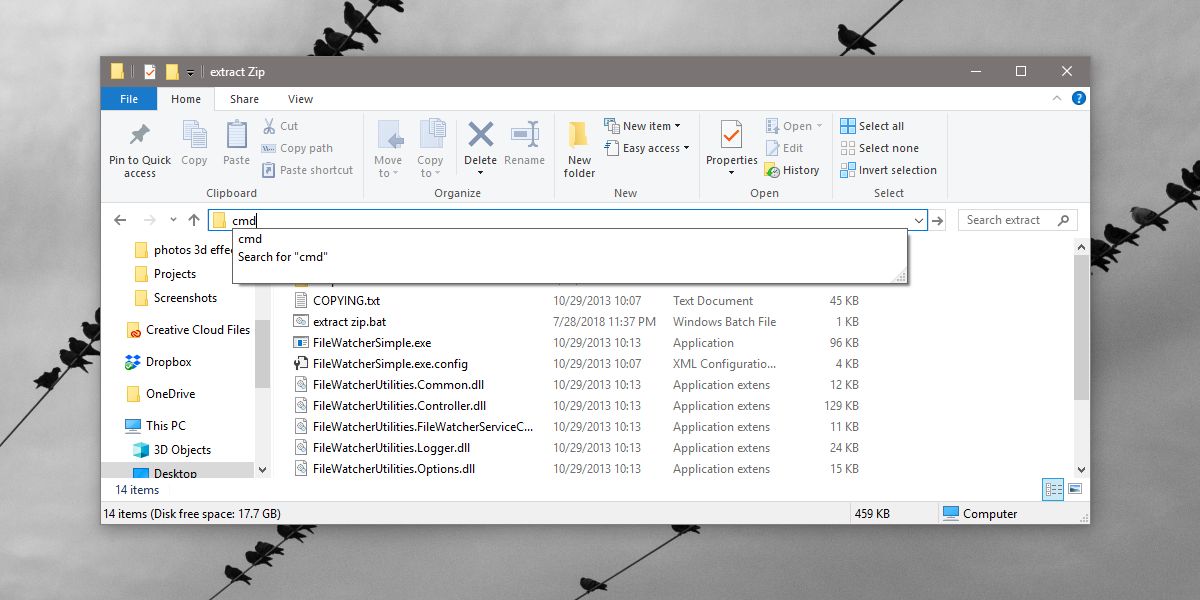
在 tlk 文件名末尾添加 "_p" 会使游戏将其视为补丁。这就是为什么我们使用没有补丁的对话表,本例中为晨霜吊坠。
特别感谢 Hermaen2000、Ashhawk 和 anshela 激励我解决这个问题,直到找到这个方法。
还没有人评论,去客户端里说两句吧。
评论在新手盒子客户端中发表,这里同步展示。