无尽怒火
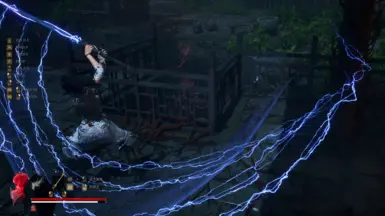
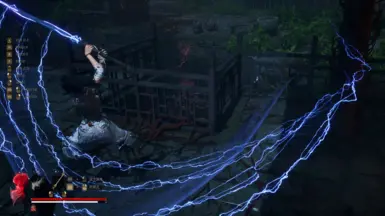
淬羽无前摇无限续杯Infinite Temper
 查看大图
查看大图1.2:修复1.1不能自动工作的BUG,已移除1.1版本
1.1:增加淬羽经脉时间
1.0:按下X键后可以无消耗无前摇淬羽
- 按下X键后可以无消耗无前摇淬羽,淬羽类型不受武器限制,且切换武器会继承。
- 淬羽经脉的时间延长了15分钟。
- 如果要改键,打开Scripts中的 main.lua,将Key.X改成理想键位(大写字母)即可,建议字母键位,因为数字键位不支持。
- 如果要改时间,打开Scripts中的 main.lua,将900改为想要的时间,单位为毫秒(ms),不要改得太大。
安装方式:
如果已安装UE4SS,请将压缩包中CUIYU文件夹放至
Wuchang Fallen Feathers\Project_Plague\Binaries\Win64\ue4ss\Mods文件夹内如果未安装UE4SS,请将压缩包中WIN64文件夹中的内容放至
Wuchang Fallen Feathers\Project_Plague\Binaries\Win64文件夹内,然后执行上一步。Pressing the X key allows you to perform Feather Infusion without consumption and without startup delay. The type of Feather Infusion is not restricted by the weapon, and switching weapons will inherit it.
The duration of the Feather Infusion meridian has been extended by 15 minutes.
If you want to change the key, open main.lua in the Scripts folder and change Key.X to your desired key (uppercase letter). Letter keys are recommended because number keys are not supported.
If you want to change the duration, open main.lua in the Scripts folder and change 900 to the desired time in milliseconds (ms). Do not set it too high.
Installation method:
If UE4SS is installed, place the CUIYU folder from the compressed package into the folder.
Wuchang Fallen Feathers\Project_Plague\Binaries\Win64\ue4ss\ModsIf UE4SS is not installed, place the contents of the WIN64 folder from the compressed package into the folder
Wuchang Fallen Feathers\Project_Plague\Binaries\Win64, then follow the previous step.
还没有人评论,去客户端里说两句吧。
评论在新手盒子客户端中发表,这里同步展示。