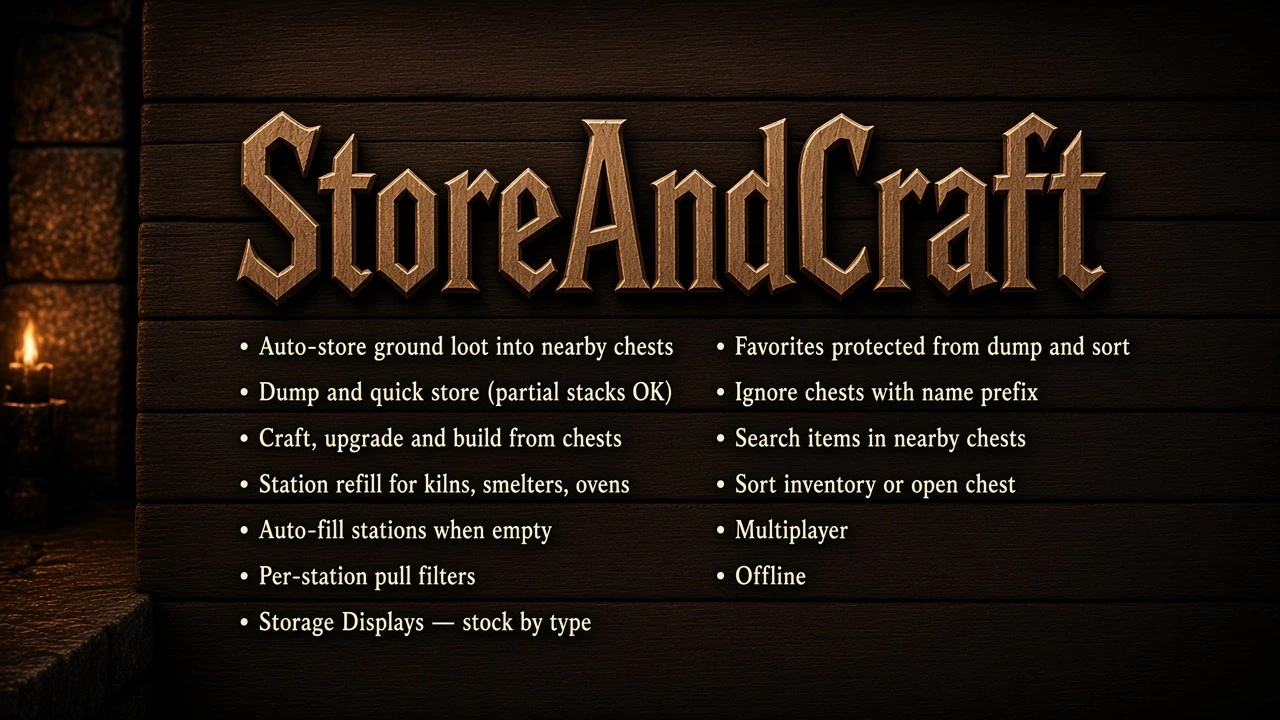
StorageAndCraft
Your base runs with you. Auto-store loot into chests, dump with one key, craft/build/upgrade from storage. Feed kilns and ovens with or auto-fill , cooking auto-drop . Storage Displays, favorites, Ctrl+MMB pull stack, search, sort. Epic Loot supported. Server + all clients need the same version.
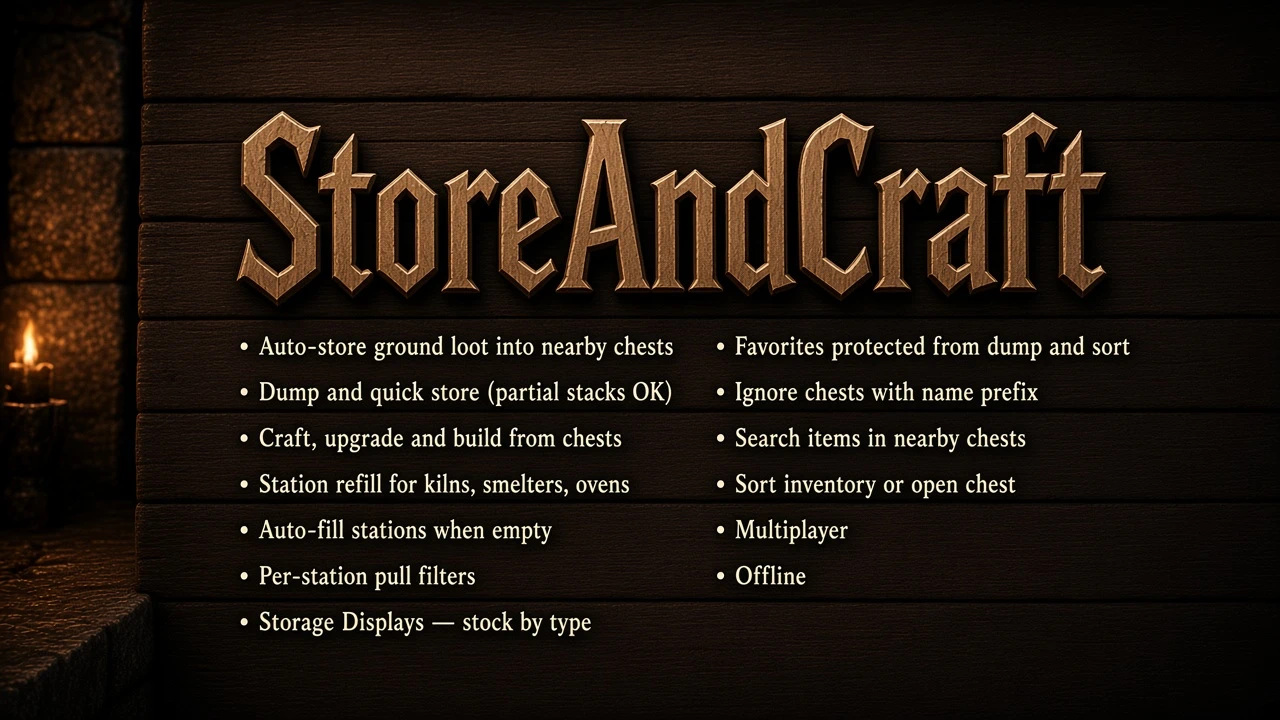 查看大图
查看大图[b]Required on the dedicated / hosted server and every PC client[/b] (same version). Valheim 1.0 · BepInExPack 5.4.2350+. Console players via crossplay cannot load the mod.
[b]Bug reports:[/b] [url=https://github.com/morda0511/StoreAndCraft/issues/1]https://github.com/morda0511/StoreAndCraft/issues/1[/url]
[b]Discord:[/b] [url=https://discord.gg/aVKVVmyzj]https://discord.gg/aVKVVmyzj[/url]
[size=4][b]Features[/b][/size]
[b]Auto-store[/b]
[list]
[]Ground items are pulled into nearby chests automatically if [b]any one player[/b] is in StoreRange of the pile. You can walk off; a buddy standing there is enough.[/]
[]Default: a chest only accepts an item if that type is [b]already inside[/b] (MustHaveExisting).[/]
[]Carts (Vagon) and [b]ships[/b] count as containers too.[/]
[][b]Player-built chests only[/b] for dump / auto-store (crypts, house spawns, and other world chests are skipped).[/]
[]Ward / private area rules still apply.[/]
[/list]
[b]Dump & quick store[/b]
[list]
[][b].[/b] — dump allowed inventory stacks into matching nearby [b]player-built[/b] chests. If the chest cannot take the whole stack, it fills what fits and leaves the rest.[/]
[][b]Middle mouse[/b] (inventory open) — store only the hovered item.[/]
[][b]Ctrl + Middle mouse[/b] (inventory open) — [b]Pull Stack[/b]: fill the hovered stack from matching items in nearby chests.[/]
[]Hotbar can be skipped (IgnoreHotbar).[/]
[]Favorites are never dumped / hover-stored (see below).[/]
[/list]
[b]Remote dump (Experimental)[/b]
[list]
[]If dump finds [b]no matching chest near you[/b], it can ask a [b]buddy who is near matching base chests[/b] to finish the store (they must have that area loaded).[/]
[]Toggle RemoteDumpEnabled (default on). Cooldown / max stacks in config.[/]
[]Easy kill-switch: set RemoteDumpEnabled to false.[/]
[/list]
[b]Craft & build from chests[/b]
[list]
[]Recipes and hammer pieces count nearby chest contents.[/]
[]When you craft / upgrade / build, missing mats are [b]taken from chests directly[/b] (not dumped into your backpack first — that used to fill free slots and cancel the craft).[/]
[]Craft / upgrade button enables when mats are in [b]inventory or chests[/b].[/]
[]Yellow tint on requirement text when part of the count comes from a chest.[/]
[]LeaveOneItem (default on): one item stays in each chest so auto-store can keep refilling. That leftover item cannot be spent (craft, build, plant, or station [E]). Turn the setting off if you want to use the last item.[/]
[][b]Shift + place:[/b] hold [b]Shift[/b] while confirming a build to [b]grab[/b] that piece’s materials from nearby chests into your inventory (nothing is placed). Each Shift-click can pull another full piece-cost set.[/]
[/list]
[b]Epic Loot[/b]
[list]
[][b]Supports Epic Loot[/b] — chest craft/build pull and Storage Displays work with Epic Loot materials and stations.[/]
[/list]
[b]Station refill [E][/b]
Works on smelters, charcoal kilns, cooking stations, fires / torches, fermenters, turrets, etc.:
[list]
[]Pulls fuel / ore / food from nearby chests when you don’t have it.[/]
[][b]Inventory first:[/b] if you already hold a valid item (e.g. deer meat), that is used before chest contents (e.g. boar meat).[/]
[/list]
[b]Kiln / smelter / cooking auto-fill[/b]
[list]
[]Look at a kiln, smelter, blast furnace, cooking spit, iron cooking station, stone oven, fermenter, or torch / fire with the inventory [b]closed[/b] → [b]B[/b] toggles auto-fill for that station (saved on the station).[/]
[]When fuel or ore hits [b]0[/b], it sends a full load (smelter max, e.g. 10) from inventory first, then chests within AutoFillRange. Then it waits until that slot is empty again. If chests are empty too, the next chest check is after [b]20 seconds[/b].[/]
[]Cooking / ovens top up [b]free slots[/b] (not only when fully empty). Stone oven door hover shows the toggle; food is added even if the under-fire is out (baking still needs fire to cook).[/]
[]No chest scans and no “it’s full” spam while the station is still running. Filter still applies (Wood OFF stays OFF).[/]
[][b]F[/b] with inventory open is still favorites. Manual [b][E][/b] refill is unchanged.[/]
[/list]
[b]Cooking auto-drop[/b]
[list]
[]Look at a cooking spit, iron cooking station, or stone oven (inventory [b]closed[/b]) → [b]N[/b] toggles auto-drop for that station (saved on the station).[/]
[]Finished food falls off as a ground drop so auto-store can put it in a matching chest.[/]
[]Pair with [b]B[/b] auto-fill for hands-off cooking / baking (fire under the stone oven still required to cook).[/]
[/list]
[b]Kiln / smelter pull filter[/b]
[list]
[]Look at a kiln, multi-input smelter, cooking station, or similar → [b]Alt+E[/b].[/]
[]Skills-style list with [b][+][/b] / [b][-][/b] toggles.[/]
[]Choose which wood / ore / food types may be auto-pulled (e.g. turn [b]Wood[/b] OFF, leave [b]Core wood[/b] ON).[/]
[]Saved per station (ZDO). Manual use from inventory is not blocked for types you hold yourself; auto-select / chest pull respects the filter.[/]
[/list]
[b]Storage Display (Hammer)[/b]
[list]
[]Build [b]Small[/b], [b]Medium[/b], or [b]Large Storage Display[/b].[/]
[][b]Small:[/b] one item from hotbar (1–8 while looking at it). Shows icon, count, and item name.[/]
[][b]Medium / Large:[/b] [b][E][/b] → type menu ([b][+][/b] / [b][-][/b]). Pick several types at once.[/]
[][b]Food[/b] and [b]Ingredients[/b] expand for single items.[/]
[]Up to [b]12 categories[/b] per Large board (yellow message if you try more).[/]
[]Large: category bands with labels on the left and dense item rows; overflow shows [b]+[/b] when there are more stacks than fit.[/]
[]Chests named with [b][I][/b] are ignored.[/]
[]Place several displays with the same selection next to each other → shared pages (1/2), (2/2), …[/]
[][b]Alt+R[/b] → per-display chest scan range (5–50 m).[/]
[/list]
[b]Favorites[/b]
[list]
[]Inventory open → hover item → [b]F[/b].[/]
[]Gold tint, ★ badge, tooltip line.[/]
[]Skipped by dump and hover-store.[/]
[]Local file: StoreAndCraft.favorites.txt (not server-synced).[/]
[/list]
[b]Ignore chests[/b]
[list]
[]Prefix the chest name with [b][I][/b] → no auto-store, no craft pull, not counted on displays.[/]
[]Hover text turns [b]red[/b] so ignored chests are easy to spot.[/]
[]Rename with [b]Alt+E[/b] (or Shift+E alt-use).[/]
[/list]
[b]Search[/b]
[list]
[]Inventory open → hover an item → press [b]Y[/b].[/]
[]Nearest chest that holds it [b]blinks 3 times[/b] and gets a map ping.[/]
[/list]
[b]Sort[/b]
[list]
[]Inventory open → [b]R[/b].[/]
[]Bag only: sorts your inventory. Open chest: sorts [b]that chest only[/b] (not both).[/]
[]Favorites stay put. Sort [b]never moves items into the hotbar[/b] (even when IgnoreHotbar is off).[/]
[/list]
[b]Multiplayer[/b]
[list]
[]Install on [b]server + all clients[/b], same version.[/]
[]Server config sync (LockConfig default on).[/]
[]Safe chest transfers (no ownership steal while someone has a chest open).[/]
[/list]
[size=4][b]Keys (defaults)[/b][/size]
[list]
[][b].[/b] — Dump inventory into matching nearby chests[/]
[][b]Middle mouse[/b] — Store hovered inventory item (inventory open)[/]
[][b]Ctrl + Middle mouse[/b] — Pull Stack: fill hovered stack from nearby chests[/]
[][b]Alt + E[/b] — Rename looked-at chest or open station pull filter[/]
[][b]F[/b] — Favorite / unfavorite hovered inventory item[/]
[][b]B[/b] — Toggle auto-fill on the station you are looking at (inventory closed)[/]
[][b]N[/b] — Toggle auto-drop on a cooking spit / iron station / stone oven (inventory closed)[/]
[][b]Y[/b] — Hover an inventory item and press — nearest chest with that item blinks 3× + map ping[/]
[][b]R[/b] — Sort: bag open = inventory only; chest open = that chest only[/]
[][b]Shift + place[/b] — Grab build materials from chests (do not place)[/]
[][b]Alt + R[/b] — Storage Display range (while looking at a display)[/]
[/list]All hotkeys are configurable in the .cfg and stay [b]local[/b] (not overwritten by server sync).
[size=4][b]Chat / console commands[/b][/size]
Works in [b]chat[/b] (/…) and in the [b]F5 console[/b] (with or without leading /).
Changing ranges: [b]host / server admin only[/b]. Anyone can view status / help.
[spoiler]Command list
[list]
[]/help store — Everyone — Print help to console (F5)[/]
[]/help storeandcraft — Everyone — Same as above[/]
[]/storehelp — Everyone — Same as above[/]
[]/sac status — Everyone — Show current Dump / Store / Storage / Craft / AutoFill ranges + LockConfig[/]
[]/dumprange <n> — Host / admin — Set dump / middle-click range (meters)[/]
[]/storerange <n> — Host / admin — Set auto-store ground→chest range[/]
[]/storagerange <n> — Host / admin — Set take-stack / search / display range[/]
[]/craftrange <n> — Host / admin — Set craft / build / station-pull range[/]
[]/autofillrange <n> — Host / admin — Set auto-fill station + chest range[/]
[]/sac dump <n> — Host / admin — Alias for /dumprange[/]
[]/sac store <n> — Host / admin — Alias for /storerange[/]
[]/sac storage <n> — Host / admin — Alias for /storagerange[/]
[]/sac craft <n> — Host / admin — Alias for /craftrange[/]
[]/sac autofill <n> — Host / admin — Alias for /autofillrange[/]
[/list]
Examples:
[code]/sac status
/craftrange 25
/autofillrange 40
/sac dump 10[/code]
Ranges are saved to com.morda.storeandcraft.cfg and synced to clients when LockConfig is on. Valid range: [b]0–500[/b]. Edit the .cfg on the host / server and save, or use the commands: [b]no restart[/b].[/spoiler]
[size=4][b]Storage Display types[/b][/size]
[b]Resources:[/b] Wood · Ore · Metals · Stone · Fuel · Hides · Parts · Crops & Seeds · Raw Food · Ingredients · Gems & Coins · Boss / Rare · Other materials
[b]Epic Loot (expandable):[/b] Dust · Essence · Reagent · Shard
[b]Other:[/b] Food · Fish · Trophy · Ammo · Tools · Weapons · Armor · Utility · Misc
[size=4][b]Config[/b][/size]
[b]One file only[/b] (no YAML):
com.morda.storeandcraft.cfg
[list]
[]LockConfig — true = server owns gameplay values; clients receive them on join[/]
[]ModEnabled / StoreEnabled / CraftEnabled — Feature toggles[/]
[]MustHaveExisting — Chest only accepts item types it already holds[/]
[]LeaveOneItem — Leave 1 in chest when pulling[/]
[]IgnoreHotbar — Dump skips hotbar row[/]
[]AutoStackEnabled — Compact stacks inside chests (off by default)[/]
[]RemoteDumpEnabled — [b]Experimental[/b] remote dump via a buddy near base chests[/]
[]RemoteDumpCooldown — Seconds between remote dump attempts[/]
[]RemoteDumpMaxStacks — Max stacks per remote dump batch[/]
[]PlayerDumpRange — Dump / middle-click / pull-stack (m)[/]
[]StoreRange — Auto-store ground items (m)[/]
[]StorageRange — Take-stack / search / displays (m)[/]
[]CraftRange — Craft / build / station [E] (m)[/]
[]AutoFillRange — Auto-fill: player → station and player → chests (m). Default 20[/]
[]IntakeInterval — Seconds between ground-item scans[/]
[]Hotkeys (DumpKey, TakeStackKey, FavoriteKey, AutoFillKey, SortKey, …) — Local only[/]
[/list]
[b]Dedicated:[/b] edit the .cfg on the [b]server[/b], save — it reloads and syncs. Client gameplay edits are ignored while LockConfig is on.
[size=4][b]Install[/b][/size]
[list=1]
[]Install BepInExPack Valheim.[/]
[]Drop StoreAndCraft.dll into BepInEx/plugins/StoreAndCraft/ (or install via Thunderstore / r2modman / Vortex).[/]
[]On dedicated servers: install the same version on the [b]server[/b] and every client.[/]
[/list]
显示 1-6 条,共 6 条
以上为资源接口提供的文件记录。安装时请在客户端确认文件、游戏版本及依赖。
还没有人评论,去客户端里说两句吧。
评论在新手盒子客户端中发表,这里同步展示。