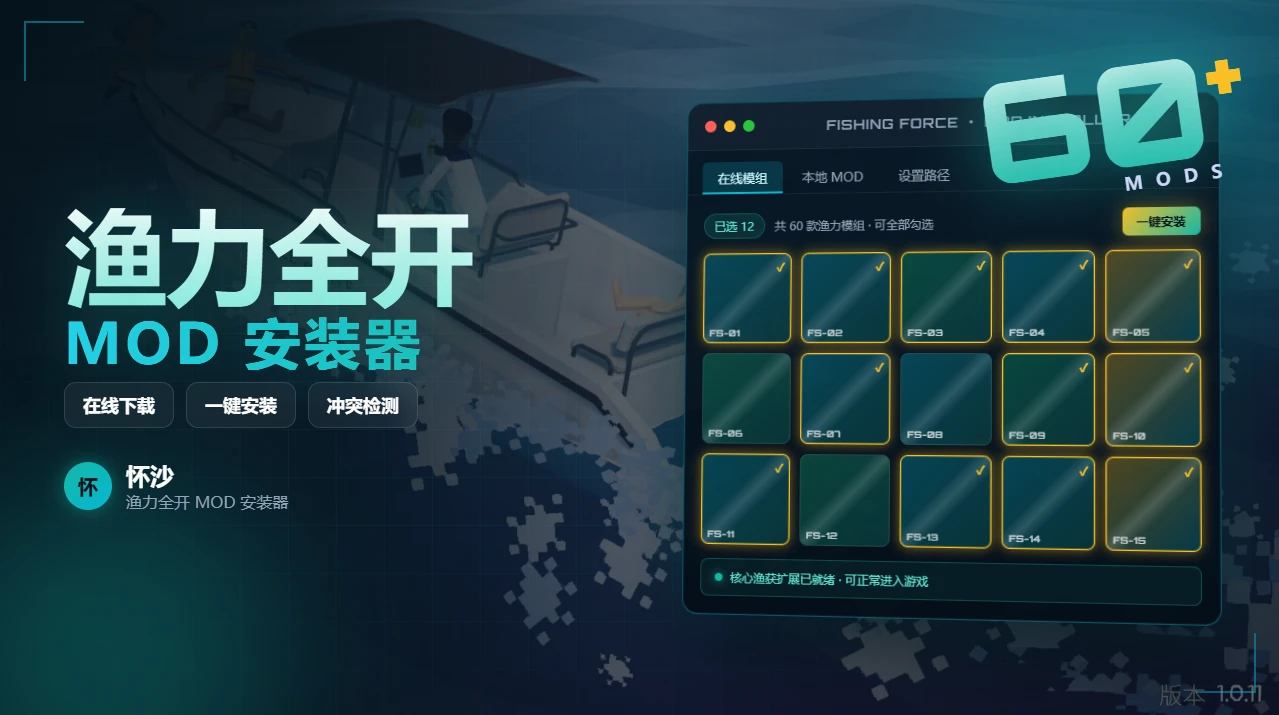
如何钓鱼模组管理器
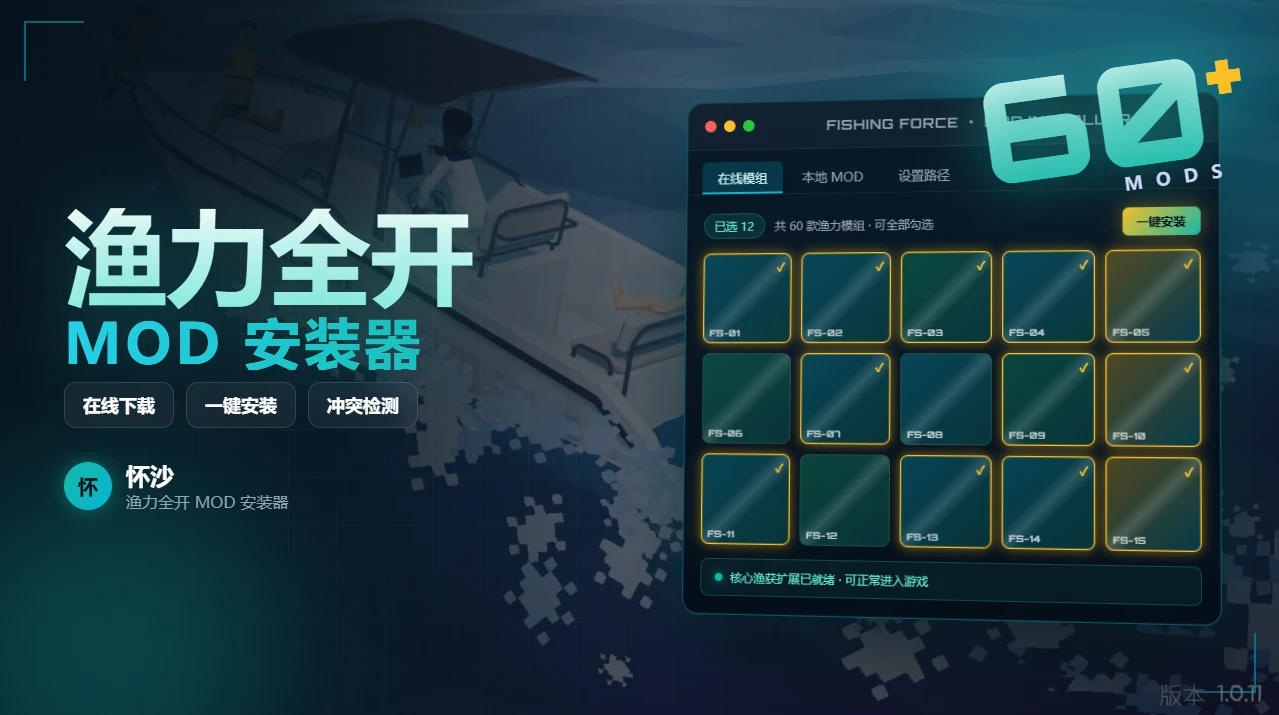
How to Fish ModManager 渔力全开MOD安装器 在线更新和下载MOD,并经过严格的兼容性测试,自动解决依赖问题。 Automatically download and update mods online, with strict compatibility testing and automatic dependency resolution.
 查看大图
查看大图特征
- 自动查找 Steam 版游戏目录,并安装 MOD 到对应目录中
- 也可以通过自定义游戏安装路径来安装 MOD
- 每一个 MOD 都经过兼容性测试,有冲突的 MOD 将不能安装
- 在线安装,易于使用
- 在线更新 MOD,每次启动 MOD 安装器都能安装最新版本的 MOD
安装使用
注意事项
如果打开 MOD 安装器显示乱码,是因为你的操作系统设置的区域不正确。
修改方法如下:
- 打开控制面板的【设置】页面
- 进入【语言设置】界面
- 点击【管理语言设置】
- 在弹出的【区域】设置页面中,点击【更改系统区域设置】页面
- 去掉勾选的【Beta 设置:使用 Unicode UTF-8 提供全球语言支持】
- 然后重启电脑就可以了
- 游戏不能安装在中文目录下
- 下载渔力全开 MOD 安装器
- 手动选中 How to Fish.exe 文件,从而完成游戏安装路径设置
- 在界面上勾选你需要 MOD 点击安装即可完成 MOD 的安装
Features: Automatically detects your Steam game directory and installs mods to the correct location Supports custom game installation paths Every mod is compatibility-tested — conflicting mods will be blocked from installation Easy-to-use online installation Auto-update mods — the latest version is installed every time you launch the mod manager
How to Use: Download How to Fish ModManager Manually select the How to Fish.exe file to set your game installation path Check the mods you want on the interface and click Install — done!
Important Notes: The game must not be installed in a directory with non-ASCII characters in the path. Fixing Garbled Text in the Mod Manager: If the mod manager displays garbled characters, it's likely due to incorrect system region settings. Here's how to fix it: Open Control Panel → Settings Go to Language Settings Click Administrative language settings In the Region dialog, click Change system locale... Uncheck Beta: Use Unicode UTF-8 for worldwide language support Restart your computer
还没有人评论,去客户端里说两句吧。
评论在新手盒子客户端中发表,这里同步展示。