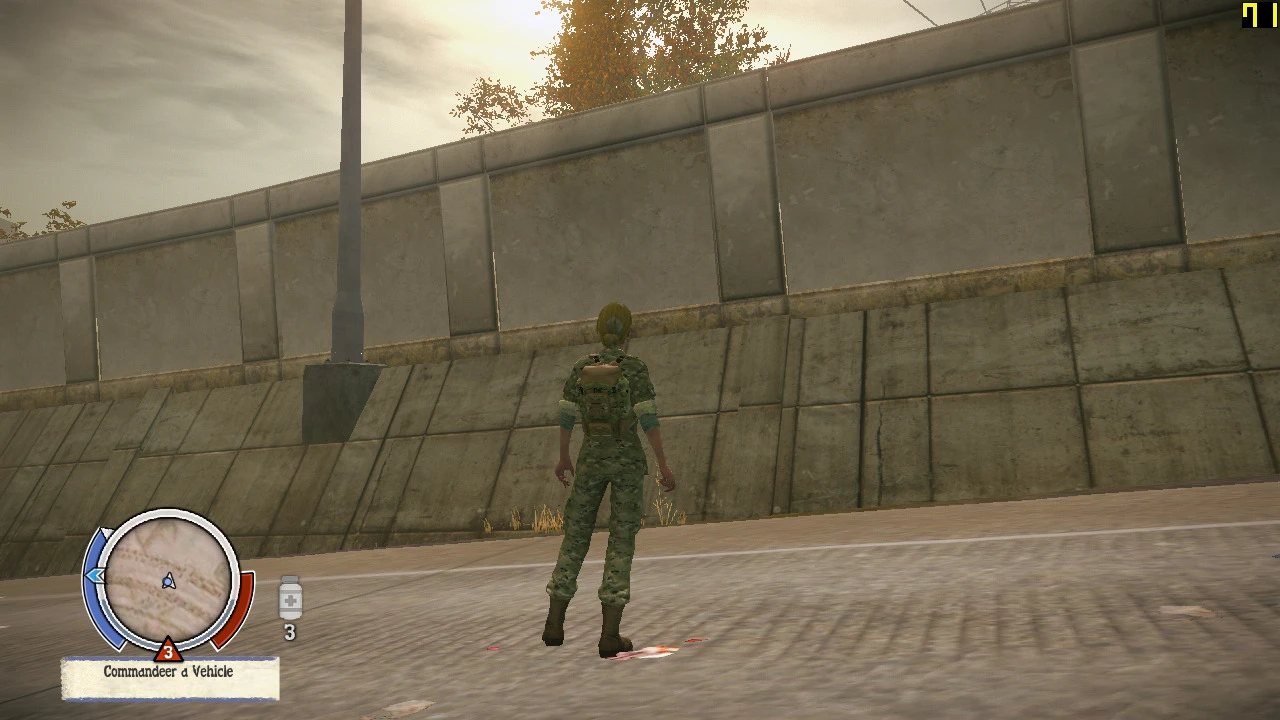
Fps boost config file
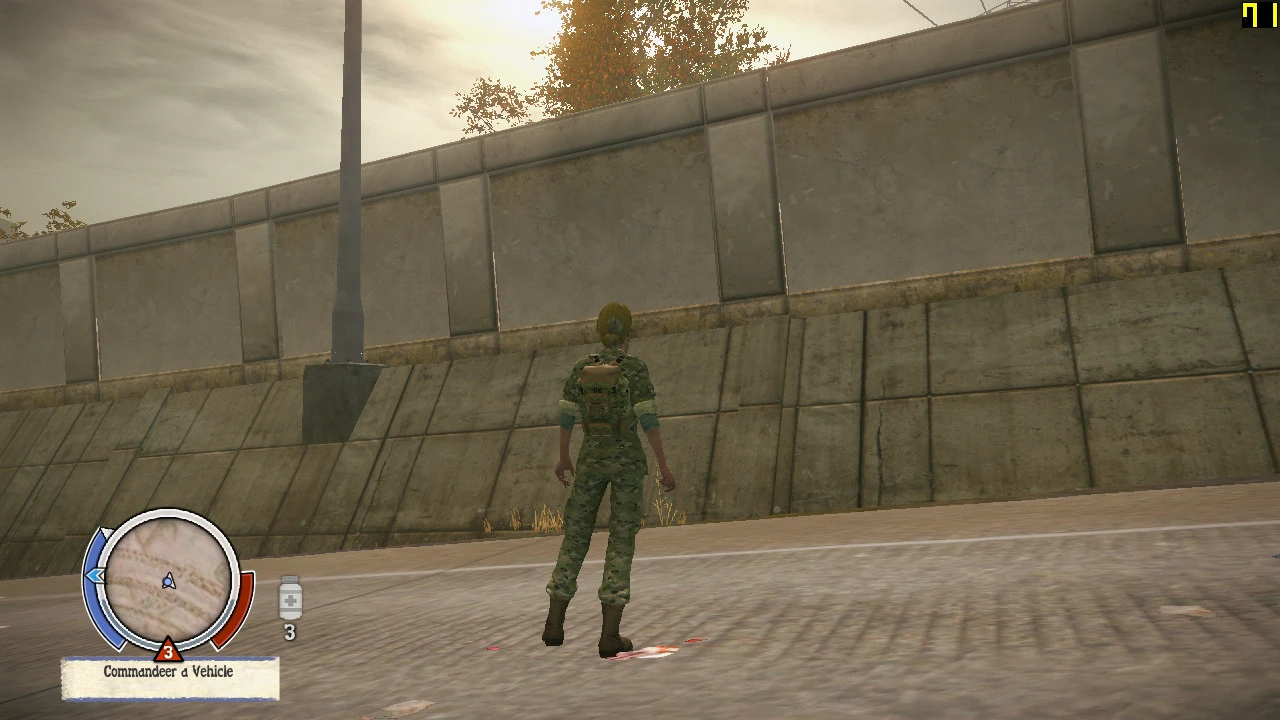
Basically this Messes up the graphics a lot but gives a significant fps boost , very suitable for potato PCs.
 查看大图
查看大图[size=4][b]Description[/b][/size]
Gives a massive boost in fps by removing shadows and post processing , Reduced Draw distance of vegetation and World.
Make sure graphic settings preset is set to minimum. If you want to experiment around with config to your liking than you can just open the lowspec config file inside the config folder you just pasted in State of decay YOSE/Engine.
Additionally;
You can set PreCache to 3 to make things much smoother if your PC can handle its aggressiveness and set the viewdistance even lower , view distance is the main culprit in destroying your fps but its important too. Set it as you desire.
[size=4][b]Installation instructions[/b][/size]
Just place it in State of decay YOSE/Engine
For deletion , Well , just delete the config folder you downloaded.
[b][font=Arial Black]Mods you can use[/font][/b]
You can use the 256 in
[u]https://www.nexusmods.com/stateofdecay/mods/473?tab=file[/u]
Lower resolution of textures might give you some increase in fps
And
[u]https://www.nexusmods.com/stateofdecay/mods/228?tab=files [/u]
This might help because lesser entities to render
[size=4][b]Requirements[/b][/size]
State of Decay YOSE
[b]This is My laptop Specs for reference[i] [/i][/b]
[u]Processor Intel(R) Core(TM) i3-1005G1 CPU @ 1.20GHz 1.19 GHz
Installed RAM 8.00 GB
Storage 932 GB HDD
Graphics Card Intel(R) UHD Graphics (128 MB)[/u]
I get around 40-45 fps normally but in areas where there are not much entities to render it reaches 75 fps
It drops to 30-35 fps in populated areas though.
还没有人评论,去客户端里说两句吧。
评论在新手盒子客户端中发表,这里同步展示。