阿凡达街机 spar - AI 等级 1-8
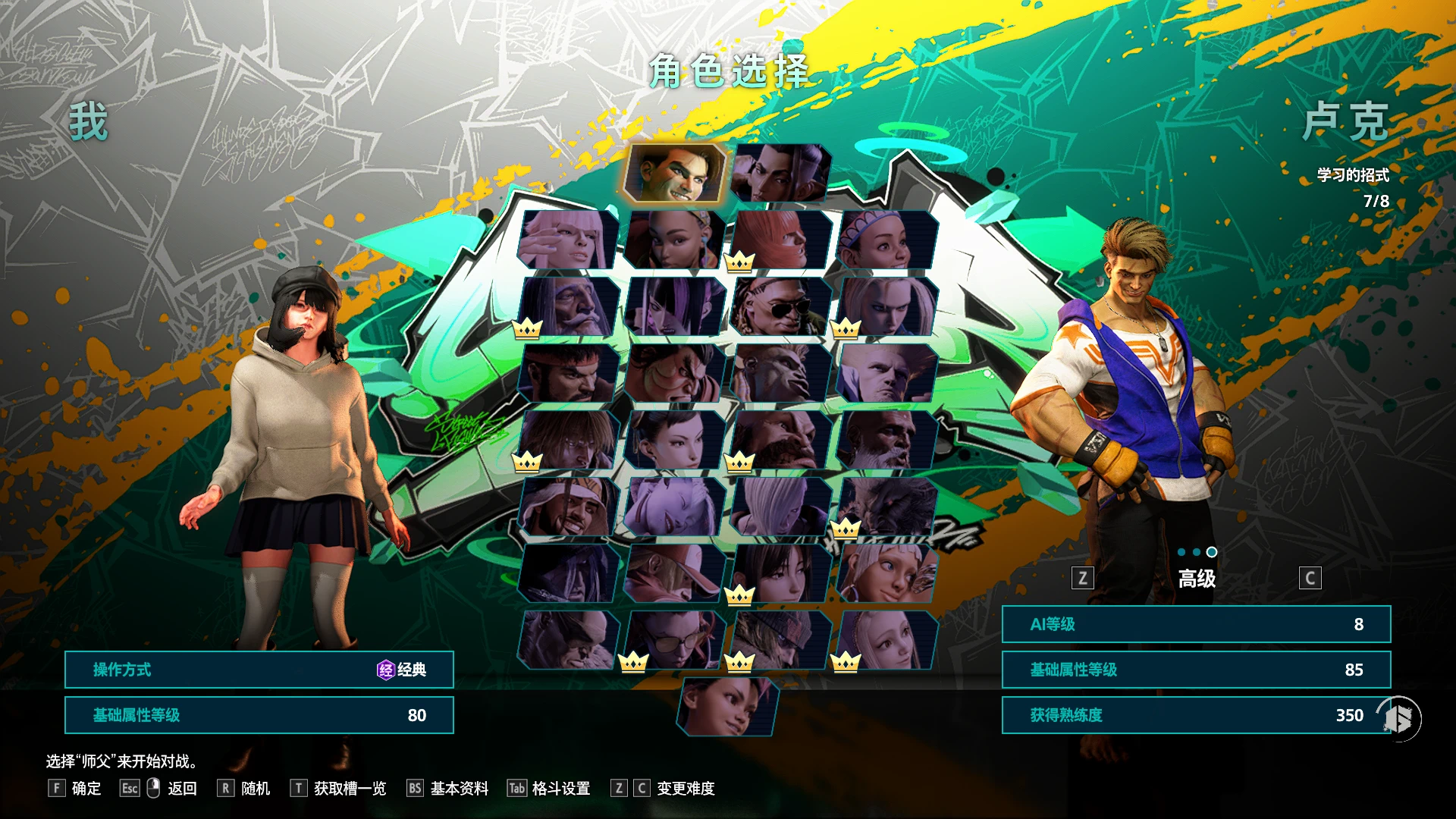
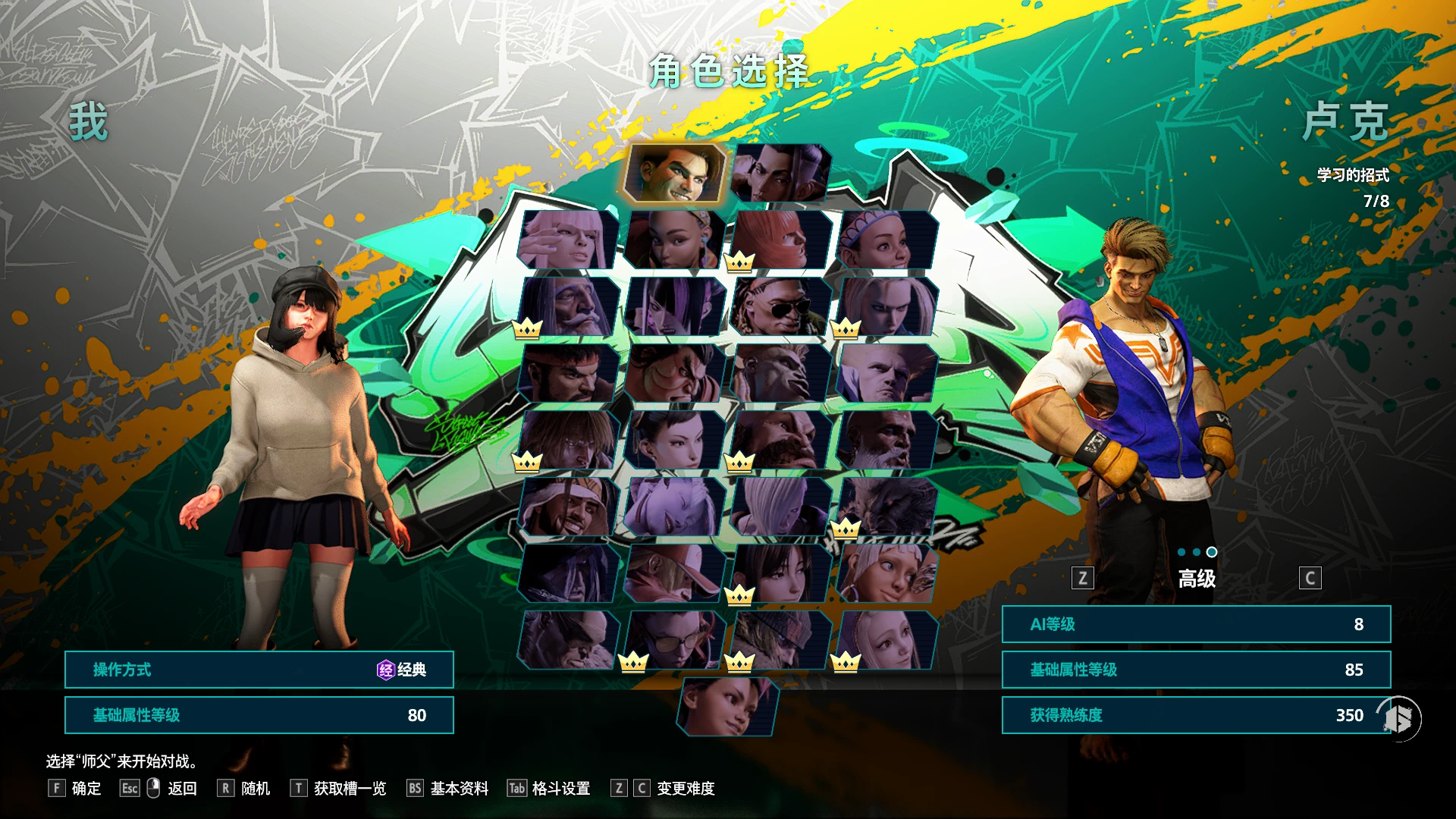
在虚拟形象对战的切磋模式中自由选择1-8级AI难度。 Select AI Level 1-8 for Advanced difficulty in Avatar Arcade Spar battles.
 查看大图
本 Mod 可以让你修改“虚拟形象街机”中“切磋”模式下,高级难度所使用的 AI 等级。
游戏原版的 AI 等级分别为:
初级:难度2
中级:难度4
高级:难度6
安装本 Mod 后,可以将“高级”难度的 AI 等级自由设置为 1~8级。
本 Mod 只修改 AI 等级。高级难度原本的角色等级修正(+5)、奖励、战斗数据以及其他设定均保持不变。
Mod 会自动保存你选择的 AI 等级以及启用/禁用状态,下次启动游戏时会自动恢复。
#### 安装步骤
· 使用 Fluffy Mod Manager:
1. 请先确保《街头霸王6》已经正确安装 REFramework。
2. 将 Mod 压缩包导入 Fluffy Mod Manager。
3. 在 Mod Manager 中启用本 Mod。
4. 启动游戏。
5. 打开 REFramework 菜单。
6. 在 Script Generated UI 中找到 Avatar Arcade Spar AI。
7. 勾选 Enable override,然后选择 1~8 的 AI 等级。
· 手动安装:
将 AvatarArcadeAI.lua 放入 Street Fighter 6/reframework/autorun/,然后启动游戏,在 REFramework 菜单中调整 AI 等级。
##### UI的变换将会在进行一场对局后产生,未变换的UI不会影响最终使用的难度等级!
---
This Mod allows you to override the CPU AI level used by the Advanced difficulty preset in Avatar Arcade Spar battles.
By default, Avatar Arcade Spar uses the following AI levels:
Easy: AI Level 2
Normal: AI Level 4
Advanced: AI Level 6
With this mod, the Advanced preset can use any AI level from 1 to 8.
Only the AI level is changed. The original Advanced difficulty stat modifier (+5), rewards, battle data, and other settings remain untouched.
The selected AI level and enable/disable state are saved automatically and restored the next time you launch the game.
#### Installation instructions
· Fluffy Mod Manager:
1. Make sure REFramework is already installed for Street Fighter 6.
2. Import the mod archive into Fluffy Mod Manager.
3. Enable the mod.
4. Launch the game.
5. Open the REFramework menu.
6. Find Avatar Arcade Spar AI under the Script Generated UI section.
7. Enable the override and select an AI level from 1 to 8.
· Manual installation:
Place AvatarArcadeAI.lua into Street Fighter 6/reframework/autorun/ . Then launch the game and configure the AI level from the REFramework menu.
##### The UI will only update after you complete one match. Even if the displayed UI has not changed yet, the selected AI difficulty will still be applied correctly.
正在加载版本记录…
正在加载评论…
评论在新手盒子客户端中发表,这里同步展示。