RenoDX - Native HDR Fix - Tonemap - Color Grade - Effects
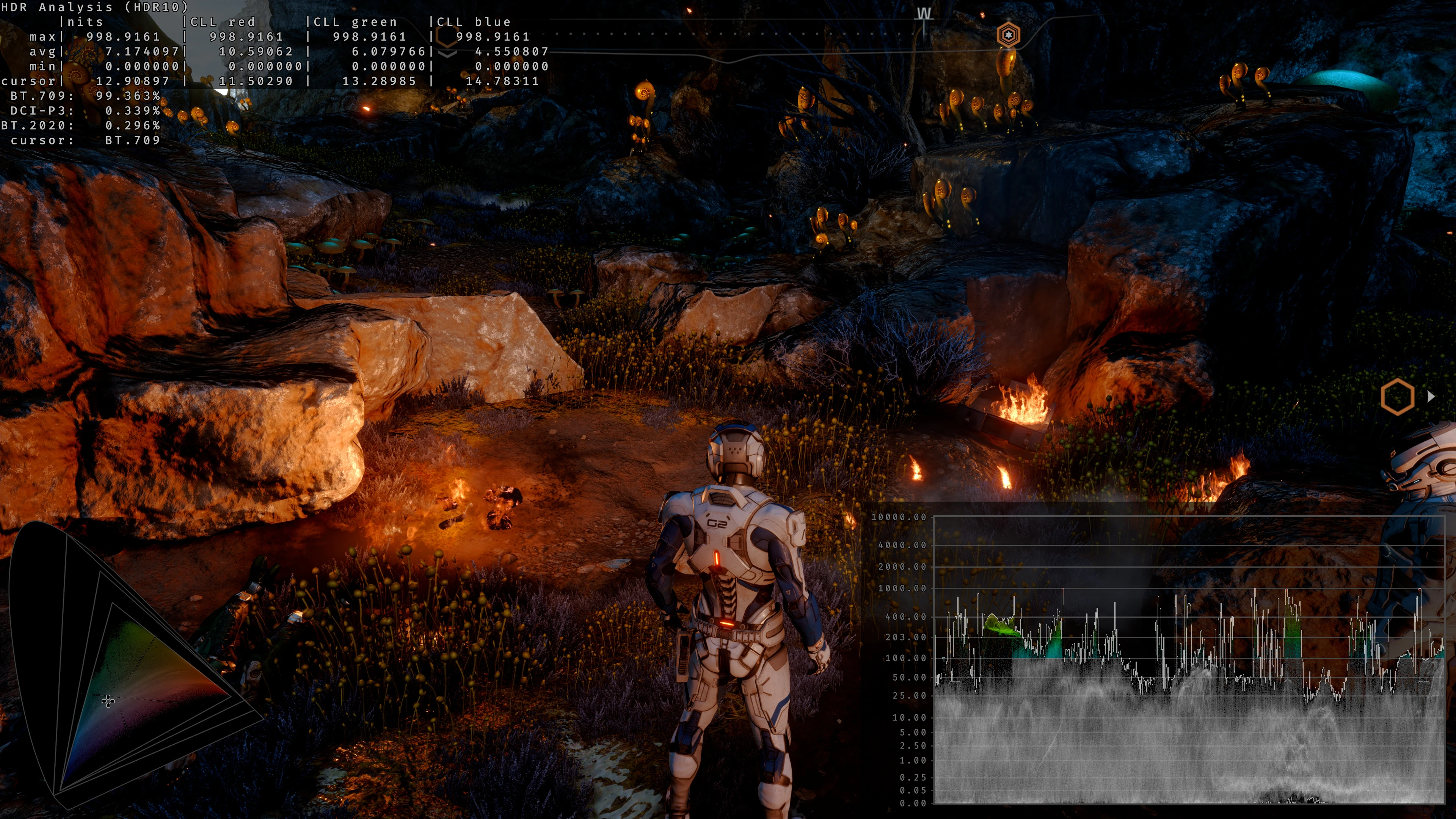
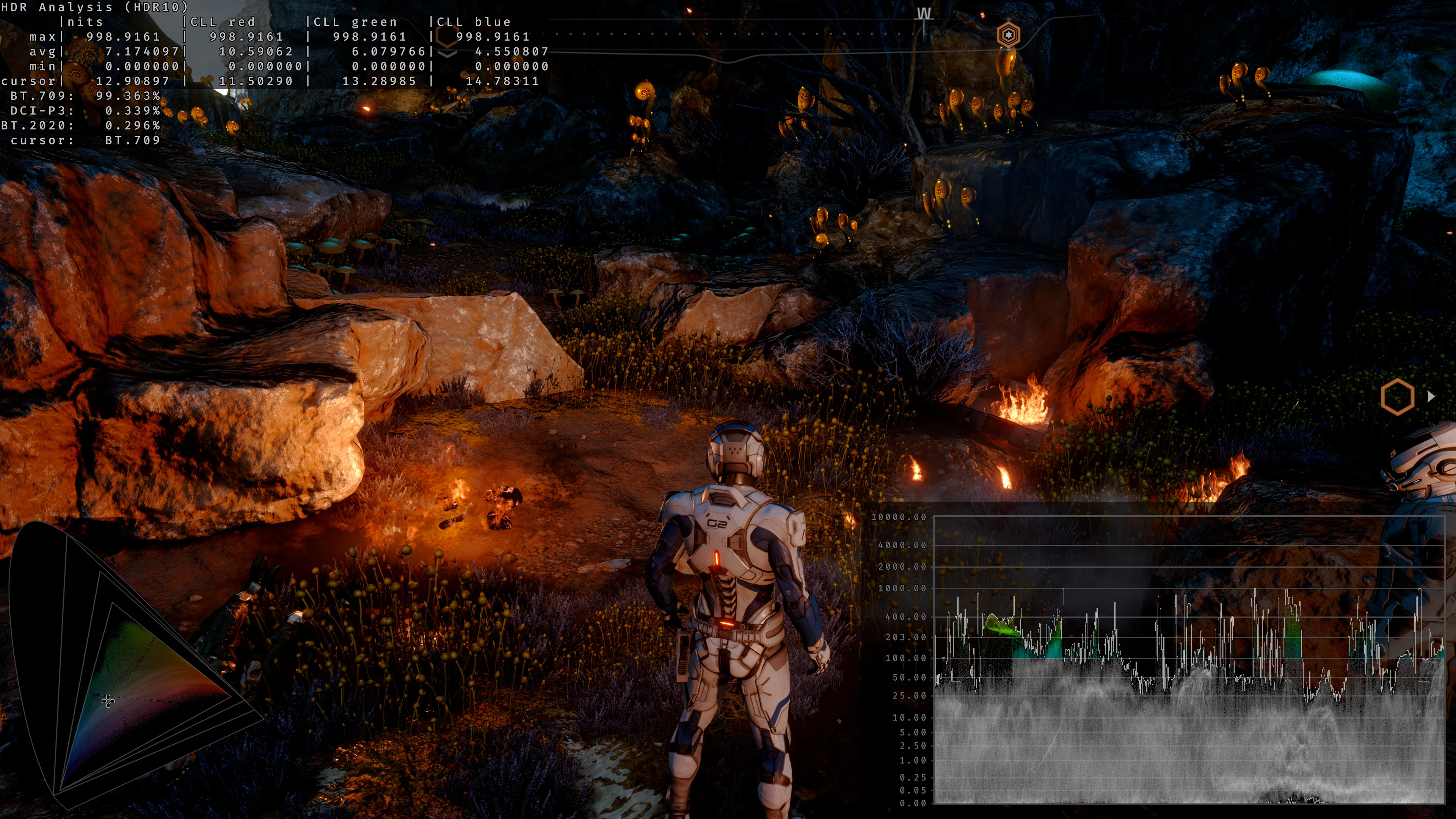
Rewrite of the grading pipeline to fix HDR and controls for tonemapping, paper white, UI brightness, bloom, and color grading.
 查看大图
查看大图[center][size=6][b]MOD REQUIRES HDR ON IN GAME[/b][/size][/center]
RenoDX rewrites the game's DX11 shaders to fix native HDR and user controls for the game. It uses the ReShade Add-on API to hook into the game, NOT RESHADE EFFECTS.
[size=5]Features[/size]
General:
[list]
[]Grading pipeline rewrite for HDR[/]
[]Realtime sliders[/]
[]Peak/Game/UI brightness controls[/]
[]Gamma Correction to emulate 2.2 when in HDR or sRGB Mode (on by default)[/]
[]Three tonemap modes: Vanilla, Vanilla+, PsychoV-24[/]
[/list]Color Grading:
[list]
[]Exposure Slider[/]
[]Highlights Slider[/]
[]Shadows Slider[/]
[]Contrast Slider[/]
[]Flare - Flare/Glare compensation.[/]
[]Saturation Slider[/]
[]Highlight Saturation Slider[/]
[]Hue Shift Slider[/]
[/list]Effects:
[list]
[]Bloom Slider[/]
[]Vignette Slider[/]
[]Chromatic Aberration Slider[/]
[]Includes Lilium's RCAS sharpening[/]
[]Film Grain Slider - Includes a custom film grain that more closely resembles perceived film grain and supports HDR[/]
[]Uses BT.2446a to convert SDR videos to HDR for the few pre-rendered cutscenes[/]
[/list][size=5]Installation[/size]
[list]
[]Install Reshade with addon support ([url=https://reshade.me/downloads/ReShade_Setup_Addon.exe]link[/url]). No Reshade effects are required.[/]
[]Extract the downloaded zip next to the game's exe (MassEffectAndromeda.exe in the game's main folder).[/]
[]Enable HDR in Windows, and [b]enable Fullscreen and HDR in the game[/b] (Options -> Graphics). The mod needs the game's own HDR output path.[/]
[]Set the in-game Graphics -> Screen Calibration -> Peak Brightness to MAX [/]
[]Press <HOME> on your keyboard to access the ReShade UI.[/]
[/list][size=5]FAQ[/size]
[list]
[]What settings should I use? Default values are a good starting point, but you can customize it to whatever you think is best.[/]
[]The game already has HDR, what does this fix? Addon provides better tonemapping, Auto HDR for videos and fixes gamma mismatch.[/]
[/list]Note: you can find RenoDX mods for more games [url=https://github.com/clshortfuse/renodx/wiki/Mods#list]here[/url].
[size=5]About RenoDX[/size]
RenoDX, short for "Renovation Engine for DirectX Games", is a toolset to mod
games. Currently it can replace shaders, inject buffers, add overlays,
and write user settings to disks. Because RenoDX uses ReShade's add-on
system, compatibility is expected to be pretty wide. Using ReShade simplifies all the hooks necessary to tap into DirectX without worrying
about patching version-specific exe files. The source code is available
on [url=https://github.com/clshortfuse/renodx/]GitHub[/url].
[b][size=5]Discord[/size][/b]
[url=https://discord.gg/F6AUTeWJHM]RenoDX Discord[/url].
[url=https://discord.gg/5WZXDpmbpP]HDR Den Discord[/url].
[url=https://discord.gg/XUhvtR54yc][/url]
[size=5]Credits[/size]
[size=2]Thanks to [url=https://next.nexusmods.com/profile/CLShortFuse]ShortFuse[/url] for creating the RenoDX framework.[/size]
[size=2]Thanks to [url=https://github.com/EndlesslyFlowering/ReShade_HDR_shaders/tree/master]Lilium[/url] for making the HDR analysis tools used while creating this mod and providing the RCAS code.[/size]
正在加载版本记录…
正在加载评论…
评论在新手盒子客户端中发表,这里同步展示。