Stronger Armor
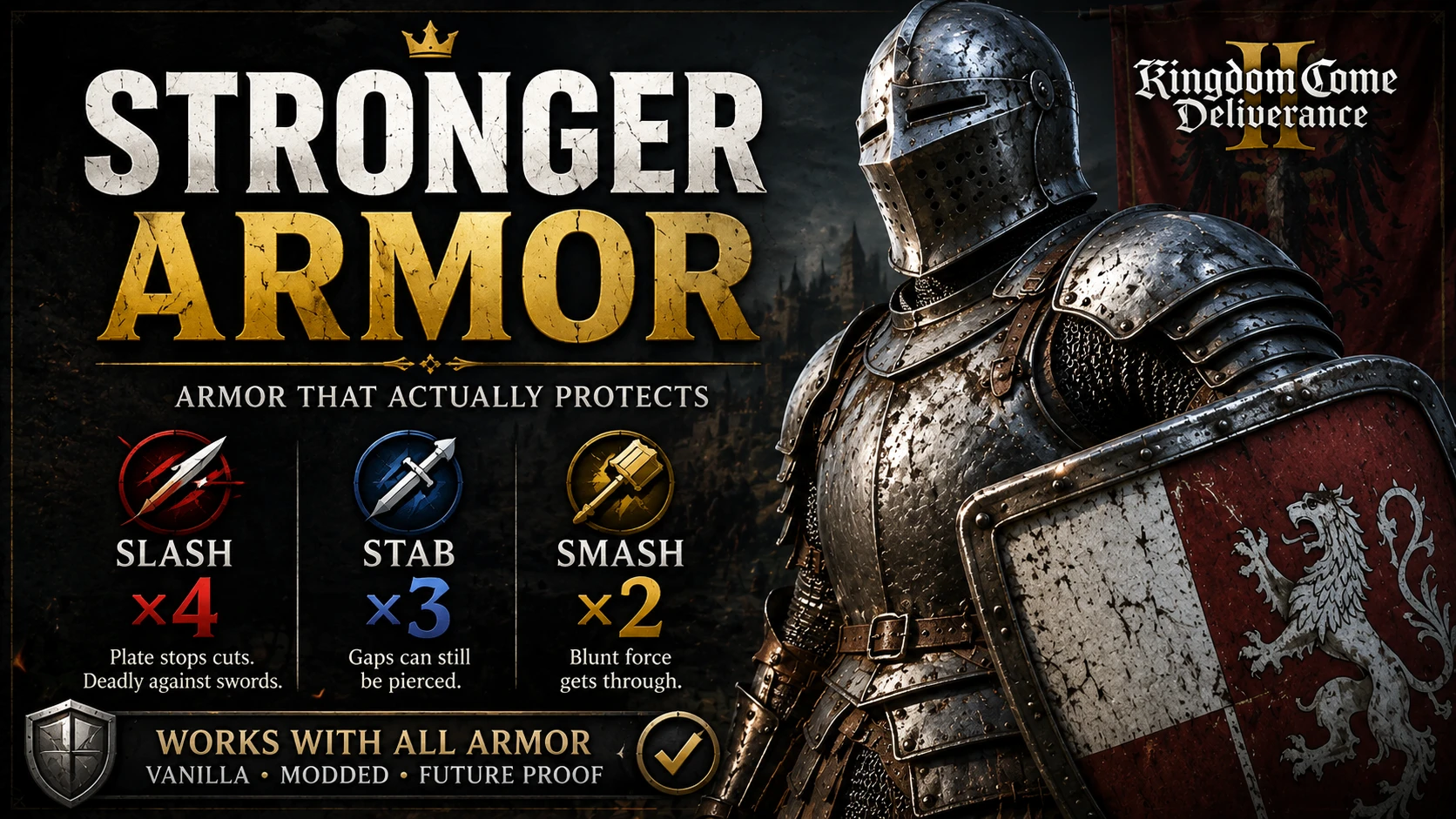
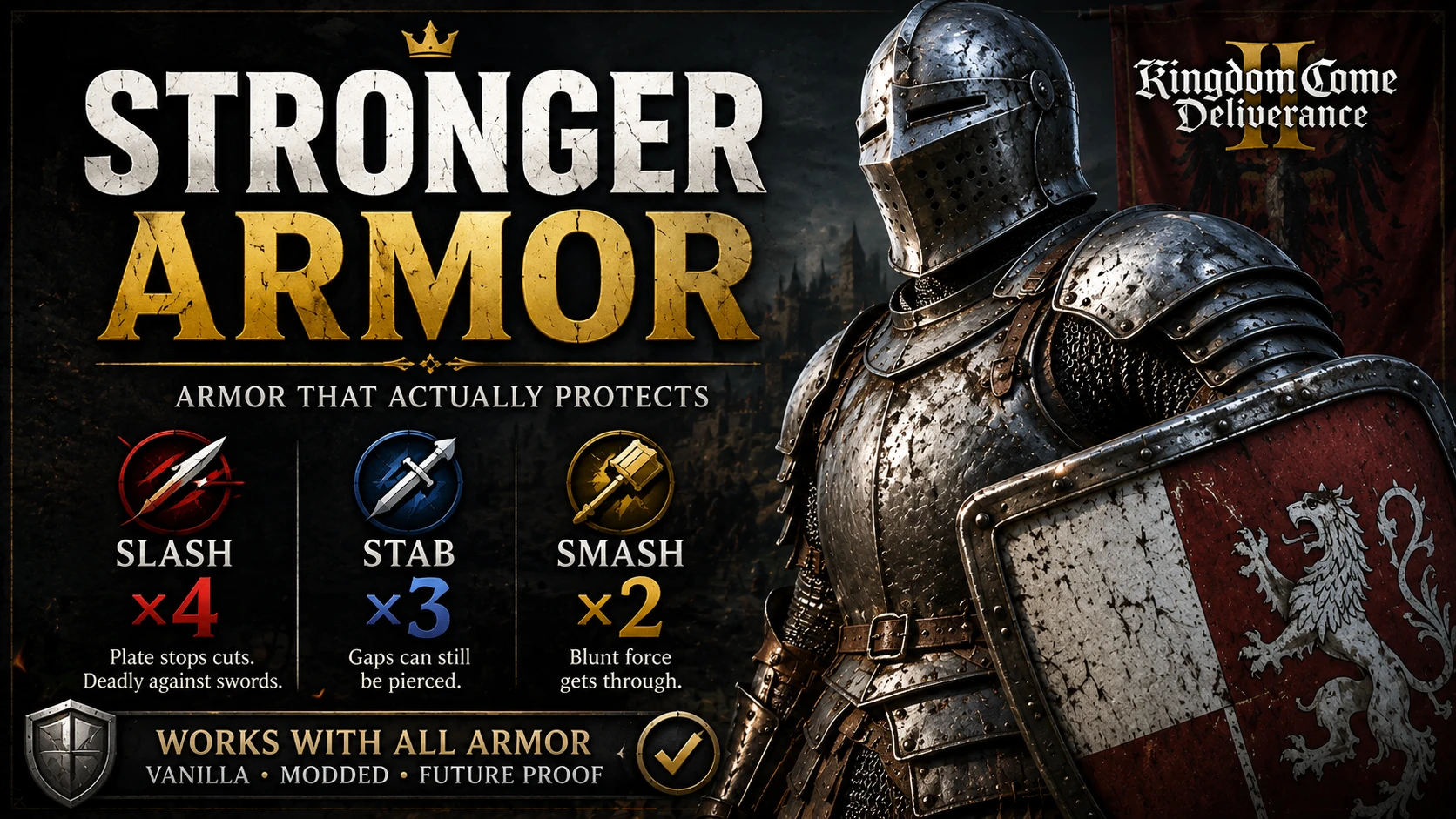
Make armor stronger. Both vanilla and mods compatible
 查看大图
查看大图[b]Changes[/b]
[list]
[]Slash Defense ×4 [/]
[]Stab Defense ×3 [/]
[]Smash Defense ×2 [/]
[/list]This makes armor much more protective.
[size=4][b]Universal Compatibility[/b][/size]
Unlike armor mods that modify specific vanilla armor pieces, [b]Stronger Armor uses a script to apply the multipliers dynamically[/b]. This means the effect can also apply to armor added by other mods, without requiring individual compatibility patches.
[b][size=4]Works with:[/size][/b]
[list]
[]Vanilla armor [/]
[]DLC armor [/]
[]Modded armor [/]
[]Future armor additions[/]
[/list]
[b][size=4]How It Works[/size][/b]
The patcher uses [b]VFS Shadowing[/b] to create a separate patch mod called:
[code]zzz_StrongerArmorsPatch[/code]It [b]does not modify your original game or mod files[/b].
Instead, it generates a standalone patch containing the modified armor data. Your original models, textures, and other mod files remain untouched.
[heading]Requirements[/heading]
[list]
[][b]Python 3.x[/b] [/]
[]Kingdom Come: Deliverance II [/]
[/list]When installing Python, make sure [b]"Add Python to PATH"[/b] is enabled.
[heading]Installation[/heading]
[list=1]
[]Download and extract the StrongerArmorsPatch folder
[/]
[] Create a [anyname].txt, paste this
[code]@echo off
echo Starting Stronger Armors Patcher...
python "%~dp0armor_patcher.py"
echo.
pause[/code]save then change the file from .txt to .bat then run it
[/]
[]The patcher will scan your installed mods and generate zzz_StrongerArmorsPatch[/]
[]Wait for [b]"Patch generated successfully"[/b]. [/]
[]Launch the game. [/]
[/list]Adding New Armor Mods
[b]Run the patcher again whenever you install a new armor mod.[/b]
The patcher needs to scan the new files and regenerate the patch.
[heading]Optional: Pre-Patched Version[/heading]
Don't want to install Python or run the patcher?
A [b]pre-generated patch[/b] is also available for users running the following armor/gear mods:
[list]
[][url=https://www.nexusmods.com/kingdomcomedeliverance2/mods/3262]Authentic armors and helmets[/url] [/]
[][url=https://www.nexusmods.com/kingdomcomedeliverance2/mods/1062]Brunswick Extended[/url][/]
[][url=https://www.nexusmods.com/kingdomcomedeliverance2/mods/1268]Crusader Armor II[/url] [/]
[][url=https://www.nexusmods.com/kingdomcomedeliverance2/mods/1027]House of Kobyla Arms Armour and Regalia[/url][/]
[][url=https://www.nexusmods.com/kingdomcomedeliverance2/mods/2884]Reforge Everything[/url] [/]
[][url=https://www.nexusmods.com/kingdomcomedeliverance2/mods/3308]The Raven and the Rose Armoury[/url] [/]
[][url=https://www.nexusmods.com/kingdomcomedeliverance2/mods/2215]Silver Lys Fancy Brigandines[/url] [/]
[][url=https://www.nexusmods.com/kingdomcomedeliverance2/mods/1303]Silver Lys Gear[/url][/]
[/list]The pre-patched version already contains the required changes for these mods and can be installed directly.
[b]Important:[/b]
[list]
[]The pre-patched version only supports the mods listed above. If you use different armor mods, install the [b]Dynamic Patcher[/b] instead.[/]
[]If you don't have some of those mods listed above, you could still install the pre-patched and use normally. There shouldn't be any issue[/]
[/list]If you install additional armor mods later, you should run the script so they can be included.
[heading]Configuration[/heading]
You can customize the multipliers in
[code]mod.cfg[/code]
[code][Multipliers]
StabMultiplier=3.0
SlashMultiplier=4.0
SmashMultiplier=2.0[/code]
For example, for a simple [b]×2[/b] multiplier:
[code]StabMultiplier=2.0
SlashMultiplier=2.0
SmashMultiplier=2.0[/code]
After changing the configuration, run
[code]Run_Patcher.bat[/code]again to regenerate the patch.
If the patcher cannot automatically locate your game installation, you can manually specify it using:
[code]GamePath=[/code]
[heading]Uninstallation[/heading]
[list=1]
[]Delete the
[code]zzz_StrongerArmorsPatch[/code]folder from your
[code]Mods[/code]directory. [/]
[]Optionally delete the
[code]StrongerArmorsPatch[/code]patcher folder. [/]
[/list]Your original armor files were never modified, so removing the generated patch restores the original armor values.
还没有人评论,去客户端里说两句吧。
评论在新手盒子客户端中发表,这里同步展示。