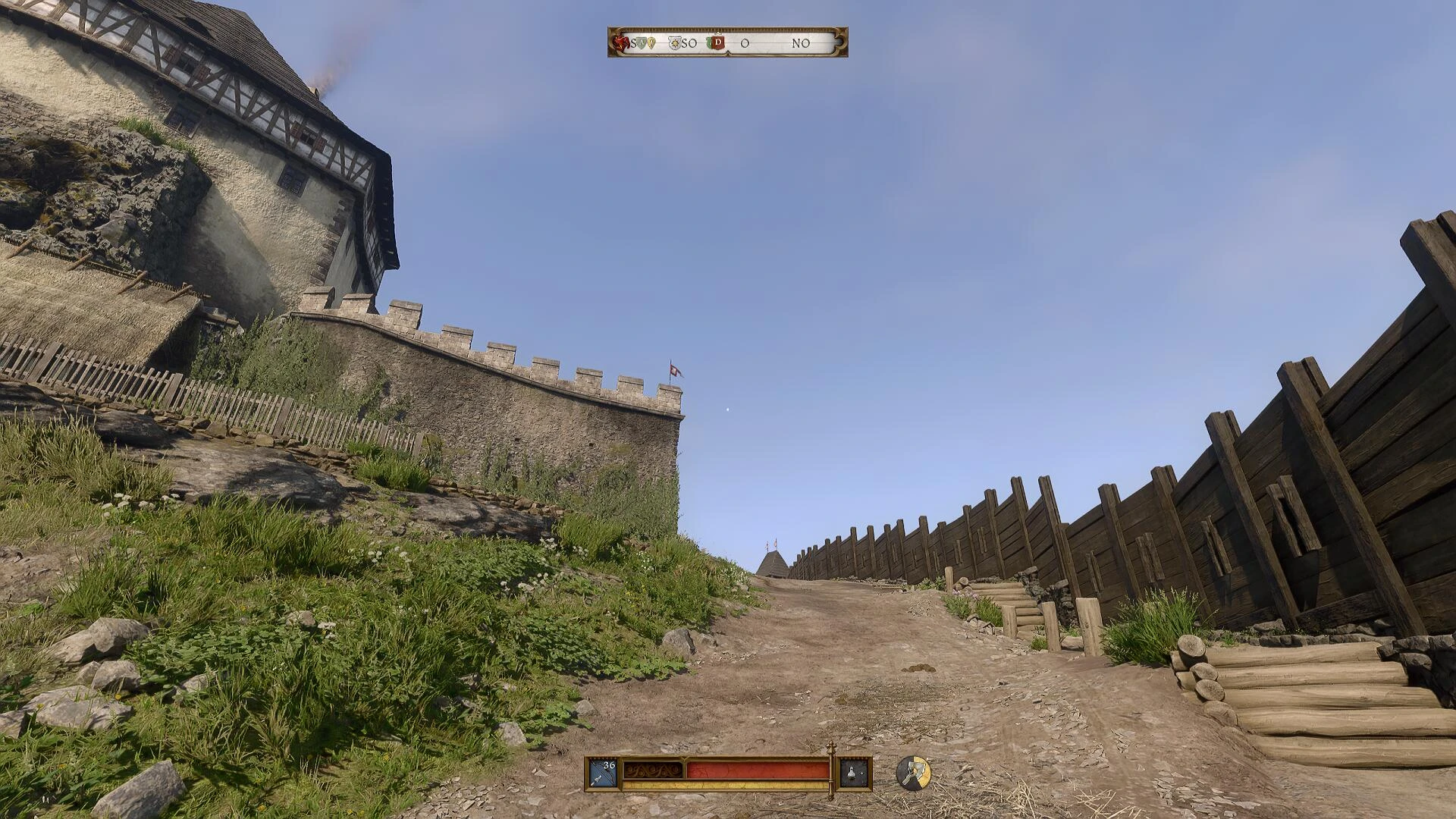
Performance RT Simulation
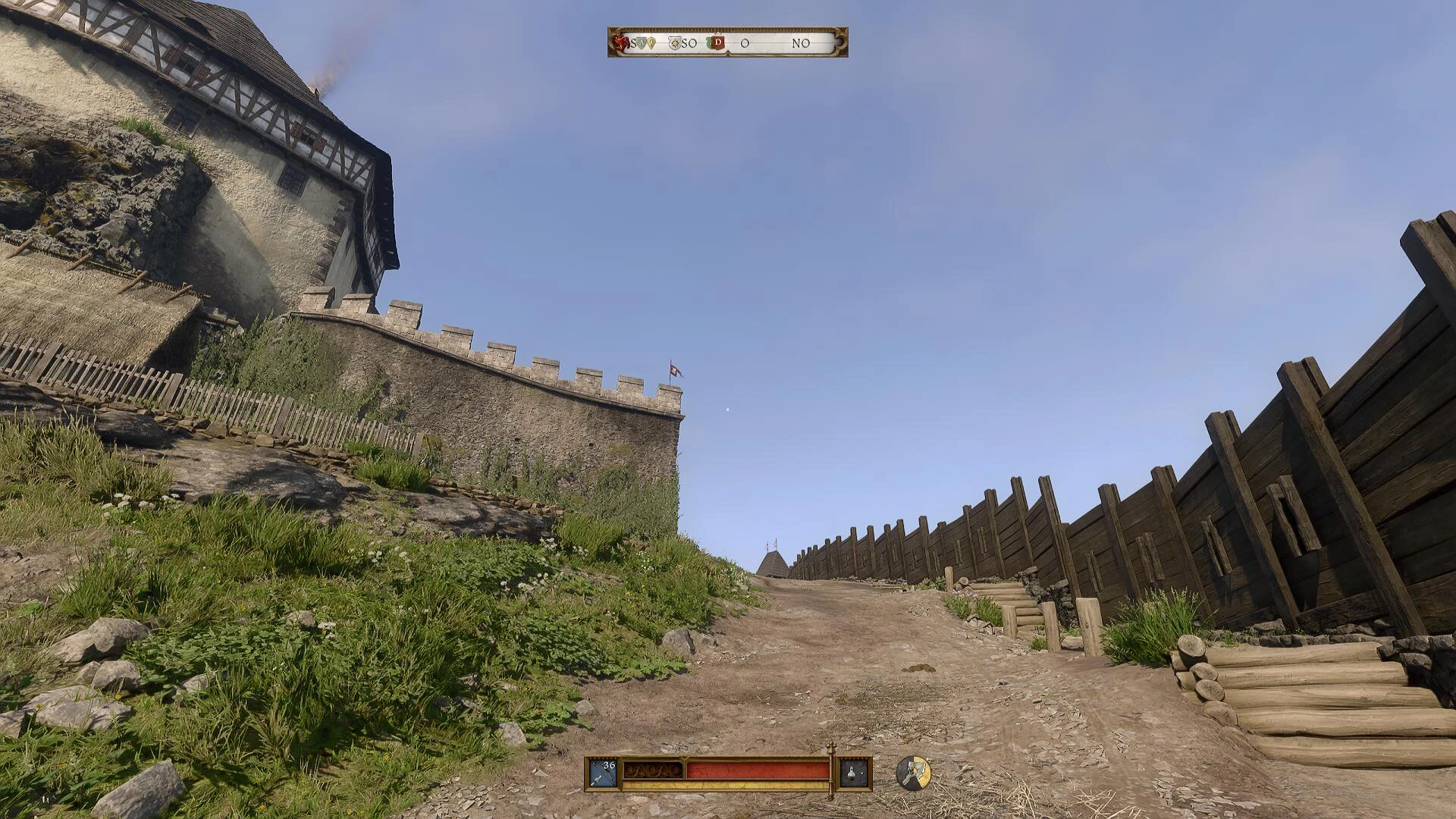
UPDATE v1.1 Screen Space Global Illumination
 查看大图
查看大图UPDATE v1.1: Updated RTSim shader to last version. Better performance. Better night illumination.
//
//
This preset uses my own shaders only. All available in my nexusmods profile.
//
//
[b]Installation:[/b]
Install last Reshade with no shaders.
Extract preset into game executable folder. Overwrite.
[b]Configuration:[/b]
Start the game (YOU MUST BE IN-GAME AND NOT IN THE MENU) and hit the HOME key for the Reshade overlay to show up.
Enable the DisplayDepth shader.
Now, if you can see the left half of the screen in weird colors and the right side y greyscale then it already works,
turn off DisplayDepth and enjoy.
If you see a complete black screen, click on Add-ons at the top of the Reshade window and you will see all the depth buffers,
you must click on each one of them until you can see the left half in weird colors and the right half on greyscale or black. If you can see the half-half color-grey then go back to Home and turn off the DisplayDepth shader. Done.
If you see half of the screen white and half cyan, go to the Add-ons tabs and enable "Copy depth buffer before clear operations". Done.
Now, if what you see is a black right side, go to the Home section, disable the Performance Mode, click on "Edit global processors definition", change the value of RESHADE_DEPTH_IS_REVERSED from 0 to 1, and click on "Edit global processors definition" again.
That should do the trick, enable the Performance Mode again and disable the DisplayDepth shader. Done.
还没有人评论,去客户端里说两句吧。
评论在新手盒子客户端中发表,这里同步展示。