Infinite Practice Chest II
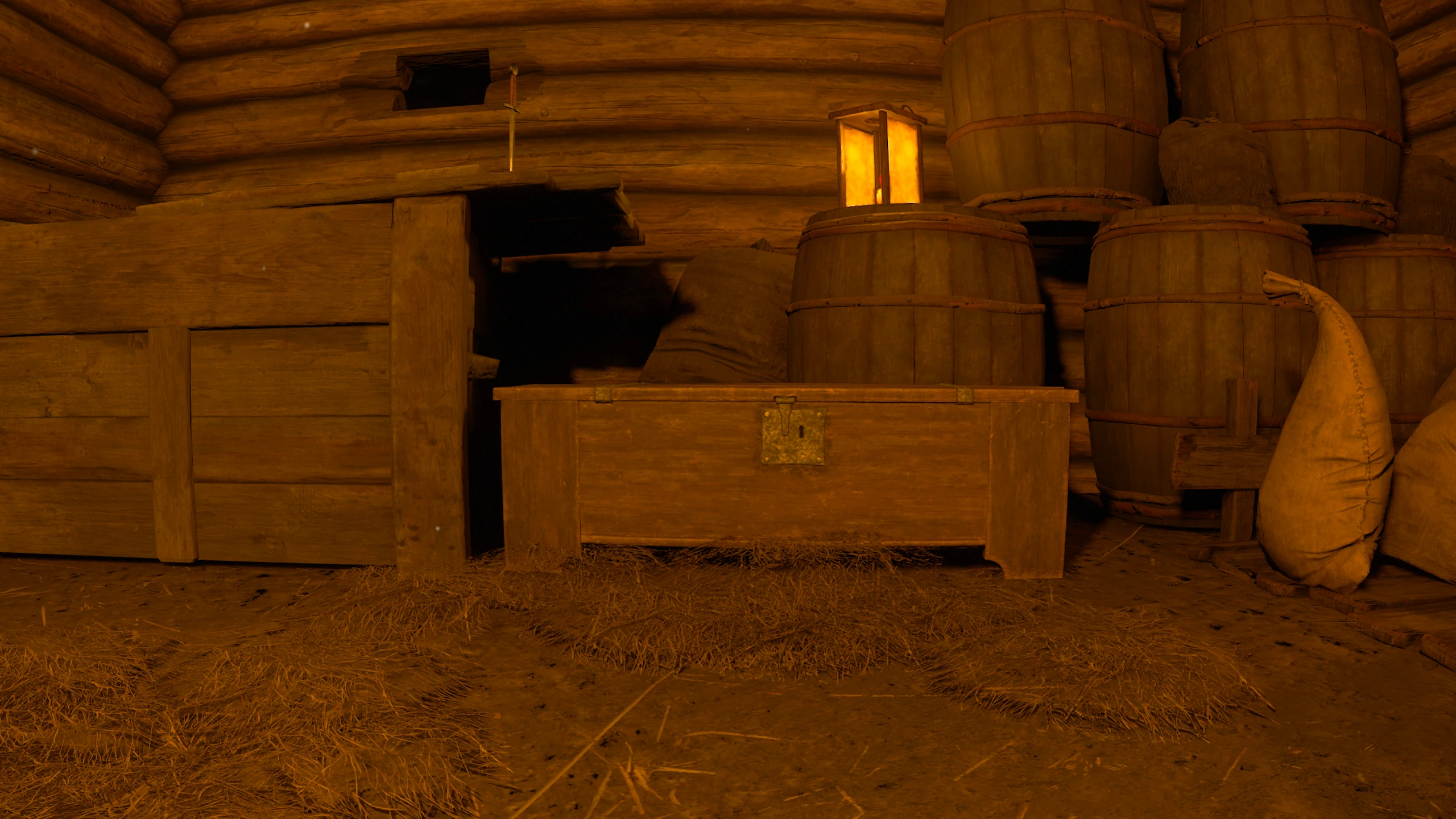
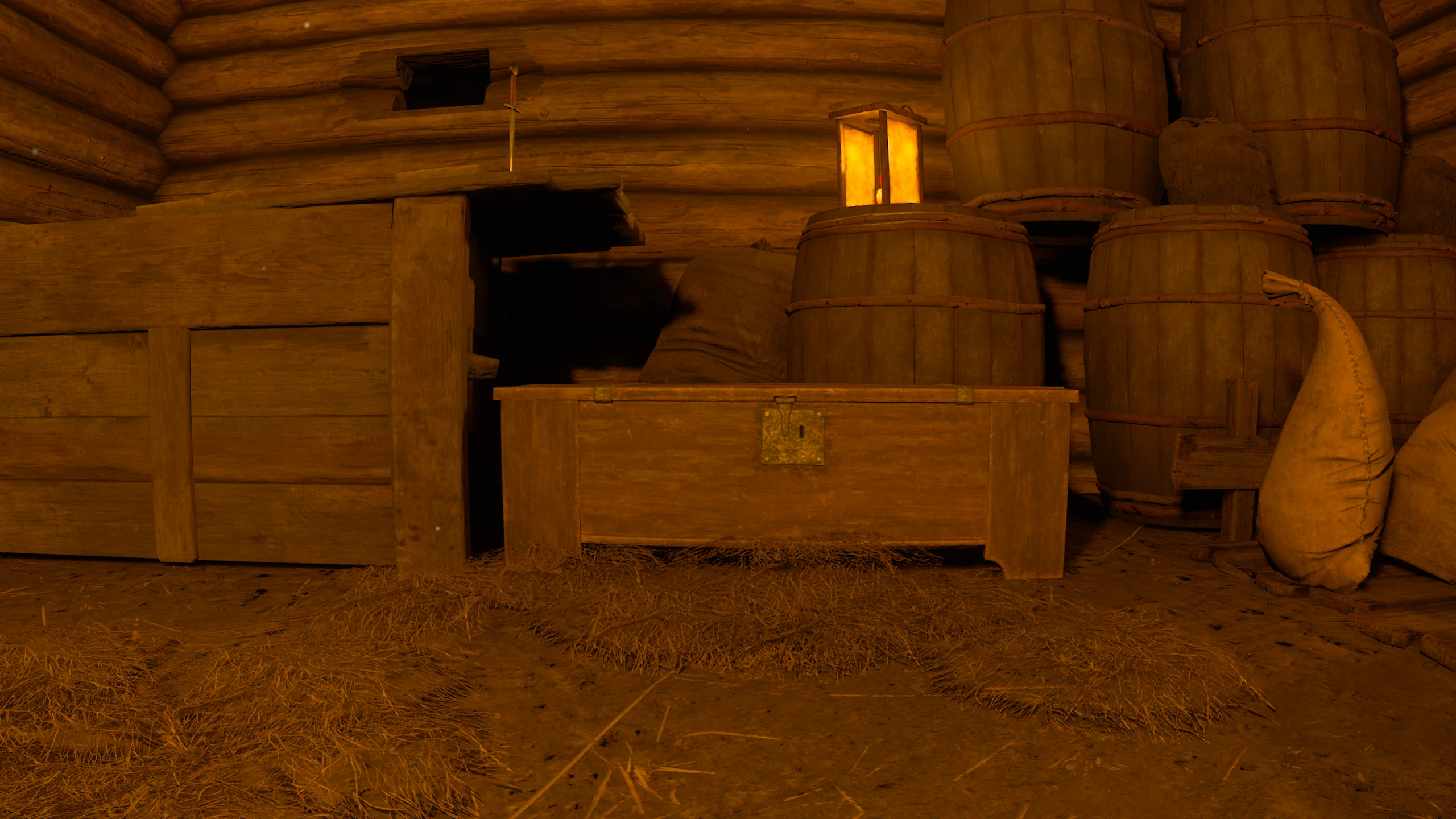
Makes tutorial and practice lockpicking chests in Kingdom Come: Deliverance II infinite. In the vanilla game, practice chests stop re-locking after 10 picks or reaching Thievery level 10. With this mod installed, the practice chest re-locks every time you close it, allowing continuous lockpicking practice and skill leveling.
 查看大图
查看大图INFINITE PRACTICE CHEST II
# DESCRIPTION
Makes tutorial and practice lockpicking chests in Kingdom Come: Deliverance II infinite. In the vanilla game, practice chests stop re-locking after 10 picks or reaching Thievery level 10. With this mod installed, the practice chest re-locks every time you close it, allowing continuous lockpicking practice and skill leveling.
* Note for Existing Saves / Level 10+ Players:
If your character is already past Thievery level 10, simply open and close the practice chest once. Closing it will immediately re-lock the chest and activate infinite practice.
# KEY FEATURES
* Infinite practice on tutorial and practice lockpicking chests in KCD2.
* Gain Thievery and Agility XP safely with no guards, reputation loss, or bounties.
* Lightweight script modification with zero save file bloat.
# INSTALLATION
1. Locate your KCD2 game folder (e.g. C:\games\Kingdom Come Deliverance II\ or Steam steamapps\common\KingdomComeDeliverance2\).
2. Copy the "z_Practice_Chest" folder into your game's "mods" directory.
Path structure:
...\Kingdom Come Deliverance II\mods\z_Practice_Chest\mod.manifest
...\Kingdom Come Deliverance II\mods\z_Practice_Chest\Data\z_Practice_Chest.pak
# RECOMMENDED LAUNCH OPTIONS
To enable developer mode and execute custom user.cfg settings:
* Steam: Right-click KCD2 -> Properties -> General -> Launch Options
* Desktop Shortcut: Right-click shortcut -> Properties -> Target (append at end):
-devmode +exec user.cfg
# UNINSTALLATION
Delete the "z_Practice_Chest" folder from your "mods" directory. Safe to add or remove mid-playthrough.
# COMPATIBILITY & CONFLICT WARNING
* Requires Kingdom Come: Deliverance II.
* Modifies core entity script: Scripts/Entities/WH/Stash/AnimStash.lua
* Any other mod overriding AnimStash.lua (e.g. container UI overhauls or lockpick minigame mods) will conflict with this mod.
还没有人评论,去客户端里说两句吧。
评论在新手盒子客户端中发表,这里同步展示。