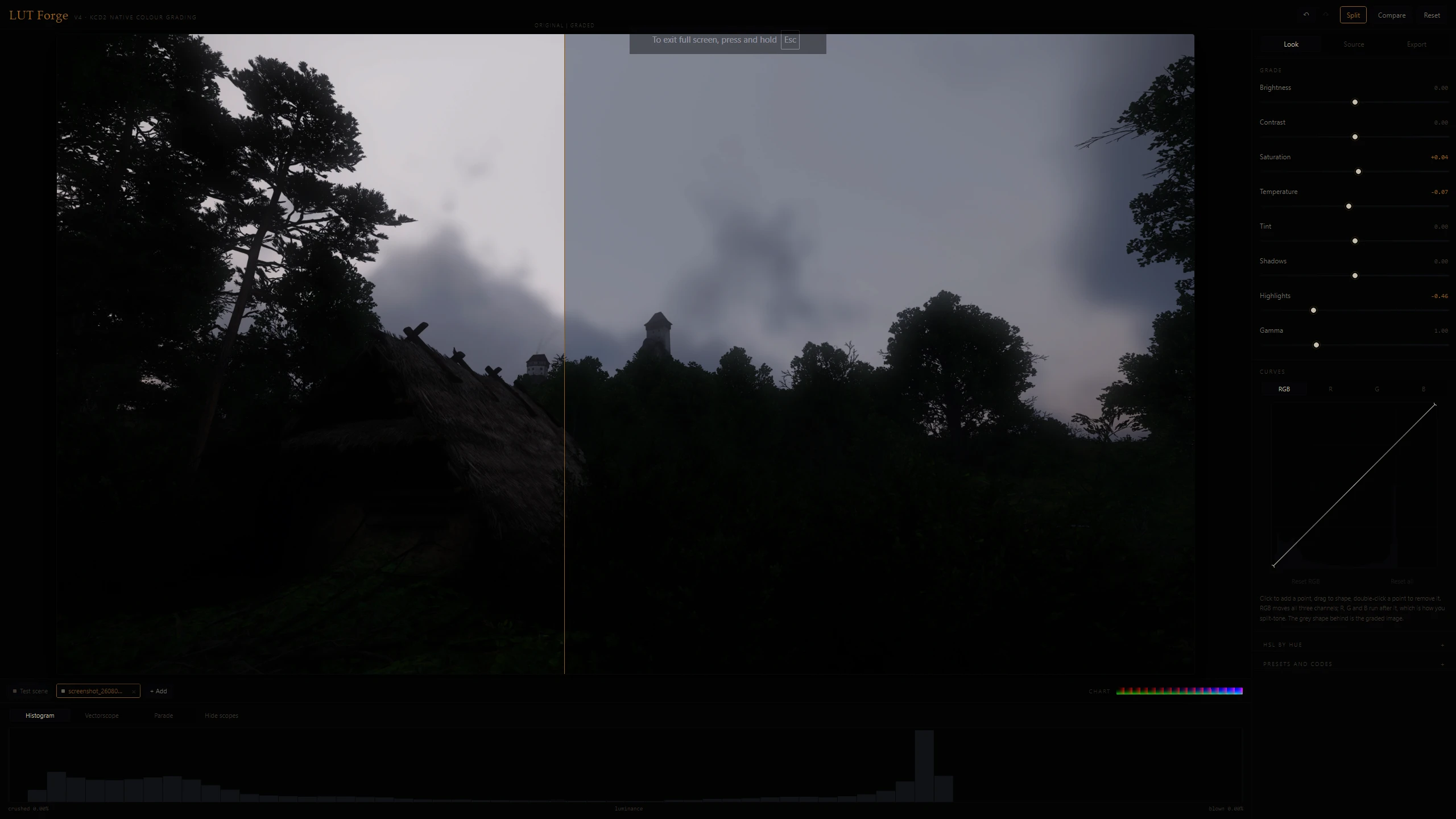
KCD2 LUT MAKER
Create your own native KCD2 color grading LUT in your browser — no ReShade, no Photoshop. Tune 8 sliders, export a ready-to-install mod.
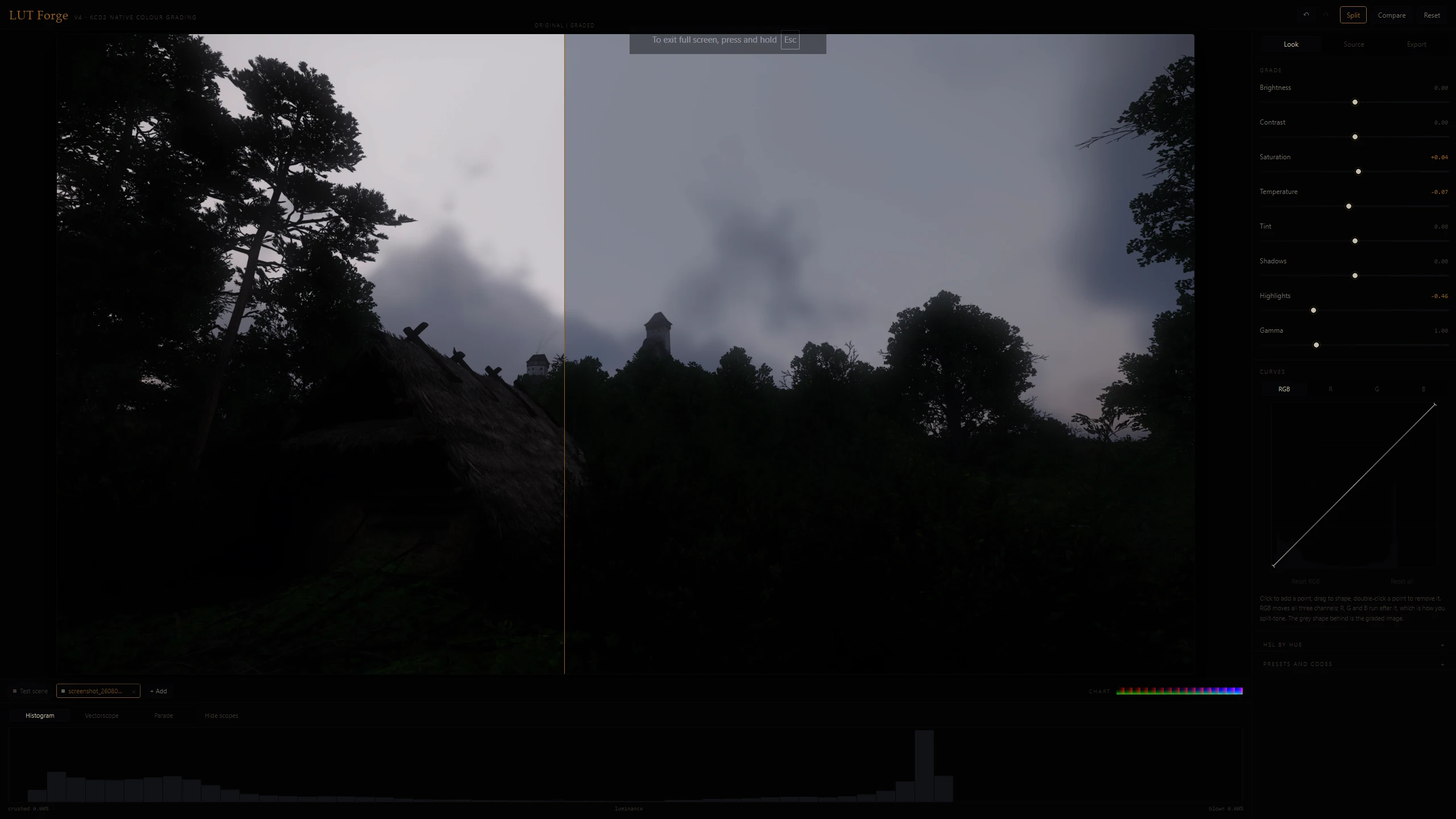 查看大图
查看大图[b][color=#C9A557]WHAT IS A LUT?[/color][/b]
Think of a recipe card that says: wherever you see this exact colour, print this other colour instead. A LUT is that card, written out for every colour at once.
Kingdom Come: Deliverance II already ships four of them. They are ordinary image files sitting in the game's data, and they are the reason vanilla KCD2 looks warm, golden and hazy. Replace those files and you have changed the entire look of the game.
This tool builds that file. In your browser, in a few minutes.
[b][color=#7FAE63]WHY IT BEATS RESHADE[/color][/b]
No performance cost. The engine already reads a colour chart every frame — yours is the same size. Nothing extra runs.
Nothing to inject. No DLLs, no hooks, no overlay.
Screenshots and video keep the grade, because the grade is genuinely part of the frame.
[b][color=#6D95C4]WHAT IT DOES[/color][/b]
Grade on your own screenshots, or on a video clip so you can judge the look in motion.
Eight sliders, tone curves with separate R, G and B for split toning, and HSL by hue band.
Import someone else's LUT and grade on top of it. Two mods can't both own the colour charts, but one baked chart can hold both looks.
Match a look from a reference image, and check it with a histogram, vectorscope and RGB parade.
Preset codes are one line of text, so you can paste your look into a comment.
[b][color=#C9A557]HOW TO USE IT[/color][/b]
Unzip and double-click the HTML file. It opens in your browser.
Load a screenshot, grade it, hit Export mod.
Extract that export into your KCD2 Mods folder and play.
[b][color=#D9705E]READ THIS BIT[/color][/b]
The HTML file is not a mod. Don't put it in your Mods folder — it's the workshop, not the product.
Any two mods replacing Textures/colorcharts will fight. The later one in the load order simply wins, they don't blend.
[b][color=#867F74]GOOD TO KNOW[/color][/b]
Needs any modern browser with WebGL. Nothing to install.
Completely offline. One file, no network requests. Your screenshots never leave your machine.
还没有人评论,去客户端里说两句吧。
评论在新手盒子客户端中发表,这里同步展示。