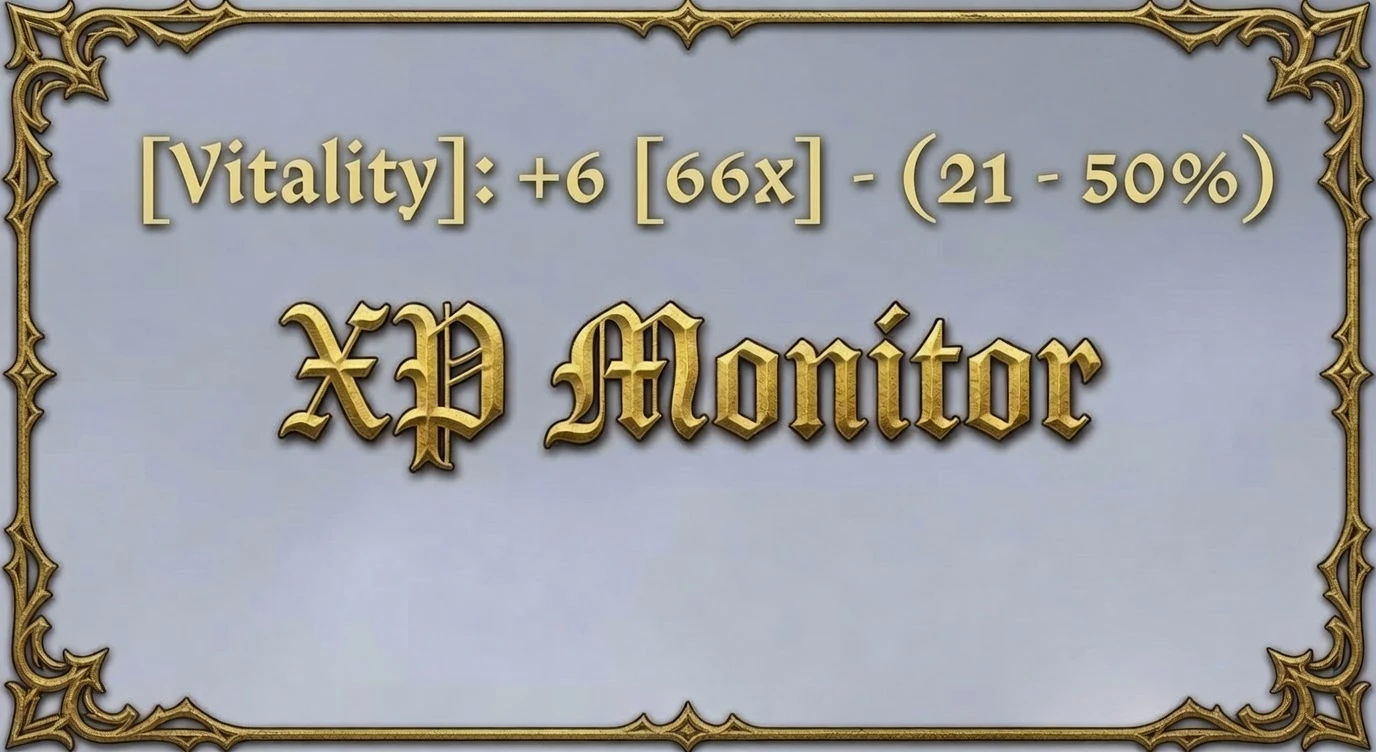
XP Monitor (Display EXP Gained)
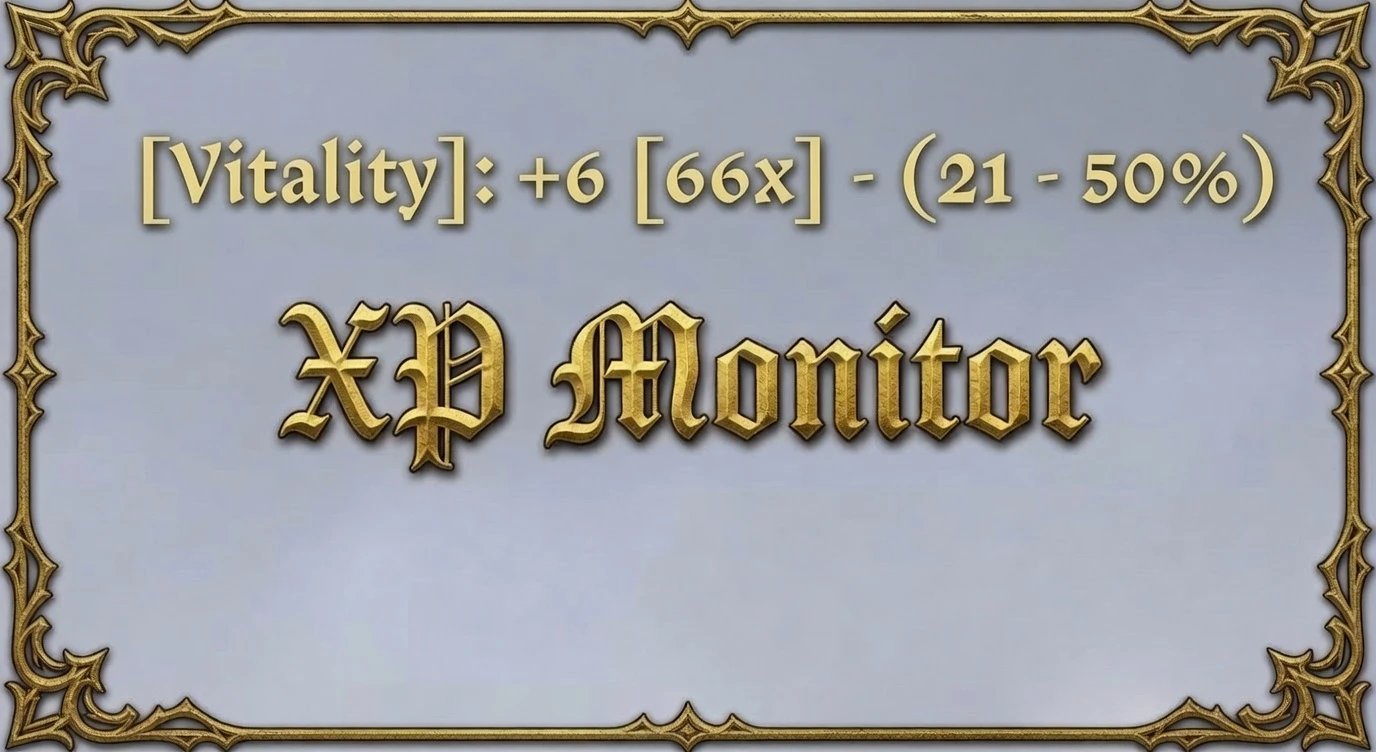
Displays your EXP gained on-screen and in the console.
 查看大图
查看大图[b][size=4]Description[/size][/b]
[color=#D4D4D8]Displays your EXP gained on-screen and in the console[/color]
[size=4][b]Enable/Disable XP Monitor[/b][/size]
- Type the below into the console to Enable/Disable the script
[list]
[][b]xpmonitor[/b][/]
[/list]
[color=#D4D4D8][size=4][b]On-Screen/Console[/b][/size][/color]
[color=#D4D4D8]- Open the console and type the below; enter a number between 1 and 6 for the #[/color]
[list]
[][color=#D4D4D8][b]xpmonitor_format #[/b][/color][/]
[/list][color=#D4D4D8]- Format: #[/color]
[list=1]
[][color=#d4d4d8][b][Name][/b]: +Gained [Gained to Next Level] - (Level - Percent%)[/color][/]
[][color=#d4d4d8][b][Name][/b]: +Gained (Level - Percent%)[/color][/]
[][color=#d4d4d8][b][Name]:[/b] (Level): +Gained (Percent%)[/color][/]
[][color=#d4d4d8][b][Name]:[/b] +Gained [Gained to Next Level] (Percent%)[/color][/]
[][color=#d4d4d8][b][Name][/b]: +Gained (Percent%) [/color][/]
[][color=#d4d4d8][b][Name][/b]: +Gained[/color][/]
[/list][color=#D4D4D8]- Example: [Stealth]: +2 [40x] - (9 - 49%)[/color]
[list]
[][color=#D4D4D8][color=#D4D4D8][b]Name[/b]: The name of the skill/stat that just gained XP[/color][/color][/]
[][color=#D4D4D8][color=#D4D4D8][b]Gained[/b]: How much XP you just gained[/color][/color][/]
[][color=#D4D4D8][color=#D4D4D8][b]Gained [/b]to Next Level: Estimated remaining hits to next level shown in [brackets][/color][/color][/]
[][color=#D4D4D8][color=#D4D4D8][b]Level[/b]: Your current level in that skill/stat[/color][/color][/]
[][color=#D4D4D8][color=#D4D4D8][b]Percent[/b]: How far you are through the current level[/color][/color][/]
[/list]
[b][size=4]Custom Format[/size][/b]
- Set format 0, then type your own layout
[list]
[][b]xpmonitor_format 0[/b][/]
[][b]xpmonitor_style name[/b]: gain [remainingHits] - (level - percent)[/]
[/list]- Words you can use, everything else is written out as you typed it
[list]
[][b]name[/b]: [Name][/]
[][b]gain[/b]: +Gained[/]
[][b]remainingHits[/b]: Estimated remaining hits, followed by x[/]
[][b]level[/b]: Your current level[/]
[][b]percent[/b]: How far through the level, followed by %[/]
[/list]
[b][size=4]Auto-Start[/size][/b]
- Start the monitor by itself when you launch the game
[list]
[][b]xpmonitor_autostart [/b]1[/]
[/list]- Leave it off until you turn it on
[list]
[][b]xpmonitor_autostart[/b] 0[/]
[]Auto-Start only applies when you launch the game. If you turn the monitor off during play, it stays off when you reload a save[/]
[/list]
[color=#d4d4d8][size=4][b]Keybind[/b][/size][/color]
[color=#d4d4d8]- Bind a key to turn the monitor on/off, replace f4 with the key you want[/color]
[list]
[][color=#d4d4d8][b]xpmonitor_keybind[/b] f4[/color][/]
[/list][color=#d4d4d8]- Bind a key to step through the formats 0 to 6, replace f3 with the key you want[/color]
[list]
[][color=#d4d4d8][b]xpmonitor_format_keybind [/b]f3[/color][/]
[/list][color=#d4d4d8]- Remove either bind by adding "none"[/color]
[list]
[][color=#d4d4d8][b]xpmonitor_keybind[/b] none[/color][/]
[][color=#d4d4d8][b]xpmonitor_format_keybind[/b] none[/color][/]
[/list]
[color=#d4d4d8][b][size=4]Settings[/size][/b]
- Put your settings in either file, one command per line, and they load with the game[/color]
[list]
[][color=#d4d4d8][color=#d4d4d8][b]mods/kire_xpmonitor/mod.cfg[/b][/color][/color][/]
[/list][color=#d4d4d8]- Your settings are listed in the console every time a save loads[/color]
[color=#d4d4d8][size=4][b]Changes[/b][/size][/color]
[color=#d4d4d8]- v.1.8[/color]
[list]
[][color=#d4d4d8][color=#d4d4d8]Fixed: Levelling up now shows XP gained, even when skipping levels[/color][/color][/]
[][color=#d4d4d8]Fixed: Buffs, potions and gear no longer show as huge gains or spam repeat notifications[/color][/]
[][color=#d4d4d8]Fixed: Small XP gains are no longer lost; XP is tracked and only rounded for display[/color][/]
[][color=#d4d4d8]Added: Loading a save waits briefly for buffs/perks to apply before the first read[/color][/]
[/list][color=#d4d4d8]- v.1.7[/color]
[list]
[][color=#d4d4d8][color=#d4d4d8]Added: Levelling up now reports the XP you gained instead of skipping it[/color][/color][/]
[][color=#d4d4d8]Added: Your settings are listed in the console on every load[/color][/]
[][color=#d4d4d8]Changed: Settings files load once at startup, so choices you make in game are kept[/color][/]
[/list][color=#d4d4d8]- v.1.6[/color]
[list]
[][color=#d4d4d8][color=#d4d4d8]Fixed: Format and on/off state are kept when you reload a save[/color][/color][/]
[][color=#d4d4d8]Fixed: Auto-Start no longer turns the monitor back on after you turned it off in game[/color][/]
[/list][color=#d4d4d8]- v.1.5[/color]
[list]
[][color=#d4d4d8][color=#d4d4d8]Added: Custom format, use xpmonitor_format 0 and xpmonitor_style[/color][/color][/]
[][color=#d4d4d8]Added: xpmonitor_autostart 0/1[/color][/]
[][color=#d4d4d8]Added: xpmonitor_keybind and xpmonitor_format_keybind[/color][/]
[][color=#d4d4d8]Added: Settings read from mod.cfg[/color][/]
[/list][color=#d4d4d8]- v.1.4[/color]
[list]
[][color=#d4d4d8]Changed: Display format "Name" to "[Name]"[/color][/]
[][color=#d4d4d8]Added: Extra format style "[Name]: +gained [Gained to Next Level] (percent)"[/color][/]
[][color=#d4d4d8]Added: Extra format style "[Name]: +gained (percent)"[/color][/]
[/list][color=#d4d4d8]- v.1.3[/color]
[list]
[][color=#d4d4d8][color=#d4d4d8]Fixed: Corrected the order for 2 & 4[/color][/color][/]
[][color=#d4d4d8]Fixed: Resolved @ at the beginning of the display text[/color][/]
[][color=#d4d4d8]Added: Included the format style number in the display style text[/color][/]
[/list][color=#d4d4d8]- v.1.2[/color]
[list]
[][color=#d4d4d8]Added: Auto-Start XP Monitor on Start & Reload[/color][/]
[][color=#d4d4d8]Added: readme.txt within the mod folder for remembering commands[/color][/]
[/list][color=#d4d4d8]- v.1.1[/color]
[list]
[][color=#d4d4d8]Added: 4 formats to the display style[/color][/]
[][color=#d4d4d8]Removed: Bind F4[/color][/]
[/list][color=#d4d4d8]- v.1.0[/color]
[list]
[][color=#d4d4d8]Initial build[/color][/]
[/list]
显示 1-9 条,共 9 条
以上为资源接口提供的文件记录。安装时请在客户端确认文件、游戏版本及依赖。
还没有人评论,去客户端里说两句吧。
评论在新手盒子客户端中发表,这里同步展示。