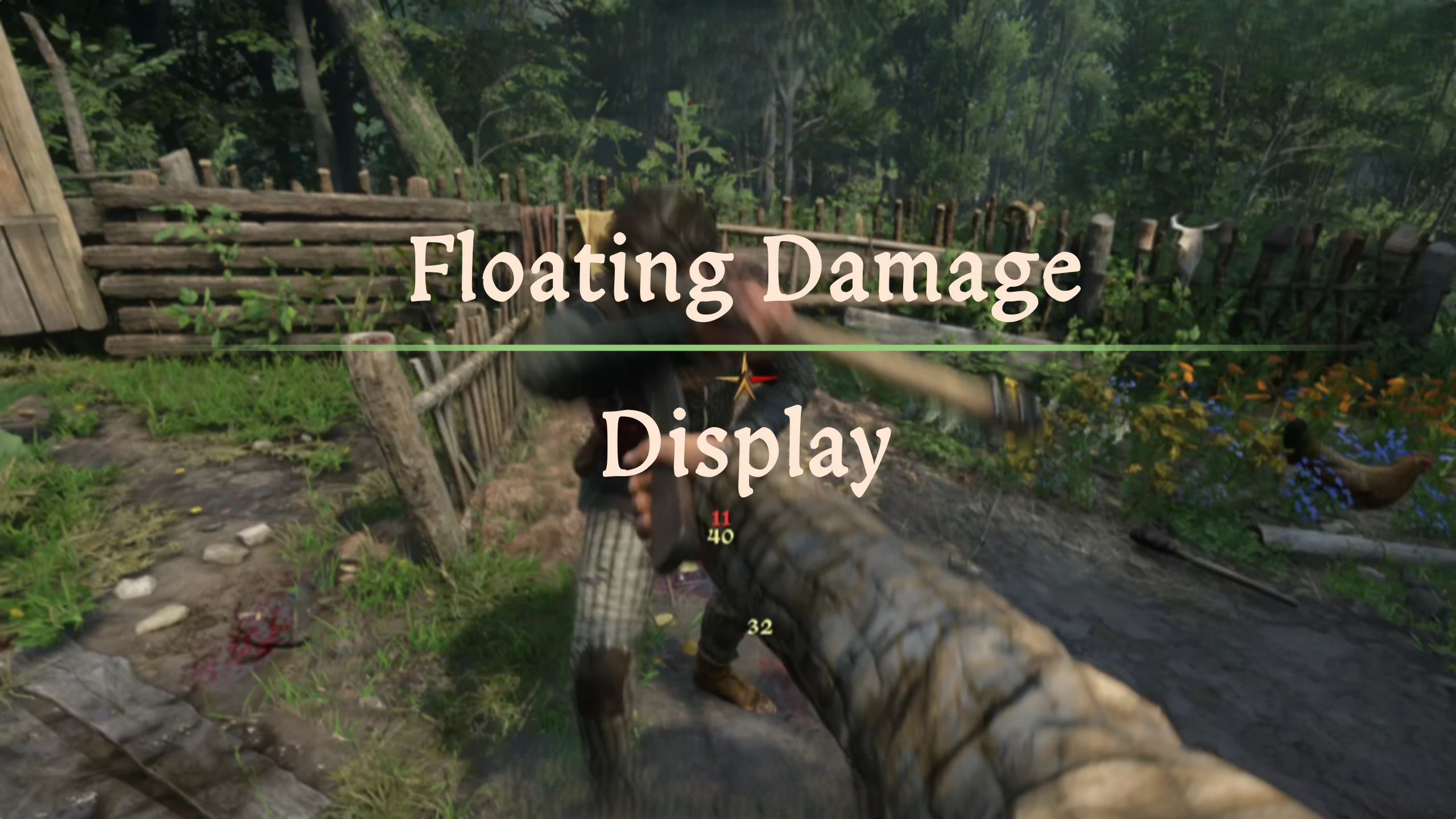
Floating Damage Display
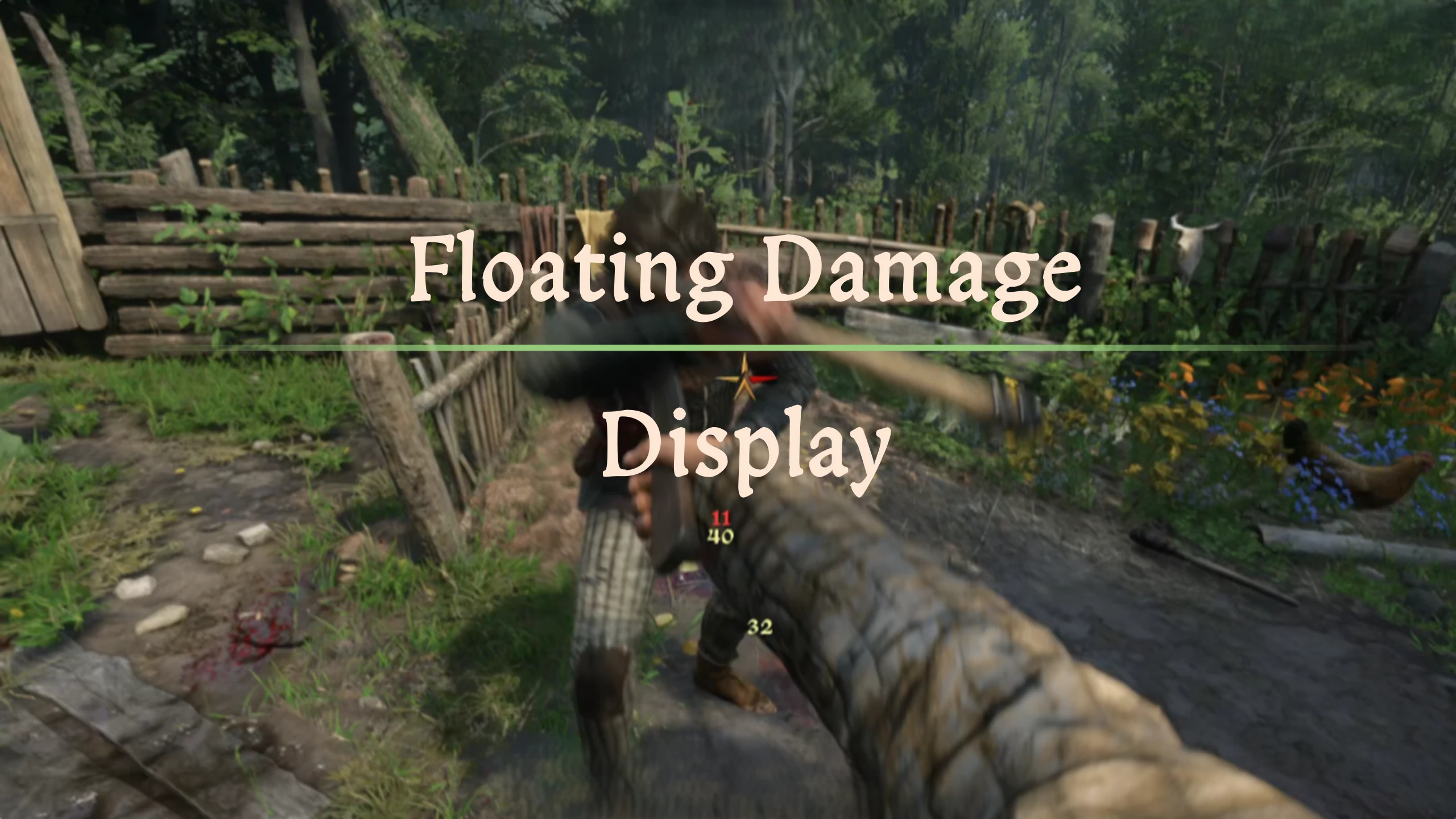
Displays floating damage numbers between actors
 查看大图
查看大图[center][b][size=6]Description[/size][/b][/center]
Displays red number for health damage, and yellow number for stamina damage. The larger the damage, the bigger the number is.
Additionally, if a hit is fatal, it will display a skull icon after the health damage number.
[center][b][size=6]Showcase[/size][/b][/center]
[center][youtube]MKHdvKBy0Ug[/youtube][/center]
[center][b][size=6]Configuration[/size][/b][/center]
All settings live in the [b]MCM (Mod Configuration Menu)[/b], under [b]Floating Damage[/b]. MCM is an [i]optional[/i] dependency — without it the mod simply runs with the defaults below.
[b]Text size[/b] — popup text scales with the damage dealt:
[list]
[][b]Min Text Size[/b] (default 32 px, range 16–64) — text size floor, used for the smallest hits[/]
[][b]Max Text Size[/b] (default 48 px, range 16–96) — text size ceiling, used for the biggest hits[/]
[][b]Min Scale Damage[/b] (default 40, range 0–200) — damage at/below this stays at Min Text Size[/]
[][b]Max Scale Damage[/b] (default 350, range 50–1000) — damage at/above this reaches Max Text Size[/]
[/list][b]Filtering & distance[/b]:
[list]
[][b]Only Player Attacks[/b] (default off) — only show numbers for hits [i]you[/i] deal; hides damage you take and NPC-vs-NPC fights[/]
[][b]Decay Start Distance[/b] (default 8 m, range 0–50) — popups farther away than this shrink with distance (half size at double the distance). Hits [i]you[/i] deal never shrink. Set to 0 to disable[/]
[][b]Min Distance Scale[/b] (default 40%, range 10–100%) — the smallest a distance-shrunk popup can get, relative to its normal size[/]
[/list]
[center][b][size=6]Requirements[/size][/b][/center]
[list]
[]KCSE[/]
[]MCM (optional)[/]
[/list]
[center][b][size=6]Source[/size][/b][/center]
[size=3][color=#D4D4D8][url=https://github.com/JerryYOJ/libKCD2/tree/master/Projects/Floating%20Damage]github[/url][/color][/size]
正在加载版本记录…
正在加载评论…
评论在新手盒子客户端中发表,这里同步展示。