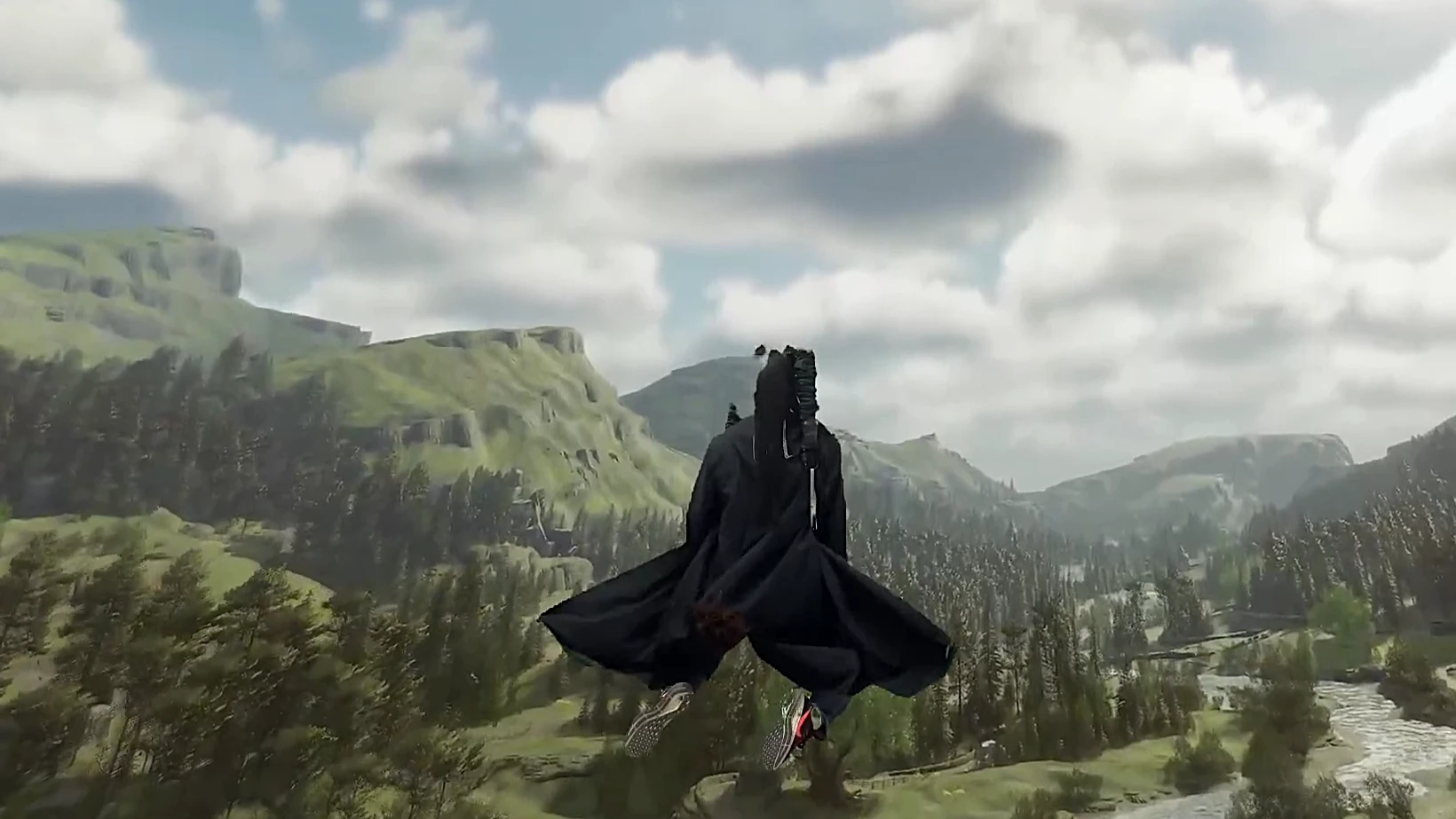
霍格沃茨之遗全能VR模组(支持Bhaptics)
本能地用手势施法支持头部控制的扫帚飞行VR控制器在菜单中的虚拟鼠标,bhaptics触觉背心振动极大增强探索巫师世界的沉浸感《霍格沃茨之遗》一体化VR模组终极沉浸式巫师世界体验
 查看大图
查看大图这是《霍格沃茨之遗》的一款一体化 VR 模组,它将魔法世界转变为一场高强度沉浸式体能训练。忘掉笨拙的按键连打吧;在这里,你的身体就是控制器。
这个模组能做什么(社区亮点)
“这是一款《霍格沃茨之遗》的 VR 模组,让你能够在虚拟现实中游玩游戏,并通过动作控制来施放咒语。”
- 基于手势的咒语施放 — 通过真实的手部动作来施放咒语。右手向前刺出可施放火焰咒语,向右挥动可施放四分五裂,双手一起晃动可施放钻心剜骨。三大不可饶恕咒各自都有独特的戏剧性手势。施放咒语不再是毫不费力的事。
- 沉浸式物理战斗 — 要想活下去,你必须动起来。将左手举到额头以触发盔甲护身,并在战斗激烈时将手移到嘴边饮用魔药。
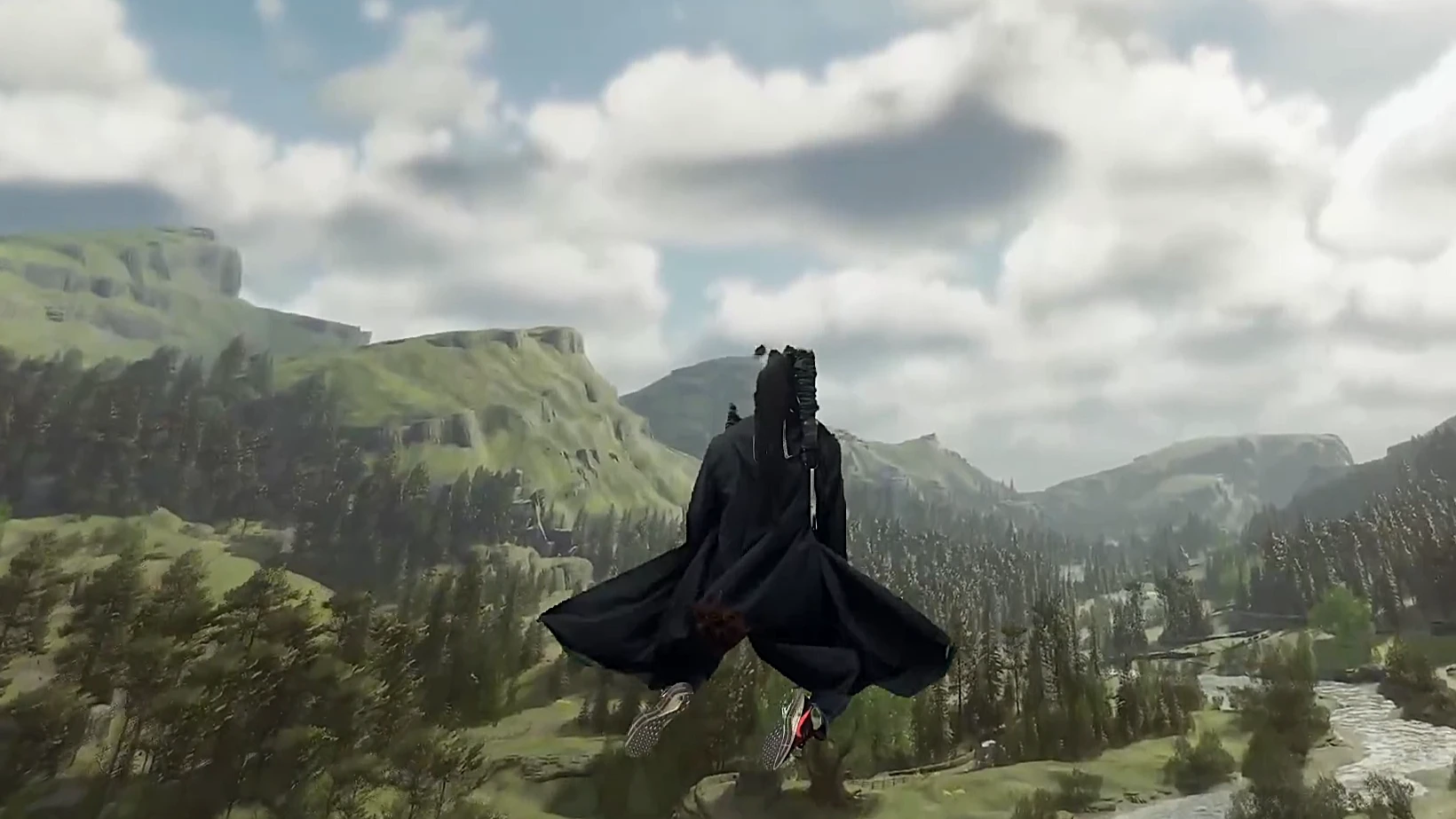
- 头部控制的扫帚飞行 — 抬头上升,低头下降,双手保持在髋部高度以巡航(就像握着扫帚柄一样)。
- VR 控制器鼠标模拟 — 轻松导航游戏内菜单。
- 卓越的触觉体验 — 与 bHaptics 背心完全集成。感受每一次咒语冲击通过你的身体振动。
如何安装
第一次安装前,你需要给这款游戏选择好自己满意的 UEVR 配置文件。双击打开 UEVR injector.exe,点击“Open Global Dir”,弹出 UEVR 的配置文件夹,一般是 C:\Users{your computer name}\AppData\Roaming\UnrealVRMod,双击打开你自己已有的 HogwartsLegacy 文件夹,下载 Plugins 压缩包并将它解压到这个 HogwartsLegacy 配置文件夹中,解压用 winrar or 7z,不要用 windows 自带的 file explorer) 。下载 EasyFreePie 压缩包,解压后放在任意文件夹内。如果用我推荐的 6dofUEVR 配置文件,那么推荐 VD 里设置 steamvr,UEVR 菜单里选 openxr。
Before installation, you need to import a UEVR profile to your satisfaction for this game. Double-click to open UEVR injector.exe. Click "Open Global Dir", and an UEVR configuration folder will pop up, typically located at: C:\Users{your computer name}\AppData\Roaming\UnrealVRMod. Double-click to open your existing HogwartsLegacy folder. Download the Plugins archive, extract it with winrar or 7z, not file explorer, and place the contents into this HogwartsLegacy configuration folder. Download the EasyFreePie archive, extract it, and place the folder anywhere. If you choose to use the UEVR profile I recommended, I suggest you select SteamVR in VD, and openxr in UEVR injector.
如何使用
日常每一次使用时,先打开 SteamVR(没有在 openXR 环境中测试过,不要试图绕过 SteamVR),再打开 EasyFreePie 文件夹,双击 Auto Start FreePie.bat,等脚本窗口弹出,在下拉菜单中选择脚本 Hogwarts4.0,后点击 Start(脚本自动运行过程中不要切换窗口)。脚本窗口弹出后,不要点更新按钮。EasyFreePie 不依赖游戏,独立运行。然后打开游戏,注入 UEVR,保持游戏窗口在最上层,否则除了体感背心以外,其它功能不会对游戏生效。
Regular Usage: First, launch SteamVR (it has not been tested in OpenXR environment; do not attempt to bypass SteamVR). Open the EasyFreePie folder and double-click “Auto Start FreePie.bat”. Wait for the script window to pop up, select the script “Hogwarts 4.0” from the dropdown menu, then click “Start” (do not switch windows while the script is running automatically). Don't hit the update button when the scripts window pops up. Note: EasyFreePie runs standalone, independent on the game. Launch the game and inject UEVR. Keep the game window focused, otherwise it won't work except for the bhaptics vibration.
详细指南
要使用这个模组,你必须观看完整教程视频。我懒得写下咒语手势的文字描述。
物品轮盘/库存 同时按下左手握持键和扳机以调出库存轮盘,并使用左手控制器作为鼠标。
有求必应屋物体旋转(原 LB/RB 已禁用) 我之后会处理。
治疗。 将右手握持键按在嘴边以治疗。
打开设置菜单。 按下右摇杆(R3)。
6. 控制器模拟鼠标 按住 RB 使用右控制器控制鼠标移动(如果你的 UEVR 配置文件中有“cursor follow controllers”选项,必须取消勾选),按 A 键或 RT 确认,所有其他按钮功能保持不变。主要用于菜单导航,在学习咒语期间不可用。 按 D-pad 右键进入魔法菜单,按住 RB 移动鼠标光标,然后按住 RT 拖动咒语并将其放到对应的按键绑定上。地图的放大和缩小仍然绑定到左右扳机,但你需要松开 RB。
- VR 扫帚飞行系统 | VR Broom Navigation System
- 骑上扫帚 | Broom Mounting 激活:左手在胯部前区域持续按住 LB 不松开开启飞行模式。 Activation: Keep your left hand in front of yourself at crotch level, Keep LB held to activate Fly Mode. 骑扫帚:左手在胯部按下 LT,触发起飞指令(同时重新校准头盔高度)。 Mount: Press LT with your left hand in front of yourself at crotch level to trigger takeoff (helmet height is recalibrated at the same time).
- 巡航与加速 | Cruise and Thrust 巡航:左手在胯部持续按住 LB 开启飞行模式,右手在胯部按住 RB,扫帚将持续获得动力(默认为向前推左摇杆)。 Cruise: Keep LB held with your left hand in front of yourself at crotch level (Fly Mode enabled), then hold RB with your right hand in front of you at crotch level for continuous cruise (push left joystick forward by default). 加速:右手在胯部按住扳机加速。 Accelerate: Hold RT in front of yourself at crotch level to accelerate. 悬停:右手离开胯部(去施法或休息),停止巡航,扫帚进入悬停。 Hovering: Move your right hand away from your crotch (for spell casting or resting) to stop forward cruise—the broom will hover in the air.
- 高度控制 | Altitude Control 所有高度控制动作均需左手保持在胯部持续按住 LB。 Keep LB held with your left hand at hip level for all altitude control actions. 爬升:抬头看天,扫帚垂直上升(Space 键)。 Ascend: Tilt your head up to look at the sky to ascend (equivalent to the Space bar). 降落:视线向下看地,扫帚将平稳地垂直降落(Ctrl 键)。 Descend: tilt your head down to look at the ground to descend (equivalent to the Ctrl key). 水平维持:视线回归正前方,扫帚保持当前高度。 Maintain Altitude: Return your gaze to straight ahead—the broom will hold its current height.
- 下扫帚 | Dismounting 手柄 X 键(游戏默认按键)。双手靠拢一次可重新调整头盔高度(为下蹲动作调整高度)。 Press the X button on the controller (game's default binding). Move both hands close to each other once to re-calibrate helmet height (for dodge actions).
交互/收集。 掌心向下并按下左手握持键以收集物品。
野兽管理。 掌心向上并按下 RB。
鸣谢与致谢
- UEVR 团队 开发了革命性的 VR 注入器。
- UEVR 配置文件创作者 提供了坚如磐石的 6DOF 第一人称基础。
- VR Companion 与 FreePIE 开发者提供了交互工具。
- 特别感谢社区提供的反馈与测试!
- 特别感谢我的父母: 这个项目从最真实的意义上说是一次家庭协作。我最深切地感谢我的父母给予我坚定不移的支持——尤其是在视频制作阶段。他们充当了我专属的 “人肉鼓风机” ,站在画面外,手动拉动绳子,让我的巫师袍在风中飘动。正是他们这些“幕后”手工特效,让我得以捕捉那些电影般的镜头,并将魔法变为现实。这个模组不只是我的代码;它是我们共同的愿景。
还没有人评论,去客户端里说两句吧。
评论在新手盒子客户端中发表,这里同步展示。