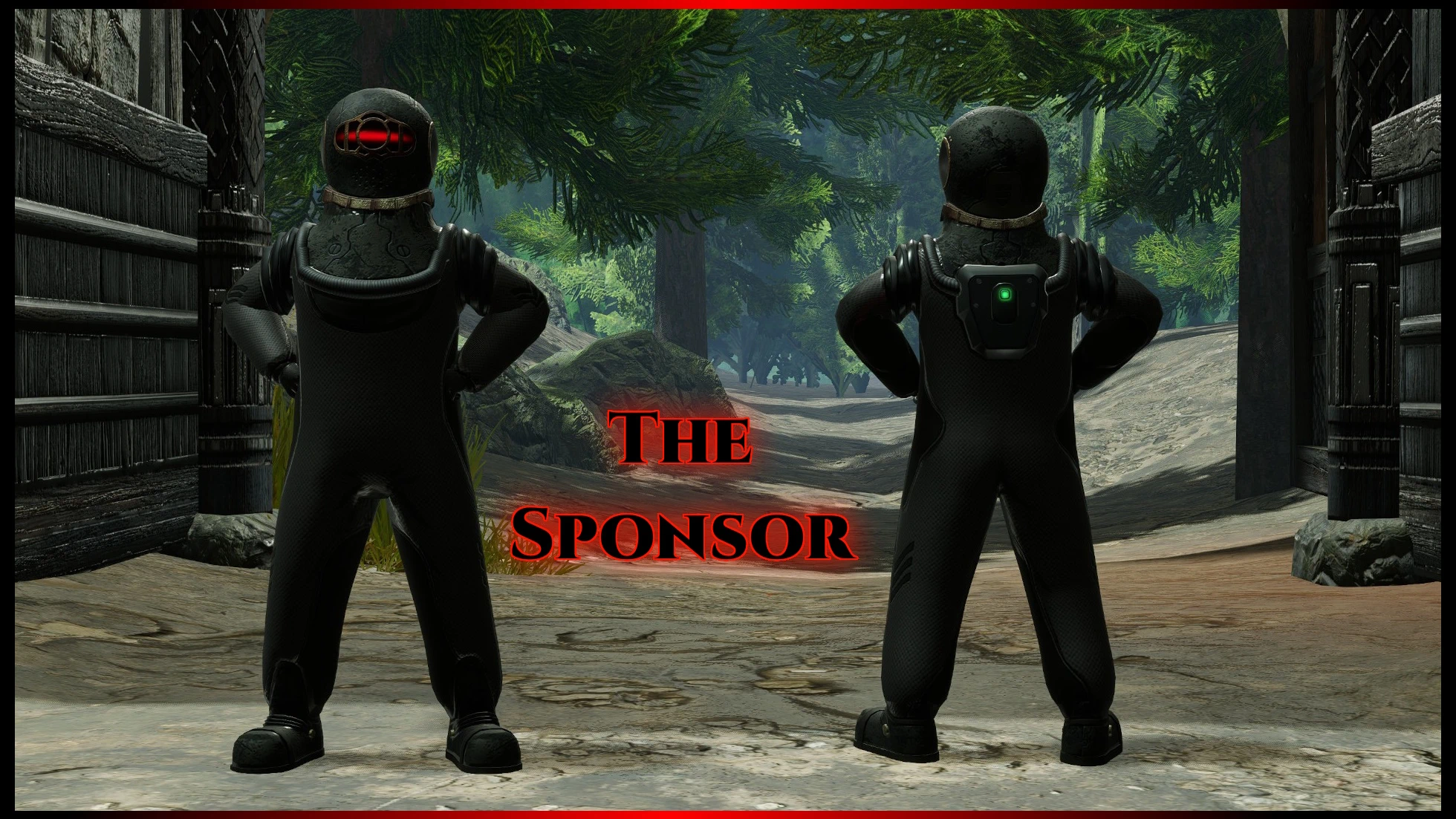
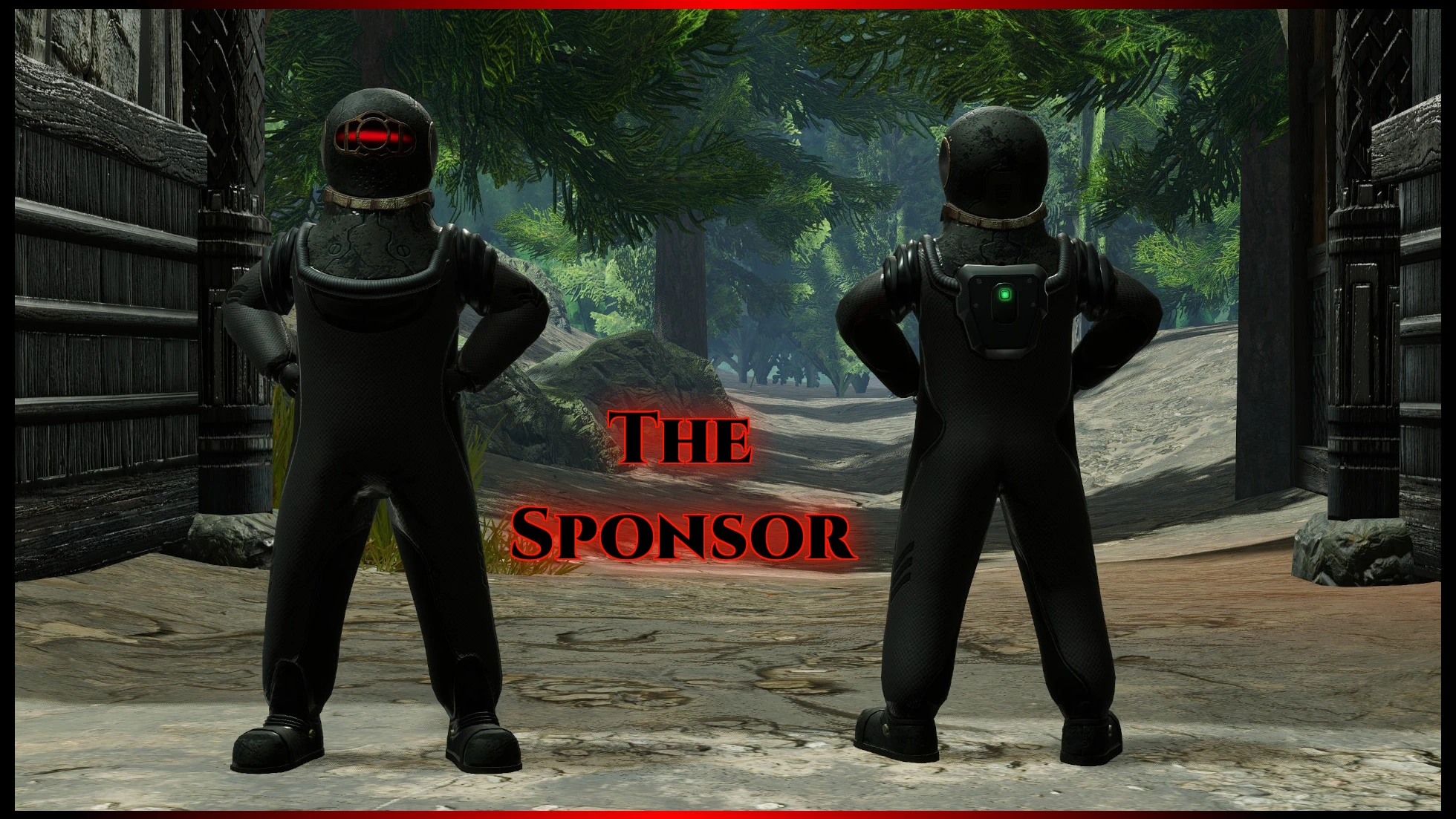
赞助者(《百日战纪 -最终防卫学园-》)
替换雷莫布拉套装
 查看大图
替换 Remobra 套装。包含 2 个版本。
通过模组管理器 [url=https://fluffyquack.com/WIP/modmanager.zip]https://fluffyquack.com/WIP/modmanager.zip[/url] 或 [url=https://www.nexusmods.com/monsterhunterrise/mods/848/]FirstNatives[/url] 安装
推荐与 [url=https://www.nexusmods.com/profile/bfidle]bfidle[/url] 的 [url=https://www.nexusmods.com/monsterhunterrise/mods/3994]Killing Game Sponsor English Voice Mod (Hundred Line)[/url] 一起使用
[center][url=https://discord.gg/FtDHtz7yg9][b]Discord
[/b][/url]欢迎加入[/center]
[center][/center]
[b][u]将护甲 / 武器替换为其他护甲 / 武器的指南[/u]
[/b]
武器列表请使用此链接:[url=https://github.com/mhvuze/MonsterHunterRiseModding/wiki/Weapon-IDs]Weapons[/url]
护甲列表请使用此链接:[url=https://github.com/mhvuze/MonsterHunterRiseModding/wiki/Armor-IDs]Armors[/url]
随从装备列表请使用此链接:[url=https://github.com/mhvuze/MonsterHunterRiseModding/wiki/Buddy-Equipment-IDs]Buddy Armor[/url]
请务必使用 winrar 或 7zip 解压 .rar 文件。然后查看护甲 / 武器 ID 列表,决定你想用该模组替换哪件护甲或武器。如果你找到了想要替换的护甲或武器,请查看此图片中的模型名称:
[img]https://up.picr.de/44327622hc.png[/img]
在本例中,神火护甲套装的模型名称为 pl200。
现在进入解压后的 .rar 文件,你会看到例如以下文件:
[img]https://up.picr.de/44327621it.png[/img]
请务必将 333 改为你想替换的护甲编号。
例如,我将
m_wst[b]333[/b].mesh.2109148288
改为
m_wst[b]200[/b].mesh.2109148288
其他文件以及 pl333 文件夹也请照此操作。只需确保不要更改 texture 文件夹内的任何内容。
注意:如果护甲的某个部位带有物理效果,那么你想用该模组替换的护甲也需要带有物理效果。否则它会僵硬且不会移动。


正在加载版本记录…
正在加载评论…
评论在新手盒子客户端中发表,这里同步展示。