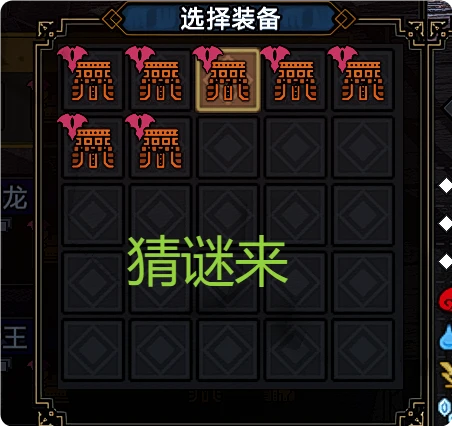
防具技能搜索
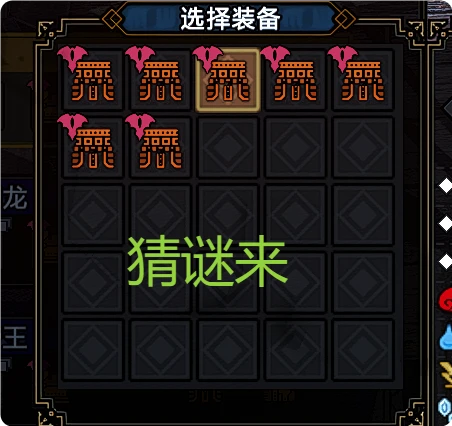
“选择装备”页面增加防具筛选。适用于同名防具有多件时,按技能、孔位或怪异炼化类型快速查找目标防具。adds armor filtering to the Select Equipment scree. It helps find the desired armor among multiple copies by skills, slots, and Qurious Crafting type.
 查看大图
查看大图功能
- 输入技能名称关键词
- 添加多个技能条件
- 多个技能条件必须同时满足:任一技能未达到设定等级的防具不会显示
- 设置每个技能的最低等级
- 设置三个装饰品孔位的最低等级
- 按怪异炼化类型筛选
- 技能与孔位恰好匹配的防具优先排列
使用方法
- 打开道具箱。
- 进入“管理装备” -> “变更装备”。
- 选择一个防具部位。
- 打开防具,进入“选择装备”。
- 在 REFramework UI 中展开“防具技能检索”。
- 设置技能、最低等级、孔位和怪异炼化类型。
- 点击“应用”。
- 点击“清除并恢复”取消筛选。
安装
- 安装 REFramework。
- 将压缩包中的
reframework文件夹合并到游戏目录。 - 完全重启游戏。
卸载
删除:
reframework/autorun/ArmorSkillSearch.luareframework/plugins/ArmorSkillSearchNativeInput.dllreframework/plugins/ArmorSkillSearchInputHost.exereframework/data/ArmorSkillSearch
Features
- Enter a skill-name keyword
- Add multiple skill conditions
- Every skill condition must be met: armor is excluded when any skill falls below its selected level
- Set a minimum level for each skill
- Set minimum levels for three decoration slots
- Filter by Qurious Crafting type
- Rank exact skill and slot matches first
Usage
- Open the Item Box.
- Enter Manage Equipment -> Change Equipment.
- Select an armor part.
- Open an armor entry to enter Select Equipment.
- Expand Armor Skill Search in the REFramework UI.
- Configure skills, minimum levels, slots, and Qurious Crafting type.
- Select Apply.
- Select Clear and restore to remove the filters.
Installation
- Install REFramework.
- Merge the archive's
reframeworkfolder into the game directory. - Fully restart the game.
Uninstallation
Remove:
reframework/autorun/ArmorSkillSearch.luareframework/plugins/ArmorSkillSearchNativeInput.dllreframework/plugins/ArmorSkillSearchInputHost.exereframework/data/ArmorSkillSearch
正在加载版本记录…
正在加载评论…
评论在新手盒子客户端中发表,这里同步展示。