对话快速跳过 - 立即跳过语音台词
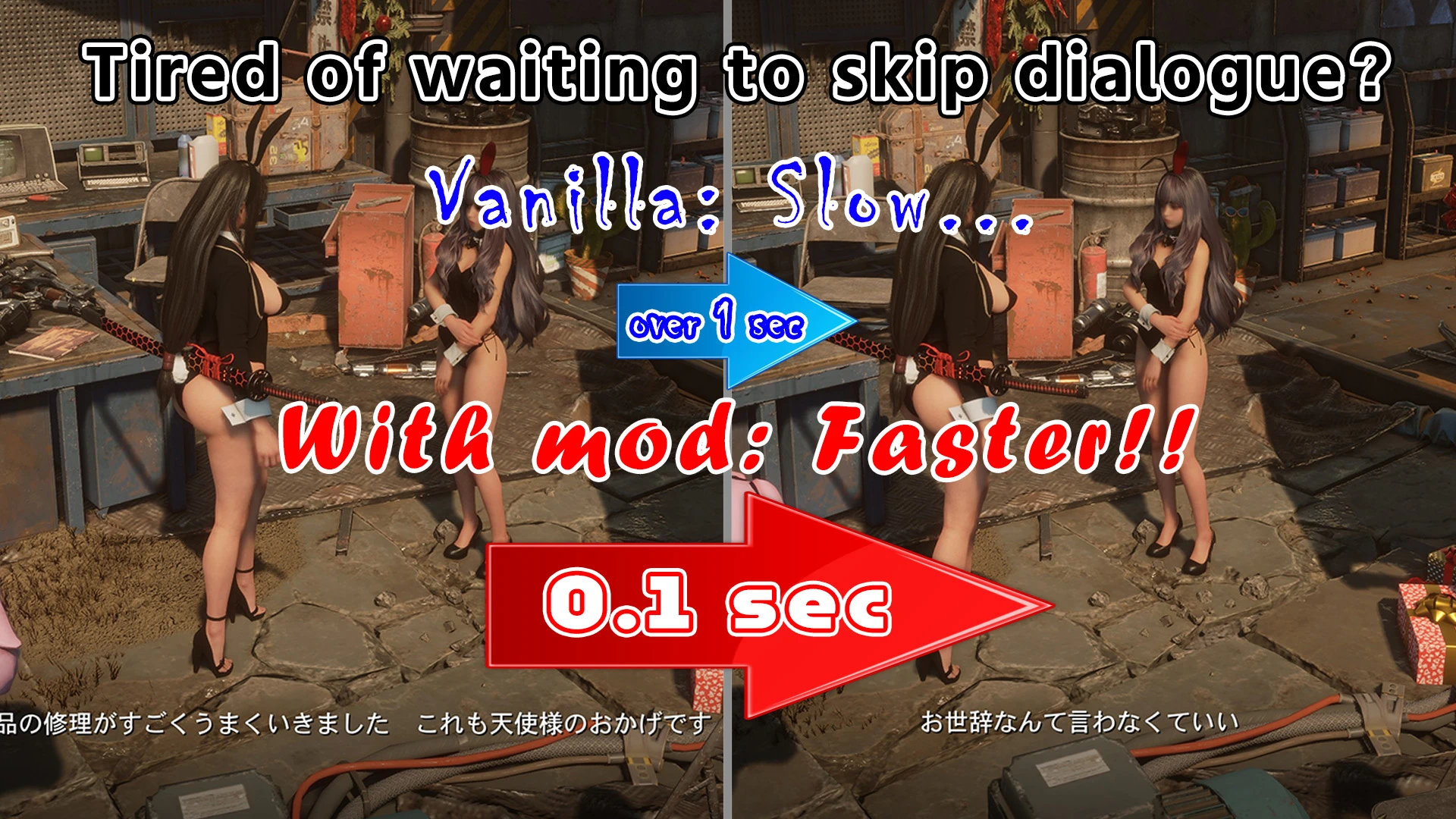
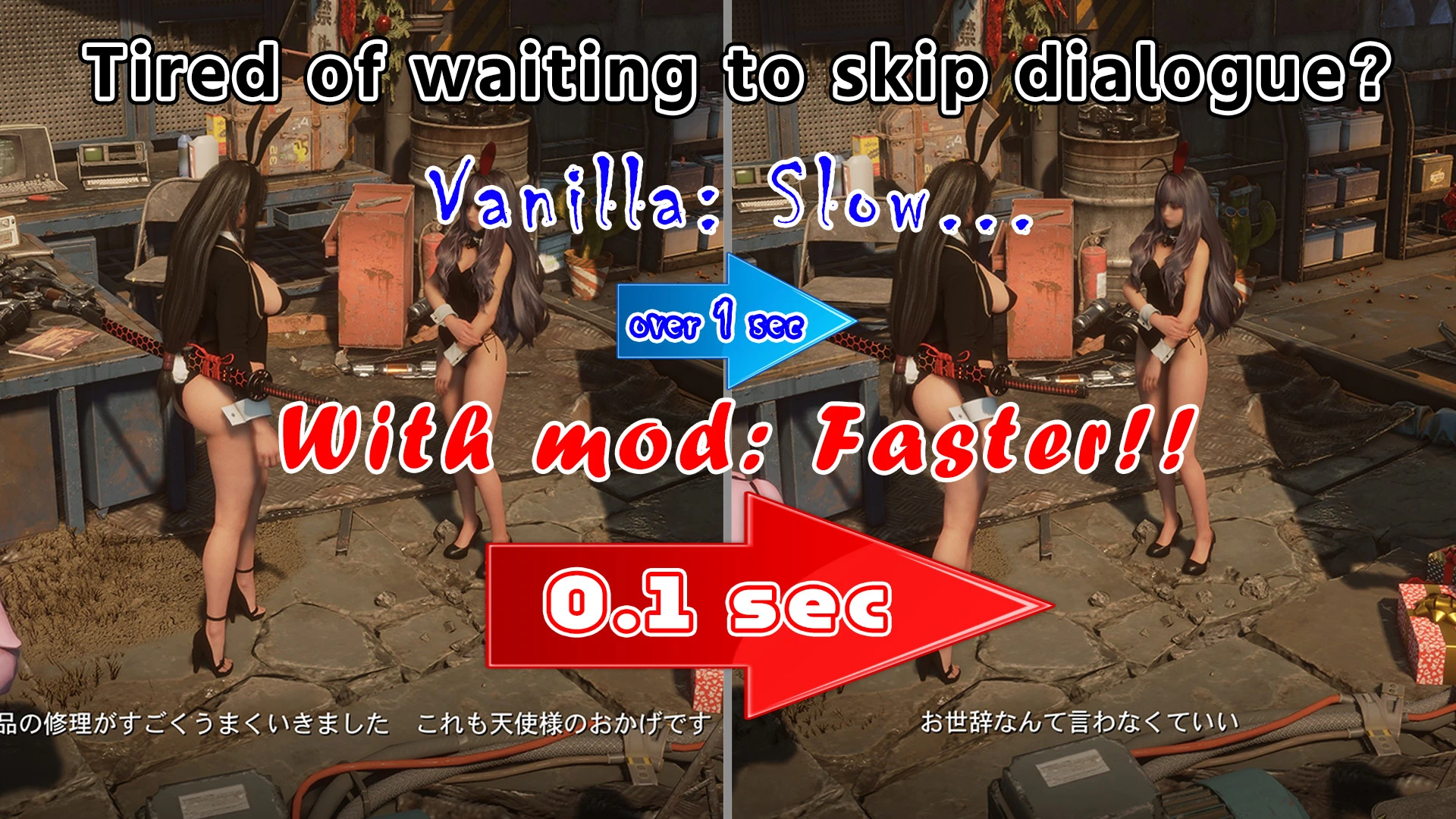
Skip dialogue lines after 0.1 sec instead of 1+ sec - only when you press the button. / 会話のセリフを0.1秒で送れるようにします(ボタンを押したときだけ)。
 查看大图
DialogueQuickSkip
会話のセリフをすぐ送れるようにします / Skip voiced conversation lines right away
【日本語】
標準では、多くのNPCとの会話で、セリフが始まってから約1.5秒たたないと次へ送れないものが多いです。 このModを入れると、ゲーム自身の「速く送れる会話」と同じ 0.1秒 で送れるようになります。
- ボタンを押したときだけ送ります(自動で進むわけではありません)
- もともとセリフ送りができない場面(ムービーなど)は変わりません
- セリフを送ると、ボイスは途中で切れます(標準でボタンを押したときと同じ動きです)
必要なもの
- ステラーブレイド用のUE4SS(RE-UE4SS)
- DekCNSは不要です
導入
- 「DialogueQuickSkip」フォルダを *StellarBlade\SB\Binaries\Win64\ue4ss\Mods* にコピー
- DialogueQuickSkip フォルダに「enabled.txt」があることを確認
- ゲームを起動して、NPCに話しかける
設定(Scripts\config.lua)
- Enabled = true … false にするとModを止めます
- CoolTime = 0.1 … セリフを送れるようになるまでの秒数
- DebugLog = false … true にすると変更内容を UE4SS.log に書きます(不具合の調査用)
注意
- ゲーム本体のファイルやセーブデータは書き換えません。会話の再生中の設定だけを変えます
- 選択肢のある会話など、仕組みの違う会話には効かない場合があります
- 外すときは ue4ss\Mods\DialogueQuickSkip フォルダ(または enabled.txt)を削除してください
ほかのMod / Other mods by me
- CNSOutfitLink - CNSの衣装にアクセサリ・髪・顔などを連動させる / Link accessories, hair, face and more to your CNS outfits
- PhotoMode Position Adjuster - フォトモードでキャラの位置・向き・大きさを調整 / Move, rotate and resize characters in photo mode
【English】
In the vanilla game, many NPC conversations do not let you skip a line until about 1.5 seconds after it starts. With this mod, you can skip after 0.1 seconds - the same value the game itself uses for its "fast" conversations.
- Lines only advance when you press the button (nothing is skipped automatically)
- Scenes that cannot be skipped in the vanilla game (cutscenes, etc.) are not changed
- When you skip a line, the voice stops (same as pressing the button in the vanilla game)
Requirements
- UE4SS for Stellar Blade (RE-UE4SS)
- DekCNS is NOT required
Installation
- Copy the "DialogueQuickSkip" folder to *StellarBlade\SB\Binaries\Win64\ue4ss\Mods*
- Make sure "enabled.txt" is in the DialogueQuickSkip folder
- Start the game and talk to an NPC
Settings (Scripts\config.lua)
- Enabled = true … set to false to turn the mod off
- CoolTime = 0.1 … seconds before a line can be skipped
- DebugLog = false … set to true to write what the mod changed to UE4SS.log (for troubleshooting)
Notes
- No game files or save data are modified. The mod only changes the playback settings of conversations while they play
- It may not work for conversations that use a different system (e.g. ones with choices)
- To uninstall, delete the ue4ss\Mods\DialogueQuickSkip folder (or enabled.txt)
正在加载版本记录…
正在加载评论…
评论在新手盒子客户端中发表,这里同步展示。