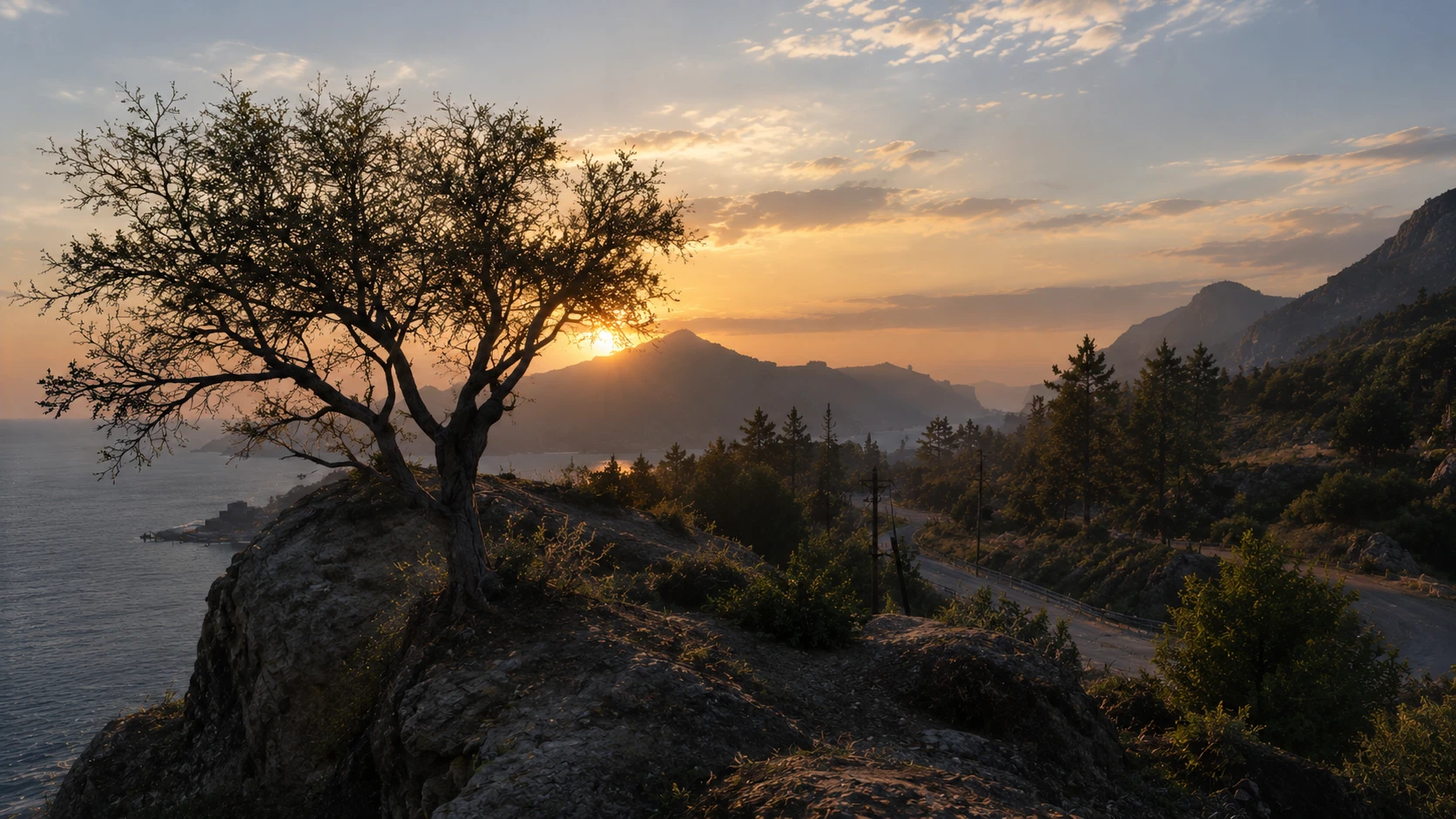
GTA Texture
This is a texture mod which adds realistic textures to your game
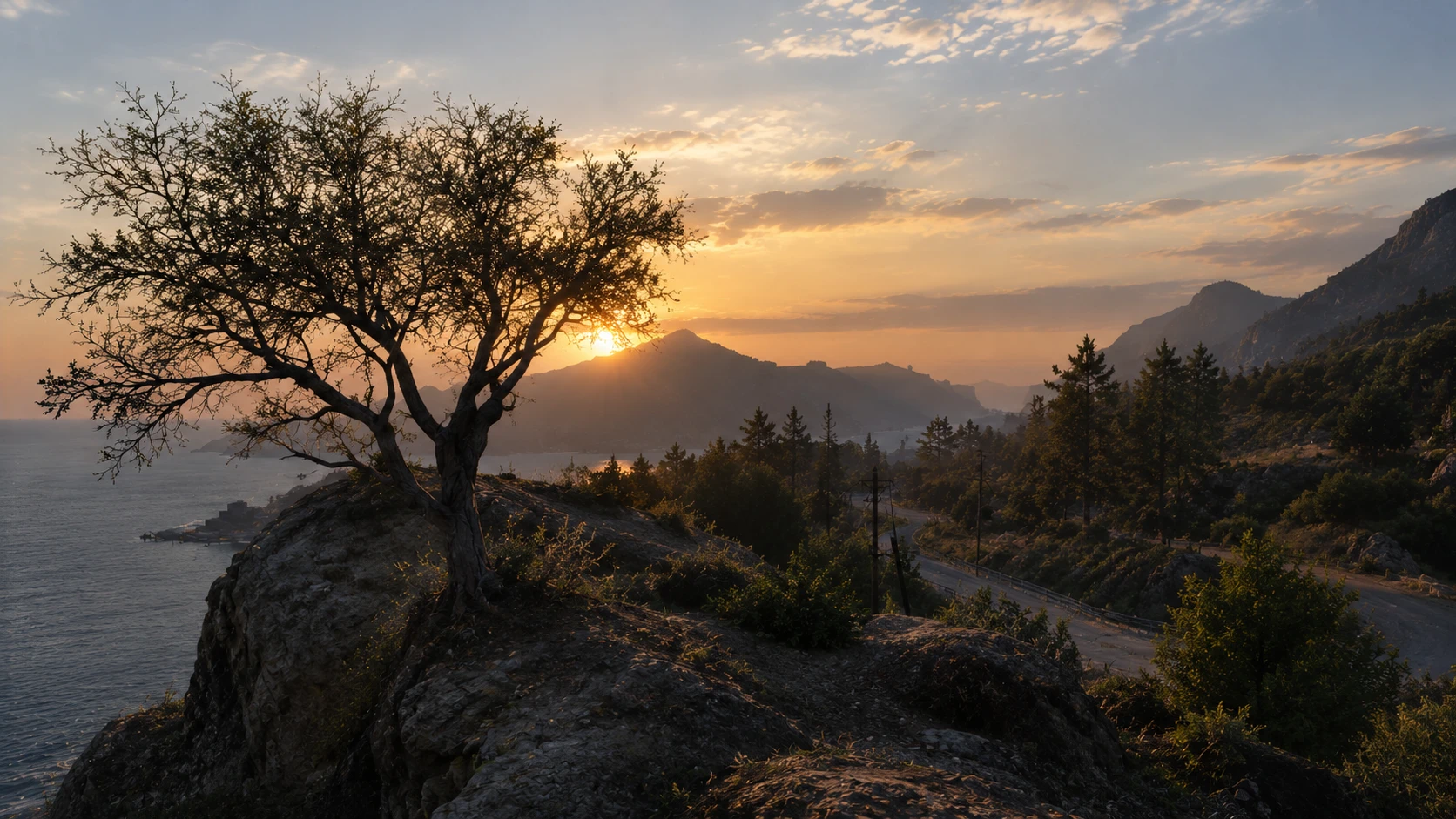 查看大图
Upgrade the urban surfaces of Los Santos with a complete, Physically Based Rendering (PBR) brick material overhaul. This pack replaces standard, flat brick textures with a full suite of high-definition maps designed to react realistically to GTA V's lighting engine and custom graphics enhancements (like ENB or QuantV). Whether under midday sun or neon streetlights, masonry and brick walls will display authentic depth, micro-surface variation, and accurate light scattering.
[b]Included Texture Maps:[/b]
[list]
[][b]Albedo ([/b]
[code]brick_albedo.png[/code][b]):[/b] Clean base color map with baked-in lighting removed for true-to-life color accuracy.[/]
[][b]Normal ([/b]
[code]brick_normal.png[/code][b]):[/b] High-detail surface relief that simulates individual brick edges and mortar grooves.[/]
[][b]Roughness ([/b]
[code]brick_roughness.png[/code][b]):[/b] Controls specular reflections so mortar stays matte while brick faces catch subtle, realistic highlights.[/]
[][b]Ambient Occlusion ([/b]
[code]brick_ao.png[/code][b]):[/b] Enhances contact shadows within deep crevices and mortar lines.[/]
[][b]16-bit Height ([/b]
[code]brick_height16.png[/code][b]):[/b] Precision displacement data for parallax occlusion mapping (POM) and deep 3D surface relief.[/]
[/list][heading]Installation Guide[/heading]
Because these are raw
[code].png[/code]PBR texture assets, they need to be imported into GTA V's
[code].ytd[/code](Texture Dictionary) files using [b]OpenIV[/b].
[b]Prerequisites:[/b]
[list]
[][b]OpenIV[/b] installed and configured for Grand Theft Auto V.[/]
[][b]ASI Loader[/b] and [b]OpenIV.asi[/b] installed (via OpenIV's [i]Tools > ASI Manager[/i]) so your game reads the
[code]mods[/code]folder.[/]
[/list][b]Installation Steps:[/b]
[list=1]
[][b]Extract the Archive:[/b] Unzip
[code]GTAV_FULL_MOD[/code]to a working folder on your desktop.[/]
[][b]Launch OpenIV:[/b] Open the program, select [b]Grand Theft Auto V (Windows)[/b], and click [b]Edit Mode[/b] in the top right corner.[/]
[][b]Locate Target Texture Dictionary ([/b]
[code].ytd[/code][b]):[/b]
[list]
[]Navigate to your
[code]mods[/code]folder directory containing the world textures you want to replace (for example,
[code]mods/x64i.rpf/levels/gta5/...[/code]or a custom
[code].rpf[/code]addon pack).[/]
[][i]Note: Always modify files inside your [/i]
[code]mods[/code][i]folder, never the base game files.[/i][/]
[/list][/]
[][b]Import the Textures:[/b]
[list]
[]Double-click the target
[code].ytd[/code]file to open the Texture Editor.[/]
[]Click [b]Import[/b] (or [b]Replace[/b] if overwriting a specific existing brick texture) and select the
[code].png[/code]files from
[code]GTAV_FULL_MOD/02_PBR_Textures/brick/[/code]:
[list]
[][code]brick_albedo.png[/code][/]
[][code]brick_normal.png[/code][/]
[][code]brick_roughness.png[/code][/]
[][code]brick_ao.png[/code][/]
[][code]brick_height16.png[/code][/]
[/list][/]
[/list][/]
[][b]Configure Compression:[/b] Ensure mipmaps are generated and set compression to [b]DXT1[/b] (for opaque Albedo) or [b]DXT5 / BC7[/b] (for Normal/Roughness/Height maps) to prevent visual artifacts.[/]
[][b]Save & Launch:[/b] Click [b]Save[/b] in the
[code].ytd[/code]editor, close OpenIV, and launch GTA V.[/]
[/list][heading]Changelog[/heading]
[b]v1.0.0 — Initial Release[/b]
[list]
[]Organized core directory structure (
[code]GTAV_FULL_MOD/02_PBR_Textures/brick/[/code]).[/]
[]Added base color map (
[code]brick_albedo.png[/code]).[/]
[]Added tangent-space normal map (
[code]brick_normal.png[/code]) for surface bump detail.[/]
[]Added roughness map (
[code]brick_roughness.png[/code]) for physically accurate specularity.[/]
[]Added ambient occlusion map (
[code]brick_ao.png[/code]) for crevice shadowing.[/]
[]Added 16-bit height map (
[code]brick_height16.png[/code]) for parallax/displacement support. [/]
[/list]
正在加载版本记录…
正在加载评论…
评论在新手盒子客户端中发表,这里同步展示。