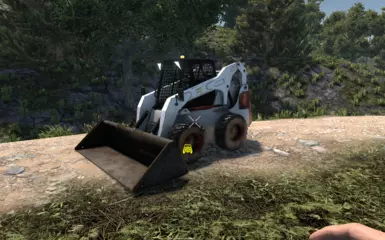
山猫载具
1 为游戏添加了山猫车辆,帮助玩家进行地形景观改造。
 查看大图
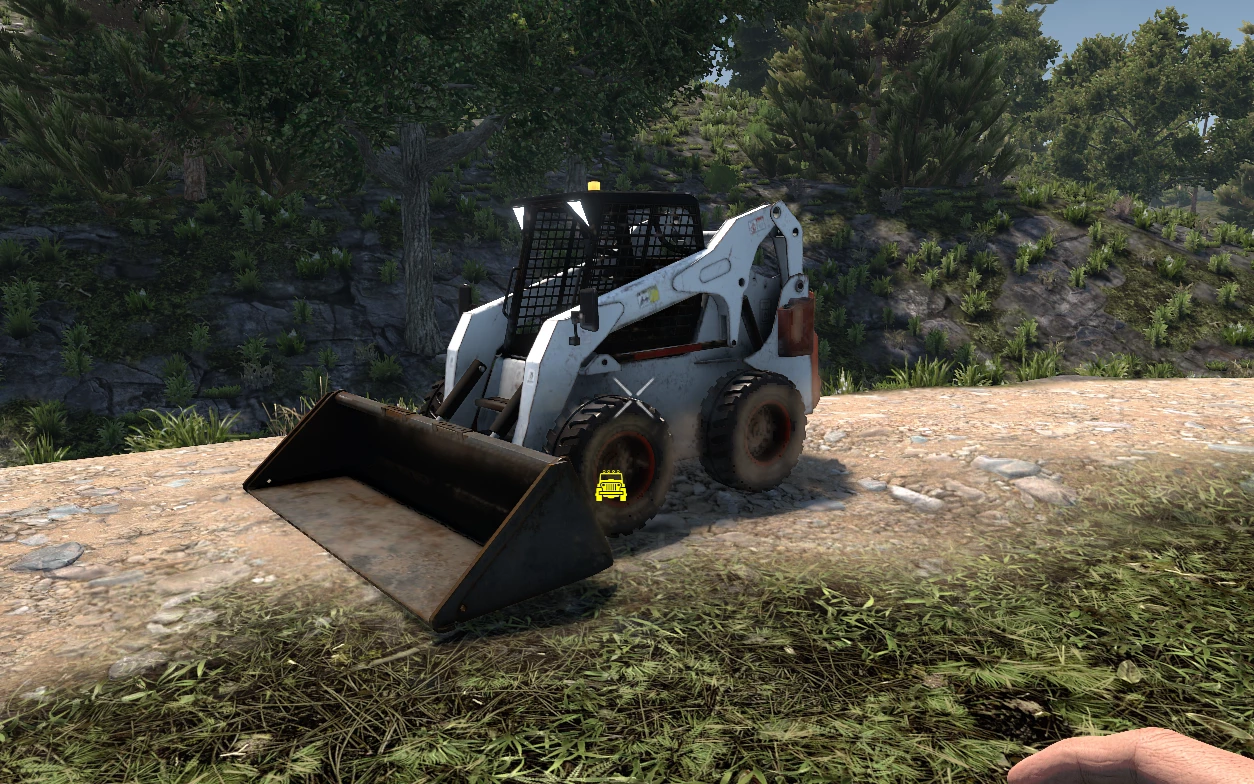
查看大图Bobcat Mod for 7 Days to Die
A custom mod for 7 Days to Die that introduces a functional Bobcat vehicle with terrain modification and utility features.
Usage:
Equip the Bobcat vehicle with a bucket or auger mod.
Press the crouch button to toggle operation mode.
Press the horn button to enable/disable the mode running.
Enable/Disable is used to prevent accidental terrain changes when switching modes.
Modes:
Landscaping: Clears an area 2 blocks high in front of the vehicle, with width depending on the attached bucket (3 or 5 blocks wide). Best used for excavating shallow terrain, clearing debris, removing grass/vegetation/bricks, etc.
Leveling: When activated, levels the terrain to the current vehicle height (block height). The height can be configured (raise or lower) in the
Configuration.xmlfile. The default terrain leveling does not overwrite crop plot blocks. Leveling is performed based on the terrain in front of the vehicle and the width of the installed bucket. This mode is ideal for creating flat building areas or leveling a specific region. Enable/Disable at different heights to change the reference height. If the leveling moves to a different block height, the leveling button will show a red outline, indicating you are at a different height than when it was last activated. The leveling function works based on the activation height to prevent unintended terrain height changes while moving on slopes.Fill: When activated, fills terrain below the current vehicle height (block height) up to that height. Only affects terrain blocks (topsoil, etc.). Resources used for filling holes are taken from the vehicle's inventory and can be configured in
Configuration.xml. It will consume the first terrain block found in the inventory, regardless of its position. Best used to fill holes in the terrain caused by explosions from zombie cops, rockets, etc. If the area being filled is not at the same activation block height, the button will show a red outline.Smoothing: Forms slopes/gradients to make it easier for the vehicle to traverse between blocks of different heights. Best used when there is a single block height difference, such as a sudden increase in road height that causes the vehicle to bottom out while trying to drive along the road. Place the Bobcat where the terrain is too steep to be leveled for a gentler slope, allowing the vehicle to pass more smoothly.
Drilling: Auger only. This mode is best for tunnel excavation. It collects resources and deposits them into the vehicle's inventory as blocks are destroyed. It destroys a 3x3 area in front of the vehicle. For safety, the drilling continues as long as the vehicle is not tilted significantly.
*** For further instructions, watch the video list covering basic usage.
How to Obtain: Find the schematic or purchase from the trader. The Bobcat vehicle itself requires 4x4 parts. The vehicle also comes with a traction control mod specifically designed for the Bobcat, providing superior grip but making high-speed driving more difficult.
Installation
Download and extract the mod into your 7 Days to Die
Mods/directory.Ensure the folder structure is as follows:
Mods/
└── Bobcat/
    ├── Harmony/
    ├── Resources/
    ├── Config/
    └── ModInfo.xml
Launch the game. The mod should load automatically.
*** This mod requires Harmony (included) and must have EAC disabled.
Configuration
All mod options can be adjusted in Configuration.xml:
- Adjust smoothing radius
- Enable/disable block pickup
- Control terrain change tick interval
- Toggle visual effects per mode
Compatibility
- Tested with game versions 1.4 and 2.0
- May conflict with other mods that modify terrain modification, vehicle inventory, or EntityVehicle methods
- If using custom vehicle mod packs, ensure no ID/name conflicts (vehicleBobcat is the internal name)
This mod was developed using:
- C# with Harmony patches
正在加载版本记录…
正在加载评论…
评论在新手盒子客户端中发表,这里同步展示。