Chaotic's Reach - 从附近容器制作
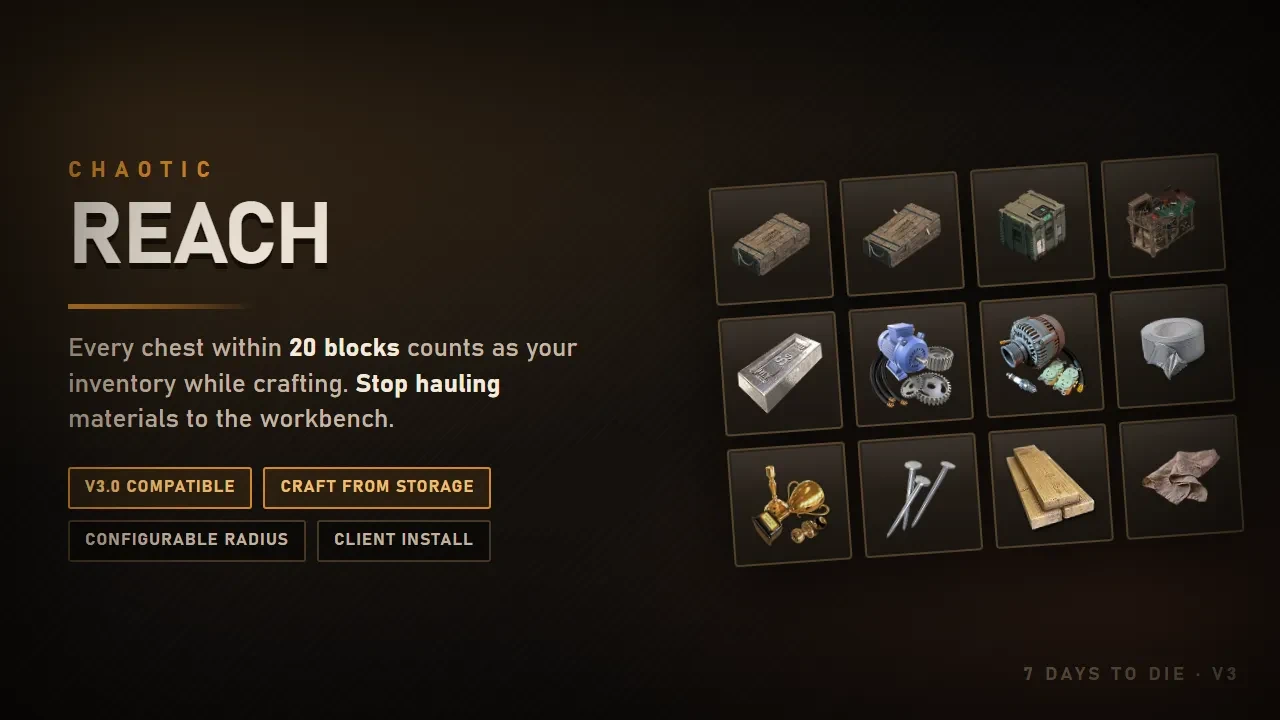
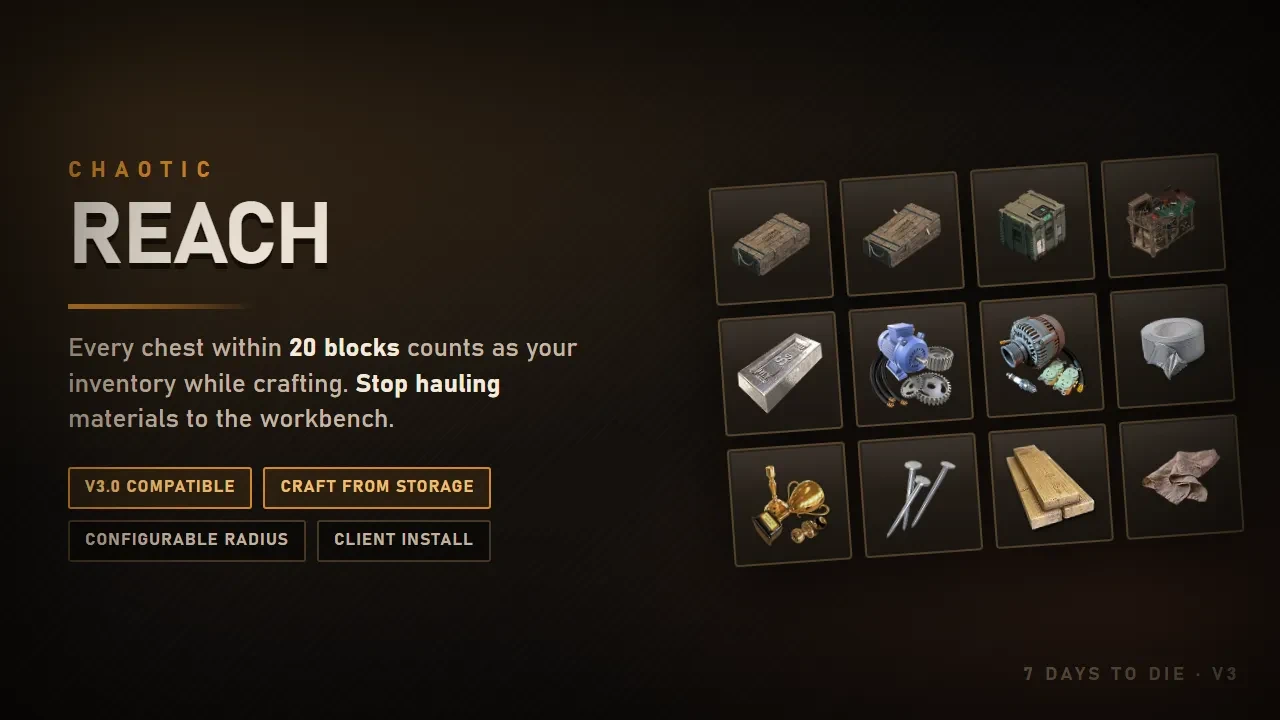
你在20格范围内放置的每个箱子在合成时都算作你的物品栏。别再搬运材料到工作台了。
 查看大图
You know the routine. Open a chest, grab forged steel. Open the next one, grab mechanical parts. Open a third for duct tape. Walk to the workbench. Realise you're 4 short. Walk back.
Reach ends that. Stand near your storage and [b]the crafting menu just works[/b] — recipes stop being greyed out, the counts include what's in your chests, and hitting craft pulls the materials out of them automatically.
[size=4][b]What it does[/b][/size]
[list]
[][b]Counts your storage.[/b] While a crafting window is open, items in nearby containers are added to the totals you see.[/]
[][b]Pulls on craft.[/b] The ingredients you're short come out of the chests when you queue the craft. You never open a container.[/]
[][b]Works at every station.[/b] Backpack crafting, workbench, forge, campfire, chemistry station, cement mixer.[/]
[/list][size=4][b]What it will not do[/b][/size]
This part matters, because "craft from containers" mods have a reputation.
[list]
[][b]Only containers you placed.[/b] Un-looted world crates, POI loot, trader stock — invisible to it. You cannot craft out of loot you haven't collected.[/]
[][b]Never someone else's locked chest.[/b] If it's locked and you're not the owner, it's skipped.[/]
[][b]Only while crafting.[/b] Outside the crafting window your item counts are exactly what you're carrying — it never tells you you're holding something that's actually in a chest.[/]
[][b]Multiplayer safe.[/b] Container changes replicate to the server the same way opening the chest and taking it would. Nothing reappears on relog.[/]
[/list][size=4][b]Configurable[/b][/size]
[font=Courier New]ChaoticReach.cfg[/font] in the mod folder:
[code]
Enabled=true # turn it off without uninstalling
Radius=20 # blocks; clamped 1-100. 20 covers a normal base room
Debug=false # log what it pulls and how many containers it found[/code]Bigger radius costs more CPU while the crafting window is open. 20 is a good default; 40 covers a large base.
[size=4][b]Requirements — read this bit[/b][/size]
[list]
[][b]7 Days to Die V3.3 (b18) or newer[/b] for 1.1.2. On V3.2, download the "For V3.2" file under Other Versions.[/]
[][b]Must be installed on the client as well as the server.[/b] The crafting window is client-side code, so a server-only install does nothing. There is no way around this — if you need a server-only mod, this is not one.[/]
[][b]EAC must be off.[/b] It's a Harmony mod. It's flagged [font=Courier New]SkipWithAntiCheat[/font] so it disables itself rather than breaking your game if EAC is on.[/]
[/list][size=4][b]Install[/b][/size]
1. Drop the [font=Courier New]ChaoticReach[/font] folder into [font=Courier New]Mods[/font] — on the server [b]and[/b] on every client.
2. Launch with EAC disabled.
正在加载版本记录…
正在加载评论…
评论在新手盒子客户端中发表,这里同步展示。