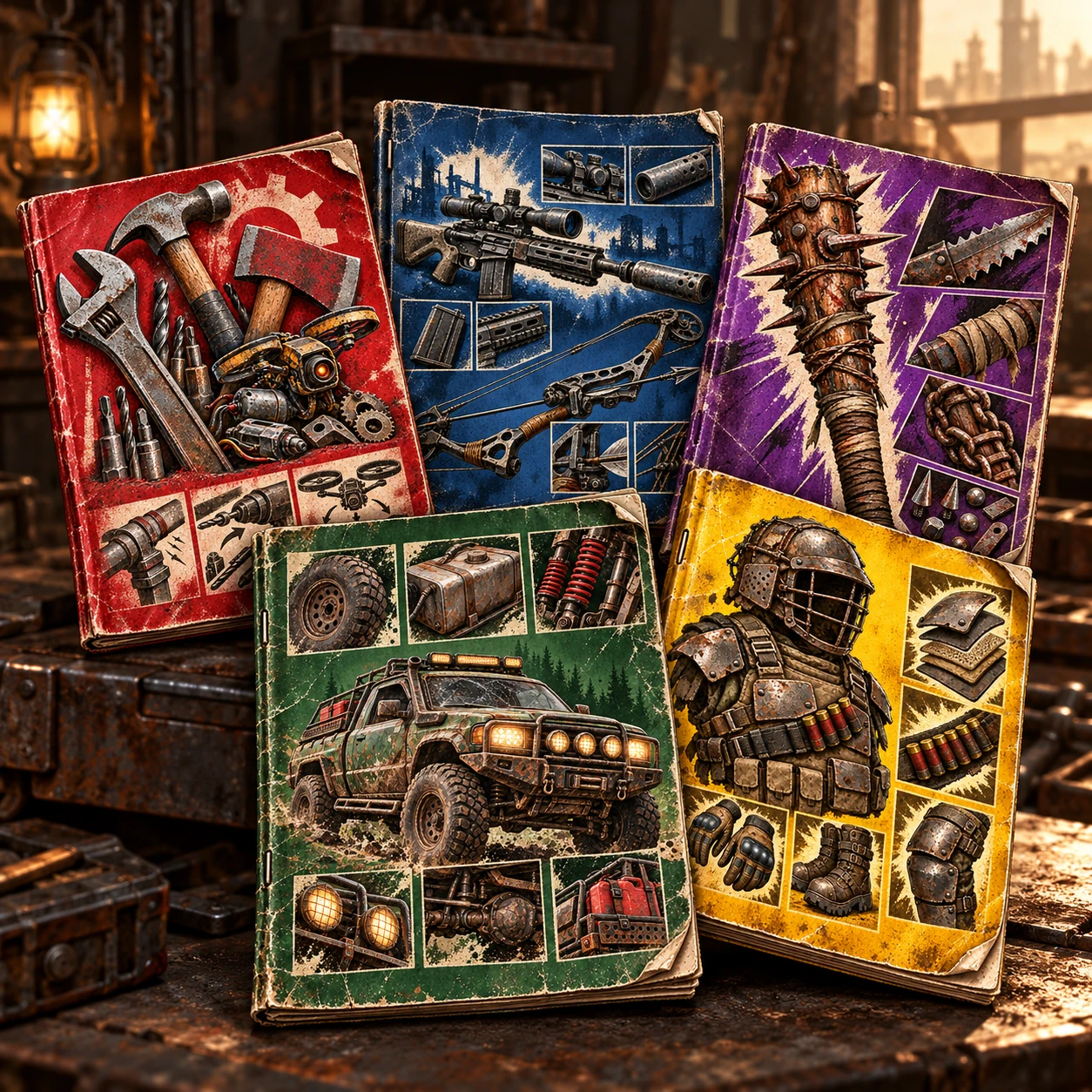
模组零件品质书籍
通过阅读日志制作更高质量的工具、枪械、近战武器、护甲和车辆模组。
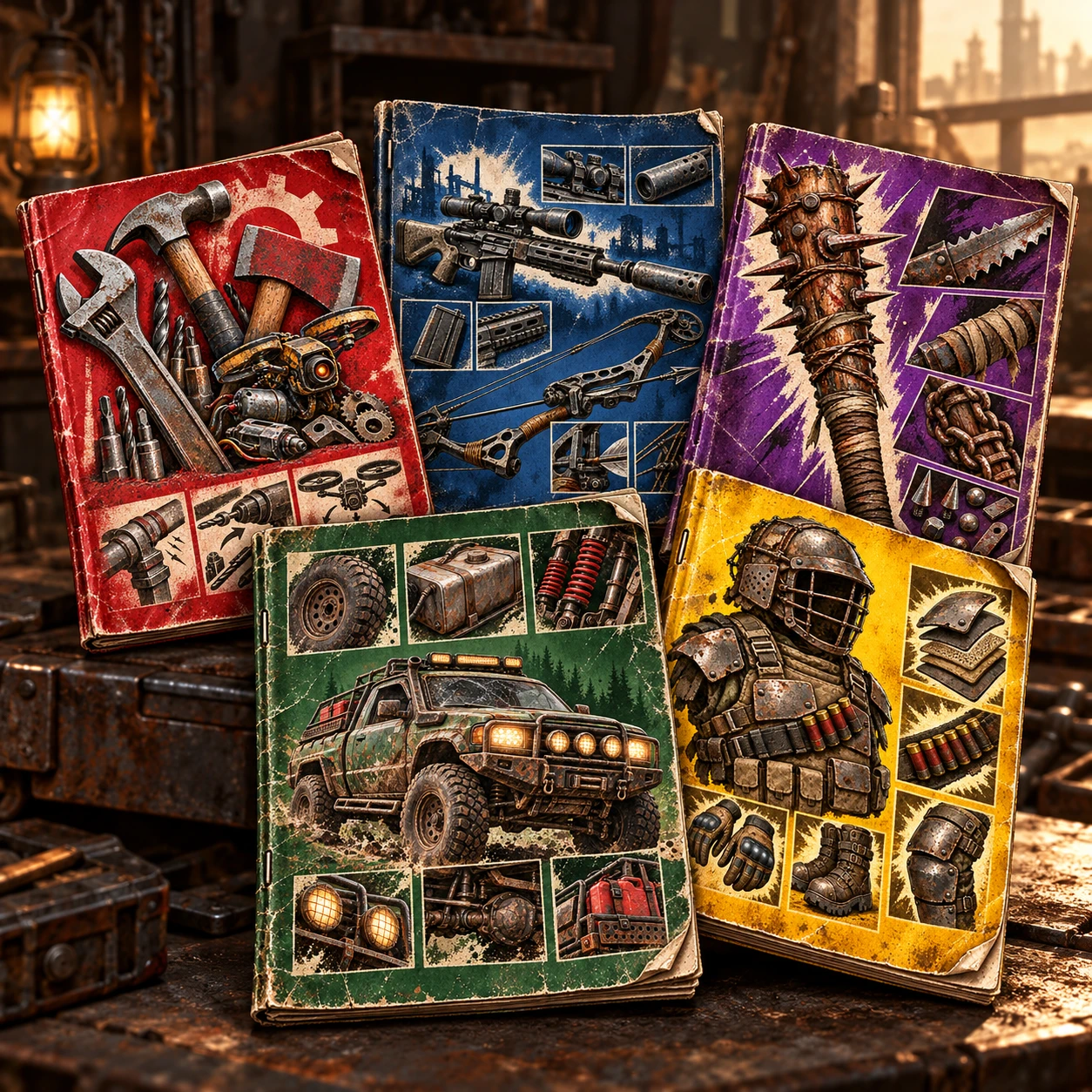 查看大图
JP
说明
通过阅读专用制作书,可以制作更高质量的工具、枪械、近战武器、防具、载具改装零件。
书的种类共5种 ・工具系改装零件书 ・枪械系改装零件书 ・近战武器系改装零件书 ・防具系改装零件书 ・车辆系改装零件书 每本书每20点提升1级品质。 书的出现率会通过获取技能“高级工程学”而提高。
各书所分配的改装零件,请在制作技能栏中确认。
安装步骤
- 找到《7 Days to Die》的“Mods”文件夹。 默认路径为 %APPDATA%\7DaysToDie\Mods 如有需要,请在此位置创建“Mods”文件夹。
- 将解压后的整个文件夹复制到“Mods”文件夹中。
- 将启用 EAC。
- 如有可能,请开始新游戏。 继续游玩该存档也没有问题,但无法预知会发生什么。
要求
游戏版本 V3.3.0
注意
已确认此MOD可无错误运行。 如果发生错误,很可能是与已安装的其他MOD冲突或其他更改导致的。
- 请删除所有已安装的MOD。
- 请将所有修改过的设置恢复为默认设置。
- 请验证游戏文件的完整性。 仅在安装此MOD并完成上述3个步骤后错误仍未解决时,才请报告问题。 如遵守这些步骤,我们将予以处理。
不保证在非支持版本上的运行。 如果在非支持版本中发生错误,那不是我的责任。 因为不受支持。
Description
By reading specialized crafting manuals, you can craft higher-quality tools, firearms, melee weapons, armor, and vehicle modification parts.
There are five types of books: ・Tool Modification Parts Book ・Firearm Modification Parts Book ・Melee Weapon Modification Parts Book ・Armor Modification Parts Book ・Vehicle Modification Parts Book For each book, the quality increases by one level every 20 points. The drop rate for these books increases when you unlock the “Advanced Engineering” perk.
Please check the Crafting Skills tab to see which modification parts are assigned to each book.
Installation Instructions
- Locate the “Mods” folder for “7 Days to Die.” The default path is %APPDATA%\7DaysToDie\Mods. If necessary, create a “Mods” folder in this location.
- Copy the entire extracted folder into the “Mods” folder.
- Disable EAC.
- If possible, start a new game. You should be able to play an existing game without issues, but there’s no guarantee what might happen.
Requirements Game Version V3.3.0
Note: This mod has been confirmed to work without errors. If an error occurs, it is likely caused by a conflict with other installed mods or other changes.
- Please remove all installed mods.
- Please reset all modified settings to their defaults.
- Please verify the integrity of your game files. Please report an issue only if the error persists after installing this mod and completing the three steps above. We cannot address error reports where we determine that these steps were not followed.
We cannot guarantee compatibility with unsupported versions. If an error occurs in an unsupported version, it is not my responsibility. After all, it’s unsupported. Please stop this nonsense for a while. It’s really exhausting.
正在加载版本记录…
正在加载评论…
评论在新手盒子客户端中发表,这里同步展示。