魔法门
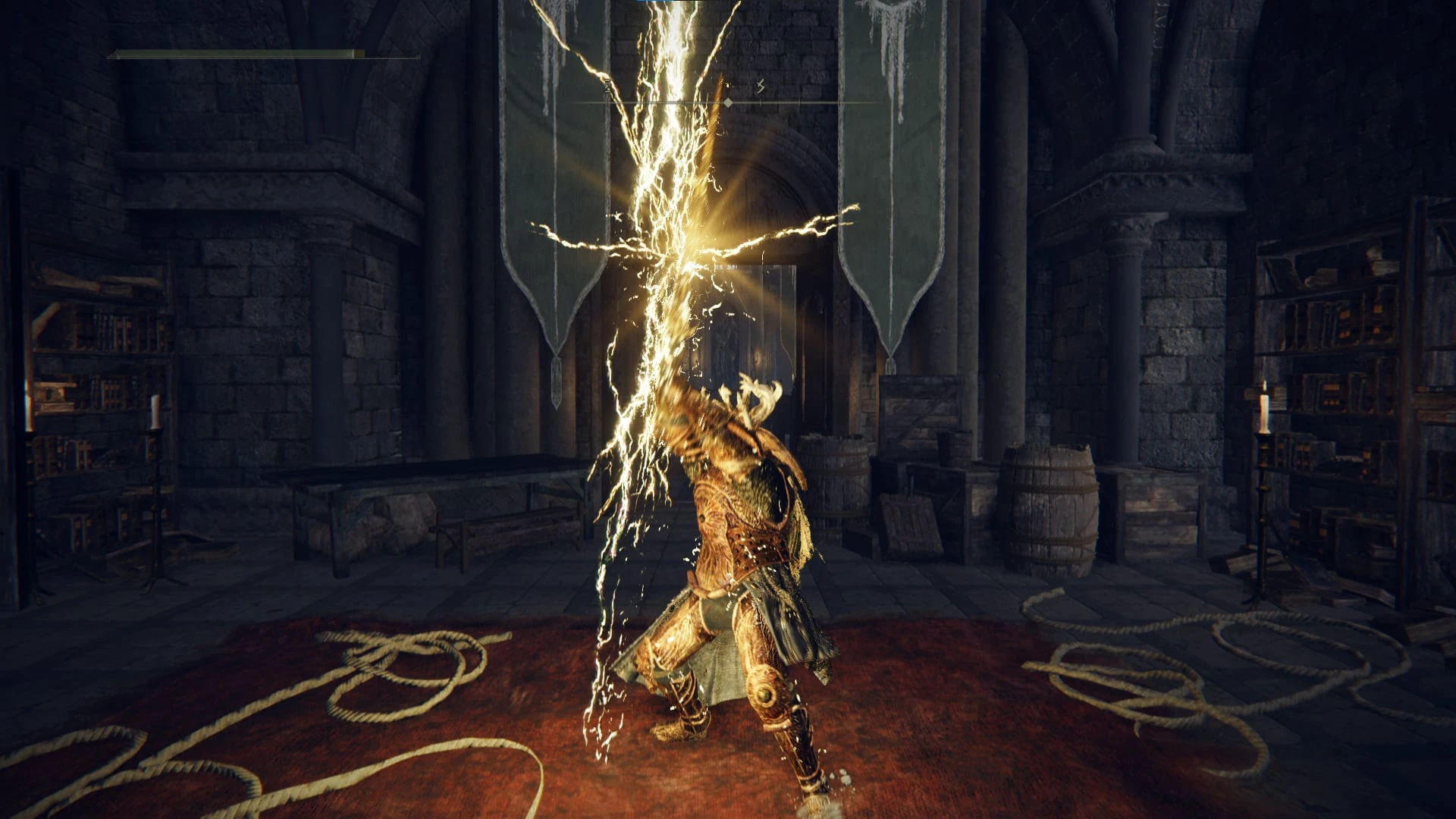
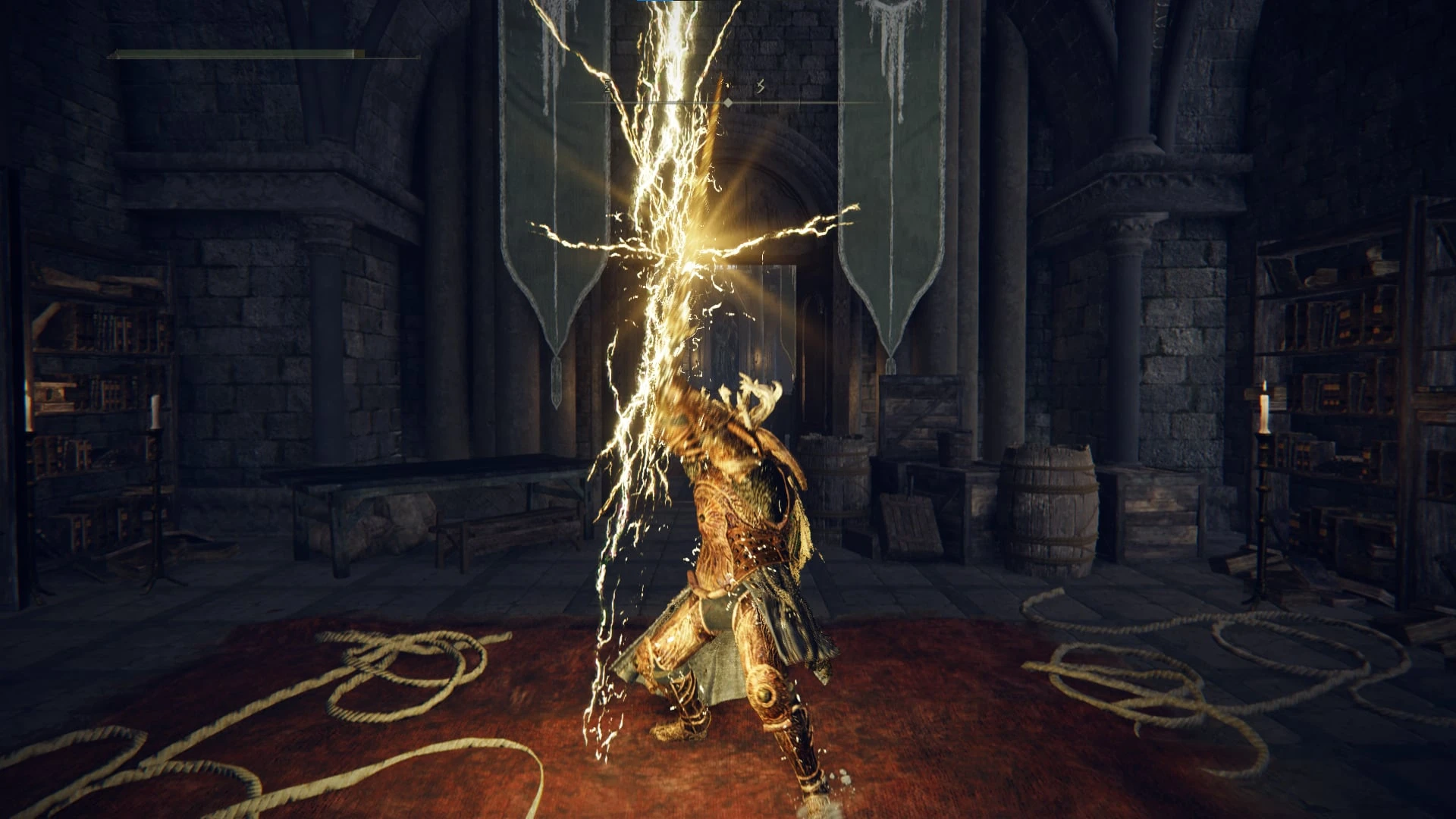
某些法术和武器技艺给人一种强大的感觉,但并未达到预期效果。很多时候,因为即便是一个微不足道的干扰也能让你中断。我在其中几个的巅峰时刻添加了类似“忍耐”的效果。
 查看大图
已更新至游戏版本 1.17.3
将战灰附加到独特武器的功能并非本模组自带,而是来自我的另一个模组:
[url=https://www.nexusmods.com/eldenring/mods/7148]https://www.nexusmods.com/eldenring/mods/7148[/url]
[b][size=4]模组版本 1.0.2[/size][/b]
针对游戏版本 1.17.3 的更新
新增了未打包的 TAE 文件,便于合并。
[b][size=4]
模组版本 1.0.1[/size][/b]
[b]错误修复:[/b]
SpEffect [Standard VFX] Endure Lite III - Heavy 存在错误,导致其消耗的 FP 高于预期。
SpEffect [Standard VFX] Endure - Troll's Roar 的 PVE 圣属性伤害减免被设置为 15%,而非 35%。
[b][size=4]模组版本 1.0.0[/size][/b]
我创建了 4 个等级的“类忍耐”效果:
[b] [Standard VFX] Endure - Troll's Roar:
[/b] ID:1649
持续时间:2.5 秒
伤害减免:35%
抗击退。
[b][No VFX] Endure Lite I - Magic:
[/b] ID:1657
持续时间:0.5 秒
伤害减免:15%
抗击退。
[b] [Lightning VFX] Endure Lite II - Lightning:
[/b] ID:1658
持续时间:1 秒
伤害减免:15%
抗击退。
[b] [Standard VFX] Endure Lite III - Heavy:[/b]
ID:1659
持续时间:1.5 秒
伤害减免:15%
抗击退。
修改的法术:
[b] Aspects of the Crucible Horns:[/b]
TAE:471
略微提高了敏捷对法术启动动画的影响:最大加速帧数 10 -> 12
[b]Aspects of the Crucible Tail:[/b]
TAE:470
略微提高了敏捷对法术启动动画的影响:最大加速帧数 8 -> 10
在第二次尾巴重击前添加了屏幕震动和“Endure Lite I”。
修改的战技:
[b] Carian Greatsword/Grandeur/Sovereignty:[/b]
TAE:666, 667, 885
在战技完全蓄力时添加了屏幕震动和“Endure Lite I”。
[b] Lightning Slash:[/b]
TAE:665
在闪电命中玩家武器时添加了屏幕震动和“Endure Lite II”。
[b] Stamp, Upward Cut/Sweep:[/b]
TAE:606, 607 继承自 606
在玩家脚接触地面时(进入低架势的过程中)添加了屏幕震动和“Endure Lite III”。
[b] Troll's Roar:[/b]
TAE:743
在完成战技的踩踏部分后添加了“Endure - Troll's Roar”。
[b]编辑的参数[/b]:
[code]SpEffectParam[/code][b]
编辑的 TAE[/b]:
[code]470, 471, 606, 607, 666, 667, 743, 885[/code]
[b]安装:[/b]
[list=1]
[]确保已安装 ModEngine2:
[url=https://github.com/soulsmods/ModEngine2/releases]https://github.com/soulsmods/ModEngine2/releases[/url][/]
[]解压模组。[/]
[]将“regulation.bin”文件和“chr”放入 ModEngine2 目录中的“mod”文件夹[/]
[]使用“launchmod_eldenring.bat”运行游戏[/]
[/list]
我包含了用于与其他模组合并的 CSV,本模组只需“regulation.bin”中的 4 个效果即可运行:
SpEffectParams:
[code]1649, 1657, 1658, 1659[/code]
上述效果已包含在 Vanilla Plus 中,因此如果你已安装它,则无需合并或“regulation.bin”,只需“chr”文件即可。
不过,你仍需要“chr”文件以获取更新的动画事件。
[b]合并说明:[/b]
1. 下载 Yabber:[url=https://www.nexusmods.com/sekiro/mods/42?tab=files]https://www.nexusmods.com/sekiro/mods/42?tab=files[/url]
2. 在你想合并的模组中找到以下文件:
[code]chr/c0000.anibnd.dcx[/code]3. 通过将 [b]c0000.anibnd.dcx[/b] 拖到 [b]Yabber.exe[/b] 图标上,使用 Yabber 解包它。
4. Yabber 将创建一个名为 [b]c0000-anibnd-dcx[/b] 的文件夹。
5. 打开该文件夹,然后将“Might and Magic”模组中的 TAE 文件复制到以下目录,并在提示时替换现有文件:
[code]c0000-anibnd-dcx\GR\data\INTERROOT_win64\chr\c0000\tae[/code]6. 再次将 [b]c0000-anibnd-dcx[/b] 拖到 [b]Yabber.exe[/b] 图标上,重新打包该文件夹。
7. 现在你可以删除 [b]c0000-anibnd-dcx[/b] 文件夹,因为更改已并入 [b]c0000.anibnd.dcx[/b]。
祝你玩得愉快!
[b]我的其他模组:[/b]
[list]
[]Vanilla Plus - Weapons, Spells and Skills Overhaul
[url=https://www.nexusmods.com/eldenring/mods/7148]https://www.nexusmods.com/eldenring/mods/7148[/url][/]
[/list][list]
[]Immersive Difficulty
[url=https://www.nexusmods.com/eldenring/mods/7179]https://www.nexusmods.com/eldenring/mods/7179
[/url][/]
[/list][b]我喜欢搭配游玩的模组:[/b]
[list]
[]Sekiro Dash DLC
[url=https://www.nexusmods.com/eldenring/mods/5310]https://www.nexusmods.com/eldenring/mods/5310[/url][/]
[/list][list]
[]Transmogrify Armor
[url=https://www.nexusmods.com/eldenring/mods/3596]https://www.nexusmods.com/eldenring/mods/3596[/url][/]
[/list]
正在加载版本记录…
正在加载评论…
评论在新手盒子客户端中发表,这里同步展示。