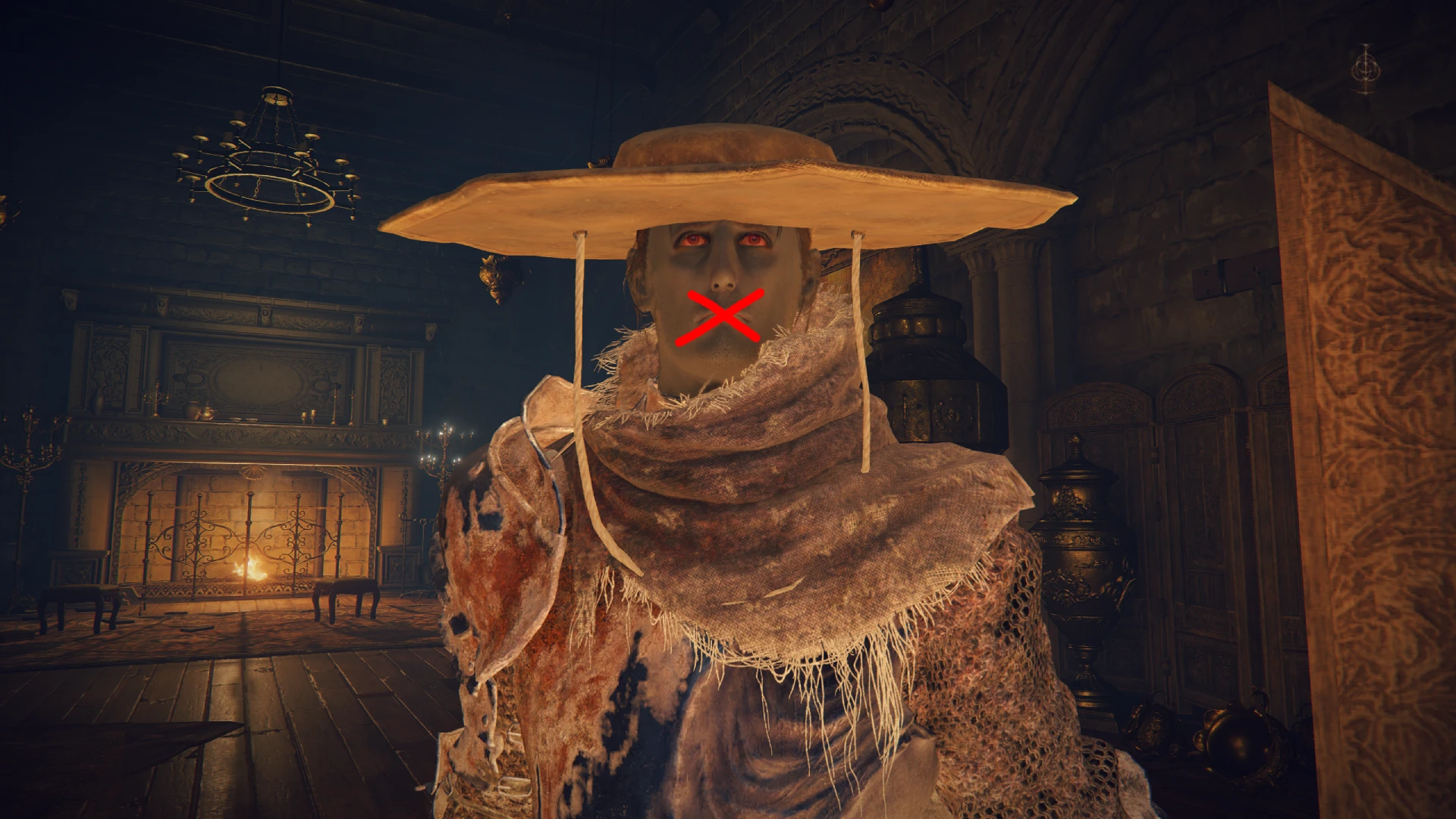
无言褪色者 - 艾尔登法环:黄金树之影兼容(静音玩家语音)
让玩家安静,兼容最新版本的《艾尔登法环》黄金树幽影(版本1.17)。
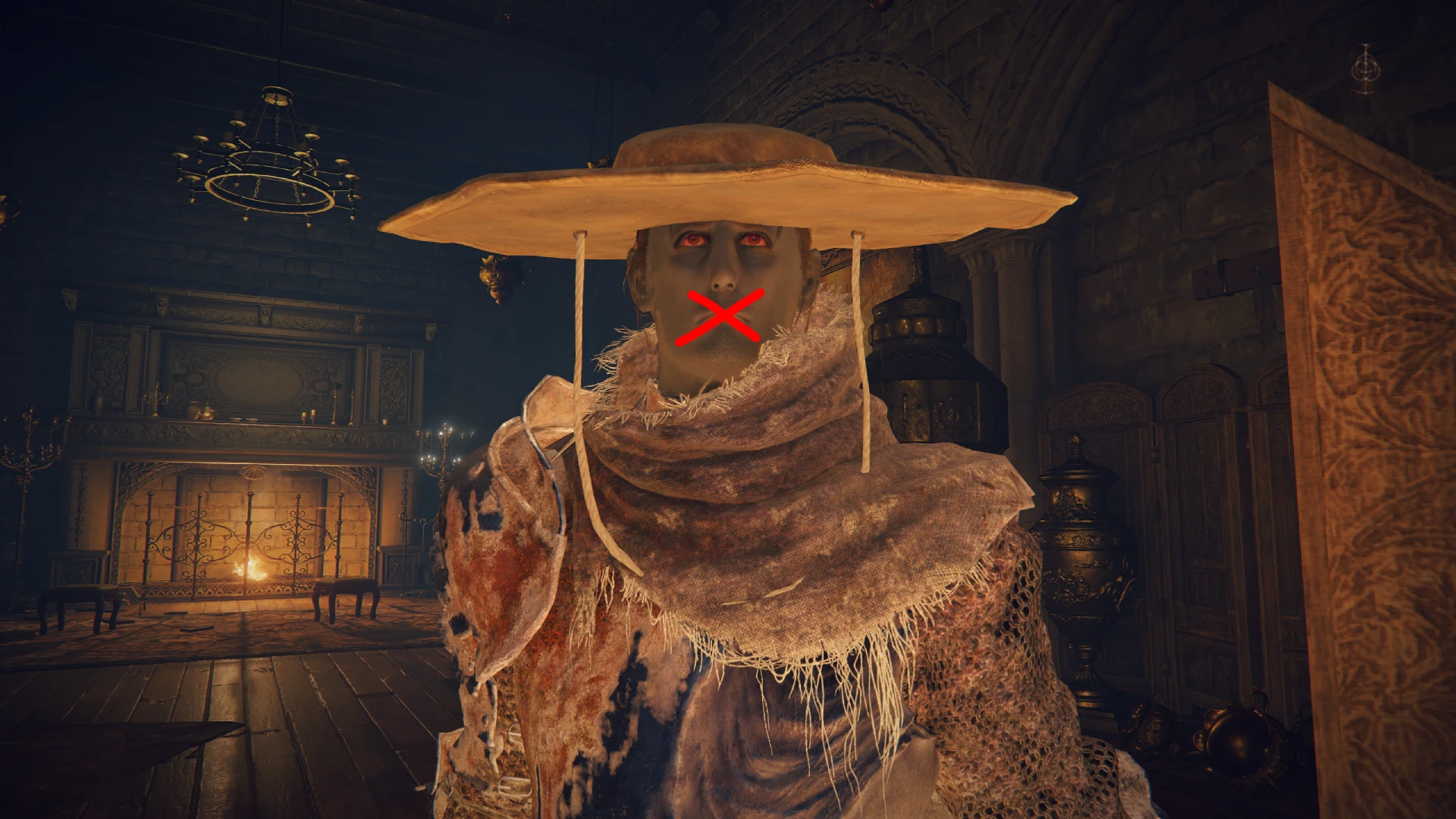 查看大图
查看大图[url=https://www.nexusmods.com/profile/Tripp426]Tripp426[/url] 的 [url=https://www.nexusmods.com/eldenring/mods/2357?tab=description]Silence Player Character Voice[/url] CSV 的预应用版本。由于该模组只是一个简单的 regulation.bin 参数编辑,我认为不应被视为复制他们的作品。
这个模组只是为褪色者创建一个完全静音的新语音选项。可以随时在镜子处更改玩家语音来切换(静音语音位于底部且没有名称)。
[b]安装:
[/b]1. 备份你的存档(可选)
2. 备份你的 [b]regulation.bin[/b],位于游戏文件夹:...\ELDEN RING\Game
3. 将编辑后的 regulation.bin(本模组)放入游戏文件夹
4. 在[b]禁用反作弊[/b]的情况下以离线模式启动游戏。
禁用反作弊有多种选择:
[url=https://www.nexusmods.com/eldenring/mods/90]反作弊切换器和离线启动器[/url]
[url=https://www.pcgamingwiki.com/wiki/Elden_Ring#Easy_Anti-Cheat]Elden Ring - PCGamingWiki[/url]
[url=https://www.nexusmods.com/eldenring/mods/98]离线启动器(无 EAC)[/url]
要卸载此模组,你只需用原始文件替换编辑后的 regulation.bin。我在下载区添加了原版 regulation.bin,以备有人需要。
如果你希望手动为新补丁更新此模组,只需:
1. 安装 [url=https://github.com/vawser/Smithbox/releases]Smithbox[/url]([url=https://www.youtube.com/watch?v=v0A9hY4jQWQ]使用 Smithbox 的简单指南[/url])
2. 下载 [url=https://www.nexusmods.com/profile/Tripp426]Tripp426[/url] 的 [url=https://www.nexusmods.com/eldenring/mods/2357?tab=description]Silence Player Character Voice[/url]
2. 在 general 下选择 [i]CharMakeMenuListItemParam [/i]。
3. 从顶部栏选择 Data -> Import CSV -> From file -> All fields
4. 选择刚下载的 CSV(必须解压)
5. 保存
感谢 [url=https://www.nexusmods.com/profile/Tripp426]Tripp426[/url] 提供的 CSV。
正在加载版本记录…
正在加载评论…
评论在新手盒子客户端中发表,这里同步展示。