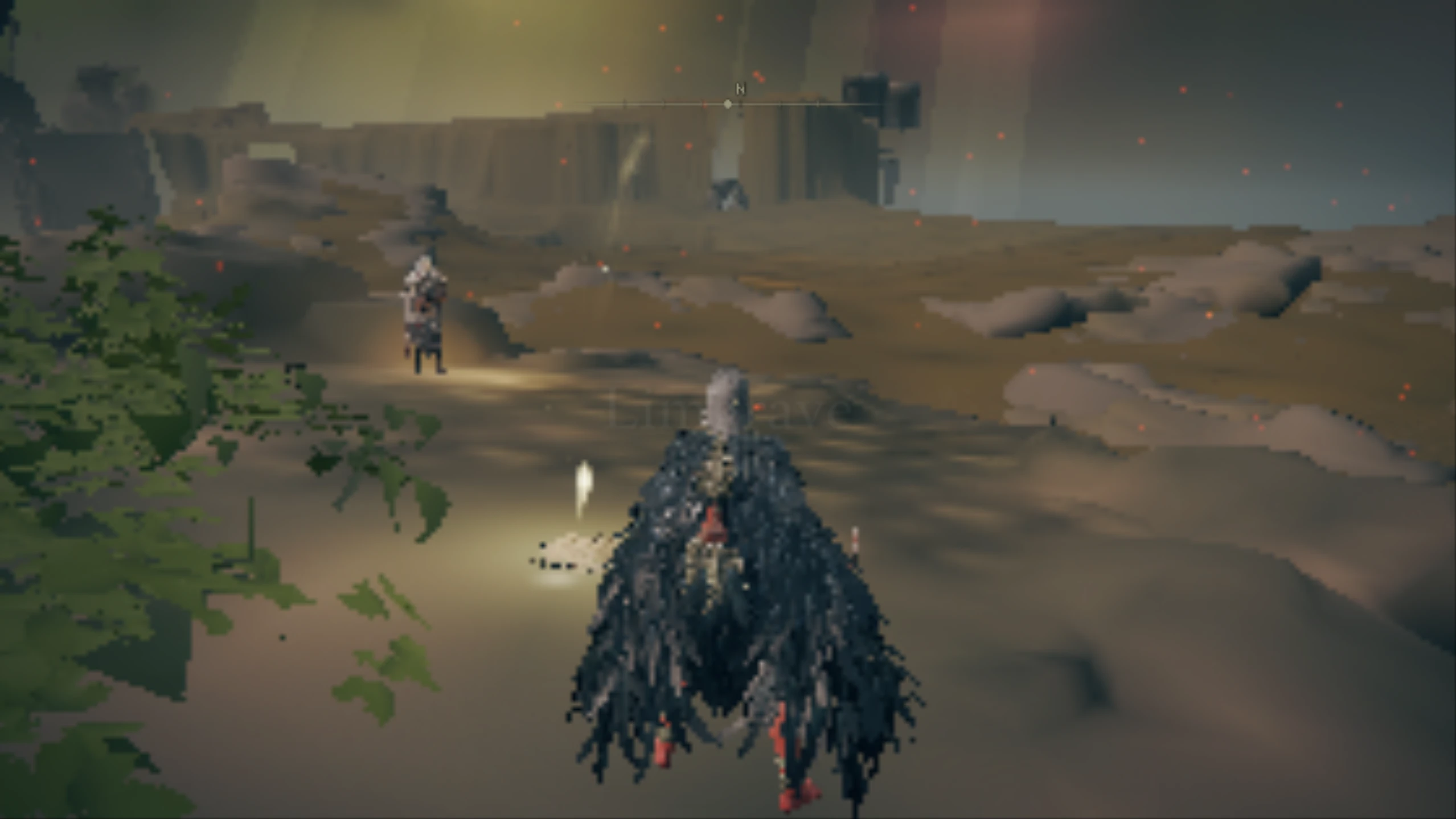
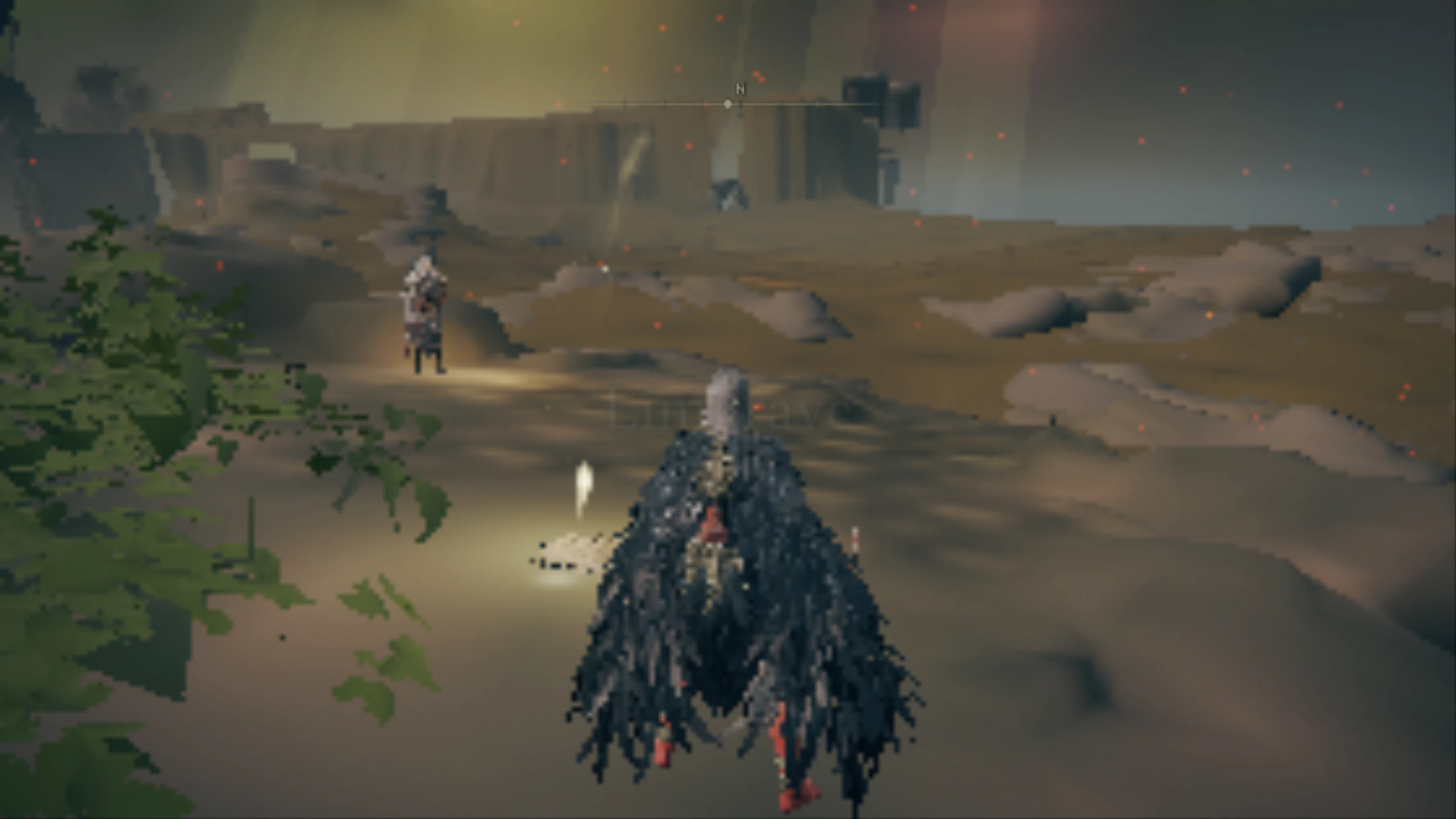
艾尔登法环低配电脑版。(优化器)
让低端PC的玩家也能玩《艾尔登法环》
 查看大图
查看大图我使用了一些来自其他模组的 cvs 制作了这个模组,由 AING MAUNG、[url=https://www.nexusmods.com/eldenring/users/177091422]XopH29[/url] 创建 https://www.nexusmods.com/eldenring/mods/4619?tab=description
[size=6]我不建议在线使用它(小心驶得万年船)。[/size]
[size=6]安装指南:[/size]
[size=2]1. 下载模组并解压[/size]
前往 Elden Ring 文件夹位置 "C:\Program Files (x86)\Steam\steamapps\common\ELDEN RING\Game" 或你的对应路径,然后将 "regulation.bin" 重命名,或将其移动到模组文件夹内的 Backup 中
从 optimized 文件夹中复制 "regulation.bin" 并粘贴到 Elden Ring 游戏文件夹中,"C:\Program Files (x86)\Steam\steamapps\common\ELDEN RING\Game"
如有需要,使用 800x600 或 800x450 屏幕分辨率,享受吧 😊。
注意:
打开游戏,然后前往 [b]System --> Graphics[/b],并确保 "[b]Auto-detect best rendering settings[/b]" 已开启(如果没有开启,就把它打开)
[size=5]必备模组(适用于 Intel UHD Graphics 620:
[url=https://www.nexusmods.com/eldenring/mods/1947]https://www.nexusmods.com/eldenring/mods/1947[/url](移除黄金树) [url=https://www.nexusmods.com/eldenring/mods/3668]https://www.nexusmods.com/eldenring/mods/3668[/url](土豆材质) [url=https://www.nexusmods.com/eldenring/mods/147]https://www.nexusmods.com/eldenring/mods/147[/url](禁用锐化) [url=https://www.nexusmods.com/eldenring/mods/3665]https://www.nexusmods.com/eldenring/mods/3665[/url](移除泛光)[/size]
正在加载版本记录…
正在加载评论…
评论在新手盒子客户端中发表,这里同步展示。