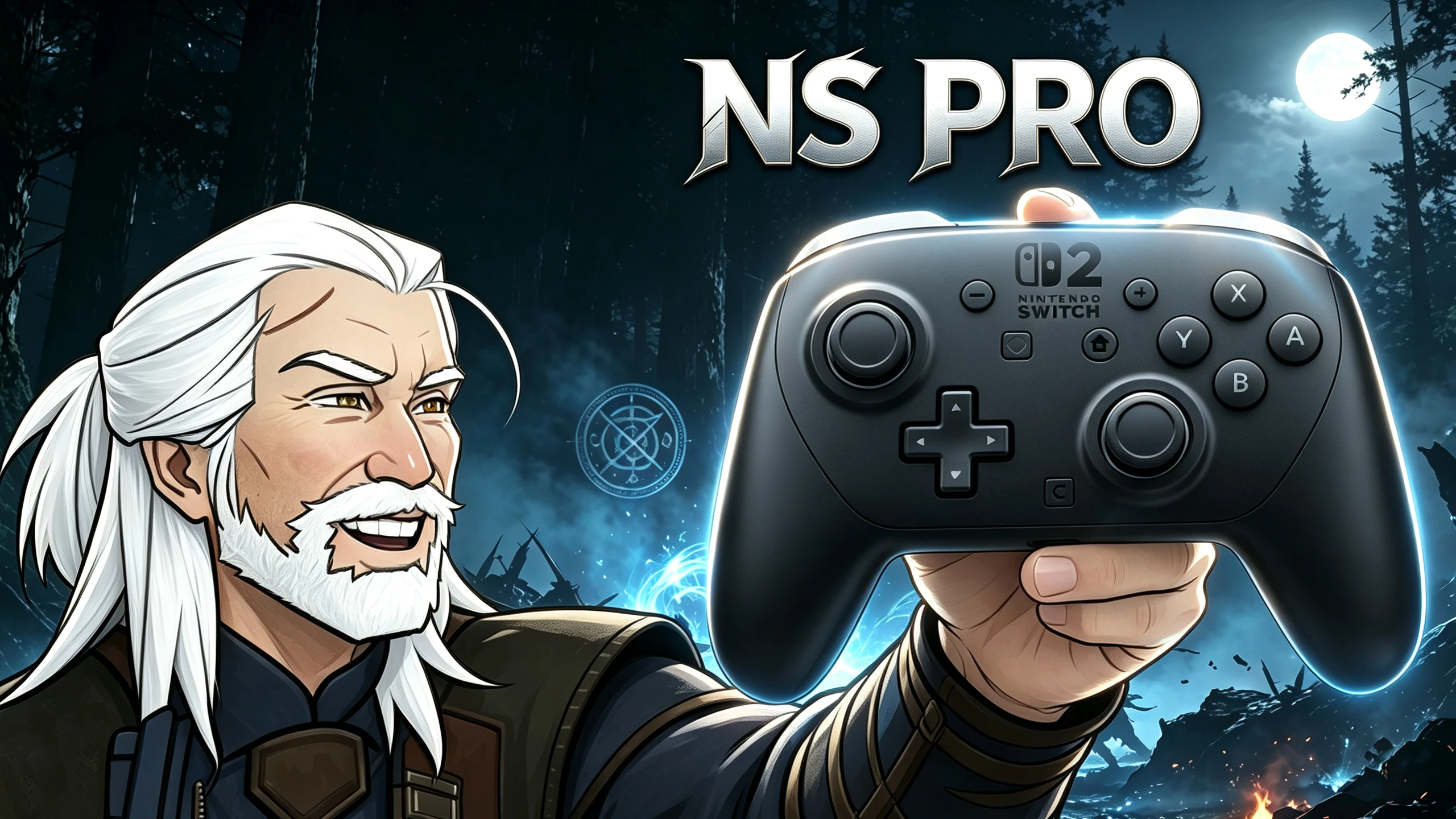
Switch NSPro 控制器预设
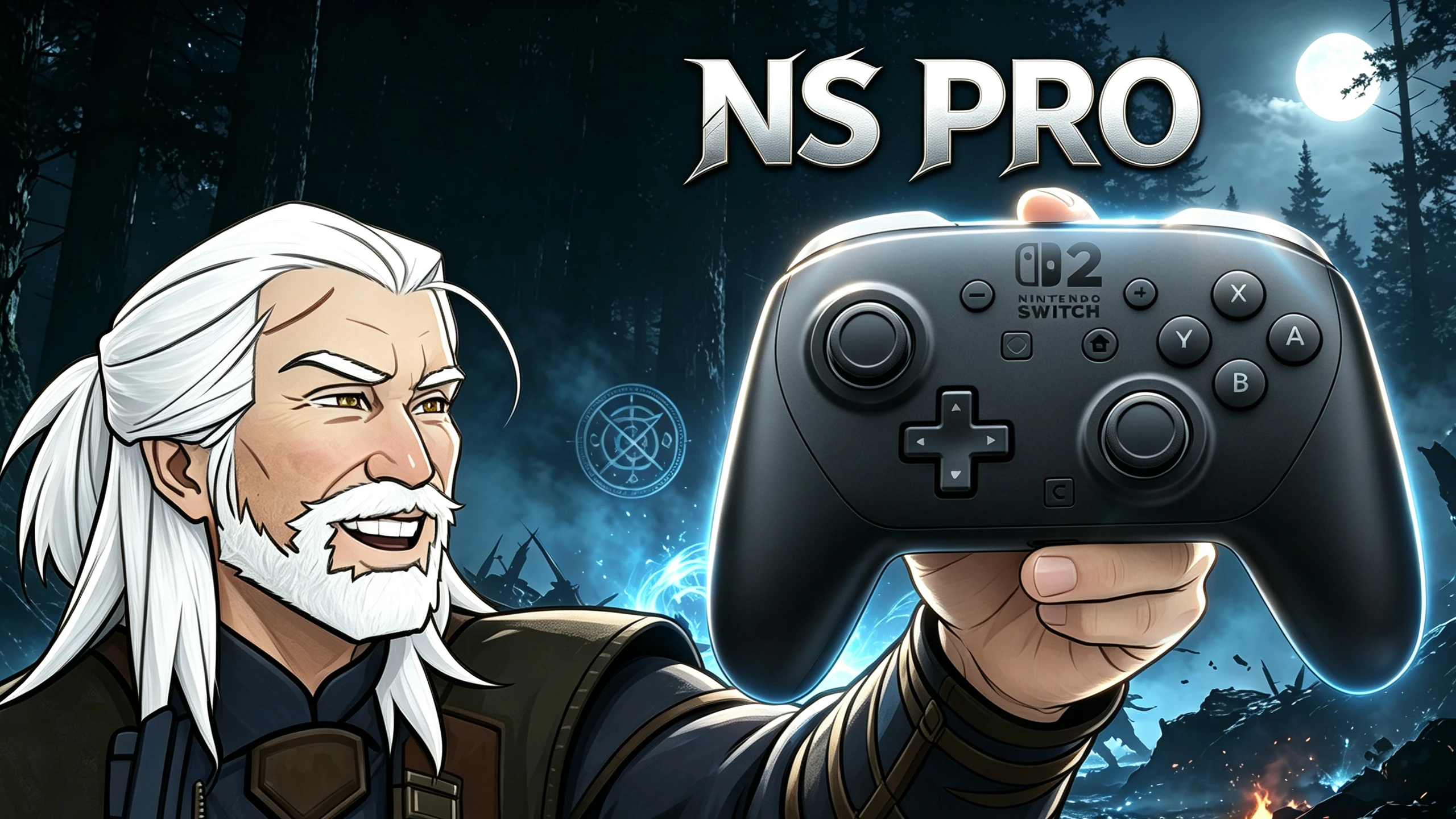
更改了轻击、重击、翻滚、闪避、跳跃等键位,以适配NS Pro手柄 Modified the key‑binds for light attack, heavy attack, roll, and jump to fit the NS Pro Controller.
 查看大图
手柄按键重映射
- B 键:跳跃
- Y 键:轻击
- X 键:重击
- A 键:闪避
- B 键:翻滚
法印说明:因为调换了右下角界面提示里的闪避与翻滚,阿尔德和昆恩的显示会颠倒,该问题无法修改。
安装说明
- 打开游戏目录:"C:\Users\ 你的用户名 \Documents\The Witcher 3"
- 将 "input.settings" 重命名为 "input.settings.bak",备份原配置。
- 用模组提供的新 "input.settings" 文件替换原有文件。
卸载说明
- 打开游戏目录:"C:\Users\ 你的用户名 \Documents\The Witcher 3"
- 删除本模组提供的 "input.settings" 文件。
- 将备份文件 "input.settings.bak" 改回原名 "input.settings"。
Remapped Controller Buttons
- B: Jump
- Y: Light attack
- X: Heavy attack
- A: Dodge
- B: Roll
For Signs: Due to swapping Dodge and Roll in the bottom‑right on‑screen button prompts, Aard and Quen are reversed, and this cannot be modified.
Installation Instructions
- Navigate to the game directory: "C:\Users\YOUR_USERNAME\Documents\The Witcher 3".
- Rename "input.settings" to "input.settings.bak" to back up your original settings.
- Replace the old "input.settings" file with the new one provided by the mod.
Uninstallation Instructions
- Navigate to the game directory: "C:\Users\YOUR_USERNAME\Documents\The Witcher 3".
- Delete the "input.settings" file provided by the mod.
- Rename the original "input.settings.bak" back to "input.settings".
正在加载版本记录…
正在加载评论…
评论在新手盒子客户端中发表,这里同步展示。