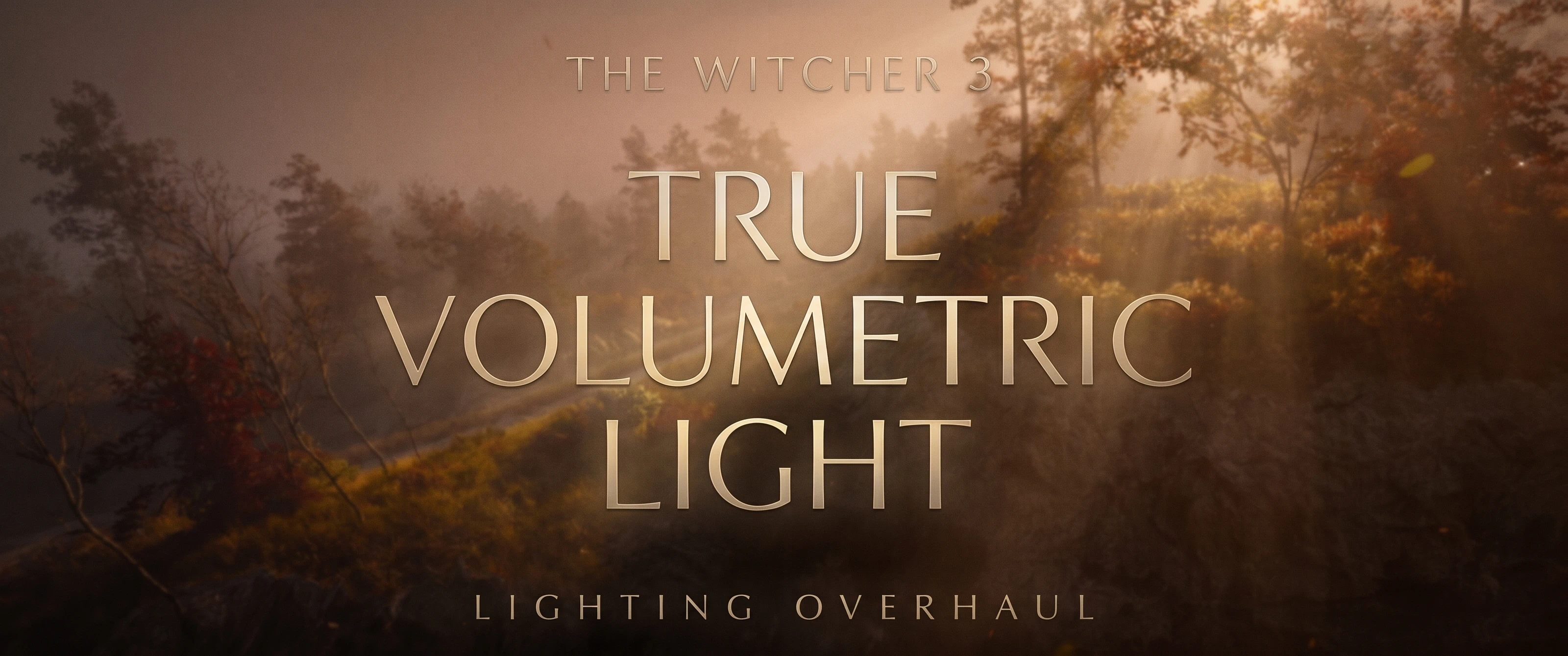
True Volumetric Light
Adds volumetric sunlight: real light shafts and shadows in the game's own fog, traced through the sun's shadow map. Follows the weather and time of day out of the box. Works with fog mods, raster, RT and path tracing, DLSS and frame generation. About 0.5 ms of GPU time. ReShade add-on, beta.
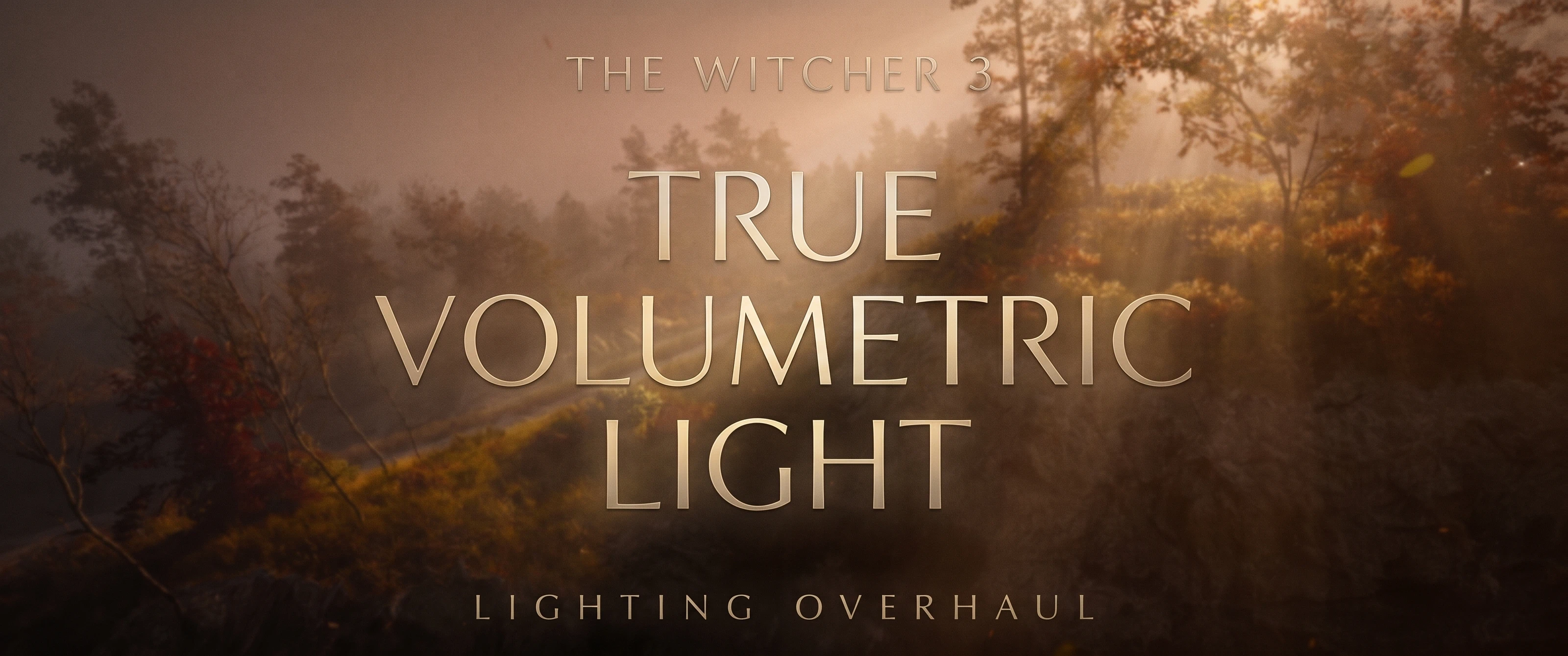 查看大图
[center][size=6][b]True Volumetric Light[/b][/size]
[size=4]Real god rays for The Witcher 3 [/size][/center]
[line]
[size=5][b]What is this?[/b][/size]
You know that moment when the sun is low, there's a bit of haze in the air, and light pours through the trees in visible beams? The Witcher 3 has the haze, but the light never really cuts through it. The fog looks the same in the sun and in the shade.
This mod fixes that. It looks at where the game's own shadows fall, and lights the fog to match. Sunlight streams through arches, bridges, tree crowns and city streets, and the air in the shade gets darker, just like in real life.
[list]
[][b]Real shafts of light, not a filter.[/b] They come from the actual shadows in the scene, so they line up with every tree, tower and fence.[/]
[][b]Doesn't wash out the picture.[/b] Most of the effect comes from darkening the air in shadow rather than adding glare on top, so the image keeps its contrast.[/]
[][b]Looks right out of the box.[/b] The mod reads the game's weather and time of day as you play: thin haze at noon, golden beams at sunset, soft moonlight at night, almost nothing in the rain. No tweaking needed.[/]
[][b]Plays nice with fog mods.[/b] If another mod changes the game's fog (like Fog Remastered), the light follows it.[/]
[][b]Fires glow in the fog.[/b] Torches, campfires and lanterns light up the haze around them in their own warm colour, even the torch in Geralt's hand. Big bonfires and small lanterns are evened out so none of them blinds you or disappears.[/]
[][b]Lives inside the game's image.[/b] It's added before the game's own bloom and tone mapping, so it blends in like part of the original lighting.[/]
[][b]Light on performance.[/b] Around half a millisecond per frame on the default setting.[/]
[/list]
[line]
[size=5][b]What you need[/b][/size]
[list]
[]The Witcher 3 [b]next-gen version, running in DirectX 12[/b]. DirectX 11 isn't supported.[/]
[][url=https://reshade.me]ReShade[/url] 6.x [b]with full add-on support[/b] (the "add-on" download on the ReShade site). I used ReShade 6.8.0.[/]
[/list]
[size=5][b]How to install[/b][/size]
[list=1]
[]Install ReShade with add-on support for [i]bin\x64_dx12\witcher3.exe[/i] and pick DirectX 10/11/12.[/]
[]Extract the archive into your game folder ([i]The Witcher 3\[/i]), or install it with your mod manager. You should end up with [i]TrueVolumetricLight.addon64[/i] and a [i]TrueVolumetricLight[/i] folder right next to witcher3.exe in [i]bin\x64_dx12[/i].[/]
[]Launch the game. That's it, the light is on by default.[/]
[/list]
To change settings, open the ReShade menu (Home key by default) and go to the [b]True Volumetric Light[/b] tab.
To uninstall, just delete [i]TrueVolumetricLight.addon64[/i] and the [i]TrueVolumetricLight[/i] folder.
[line]
[size=5][b]Settings[/b][/size]
The defaults are meant to look good everywhere, but if you want to play with it:
[list]
[][b]Toggle key[/b]: pick a key to switch the effect on and off. Great for before/after comparisons.[/]
[][b]Density[/b]: more means thicker air and stronger beams.[/]
[][b]Height[/b]: how high above the ground the air stays thick.[/]
[][b]Shadows in the game's haze[/b]: how dark the shaded air gets. This is the main "how visible are the beams" slider.[/]
[][b]Extra sunlit haze[/b]: adds a warm glow where the sun hits the air, for brighter, more golden rays.[/]
[][b]Fire glow in the haze[/b]: how strongly fires and lamps light up the fog around them (0.5 by default). 0 turns it off.[/]
[][b]Fire glow indoors[/b]: the same for rooms, cellars and caves (0.25 by default), so a small room full of braziers doesn't turn into a sauna. The mod blends between the two as you walk in and out.[/]
[][b]Fire shadows in the haze (experimental)[/b]: fires cast shadows into their own glow, so you get shafts of firelight through fences and between people. Off by default. Some fires lose their shadows from certain angles (the game itself drops them), and a moving torch can leave a short trail, so treat it as a screenshot toy for now.[/]
[][b]Quality[/b]: Low, Medium, High (default) or Ultra.[/]
[][b]Reset to defaults[/b]: messed with the sliders? One click brings back how the mod comes (your toggle key stays).[/]
[/list]
Everything saves automatically. Tip: leave [i]Dim the scene behind the medium[/i] off, especially with fog mods like Fog Remastered.
[size=5][b]Performance[/b][/size]
Measured at 3440x1440 on an RTX 5080. You can see the live number at the top of the mod's tab.
[list]
[]Low: [b]0.20 ms[/b][/]
[]Medium: [b]0.38 ms[/b][/]
[]High (default): [b]0.45 ms[/b][/]
[]Ultra: [b]0.63 ms[/b][/]
[/list]
Frame generation doesn't make it more expensive. The light is only worked out for frames the game really renders.
[line]
[size=5][b]Compatibility[/b][/size]
I've played with it alongside [b]W3 Clouds[/b], [b]Fog Remastered[/b], [b]Dynamic Fog[/b] and [b]The Living Continent[/b], in path tracing, ray tracing and plain raster, with DLSS (frame generation too), FSR and no upscaler. All good.
[list]
[][b]Fog Remastered:[/b] its Density slider affects this mod too. If you crank its fog way up, you may want to lower Density here a bit. Its own sun rays can stay on.[/]
[][b]RenoDX:[/b] works from 0.1.4. RenoDX replaces the game's tone mapper and draws it itself, so earlier versions put the light in too late and nothing showed up. 0.1.5 also fixes a crash with RenoDX-based add-ons such as Darker Nights.[/]
[][b]OptiScaler:[/b] it creates an extra DirectX 11 device next to the game's DirectX 12 one; from 0.1.9 the mod ignores that one.[/]
[]Your other ReShade effects keep working as usual.[/]
[/list]
[size=5][b]It's a beta[/b][/size]
[list]
[]I test it on an NVIDIA card. On AMD, versions before 0.1.4 could crash when a save finished loading (especially with FSR). 0.1.4 fixes the most likely cause, so if you're on AMD or Intel, I'd love to hear how it runs for you.[/]
[]Beams come from the sun and the moon. Mountains block them (from 0.1.11). Clouds don't cast beams yet.[/]
[]Fire shadows in the glow are experimental (see Settings). Without them, close to a fire the glow can show through a thin wall.[/]
[]Rooms and caves no longer get darker (0.1.6): the mod notices when there's hardly any sunlight in view and backs off, while a shaft through a window still shows.[/]
[/list]
[size=5][b]Found a problem?[/b][/size]
Please post [i]ReShade.log[/i] (it's in bin\x64_dx12), tell me which lighting mode, upscaler and frame generation settings you use, and add a screenshot of the [b]Details[/b] section in the mod's tab. That helps a lot.
[line]
[size=5][b]Coming next[/b][/size]
[list]
[]Light breaking through the clouds[/]
[]Making fire shadows stable enough to turn on by default[/]
[/list]
[size=5][b]Credits[/b][/size]
[list]
[][b]crosire[/b] for ReShade and its add-on API. The mod also uses two small helpers from the ReShade examples (BSD 3-clause).[/]
[][b]Omar Cornut[/b] for Dear ImGui (MIT).[/]
[/list]The licences are included in the archive (TrueVolumetricLight\THIRD_PARTY_NOTICES.txt).
正在加载版本记录…
正在加载评论…
评论在新手盒子客户端中发表,这里同步展示。