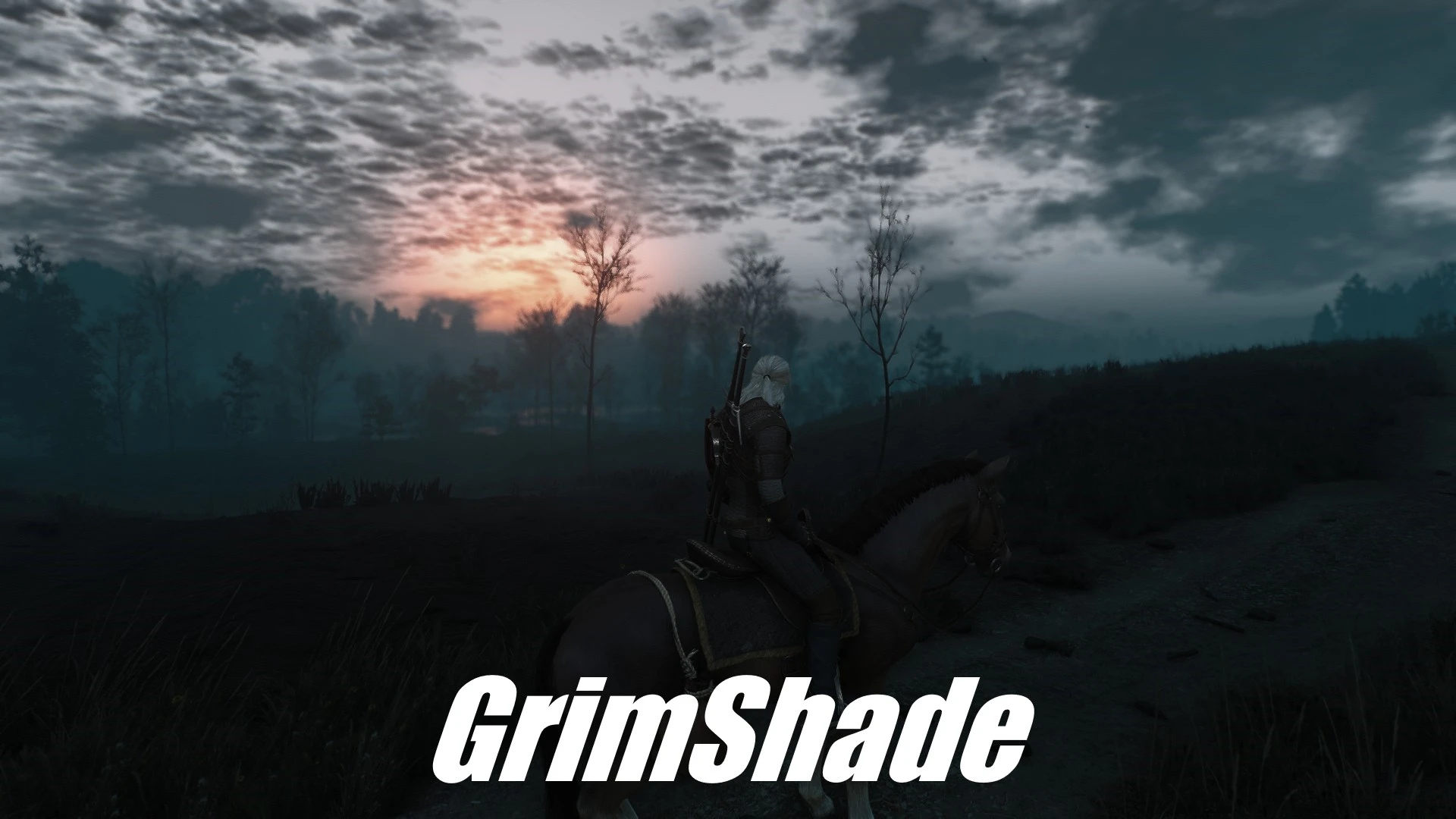
GrimShade - for Remaster and also older versions - Next Gen and Vanilla
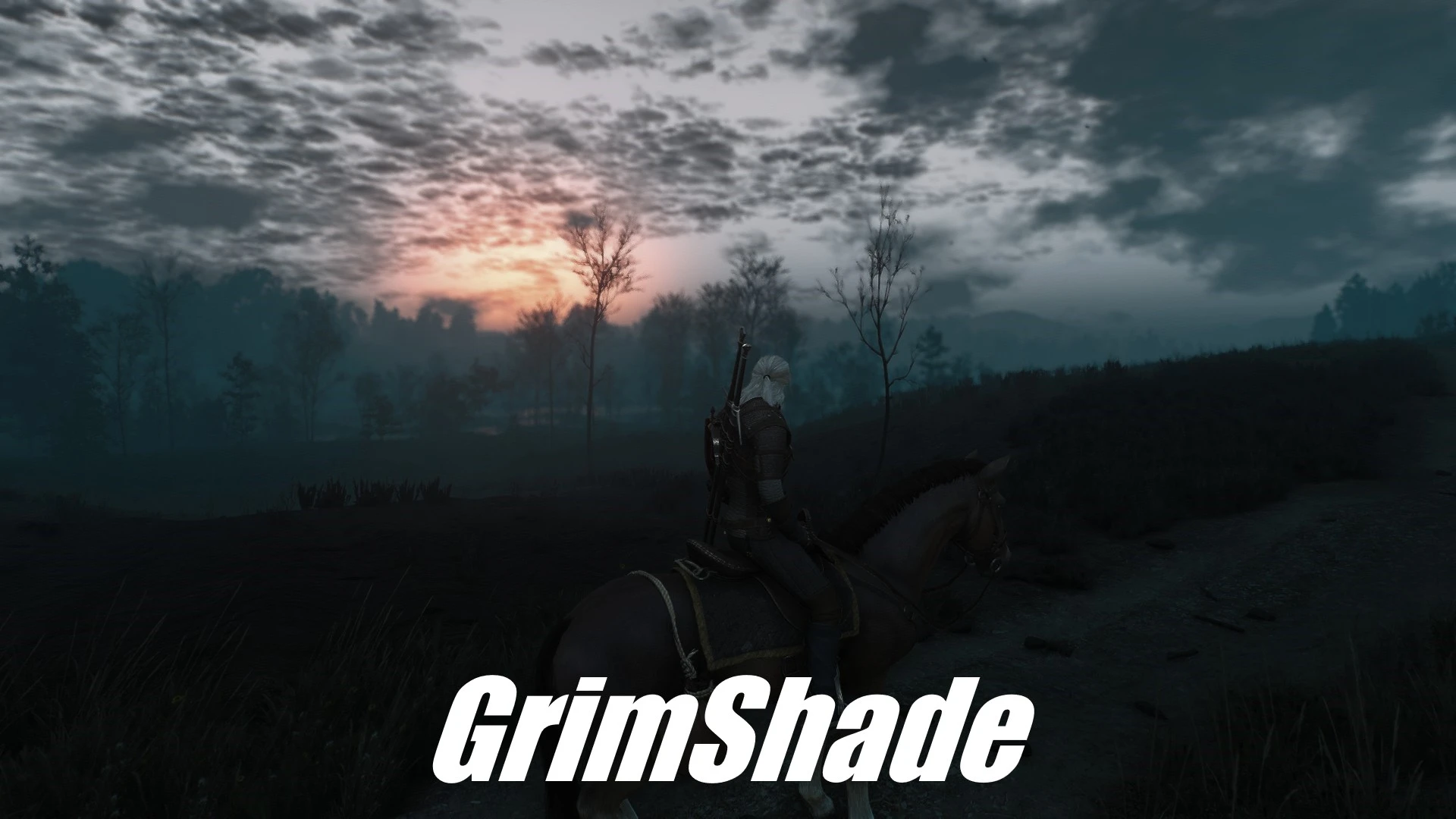
GrimShade - now for ReShade 6.8.0! A Dark&Gritty Reshade Preset | also for White Orchard Lighting Next Gen and Benis Lighting Mod Next Gen
 查看大图
[center][color=#000000][size=4][b]==========================================================================[/b][/size][/color]
[color=#000000][size=6][font=Lucida Sans Unicode][b]|[/b] [/font][/size][size=6][font=Tahoma] [/font][b][font=Tahoma][i]GrimShade - a Dark&Gritty Reshade Preset[/i][/font][/b][i] [/i][/size][/color][b][font=Lucida Sans Unicode][color=#000000][size=6]|[/size][/color][/font][/b]
[b][color=#000000][size=4]==========================================================================[/size][/color][/b][/center]
[center][font=Verdana][size=4][b][color=#000000]------------------------------------[/color][/b][/size][/font][/center]
[center][b][color=#000000][size=4][font=Verdana]-----------------------------[/font][/size][/color][/b][/center]
[center][b][color=#000000][size=4][font=Verdana]--------------------[/font][/size][/color][/b][/center]
[center][b][color=#000000][size=4][font=Verdana]------------[/font][/size][/color][/b][/center]
[center][b][color=#000000][size=4][font=Verdana]------[/font][/size][/color][/b][/center]
[center][b][color=#000000][size=4][font=Verdana]--[/font][/size][/color][/b][/center]
[center][b][size=4][i][font=Tahoma][color=#000000]I feel like the Next-Gen Version is even more colorful than before and i can't stand it.
So i made this Reshade with optional DoF, CA, MXAO and Black Bars.
If you like what you see, please Endorse.[/color][/font][/i][/size][/b][/center]
[center]
[b][font=Lucida Sans Unicode]Read the full Description before posting Issues, please![/font][/b]
[b]You can also use[/b] [url=https://www.nexusmods.com/witcher3/mods/7672?tab=description]Improved SSAO Lighting Mod[/url] [b]and disable MXAO within Reshade - Dx11 ONLY[/b]
[b][font=Lucida Sans Unicode][color=#000000][size=4]My other Reshade Preset -[/size][/color][/font][/b][color=#d8d8d8] [/color][url=https://www.nexusmods.com/witcher3/mods/7379]CineShade[/url][/center]
[center][b][color=#000000]==============================================================[/color][/b][/center]
[center][b][font=Verdana][size=4]Installation:[/size] [/font][/b]
[font=Verdana][b]-Download [url=https://reshade.me/]Reshade[/url] (I used Version 6.8.0)
-Download my Preset[/b][/font][/center]
[center][font=Verdana][b]-Put it in the folder where your W3 exe is[/b][/font][/center]
[center][font=Verdana][b]-Click the downloaded Reshade exe
- Tick Directx 12[/b][/font][/center]
[center][font=Verdana][b]-Browse for my preset which you copied in your W3 folder
[/b]-Install just the needed effects (Reshade does that for you)[/font][/center]
[center][font=Verdana]-Click ok and you are done[/font][/center]
[center][/center]
[center][font=Verdana]-Switch the optinal settings on/off within the ReShade GUI[/font][/center]
[center][/center]
[center][/center]
[center][b][color=#000000]==============================================================[/color][/b]
[color=#cccccc][b]Ambient Light, Filmic Sharpen and Contrast Brightness Saturation should be always turned on, since these are the Base Effects.[/b]
[b]FPS Hit 0-5. Depends on your PC.
[/b]
[b][size=4]My Specs:[/size]
[/b][/color]
[b][color=#cccccc]i7 10700
RTX 3070
32GB RAM[/color]
[/b]
[b][color=#000000]==============================================================[/color]
[/b]
[color=#cccccc][size=4][b]My Ingame Settings:[/b][/size]
[b] -RTX Off (it looks beautiful with RTX tho)[/b]
[b] -Anti Aliasing - DLSS - Quality
-Hairworks Off[/b]
[b] -Sharpening Off/Light[/b]
[b] -Motion Blur Off/On[/b]
[b]-Vignette Off
-SSAO On[/b]
[b]-DoF On[/b]
[b] -Texture and Water Quality on Ultra+ Everything else on regular Ultra
-
[/b][/color][b][color=#d8d8d8][i]But in the End it is your Choice of course[/i][/color][/b]
[b][color=#000000]==============================================================[/color]
[/b]
[color=#000000][font=Tahoma][size=5][b][i]If you like what you see, feel free to Endorse, so it is more likely that others who also like it more Dark and Gritty will see the GrimShade.[/i][/b][/size][/font][/color]
[b][color=#000000]==============================================================[/color]
[/b][/center]
[b][u]Known Issues:[/u][color=#cccccc] The Ambient Occlusion and DoF Effects reload for 1 Second on Quicksaves - don't worry about it.[/color]
[color=#cccccc] If u look into the Sun, the Ambient Occlusion Effect can look weird in some Cases and if u don't like the Looks of it at Night, simply press the + Button on your Numpad. It also causes some flickering on Hair and Grass. [/color]
[color=#cccccc] Also the DoF Effect sometimes overlaps on your Minimap and Game Menus.[/color]
[color=#000000] Benis Lighting Mod was made for Dx11, so it will look not perfect on Dx12.[/color][/b]
[center][/center]
正在加载版本记录…
正在加载评论…
评论在新手盒子客户端中发表,这里同步展示。