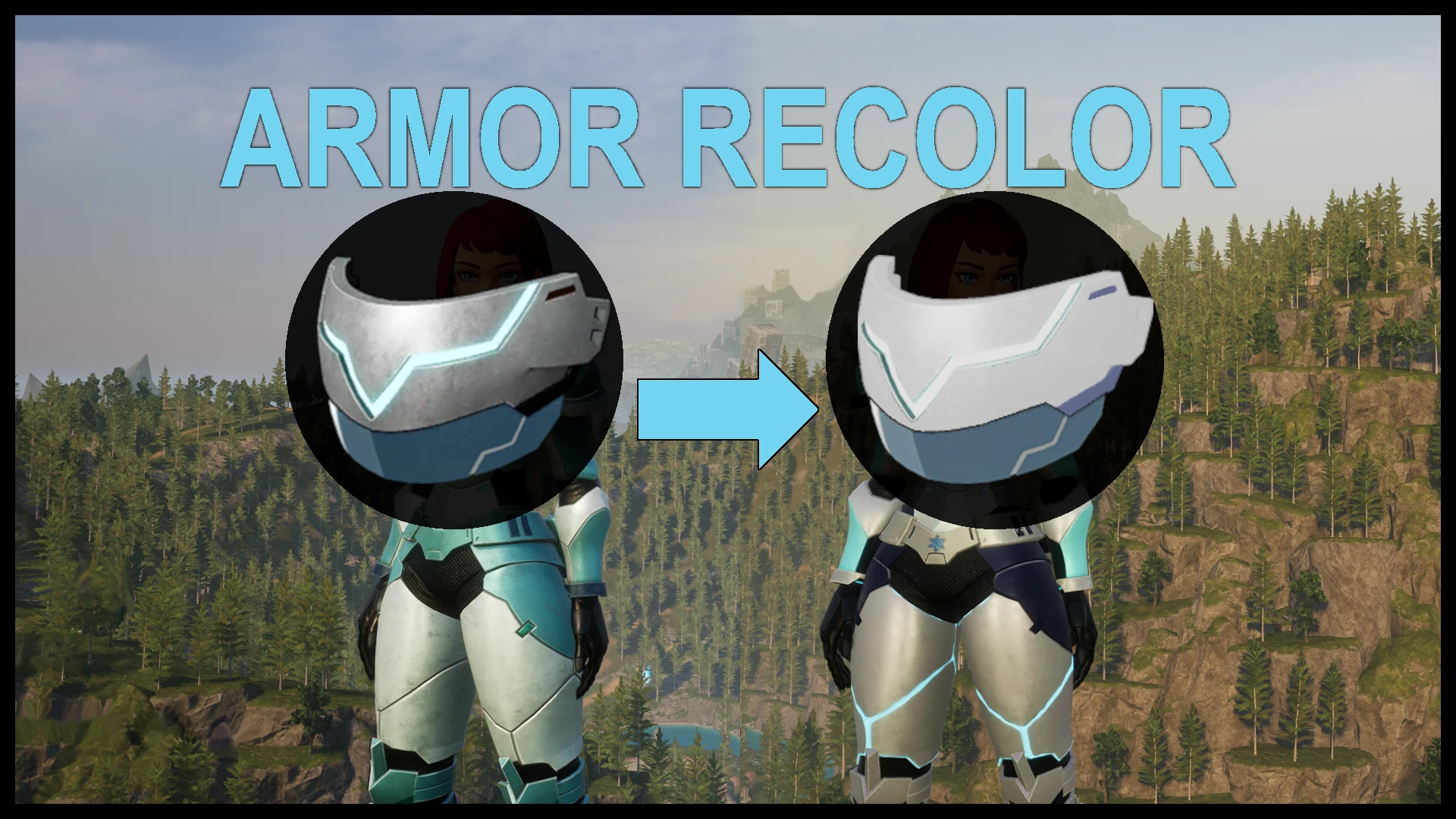
匹配色塑钢头盔装甲 冷白蓝
为耐寒塑钢护甲重新着色,以匹配白蓝配色护甲。与我的护甲模组搭配效果极佳!
 查看大图
查看大图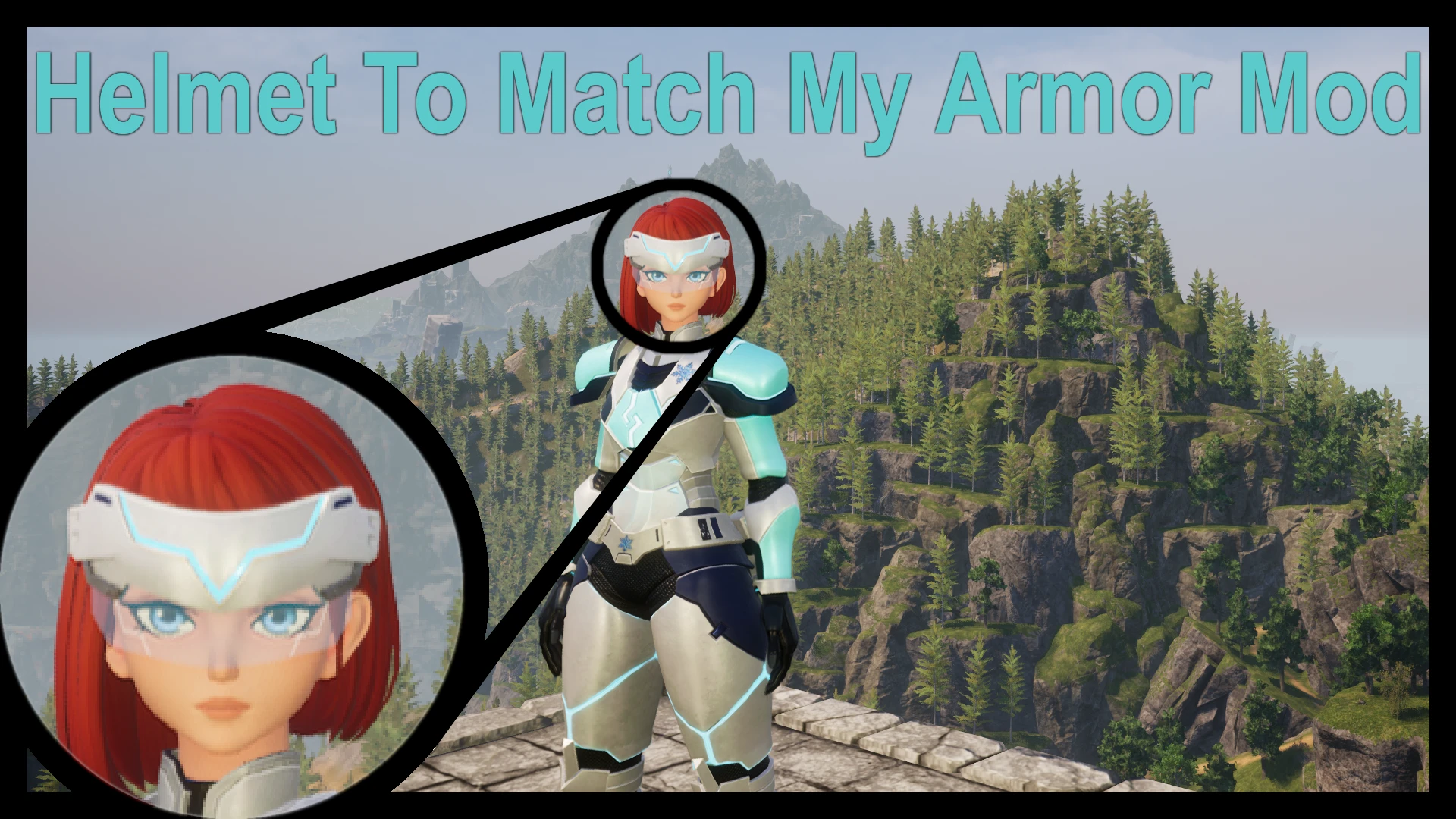
Description:
Modifies the Plastic Steel Helmet (only one exists in Palworld, not one per armor type) to match the style of my "Cold-Resistant Plastic Steel Armor Mod." Since multiple mods modifying the same file cannot be installed simultaneously, if you have all my armor mods, you can only install one helmet mod at a time.
Installation:
- Click the "Files" tab above, then under "Main Files," click "Manual Download."
- Unzip the downloaded .ZIP file; after extraction, you should get a folder named "Pal."
- Navigate to your PalWorld game directory.
In Steam, right-click Palworld -> Manage -> Browse local files.
It might look like: "Steam\steamapps\common\Palworld." - Drag and drop or copy-paste the extracted "Pal" folder into the "Palworld" folder.
If done correctly, the directory structure should be: "Steam\steamapps\common\Palworld\Pal\Content\Paks\mods\MODNAME.pak." - Launch the game! Done!
My Other Mods:
Plastic Steel Armor - Black - Lightweight
Plastic Steel Armor - Deep Green Camo - Standard
Plastic Steel Armor - White - Cold-Resistant
Plastic Steel Armor - Deep Red - Heat-Resistant
Plastic Steel Helmet, Matching Black Light Armor
Plastic Steel Helmet, Matching Standard Camo Armor
Plastic Steel Helmet, Matching White Cold-Resistant Armor
Plastic Steel Helmet, Matching Red Heat-Resistant Armor
Metal Armor - Moss Green - Standard
Metal Armor - White - Cold-Resistant
Metal Armor - Deep Red - Heat-Resistant
Cat Armor Inventory Icon
Hexolite Armor - Black - Lightweight
Hexolite Armor - Deep Green Camo - Standard
Hexolite Armor - White - Cold-Resistant
Hexolite Armor - Dark Red - Heat-Resistant
Hexolite Helmet, Matching Black Light Armor
Hexolite Helmet, Matching Deep Green Camo Standard Armor
Hexolite Helmet, Matching White Cold-Resistant Armor
Hexolite Helmet, Matching Dark Red Heat-Resistant Armor
[Intentionally Left Blank]
还没有人评论,去客户端里说两句吧。
评论在新手盒子客户端中发表,这里同步展示。