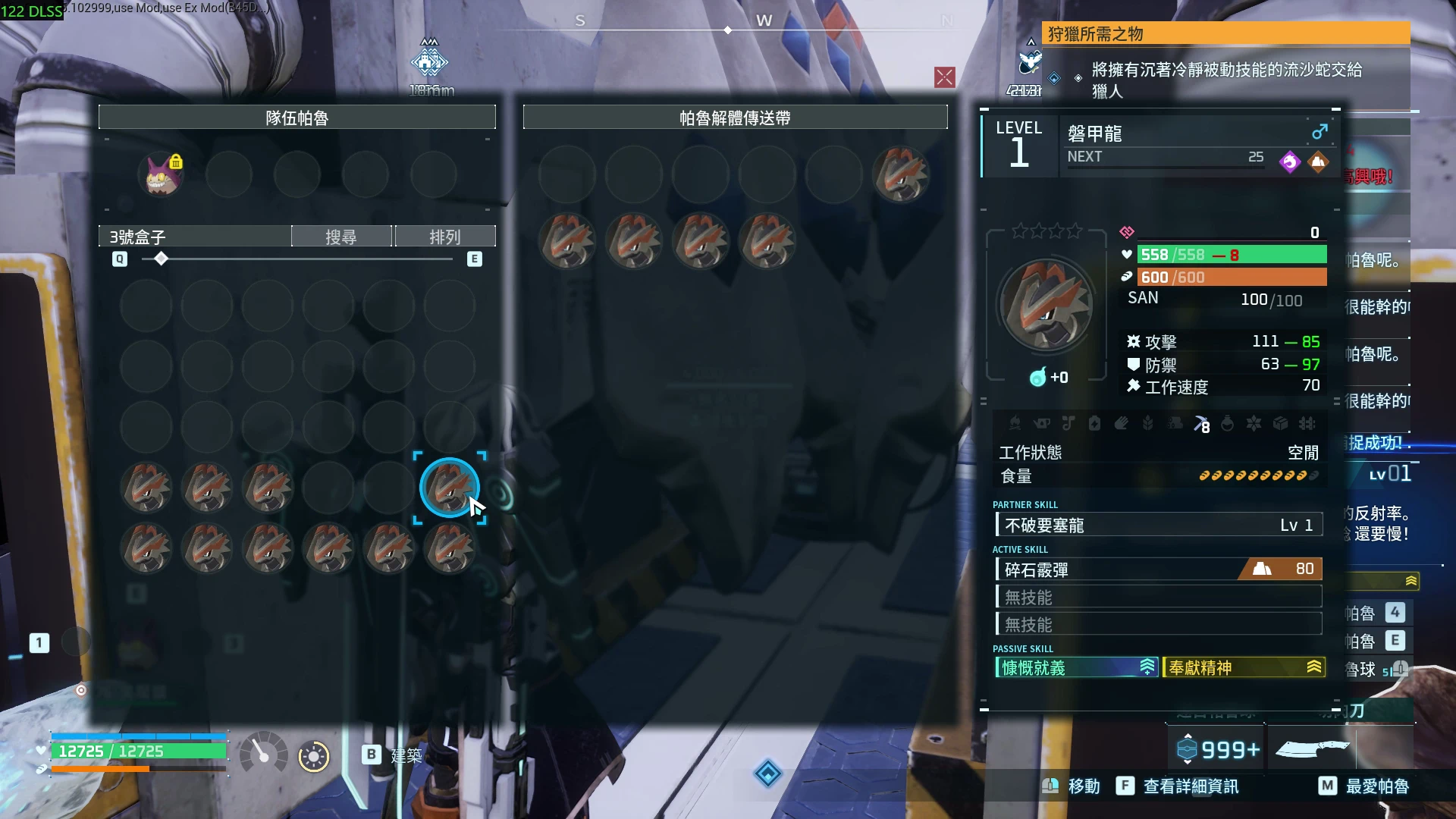
传送带快速点击修复(专用服务器)
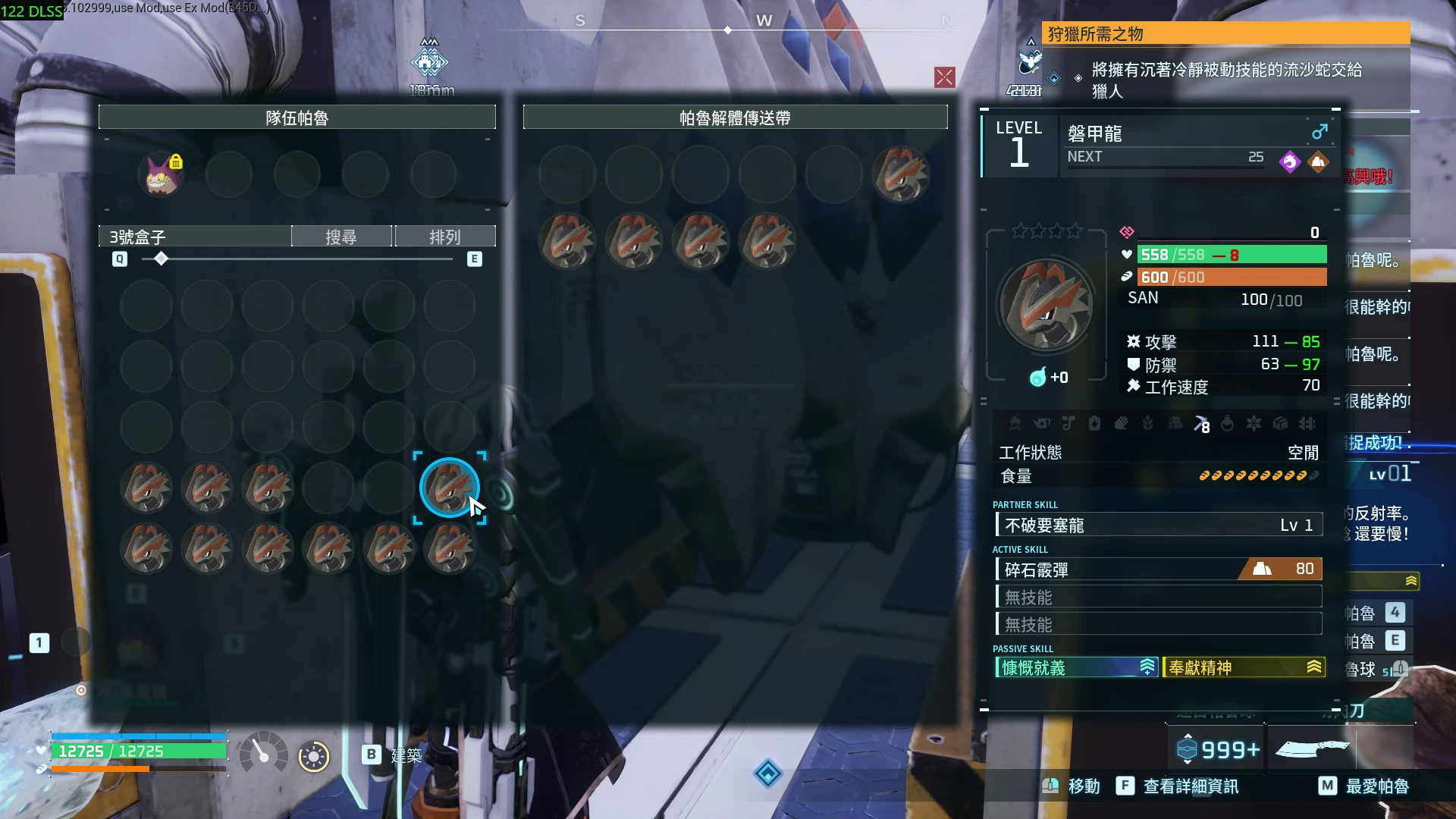
在专用服务器上,快速右键将帕鲁放到帕鲁拆解传送带上时,不再将你刚放置的帕鲁替换出来。仅服务器端。
 查看大图
English | 简体中文(往下滑)| 繁體中文(往下滑)
Conveyor Rapid Click Fix (Dedicated Server)
Rapid right-clicking Pals onto the Pal dismantling conveyor no longer swaps the Pal you just placed back out on dedicated servers. Server-side only.
Type: Server-side (install on the dedicated server or co-op host; players don't need it)
The problem
On a dedicated server, right-clicking several Pals quickly onto the Pal dismantling conveyor often fails: the second click takes the Pal you just placed back out, so an even number of clicks looks like nothing happened.
Why it happens
Your game only learns about a second later that a conveyor slot has been filled. Until then every click targets the same "empty" slot, and the server performs a swap instead of a placement.
What this mod does
- Hooks the server's container swap request.
- If the targeted conveyor slot received a Pal within the last few seconds (default 3) and another Pal is being put in, the new Pal goes to the first empty conveyor slot instead.
- Taking Pals out, rearranging inside the conveyor and normal swaps after a pause are not affected.
Requirements
- UE4SS for Palworld (Okaetsu's RE-UE4SS Palworld build)
Installation
- Install UE4SS in the server folder (e.g. steamapps\common\PalServer, or the game folder of the co-op host).
- Extract the zip into that folder (it contains the full Pal\Binaries\Win64\ue4ss\Mods path).
- Restart the server.
Configuration
Edit ue4ss\Mods\ConveyorClickFix\Scripts\config.lua:
- WindowSeconds (default 3.0) - How recent a placement must be to redirect the next Pal.
- Debug (default false) - Log every redirect to UE4SS.log.
Notes
- Install on the server only (or on the co-op host). Players don't need it.
Tested on Palworld Steam build 25246127 / Dedicated Server build 25247047 (November 2026).
简体中文
帕鲁解体传送带连点修正(专用服务器)
专用服务器上,连续右键把帕鲁放上帕鲁解体传送带时,不会再把刚放上去的帕鲁换回来。只装在服务器。
**类型:**服务器端(装在专用服务器或多人房的房主;玩家不用装)
问题
在专用服务器上,连续快速右键把帕鲁放上帕鲁解体传送带常常失败:第二下会把刚放上去的帕鲁换回来,点双数下就像什么都没放。
原因
你的游戏大约要 1 秒后才知道传送带那一格已经有帕鲁了。在那之前每一下都指定同一个「空格」,服务器就把它当成交换,而不是放进去。
这个模组做什么
- 在服务器收到交换帕鲁的请求时检查。
- 如果指定的传送带格子在几秒内(默认 3 秒)才刚放进帕鲁,而且另一边真的有帕鲁要放进来,就改放到传送带第一个空格。
- 取出帕鲁、在传送带内换位置、隔一段时间的正常交换都不受影响。
需求
- UE4SS(Palworld 版,Okaetsu 的 RE-UE4SS)
安装
- 在服务器文件夹(例如 steamapps\common\PalServer,或多人房房主的游戏文件夹)安装 UE4SS。
- 把这个 zip 解压到同一个文件夹(里面已经有完整的 Pal\Binaries\Win64\ue4ss\Mods\ConveyorClickFix 路径)。
- 启动(或重开)服务器。
设置
修改 Pal\Binaries\Win64\ue4ss\Mods\ConveyorClickFix\Scripts\config.lua,保存后重开服务器。
- WindowSeconds(默认 3.0)- 刚放进帕鲁几秒内,下一只改放到空格。
- Debug(默认 false)- 每次改放都写进 UE4SS.log。
注意
- 只装在服务器(或多人房的房主),玩家不用装。
繁體中文
帕魯解體傳送帶連點修正(專用伺服器)
專用伺服器上,連續右鍵把帕魯放上帕魯解體傳送帶時,不會再把剛放上去的帕魯換回來。只裝在伺服器。
**類型:**伺服器端(裝在專用伺服器或多人房的房主;玩家不用裝)
問題
在專用伺服器上,連續快速右鍵把帕魯放上帕魯解體傳送帶常常失敗:第二下會把剛放上去的帕魯換回來,點雙數下就像什麼都沒放。
原因
你的遊戲大約要 1 秒後才知道傳送帶那一格已經有帕魯了。在那之前每一下都指定同一個「空格」,伺服器就把它當成交換,而不是放進去。
這個模組做什麼
- 在伺服器收到交換帕魯的請求時檢查。
- 如果指定的傳送帶格子在幾秒內(預設 3 秒)才剛放進帕魯,而且另一邊真的有帕魯要放進來,就改放到傳送帶第一個空格。
- 取出帕魯、在傳送帶內換位置、隔一段時間的正常交換都不受影響。
需求
- UE4SS(Palworld 版,Okaetsu 的 RE-UE4SS)
安裝
- 在伺服器資料夾(例如 steamapps\common\PalServer,或多人房房主的遊戲資料夾)安裝 UE4SS。
- 把這個 zip 解壓到同一個資料夾(裡面已經有完整的 Pal\Binaries\Win64\ue4ss\Mods\ConveyorClickFix 路徑)。
- 啟動(或重開)伺服器。
設定
修改 Pal\Binaries\Win64\ue4ss\Mods\ConveyorClickFix\Scripts\config.lua,存檔後重開伺服器。
- WindowSeconds(預設 3.0)- 剛放進帕魯幾秒內,下一隻改放到空格。
- Debug(預設 false)- 每次改放都寫進 UE4SS.log。
注意
- 只裝在伺服器(或多人房的房主),玩家不用裝。
正在加载版本记录…
正在加载评论…
评论在新手盒子客户端中发表,这里同步展示。