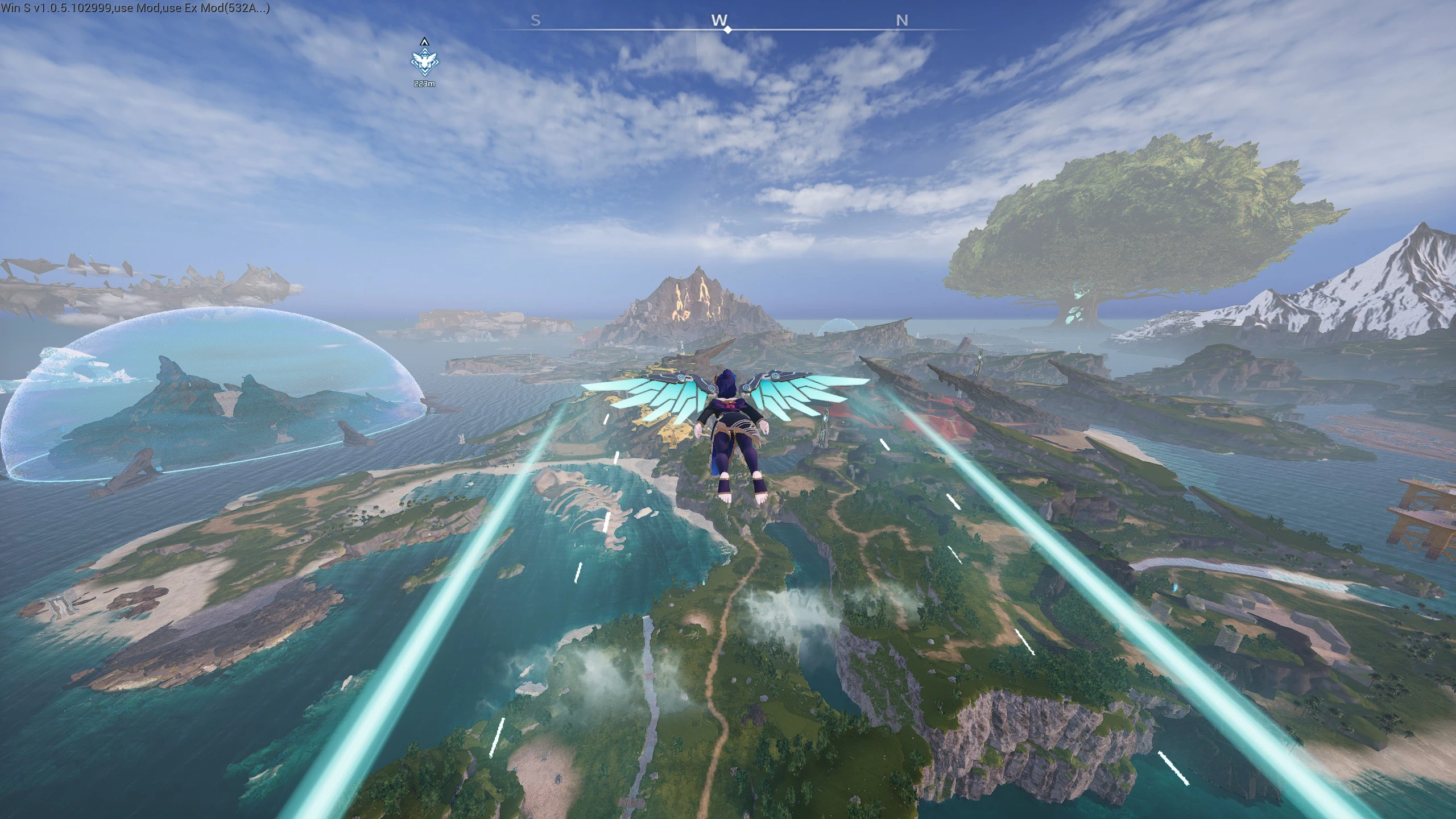
所有状态的相机距离,以及翼包(PalSchema版本)不变更视野
控制镜头距离并移除使用飞翼背包时的视野变化丨Adjust the camera distance for all movement states and remove the camera view changes when using wing pack.
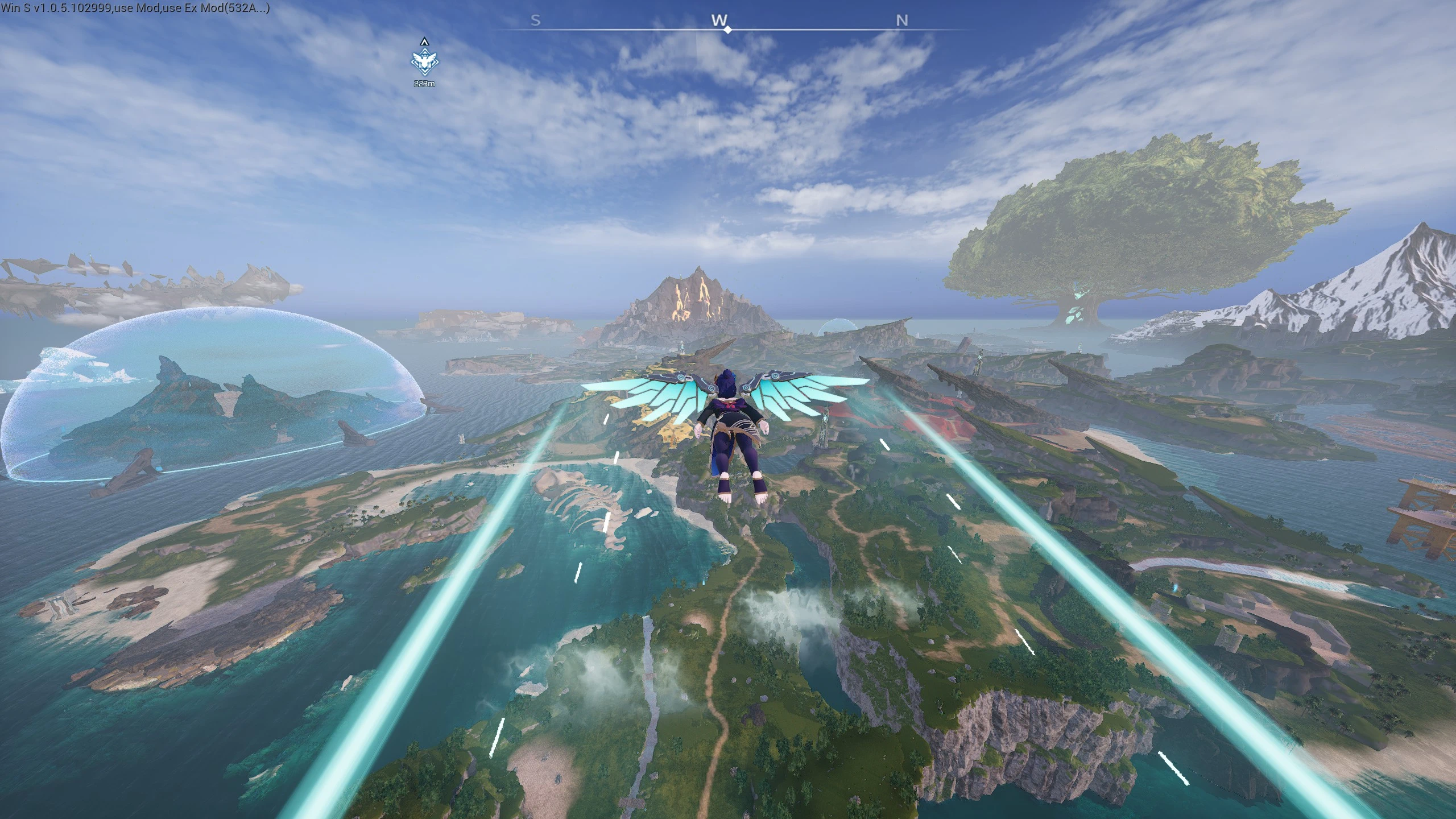 查看大图
控制各状态的镜头距离,并移除使用飞翼背包时的视野变化(效果见图)
数值越小,人物离镜头越近
理论上可以负值以达成第一人称效果
因为数据比较多,建议使用正则查找替换
查找
code\s*([0-9]+(?:\.[0-9]+)?)[/code]替换为
[code]$1 数值[/code]
Adjust the camera distance for all movement states and remove the camera view changes when using wing pack (see images).
Lower values bring the character closer to the camera.
Negative values are theoretically possible to achieve a first-person effect.
Since there are many entries, using regex find-and-replace is recommended.
Find:
code\s*([0-9]+(?:\.[0-9]+)?)[/code]Replace with:
[code]$1 value[/code]
Replace value with your desired number.
[b]修改位置丨Compatibility:[/b]
CameraBoom in BP_Player_Female_C
BP_CameraModifier_JetpackGlider_C
BP_CameraModifier_JetpackGlider_Boost_C
[b]Installation:[/b]
[list=1]
[]Install [b]PalSchema [/b]and [b]UE4SS Experimental[/b] as listed in the [b]Requirements[/b].[/]
[]Folder structure is already prepared, just unzip to your palworld folder.[/]
[/list]
My other mods:
[url=https://www.nexusmods.com/palworld/mods/2091]Unsupported Roofs[/url]
[url=https://www.nexusmods.com/palworld/mods/2202]Lotus and Elixir for Giant Pal Souls[/url]
正在加载版本记录…
正在加载评论…
评论在新手盒子客户端中发表,这里同步展示。