遗物消失(CET版本)
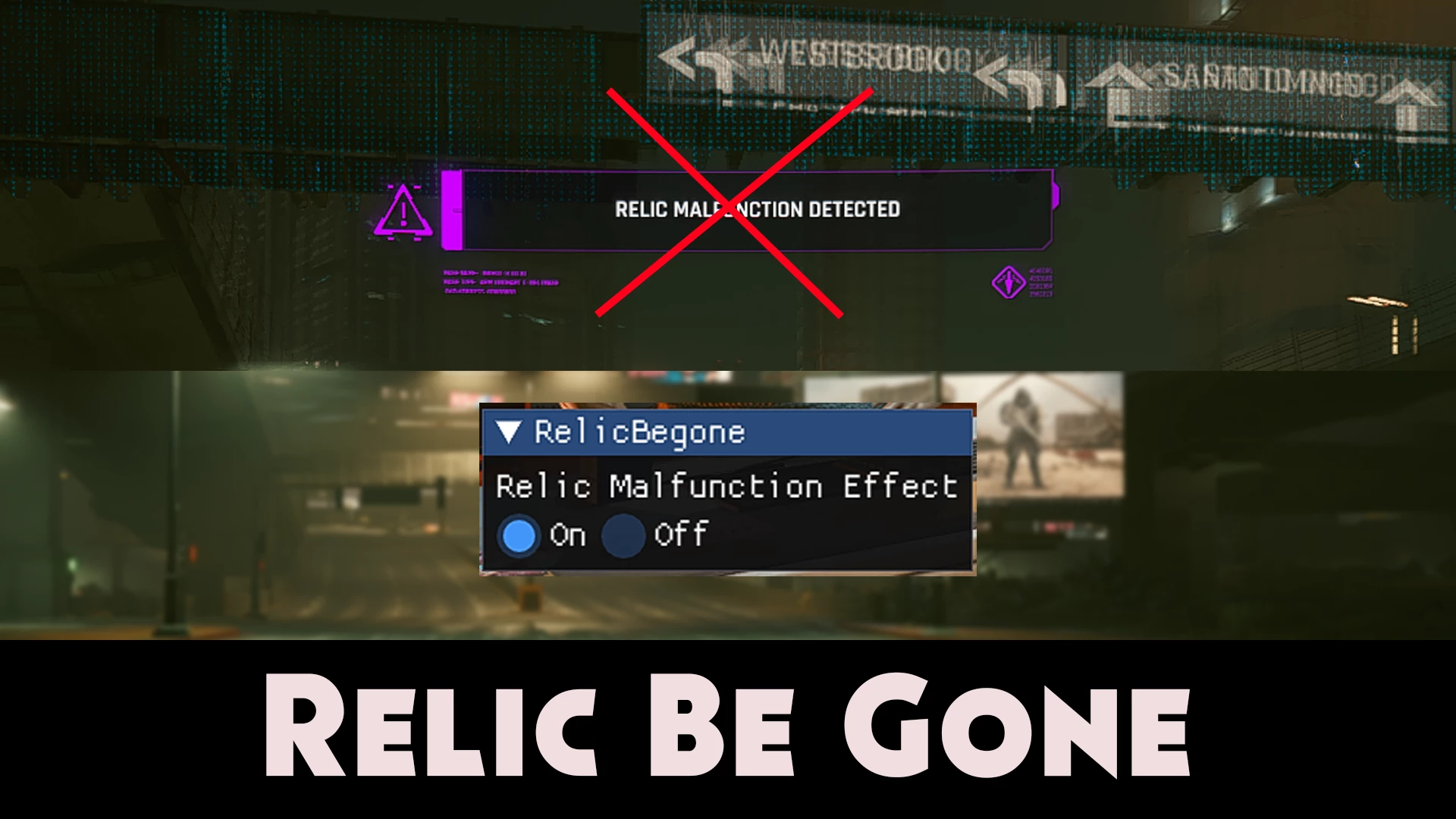
通过游戏内菜单启用或禁用遗物故障效果。无需再为了恢复效果而移除存档补丁。
 查看大图
查看大图
安装 CET,下载此模组并放入 mods 文件夹。
警告
此模组仅移除效果的视觉部分。
这意味着对话和音效仍会如常播放。
在Discord上联系我
安装
第一步: 下载Cyber Engine Tweaks 1.13+版本 并安装。
- Cyberpunk 2077 - Enhanced Weather
- Description:
- This mod enhances the weather system in Cyberpunk 2077, adding more dynamic and immersive weather effects.
- Features:
- Overhauled rain, fog, and storm effects
- New weather types, including acid rain and sandstorms
- Improved lighting during different weather conditions
- Configurable settings via in-game menu
- Installation:
- Download the mod files.
- Extract the archive to your Cyberpunk 2077 installation folder.
- Enable the mod in the game's mod manager.
- Compatibility:
- Works with the latest version of Cyberpunk 2077
- Compatible with most other weather and graphics mods
- Credits:
- Mod created by [AuthorName]
- Special thanks to the modding community for support
- Download:
- Click here to download
- 《赛博朋克2077》- 增强天气
- 描述:
- 本模组增强了《赛博朋克2077》的天气系统,增添了更具动态感和沉浸感的天气效果。
- 功能:
- 全面改进的雨、雾和风暴效果
- 新增天气类型,包括酸雨和沙尘暴
- 优化不同天气条件下的光照效果
- 可通过游戏内菜单配置设置
- 安装方法:
- 下载模组文件。
- 将压缩包解压至《赛博朋克2077》的安装文件夹。
- 在游戏的模组管理器中启用本模组。
- 兼容性:
- 支持《赛博朋克2077》的最新版本
- 与大多数其他天气和图形模组兼容
- 致谢:
- 模组由 [作者名称] 制作
- 特别感谢模组社区的支持
- 下载:
- 点击此处下载 第二步:将压缩包解压至您的《赛博朋克2077》游戏文件夹。 安装路径应如下所示: 赛博朋克2077\bin\x64\plugins\cyber_engine_tweaks\mods\RelicBeGone\init.lua 步骤3: 打开CET覆盖窗口 默认情况下,此模组会关闭遗物故障功能。若要"禁用"模组并重新体验故障效果,请点击"开启"选项。
感谢 keanuWheeze 提供的配置逻辑。 特别感谢Yamashi、WSSDude420、Expired、Mattiwatti、emoose、chendo、gibbed、UnhingedDoork、CookiePLMonster、SirLynix、WopsS以及所有其他贡献者,感谢他们为创建Cyber Engine Tweaks所做的杰出工作,没有这个工具,本模组将无法实现。 https://github.com/yamashi/CyberEngineTweaks/
正在加载版本记录…
正在加载评论…
评论在新手盒子客户端中发表,这里同步展示。