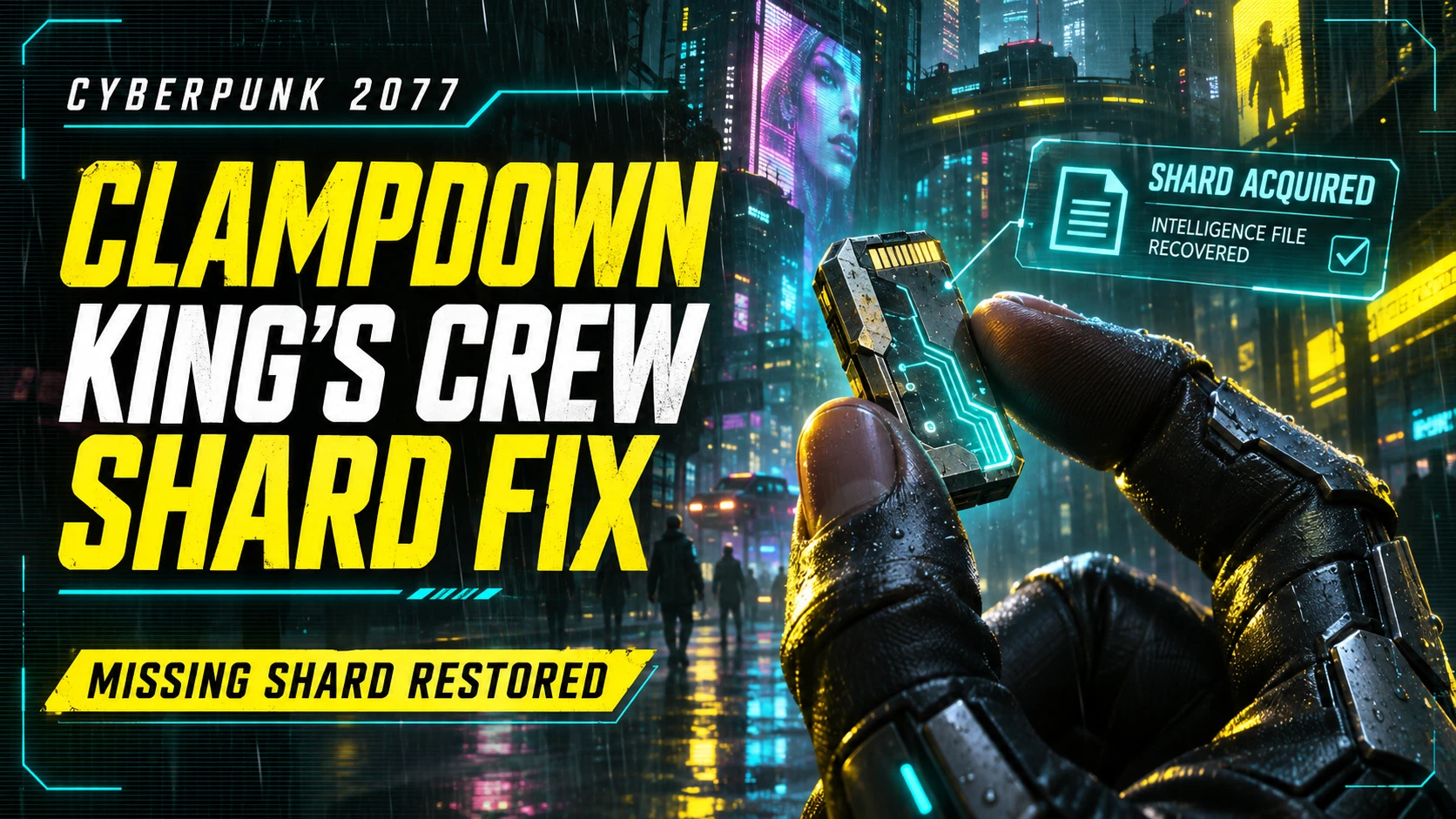
Clampdown - King's Crew 碎片修复
在压制任务中,以获取通知的形式发放缺失的“监视日志:King & Crew”碎片。选择阅读后将打开正文,并支持游戏语言和现有进行中的存档。
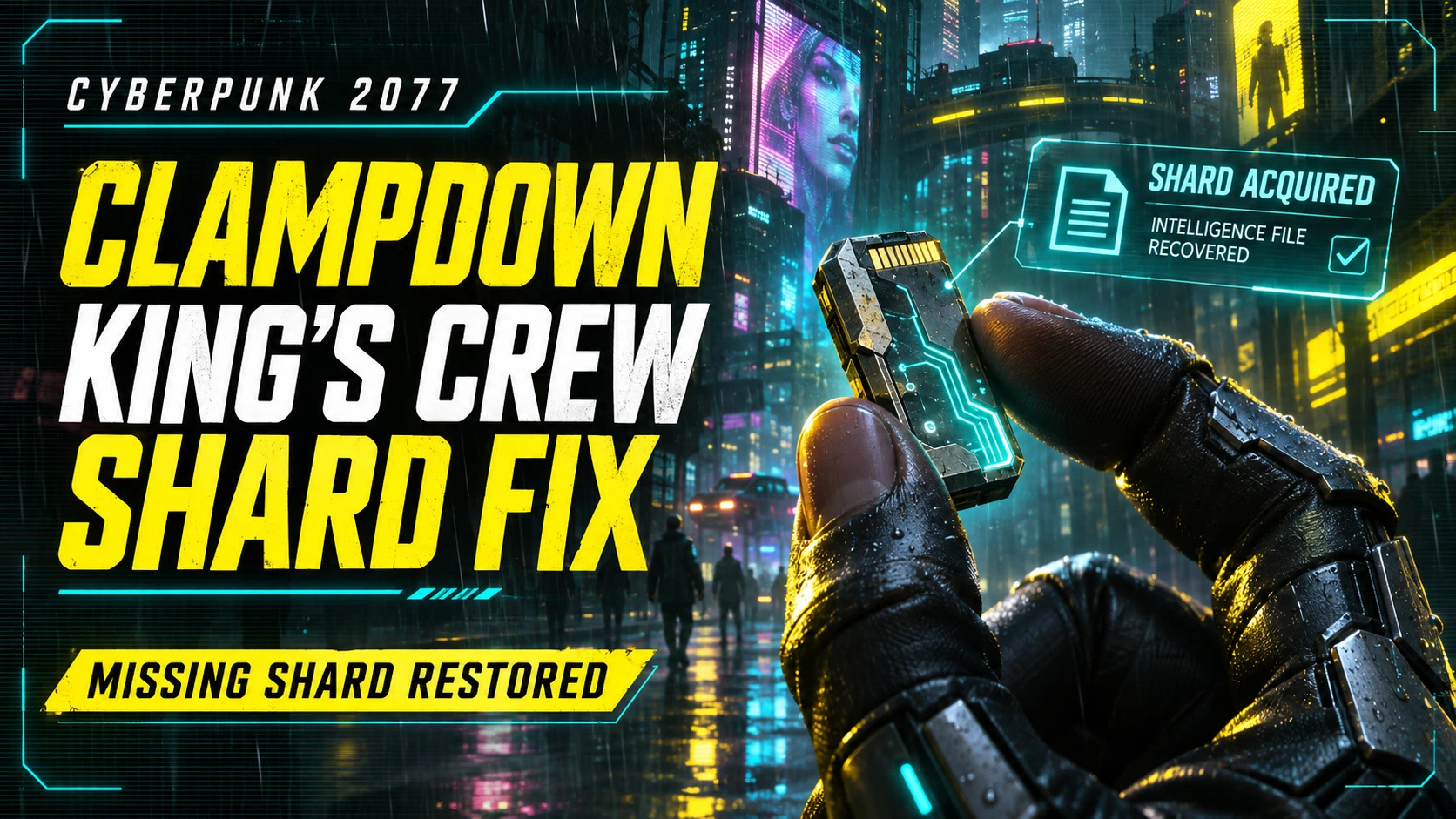 查看大图
[size=5][b]Clampdown - King's Crew Shard Fix[/b][/size]
版本 1.0.0
修复了在若菜的「镇压(Clampdown)」简报中提到的[b]「监控日志:King & Crew」[/b]碎片无法获取的问题。
[size=4][b]工作原理[/b][/size]
在收到若菜的简报并到达 BuryGer 附近的会面阶段后,原始碎片会通过常规的[b]获取通知[/b]发放。在通知中选择[b]阅读[/b]即可打开正文。阅读窗口不会自动打开。
在菜单、战斗、通话和演出期间会等待发放,待回到常规操作状态后再发放。同一存档只会发放一次。
[size=4][b]前置要求[/b][/size]
[list]
[]Cyberpunk 2077 [b]2.5[/b][/]
[][url=https://github.com/maximegmd/CyberEngineTweaks/releases]Cyber Engine Tweaks[/url][/]
[][url=https://github.com/jac3km4/redscript/releases]redscript[/url][/]
[][url=https://github.com/WopsS/RED4ext/releases]RED4ext[/url][/]
[/list]
请安装与当前游戏版本兼容的框架版本。
[size=4][b]安装[/b][/size]
使用模组管理器安装 ZIP,或将压缩包解压到游戏文件夹中。bin 和 r6 文件夹应位于游戏文件夹下。
在 MO2 中,启用该模组并通过 MO2 启动游戏。安装后请重新启动游戏。无需额外配置。
[size=4][b]现有存档[/b][/size]
支持[b]镇压任务仍在进行中[/b]且已到达会面阶段的存档。即使已通过等待 King 的目标,只要任务仍在进行中也会发放。
[size=4][b]语言[/b][/size]
使用游戏的原始标题和正文,因此会遵循所选的文本语言。如果已安装的翻译模组修改了相关文本,也会反映其内容。
[size=4][b]卸载[/b][/size]
通过模组管理器移除后重新启动游戏。已获得的碎片正文会保留在存档中。
[size=5][b]Clampdown - King's Crew Shard Fix[/b][/size]
Version 1.0.0
Restores access to [b]Surveillance Log: King & Crew[/b], the shard mentioned in Wakako's Clampdown briefing.
[size=4][b]How it works[/b][/size]
After Wakako's briefing and once you reach the meeting stage near BuryGer, the mod delivers the original shard through the standard acquisition notification. Select [b]Read[/b] to open its text. The reading window does not open automatically.
Delivery waits until you are out of menus, combat, calls and scripted scenes. The shard is delivered once per save.
[size=4][b]Requirements[/b][/size]
[list]
[]Cyberpunk 2077 [b]2.5[/b][/]
[][url=https://github.com/maximegmd/CyberEngineTweaks/releases]Cyber Engine Tweaks[/url][/]
[][url=https://github.com/jac3km4/redscript/releases]redscript[/url][/]
[][url=https://github.com/WopsS/RED4ext/releases]RED4ext[/url][/]
[/list]
Use framework releases compatible with your game version.
[size=4][b]Installation[/b][/size]
Install the ZIP with your mod manager, or extract its contents into your Cyberpunk 2077 game folder. The bin and r6 folders belong in the game directory.
If you use Mod Organizer 2, enable the mod and launch the game through MO2. Restart the game after installation. No configuration is required.
[size=4][b]Existing saves[/b][/size]
Supported while [b]Clampdown is still active[/b] and the meeting stage has been reached. Delivery also works after passing the waiting objective, as long as the quest remains active.
[size=4][b]Languages[/b][/size]
Uses the game's original title and text, following the selected text language. Installed localization mods can also affect this text.
[size=4][b]Uninstallation[/b][/size]
Remove the mod with your mod manager, then restart the game. Shard entries already received remain in your save.
正在加载版本记录…
正在加载评论…
评论在新手盒子客户端中发表,这里同步展示。