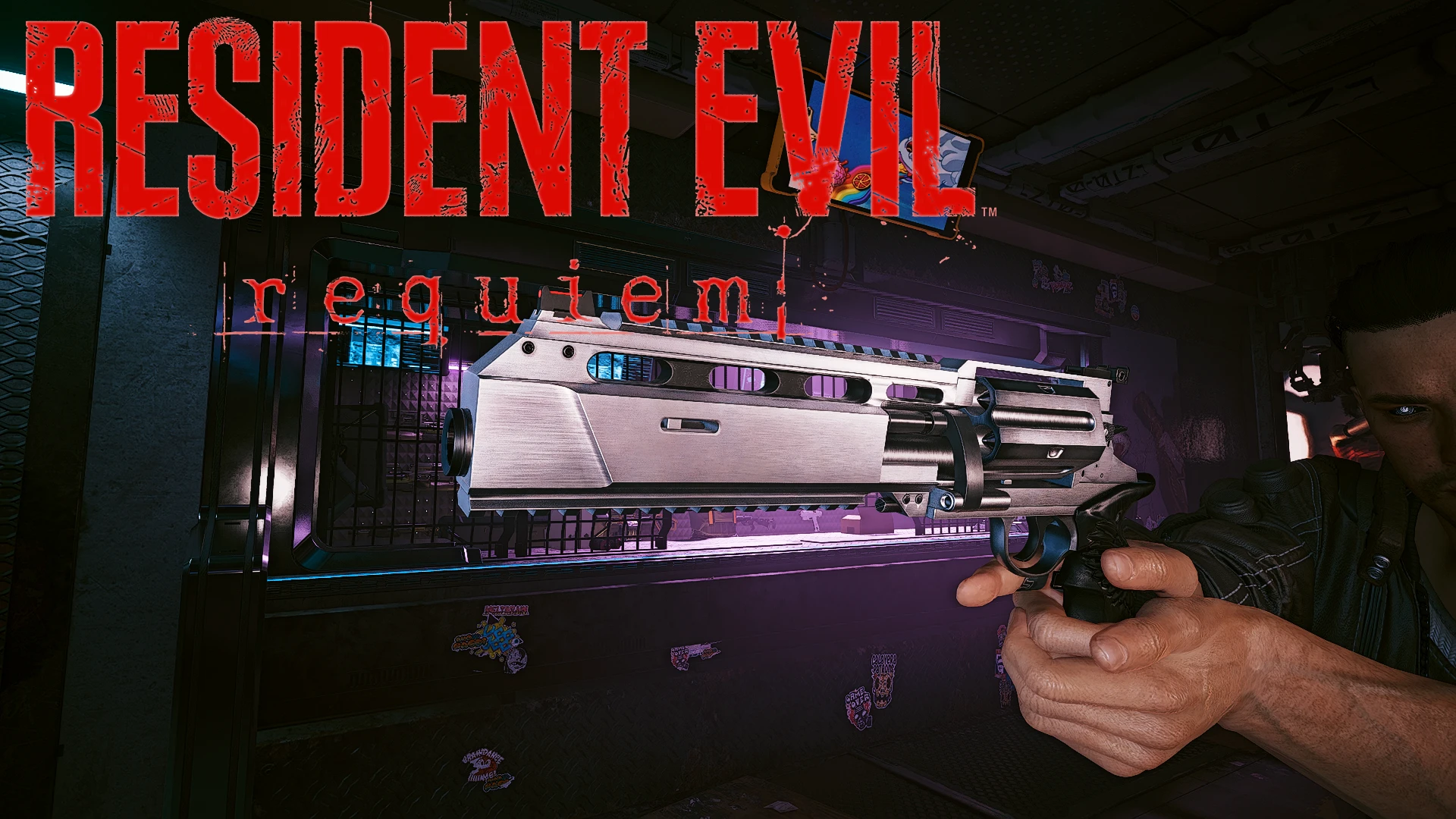
来自RE9的安魂曲左轮手枪
安魂曲左轮手枪,含3种变体
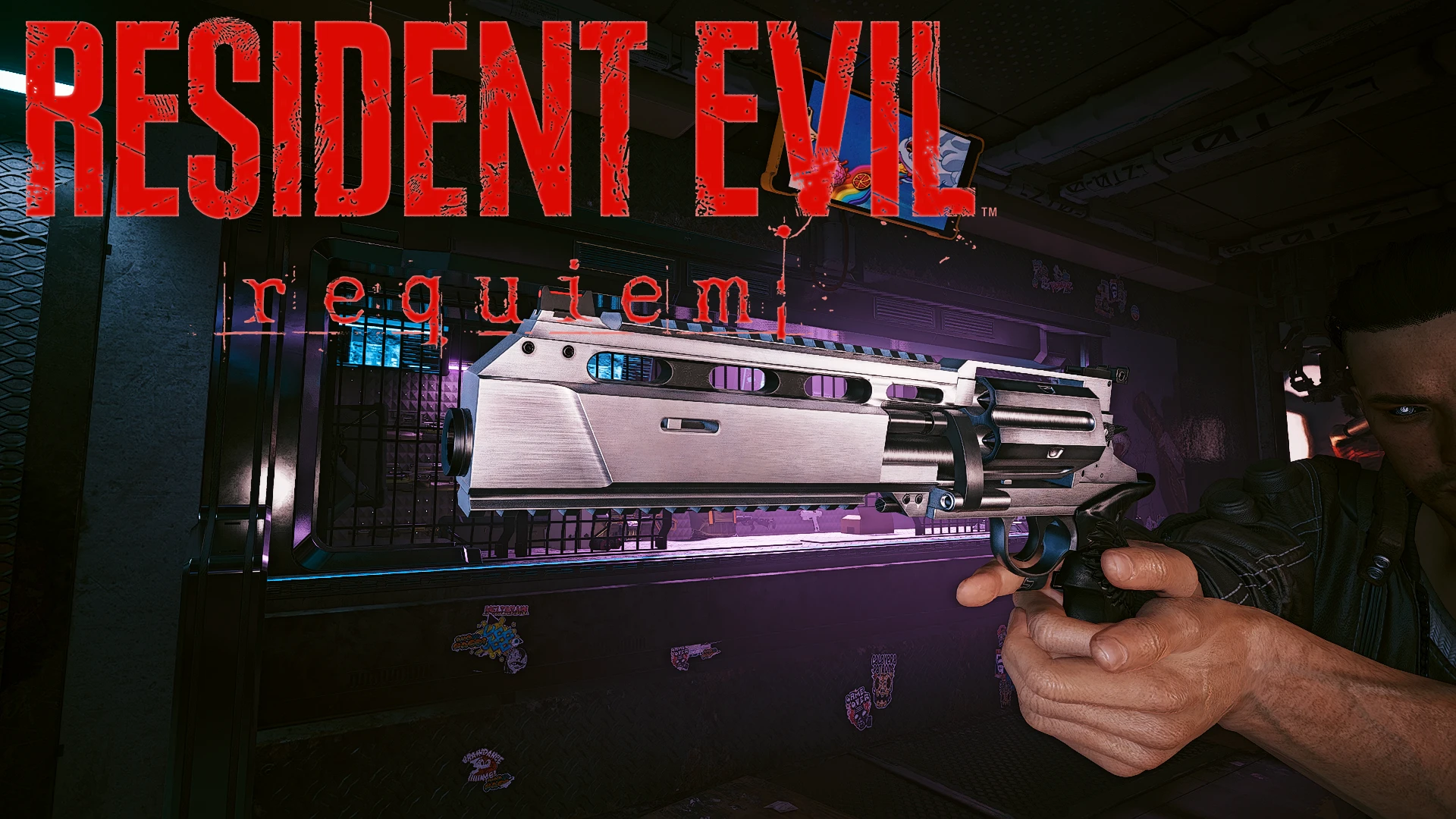 查看大图
Requiem
Requiem 左轮手枪,来自 RE9。包含 3 种变体。所有变体属性相同。属性可在 yaml 文件中轻松修改。
注意事项: 你需要 Trigger Mode Control 来修复不存在的消音器音效。
如何获得:
制作图纸可在以下地点购买:
- 普通:Arroyo 武器商
- 罕见:Rancho Coronado 武器商(需要等级 9)
- 稀有:Japantown 武器商(需要等级 17)
- 史诗:Northside 武器商(需要等级 25)
- 传说:Corpo Center 武器商(需要等级 33)
- 该武器的传说品质可在夜之城大多数武器商处购买
- 武器也可在我的 虚拟工作室 中购买,或通过 CET 添加
后坐力 [youtube]DRuoHGWVALY[/youtube]
自定义音效 [youtube]iINizK_Ji9k[/youtube]
所有 CET 代码
传说:
Game.AddToInventory("Items.Requiem_RE9",1)
Game.AddToInventory("Items.Requiem_Custom",1)
Game.AddToInventory("Items.Requiem_Gold",1)
Game.AddToInventory("Items.Requiem_Black",1)
史诗:
Game.AddToInventory("Items.Requiem_RE9_Epic",1)
Game.AddToInventory("Items.Requiem_Custom_Epic",1)
Game.AddToInventory("Items.Requiem_Gold_Epic",1)
Game.AddToInventory("Items.Requiem_Black_Epic",1)
稀有:
Game.AddToInventory("Items.Requiem_RE9_Rare",1)
Game.AddToInventory("Items.Requiem_Custom_Rare",1)
Game.AddToInventory("Items.Requiem_Gold_Rare",1)
Game.AddToInventory("Items.Requiem_Black_Rare",1)
罕见:
Game.AddToInventory("Items.Requiem_RE9_Uncommon",1)
Game.AddToInventory("Items.Requiem_Custom_Uncommon",1)
Game.AddToInventory("Items.Requiem_Gold_Uncommon",1)
Game.AddToInventory("Items.Requiem_Black_Uncommon",1)
普通:
Game.AddToInventory("Items.Requiem_RE9_Common",1)
Game.AddToInventory("Items.Requiem_Custom_Common",1)
Game.AddToInventory("Items.Requiem_Gold_Common",1)
Game.AddToInventory("Items.Requiem_Black_Common",1)
所有制作图纸
Game.AddToInventory("Items.RequiemChrome_Recipe_Legendary",1)
Game.AddToInventory("Items.RequiemCustom_Recipe_Legendary",1)
Game.AddToInventory("Items.RequiemGold_Recipe_Legendary",1)
Game.AddToInventory("Items.RequiemBlack_Recipe_Legendary",1)


Game.AddToInventory("Items.RequiemChrome_Recipe_Epic",1)
Game.AddToInventory("Items.RequiemCustom_Recipe_Epic",1)
Game.AddToInventory("Items.RequiemGold_Recipe_Epic",1)
Game.AddToInventory("Items.RequiemBlack_Recipe_Epic",1)


Game.AddToInventory("Items.RequiemChrome_Recipe_Rare",1)
Game.AddToInventory("Items.RequiemCustom_Recipe_Rare",1)
Game.AddToInventory("Items.RequiemGold_Recipe_Rare",1)
Game.AddToInventory("Items.RequiemBlack_Recipe_Rare",1)


Game.AddToInventory("Items.RequiemChrome_Recipe_Uncommon",1)
Game.AddToInventory("Items.RequiemCustom_Recipe_Uncommon",1)
Game.AddToInventory("Items.RequiemGold_Recipe_Uncommon",1)
Game.AddToInventory("Items.RequiemBlack_Recipe_Uncommon",1)


Game.AddToInventory("Items.RequiemChrome_Recipe_Common",1)
Game.AddToInventory("Items.RequiemCustom_Recipe_Common",1)
Game.AddToInventory("Items.RequiemGold_Recipe_Common",1)
Game.AddToInventory("Items.RequiemBlack_Recipe_Common",1)
如何使用 REDmod
在此处下载文档:https://www.cyberpunk.net/en/modding-support
将“Requiem Sound”文件夹放入 Cyperpunk2077\mods
示例:C:\Gog\Cyberpunk 2077\mods\Requiem Sound
安装后,你需要使用 Redlauncher、Vortex 或 wolvenkit 部署该模组
如果手动部署,还需在 .exe 快捷方式中添加“-modded”参数
使用的工具:
3DS MAX 2021 - 导入、绑定和导出 3D 网格 Blender 3.6 - 额外的网格编辑和动画编辑 Upscayl - 用于放大低分辨率图像 MlsetupBuilder - 编辑原版武器纹理 Wolvenkit - 提取和编辑各种游戏文件(基本上是《赛博朋克 2077》模组制作的核心) Adobe Photoshop CS6 - 编辑纹理 Notepad++ - 编辑 .yaml 文件
感谢所有帮助创建这些工具的人
正在加载版本记录…
正在加载评论…
评论在新手盒子客户端中发表,这里同步展示。