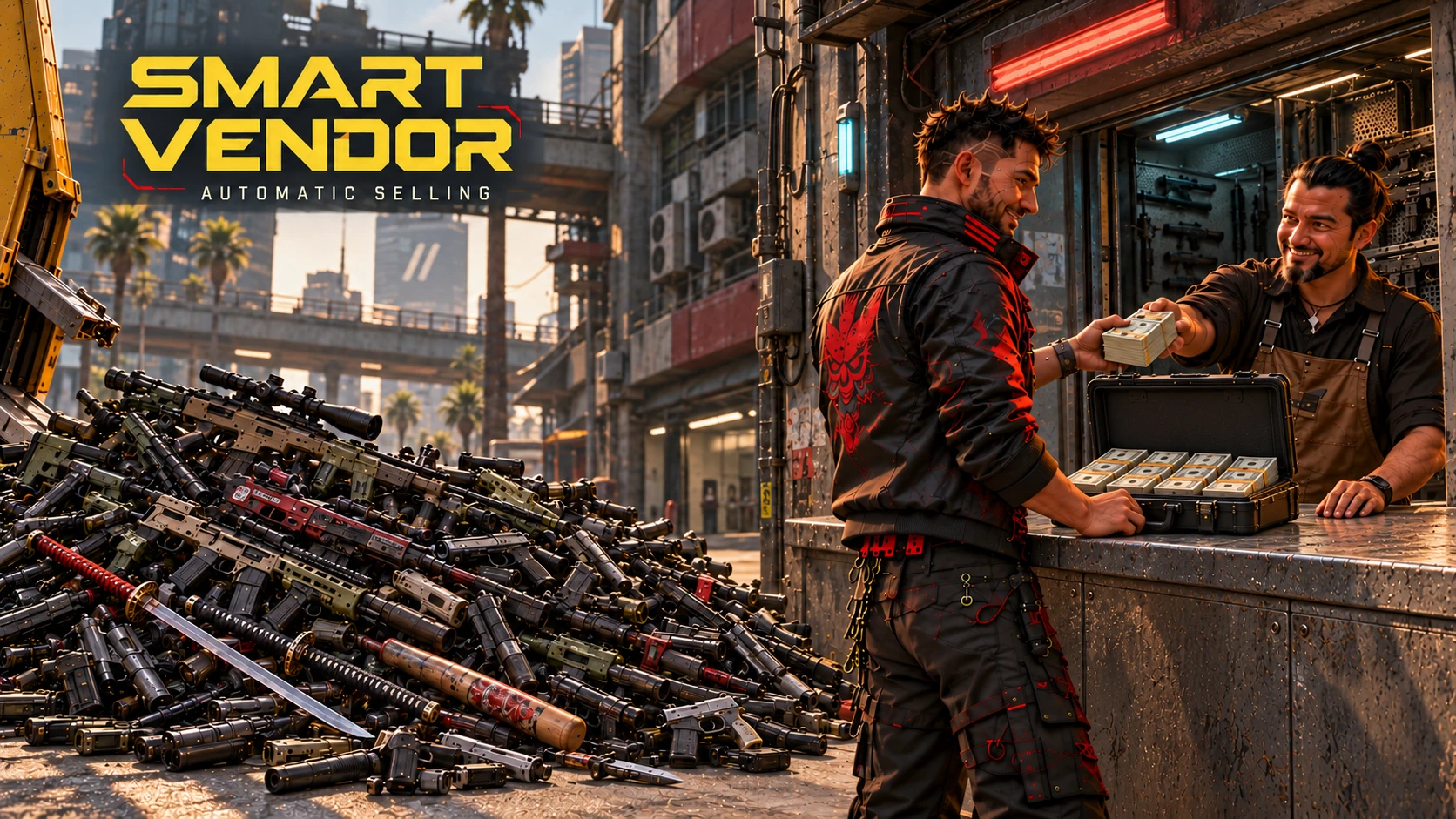
Smart Vendor - Automatic Selling
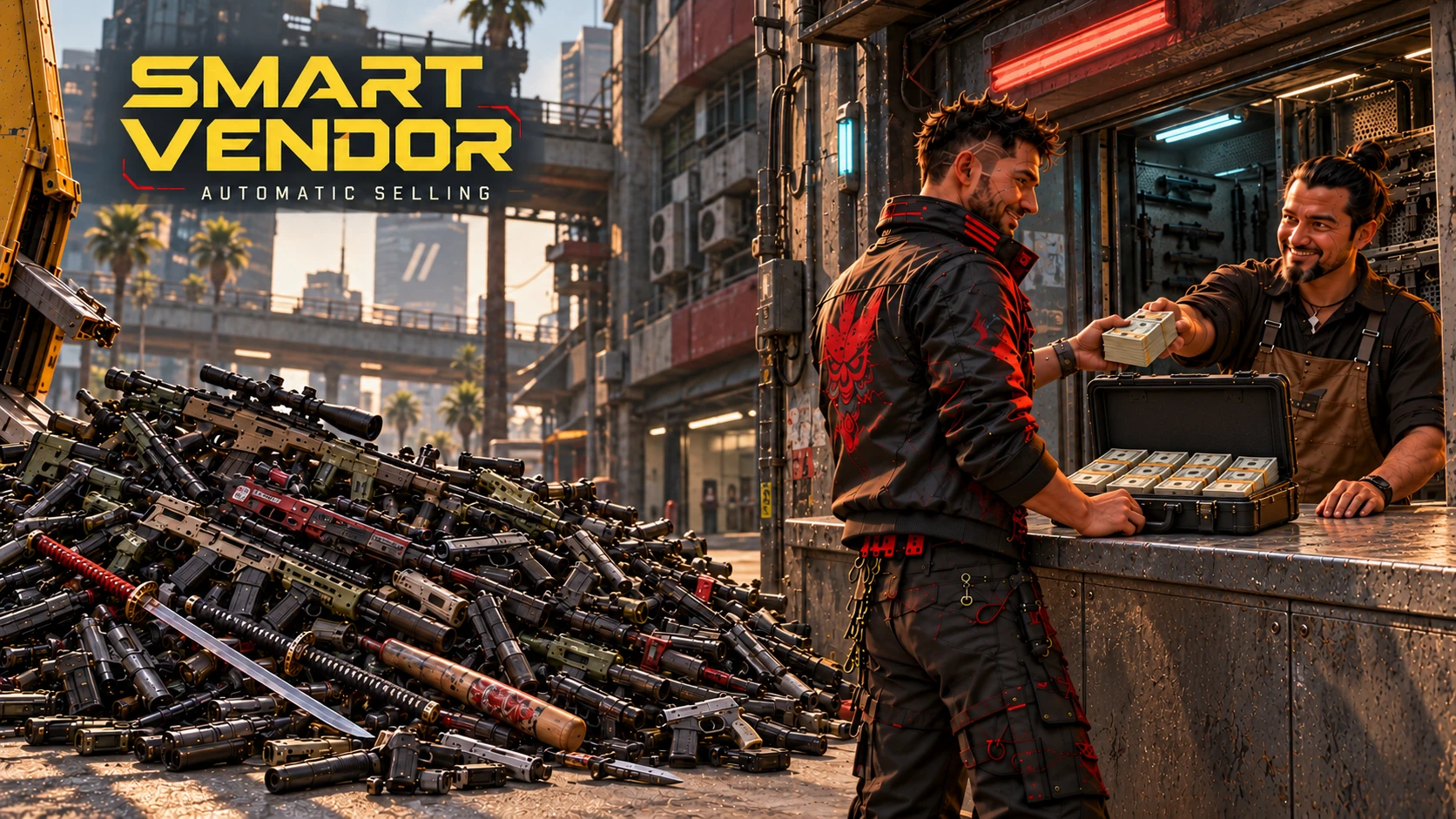
Automatically sell junk, duplicate equipment and surplus supplies when you open a vendor's trade screen. Choose what to sell and how much to keep in Mod Settings. Uses the vendor's available money. Includes preview mode and all 19 game text languages.
 查看大图
[size=5][color=#F6B77A][b]Smart Vendor — Automatic Selling[/b][/color][/size]
[b]Talk to a vendor and open the trade screen.[/b] Smart Vendor sells eligible items automatically. You do not need to select items or sell them one by one.
Choose which junk, duplicate equipment and surplus supplies to sell, and how much to keep, in [b]Mod Settings → Smart Vendor[/b].
[size=4][color=#F6B77A][b]What gets sold[/b][/color][/size]
Each category has its own switch:
[list]
[][b]Junk and jewellery.[/b][/]
[][b]Duplicate weapons.[/b] Keeps at least one highest-tier copy of each weapon variant. Equal-tier duplicates can be sold.[/]
[][b]Lower-tier duplicate clothing.[/b] Sells a copy only when you own a higher-tier copy of the same variant.[/]
[][b]Surplus food and non-alcoholic drinks.[/b] Keeps the amount you set in each stack.[/]
[][b]Surplus alcohol.[/b] Optional and off by default, with its own reserve per stack.[/]
[][b]Surplus attachments and weapon mods.[/b] Keeps the amount you set per model, favouring higher-tier copies.[/]
[/list]Equipped, iconic and quest-tagged items are excluded. Turn off any category if you want to keep its ordinary duplicates.
Sales use normal vendor prices and the vendor's available money. Weapons with removable attachments or retrievable mods are kept intact. Remove those parts yourself if you want a duplicate weapon to be eligible for automatic sale. [b]Non-removable mods can be sold with the weapon.[/b]
[size=4][color=#F6B77A][b]What's new in 0.3.4[/b][/color][/size]
Improved settings and notification translations across all 19 game text languages. Preview descriptions correctly explain the vendor budget, with clearer jewellery, Iconic, attachment and weapon-mod terms. Selling behavior and existing settings are unchanged.
[size=4][color=#F6B77A][b]What's new in 0.3.3[/b][/color][/size]
Added a separate [b]Sell surplus alcohol[/b] switch, off by default, and an alcohol reserve from [b]0 to 1000 per stack[/b]. Alcohol no longer follows the food switch; enable its own switch if you want to sell it. Weapons with removable attachments or retrievable mods are now kept intact. All 14 settings have labels and hover descriptions in all 19 game text languages. Existing saved settings are preserved.
[size=4][color=#F6B77A][b]Settings[/b][/color][/size]
Hover over a setting to see what it changes.
Default settings:
[list]
[]Automatic selling and existing selling categories: [b]on[/b]. Alcohol selling: [b]off[/b].[/]
[]Food and non-alcoholic drinks: keep [b]10 per stack[/b].[/]
[]Alcohol: keep [b]0 per stack[/b], used only when its selling switch is enabled.[/]
[]Attachments: keep [b]3 per model[/b].[/]
[]Weapon mods: keep [b]5 per model[/b].[/]
[]Preview only: [b]off[/b].[/]
[/list]For example, a stack of 25 food items leaves 10 and sells up to 15, depending on the vendor's money.
[b]Preview only[/b] shows the number of selected inventory entries without selling anything or removing attachments. Its selection is limited by the vendor's available money and the batch size, just like a sale. Use it to check your settings before your first sale. Existing saved settings are kept when updating.
[size=4][color=#F6B77A][b]Installation[/b][/color][/size]
For [b]Cyberpunk 2077 2.31 on Windows PC[/b]. Requires:
[list]
[][url=https://www.nexusmods.com/cyberpunk2077/mods/1511]redscript[/url][/]
[][url=https://www.nexusmods.com/cyberpunk2077/mods/2380]RED4ext[/url][/]
[][url=https://www.nexusmods.com/cyberpunk2077/mods/4198]ArchiveXL[/url][/]
[][url=https://www.nexusmods.com/cyberpunk2077/mods/4885]Mod Settings[/url][/]
[/list][list=1]
[]Close the game and install the requirements.[/]
[]Install the complete Smart Vendor ZIP through Vortex, enable it and deploy. For manual installation, extract the ZIP into the game folder.[/]
[]Start the game and open [b]Mod Settings → Smart Vendor[/b].[/]
[/list]When updating, replace the previous version. Use only one automatic vendor-selling mod at a time.
[size=4][color=#F6B77A][b]Languages[/b][/color][/size]
Settings, hover descriptions and notifications follow the game's text language automatically. All 19 languages are included: English, Arabic, Czech, French, German, Hungarian, Italian, Japanese, Korean, Polish, Brazilian Portuguese, Russian, Simplified Chinese, Traditional Chinese, Spanish, Latin American Spanish, Thai, Turkish and Ukrainian.
English is the fallback. Restart the game after changing its text language.
[size=4][color=#F6B77A][b]Recommended mods[/b][/color][/size]
[list]
[][url=https://www.nexusmods.com/cyberpunk2077/mods/34650][b]Nearby Auto Loot[/b][/url] by antrakt92 — picks up nearby loot automatically.[/]
[][url=https://www.nexusmods.com/cyberpunk2077/mods/2388][b]No carry weight - Disable encumbrance[/b][/url] by rfuzzo — removes the slowdown from carrying too much.[/]
[/list]Pick up loot, carry it to a shop and let Smart Vendor sell the surplus. Both mods are optional and installed separately.
[size=4][color=#F6B77A][b]Limits and troubleshooting[/b][/color][/size]
A sale batch selects up to [b]50 inventory entries[/b]. A stack counts as one entry, even if several units are sold. Larger inventories may need another vendor visit.
The notification counts sale requests; check the trade screen for completed sales and your balance. If nothing sells, check the category switches, reserves, Preview only and the vendor's funds.
Missing labels usually mean ArchiveXL or the included localization files are missing. Install the whole ZIP.
Disabling the mod does not restore sold items. Use vendor buyback while available or load an earlier save.
Report problems in the [b]Bugs[/b] tab with your game/mod versions, selling settings and steps to reproduce the issue. Include other vendor or inventory mods you use.
[size=4][color=#F6B77A][b]Uninstall[/b][/color][/size]
Close the game, remove Smart Vendor through Vortex and deploy. For manual removal, delete:
[list]
[]r6/scripts/DimaSmartVendor/[/]
[]archive/pc/mod/SmartVendor.archive[/]
[]archive/pc/mod/SmartVendor.archive.xl[/]
[/list]Keep shared requirements and user.ini.
[size=4][color=#F6B77A][b]Other mods by antrakt92[/b][/color][/size]
Each mod is optional and installed separately.
[url=https://www.nexusmods.com/cyberpunk2077/mods/34413][img width=500]https://staticdelivery.nexusmods.com/mods/3333/images/headers/34413_1791066338.jpg[/img][/url]
[b][url=https://www.nexusmods.com/cyberpunk2077/mods/34413]Clean Inventory[/url][/b]
Search, filters and sorting for your inventory and stash.
[url=https://www.nexusmods.com/cyberpunk2077/mods/34645][img width=500]https://staticdelivery.nexusmods.com/mods/3333/images/headers/34645_1791066374.jpg[/img][/url]
[b][url=https://www.nexusmods.com/cyberpunk2077/mods/34645]Auto Continue After Loading[/url][/b]
Automatically confirms the final prompt after loading a save.
[url=https://www.nexusmods.com/cyberpunk2077/mods/34650][img width=500]https://staticdelivery.nexusmods.com/mods/3333/images/headers/34650_1791066415.jpg[/img][/url]
[b][url=https://www.nexusmods.com/cyberpunk2077/mods/34650]Nearby Auto Loot[/url][/b]
Picks up nearby loot automatically, with a configurable 1–10 m radius and quest-aware exclusions.
[size=4][color=#F6B77A][b]Credits[/b][/color][/size]
Original mod by [b]antrakt92[/b]. Thanks to CD PROJEKT RED and the redscript, RED4ext, ArchiveXL and Mod Settings maintainers.
[b]Reuse and permissions[/b]
You can use, modify and share copies carrying the [b]antrakt92 Attribution and DP Share License 1.3[/b] without contacting me. For a public fork, port or substantial reuse of my original implementation, keep the license, credit [b]antrakt92[/b] and link to [url=https://www.nexusmods.com/cyberpunk2077/mods/34656]Smart Vendor[/url].
If your derivative mod earns Nexus Donation Points, share [b]at least 10% of that mod's DP[/b] with antrakt92. One share covers all of my mods substantially reused in it; each separate derivative mod shares 10% of its own DP. No DP earnings means no payment.
Small snippets, independent implementations, translations, compatibility patches, dependencies and collection links require no share by themselves. Earlier MIT and custom-license grants remain valid; I also waive extra shares for several source mods under earlier custom licenses. Third-party terms remain unchanged. See [b]Permissions and credits[/b] for the full terms.
If you enjoy the mod, you can [url=https://ko-fi.com/antrakt92]support my work on Ko-fi[/url].


正在加载版本记录…
正在加载评论…
评论在新手盒子客户端中发表,这里同步展示。