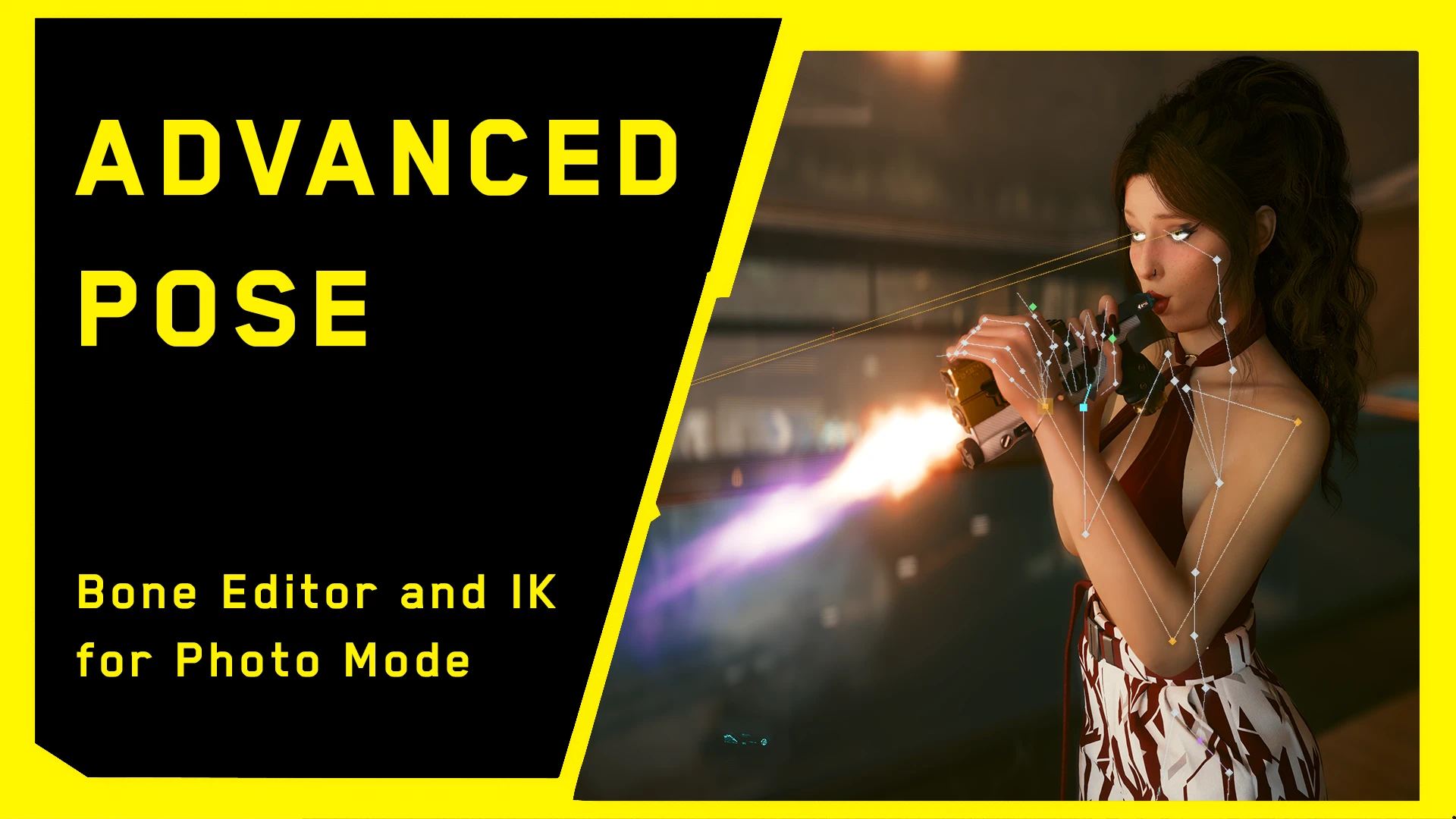
Advanced Pose - Bone Editor and IK for Photo Mode
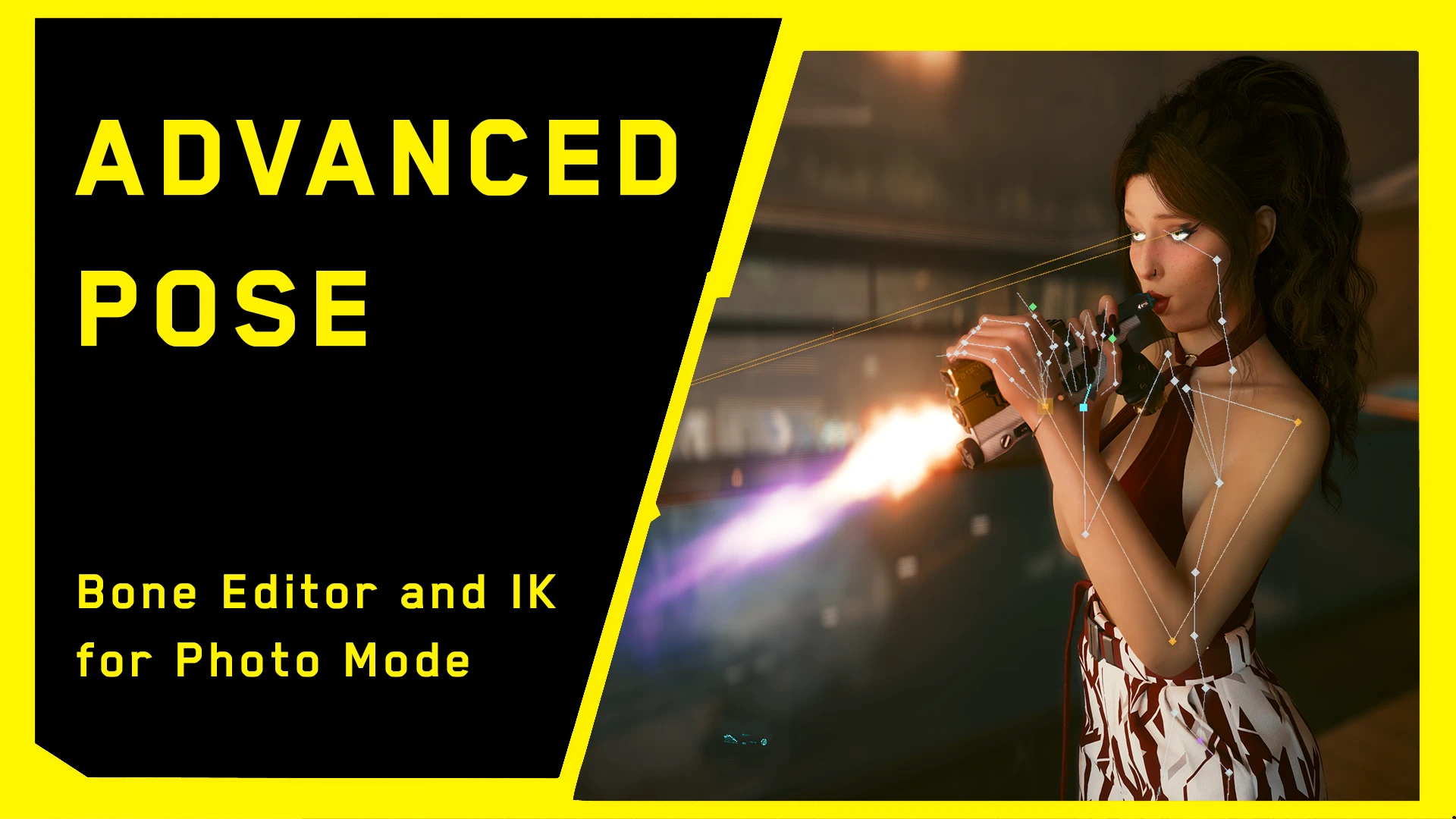
Pose V bone by bone directly in Photo Mode. Click and drag markers on the joints, pin hands and feet with inverse kinematics, shape the fingers, aim the eyes, put any item in V's hands and save your poses to reuse and share them.
 查看大图
[size=5][b]Advanced Pose - Bone Editor and IK for Photo Mode[/b][/size]
Pose V bone by bone directly in Photo Mode. Click and drag markers on the joints, pin hands and feet with inverse kinematics, shape the fingers, aim the eyes, put any item in V's hands and save your poses to reuse and share them.
[size=4][b]Features[/b][/size]
[list]
[][b]Gizmos on the joints[/b]: drag a marker to rotate that body part, Ctrl+drag to twist it, Alt+drag to rotate it freely. The marker shape tells you what a drag will do.[/]
[][b]Inverse kinematics[/b]: drag a hand or foot and the arm or leg follows. Pin it to the world or to the body; elbows and knees bend the natural way.[/]
[][b]Joint limits[/b] (can be turned off): knees, elbows, spine, wrists and fingers stay within human ranges.[/]
[][b]Hands[/b]: Open, Relaxed, Fist, Point and Grip presets, then refine every finger. Close-up markers for the palm and the thumb.[/]
[][b]Eyes[/b]: one look-at marker for both eyes or one per eye, with focus distance.[/]
[][b]Natural eyelids[/b]: when you turn the eyes, the eyelids follow them like in the base game, with the right amount for every facial expression.[/]
[][b]Items in hand[/b]: put weapons, food and other items in V's hands, searchable list, move and rotate them with a marker.[/]
[][b]Pose library[/b]: save, overwrite, rename, delete, unlimited poses. A saved pose stores the whole body, so it loads the same on top of any Photo Mode pose. Button to open the poses folder.[/]
[][b]T pose / A pose[/b] to build a pose from scratch.[/]
[][b]Mirror[/b]: edit one side, the other side follows.[/]
[][b]Undo / Redo[/b] (Ctrl+Z / Ctrl+Y), up to 100 steps.[/]
[][b]Works with Photo Mode's Look at camera[/b]: the face keeps looking at the camera while you pose the body; the bones it controls are greyed out.[/]
[]Works with male and female V.[/]
[/list]
[size=4][b]Requirements[/b][/size]
[list]
[]Cyberpunk 2077 [b]2.31[/b] (PC)[/]
[][url=https://www.nexusmods.com/cyberpunk2077/mods/2380]RED4ext[/url][/]
[][url=https://www.nexusmods.com/cyberpunk2077/mods/1511]redscript[/url][/]
[/list]
[size=4][b]Installation[/b][/size]
[b]Vortex[/b]: click "Mod Manager Download" and enable the mod.
[b]Manual[/b]: extract the archive into the game folder (the one containing [i]bin[/i]), so that you get:
[code]r6\scripts\AdvancedPoseMod\
red4ext\plugins\AdvancedPoseMod\[/code][b]Uninstall[/b]: remove those two folders. Your saved poses are in [i]red4ext\plugins\AdvancedPoseMod\poses[/i], back them up first.
[size=4][b]How to use[/b][/size]
Open Photo Mode and click [b]Pose editor[/b] (top left).
[list]
[]Tabs pick a body region, buttons pick the part. Drag a value or use - / +.[/]
[]Click a marker to select that part, drag it to pose it.[/]
[]Orange markers (hands and feet) use IK. Shift+drag rotates the hand or foot instead.[/]
[]Green marker: the point a held item hangs from. The violet hips marker moves the whole body.[/]
[]While dragging a hand, foot, eyes or item, the mouse wheel moves it nearer or farther.[/]
[]The [b]?[/b] button in the panel shows all markers and shortcuts.[/]
[][b]Reset[/b] next to the part name undoes its edits; right-click a marker does the same. An blue dot marks the edited parts.[/]
[/list]
[size=4][b]Compatibility[/b][/size]
[list]
[]Compatible with [b]PhotoModeEx[/b] and with pose packs: they add poses to Photo Mode, Advanced Pose edits whatever pose is selected.[/]
[]Only V is edited. Extra characters added in Photo Mode are left untouched.[/]
[]Game version check: if a game update changes something the mod relies on, the panel title says "Unsupported game version" and nothing is edited. Wait for an update of the mod.[/]
[/list]
[size=4][b]Known limitations[/b][/size]
[list]
[]NPCs and companions cannot be posed yet (planned).[/]
[]No face expression editing yet (planned); the face keeps the Photo Mode expression.[/]
[]Expressions added by other mods: eyelids follow like the neutral expression. [/]
[/list]
[size=4][b]Bug reports[/b][/size]
Please include the log: [i]red4ext\logs\advancedposemod-.log[/i]. For a detailed log, set [i]Log=1[/i] under [i][Debug][/i] in [i]red4ext\plugins\AdvancedPoseMod\config.ini[/i] and reproduce the problem.
[size=4][b]Credits[/b][/size]
[list]
[]RED4ext / RED4ext.SDK - WopsS and contributors[/]
[]Photo Mode function hashes and structure offsets - psiberx (PhotoModeEx, MIT)[/]
[]redscript - jac3km4[/]
[]nlohmann/json - Niels Lohmann (MIT)[/]
[]Icons - Lucide (ISC / MIT)[/*]
[/list][size=4][b]
About this mod[/b][/size]
The code of this mod was written with Claude (Anthropic's AI model), directed and tested in game by me.
[size=4][b]Source code[/b][/size]
[url=https://github.com/ObiOneStenobi/CP77AdvancedPoseMod]GitHub[/url] - MIT license.
正在加载版本记录…
正在加载评论…
评论在新手盒子客户端中发表,这里同步展示。