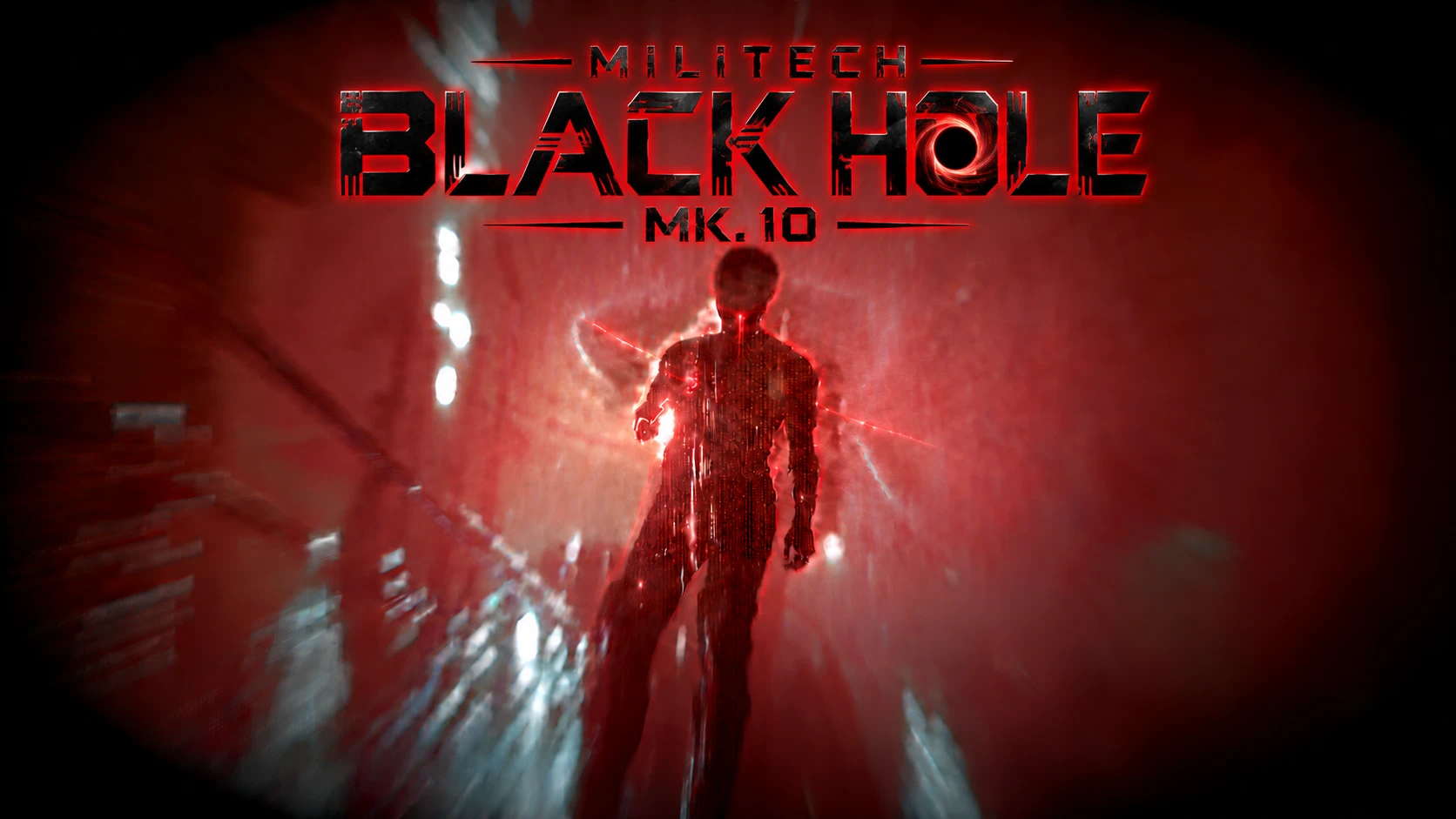
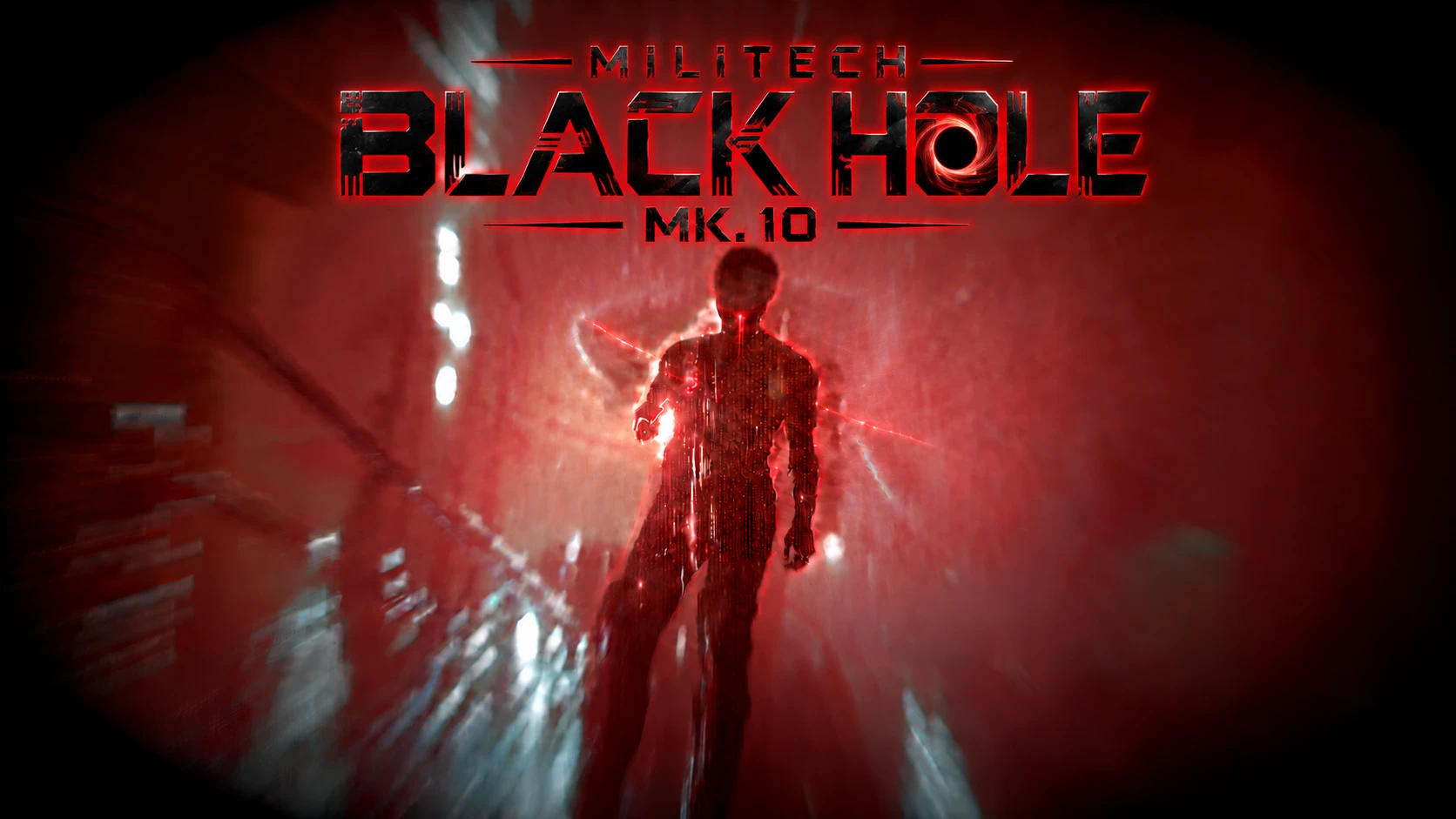
MILITECH BLACK HOLE MK.10 Sandevistan
Militech Sandevistan with 99.99% time slowdown, a 60-second duration, a 5-second cooldown, crimson Blackwall visuals. Available from Viktor for 3,000,000 eddies.
 查看大图
[font=Arial Black]MILITECH BLACK HOLE MK.10 SANDEVISTAN[/font]
A minute inside the singularity. Two seconds until the next one.
An iconic Militech prototype designed for an intentionally overpowered playthrough. Push the world into near-total time slowdown while V moves at normal speed, surrounded by a dark crimson Blackwall atmosphere.
[font=Arial Black]FEATURES[/font]
• 99.99% world time slowdown.
• 60-second activation duration.
• 5-second cooldown after deactivation.
• +300% damage while active — four times normal damage.
• +100% critical hit chance.
• +200% critical hit damage.
• Health drain: 3% of current HP per second while active.
• Dark activation effects and crimson Blackwall visuals throughout activation.
• An on-screen countdown and intensified visual warning during the final five seconds.
[youtube]PVyunKSwPhg[/youtube]
[font=Arial Black][i][b]HOW TO GET IT[/b][/i][/font]
Purchase MILITECH BLACK HOLE MK.10 SANDEVISTAN from Viktor for 3,000,000 eddies.
If it does not appear immediately, leave the shop, skip 24 in-game hours and check again.
You can also add it through the Cyber Engine Tweaks console:
[b][i]Game.AddToInventory("Items.MilitechBlackHoleMK10", 1)[/i][/b]
Equip it in your operating system slot and use your normal Sandevistan activation key.
[font=Arial Black][i][b]REQUIREMENTS[/b][/i][/font]
• Cyberpunk 2077 on PC with Phantom Liberty
• Cyber Engine Tweaks
• RED4ext
• redscript
• Codeware
• TweakXL
• ArchiveXL
• REDmod, installed and enabled for custom audio
This release targets Cyberpunk 2077 version 2.31. Compatibility with other game versions has not been verified.
INSTALLATION WITH VORTEX
[list=1]
[]Install the required dependencies.[/]
[]Disable all older Black Hole versions and patches.[/]
[]Install the main ZIP and deploy your mods.[/]
[]Enable REDmod and deploy the included audio mod.[/]
[]Restart the game.[/]
[/list]
[font=Arial Black][i][b]MANUAL INSTALLATION[/b][/i][/font]
Extract the ZIP into your main Cyberpunk 2077 folder. Merge the included bin, r6, archive and mods folders with the existing folders.
Enable REDmod and deploy the audio mod before launching the game.
CONFIGURATION
[b][i][font=Arial Black]Settings are available in:[/font][/i][/b]
bin/x64/plugins/cyber_engine_tweaks/mods/BlackHoleMK10/config.lua
[b][i][font=Arial Black]IMPORTANT NOTES[/font][/i][/b]
• Time is nearly frozen, rather than completely stopped. Projectiles and physics can still advance very slowly.
• Mods affecting Sandevistan timing, damage, operating systems or screen effects may affect the result.
• Some NPCs cannot be knocked down because of the game's restrictions.
• Custom audio stops in menus and restarts from the beginning when gameplay resumes.
[b][i][font=Arial Black]TROUBLESHOOTING[/font][/i][/b]
No custom audio:
Check that REDmod is installed, enabled and deployed. Check your sound effects volume.
Missing item or custom icon:
Check that the required dependencies loaded correctly. Make sure you equipped BLACK HOLE MK.10 rather than the original Apogee.
Problems after updating:
Keep only one complete Black Hole package active. Remove older patches and restart the game.
When reporting a problem, include your game version, dependency versions, installation method, reproduction steps and relevant CET or redscript errors.
[b]My Other Mods[/b]
Check out my other Cyberpunk 2077 mod: [url=https://www.nexusmods.com/cyberpunk2077/mods/34647]View on Nexus Mods[/url]
正在加载版本记录…
正在加载评论…
评论在新手盒子客户端中发表,这里同步展示。