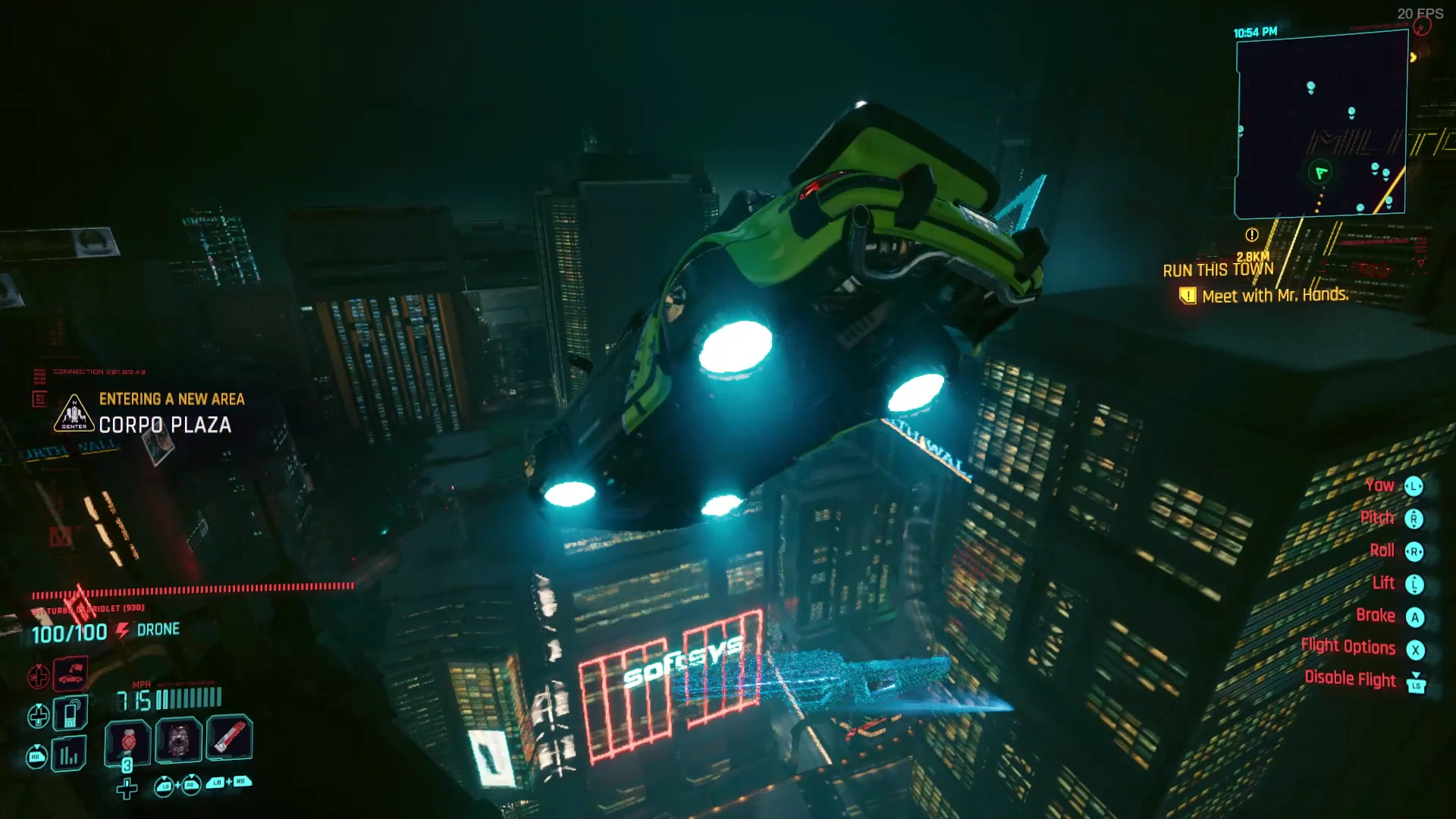
让飞行成为可能
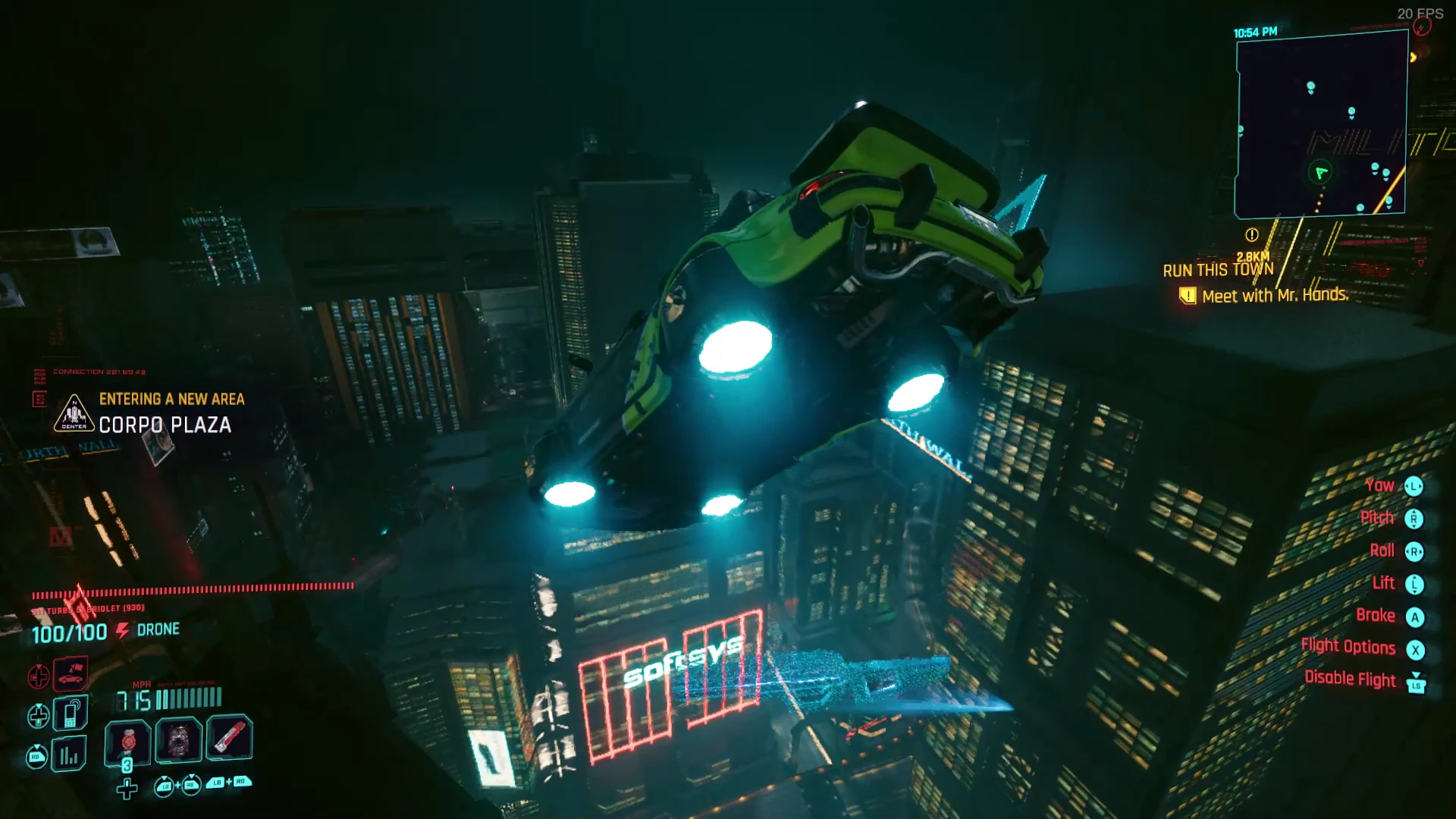
为所有载具启用可配置的飞行系统,支持自定义推进器模型、视觉与音效以及动画
 查看大图
查看大图[youtube]LkrG75sIeB8[/youtube]
[size=5]安装[/size]
[size=2]1. 安装上面列出的所有前置要求
2. 将 let_there_be_flight.zip 解压到你的游戏目录中[/size]
[size=5]卸载[/size]
1. 确保 Cyberpunk2077.exe 没有在后台运行(通过任务管理器检查)
2. 运行“red4ext/plugins/let_there_be_flight/uninstall.bat”
如果你之前安装过 Nexus 之前的旧版本,可能需要手动删除文件。
[size=5]配置[/size]
许多设置可以通过“Mod Settings”菜单进行调整,你可以在其中启用/调整每种飞行模式——这里的每个设置都有说明。若要进行更高级的自定义,你可以编辑 red4ext/plugins/let_there_be_flight/packed.reds(搜索“FlightSettings.SetFloat”)。
启用输入提示以查看默认按键绑定。控制方式可以通过编辑 red4ext/plugins/let_there_be_flight/inputs.xml 来自定义——在此查看所有可用按键列表:https://nativedb.red4ext.com/EInputKey
(等我更新完成后,将兼容 [url=https://www.nexusmods.com/cyberpunk2077/mods/4886]Custom Game Controller[/url],届时你可以使用双摇杆(或任何其他配置)来飞行,并对按钮/轴拥有更多控制权。)
[size=5]快速开始说明
[/size]
* 默认使用 O/按下左摇杆 切换飞行
* 默认使用 G/X + 左或右 切换飞行模式
* 悬停与飞行 是最简单的模式,适合键盘或手柄
* 无人机 是最进阶的模式,适合手柄/摇杆
* 其他模式可以在 Mod Settings 中启用/调整(所有内容都可能变更)
* 飞行时,会额外提供一个安装在车顶的 FPP 视角(在正常的车内 FPP 之后)
* 飞行时,按住退出按钮 300ms 后你会离开载具(可能会摔死)
* 当你的载具生命值降至 15% 时,它会起火(这是正常现象),但还会响起警报,同时你的生命值会根据计时器持续下降——在此期间你仍然可以飞行(但不能驾驶),如果在载具生命值降至 0% 时你还在车内,你会死亡(载具会爆炸)。
[size=5]翻译[/size]
[size=2][url=https://github.com/jackhumbert/let_there_be_flight#translating]翻译说明见此处
[/url][/size]
[size=5]故障排除[/size]
请确保你已经安装了所有前置要求。你应该能够在“red4ext/logs/red4ext.log”中看到它们各自被加载(顺序无关):
* [url=https://www.nexusmods.com/cyberpunk2077/mods/4575]Input Loader[/url]
* [url=https://www.nexusmods.com/cyberpunk2077/mods/4885]Mod Settings[/url]
* [url=https://www.nexusmods.com/cyberpunk2077/mods/4197]TweakXL[/url]
* Let There Be Flight
如果你看到“REDScript compilation failed”,你可能需要删除“r6/cache”文件夹并重新验证游戏文件。如果错误持续发生,请将你的“r6/cache/redscript.log”上传到类似 [url=https://pastebin.com/]pastebin.com[/url] 的网站,并在评论/帖子中附上链接。发生此错误时,请不要指望模组/游戏能够正常工作。
如果你的游戏崩溃,[url=https://www.nexusmods.com/cyberpunk2077/articles/366]请按照本指南获取适当信息[/url]——你也可以将此日志上传到 [url=https://pastebin.com/]pastebin.com[/url]。
如果你认为自己遇到了 bug,[url=https://github.com/jackhumbert/let_there_be_flight/issues]请先在 Github 上查看 issues,再发表相关评论[/url]。
[size=5]特别感谢[/size]
特别感谢 @psiberx 提供的 [url=https://github.com/psiberx/cp2077-codeware/]Codeware Lib[/url]、[url=https://github.com/psiberx/cp2077-playground]InkPlayground Demo[/url],以及 Discord 上的 Redscript、CET 和 RED4ext 示例;感谢 @WopsS 提供的 [url=https://github.com/WopsS/RED4ext]RED4ext[/url];感谢 @jac3km4 提供的 [url=https://github.com/jac3km4/redscript]Redscript toolkit[/url];感谢 @yamashi 提供的 [url=https://github.com/yamashi/CyberEngineTweaks]CET[/url] 和 [url=https://www.nexusmods.com/cyberpunk2077/mods/3207?tab=description]E-mode 模组[/url](在弄清如何配合 FMOD 工作方面非常有帮助);感谢 @rfuzzo 及团队(尤其是 @seberoth!)提供的 [url=https://github.com/WolvenKit/WolvenKit]WolvenKit[/url];并感谢他们在 Discord 上提供的帮助。
有兴趣为现有或新游戏添加飞行载具或类似机制吗?请告诉我!
音频系统由 Firelight Technologies Pty Ltd 使用 [url=https://www.fmod.com/]FMOD Studio[/url] 制作。
正在加载版本记录…
正在加载评论…
评论在新手盒子客户端中发表,这里同步展示。