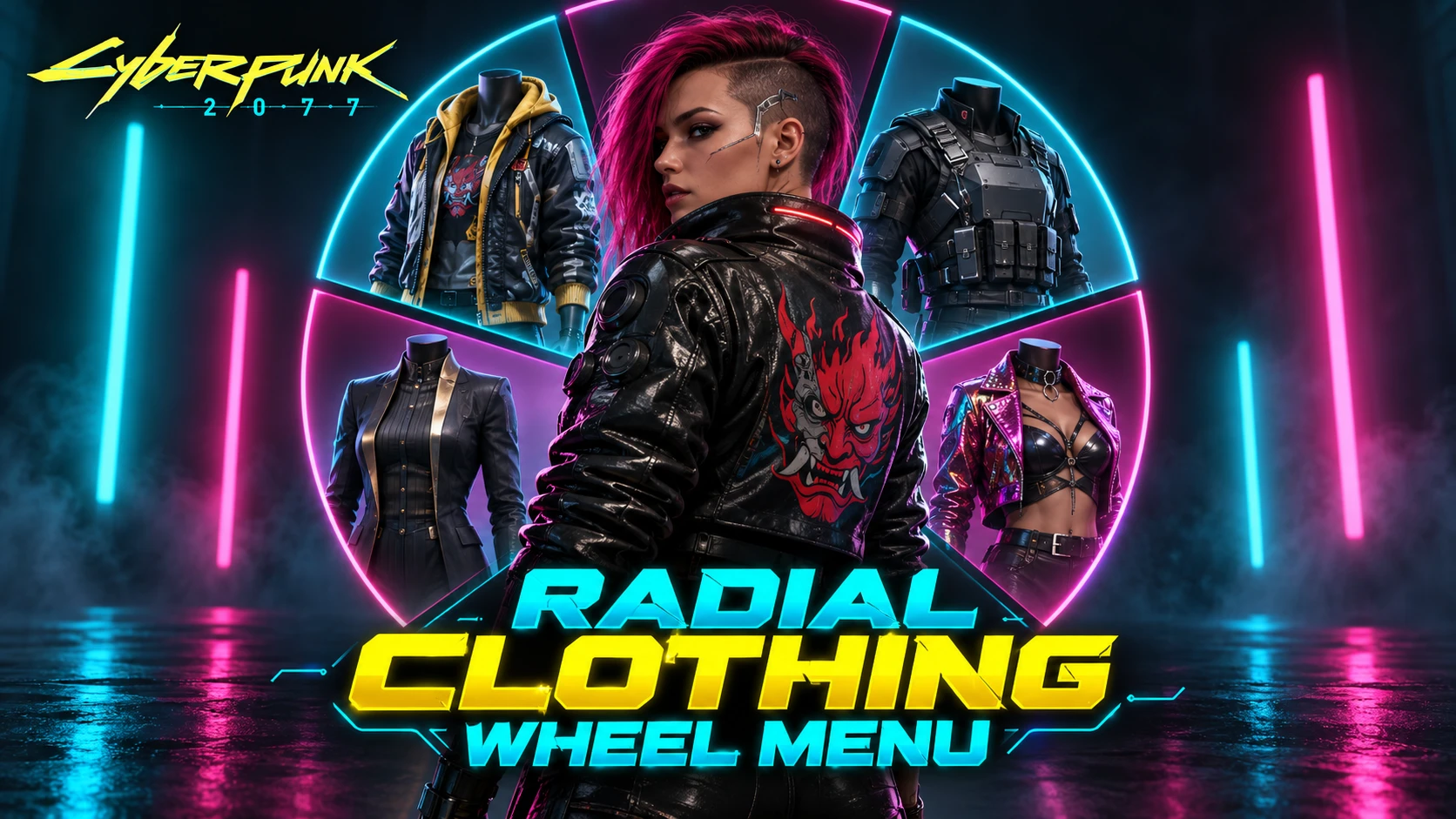
Radial Clothing Wheel Menu (with real time equipment ex outfit swaps)
Adds an extra page to the weapon radial wheel for quickly changing clothes, swapping outfits, and consuming food or drinks. The vanilla weapon page remains available and is not replaced.
 查看大图
查看大图[size=5][b]Radial Clothing Wheel Menu[/b][/size]
Got that sweet new immersive third person mod and want to see your V swap clothing on the fly?
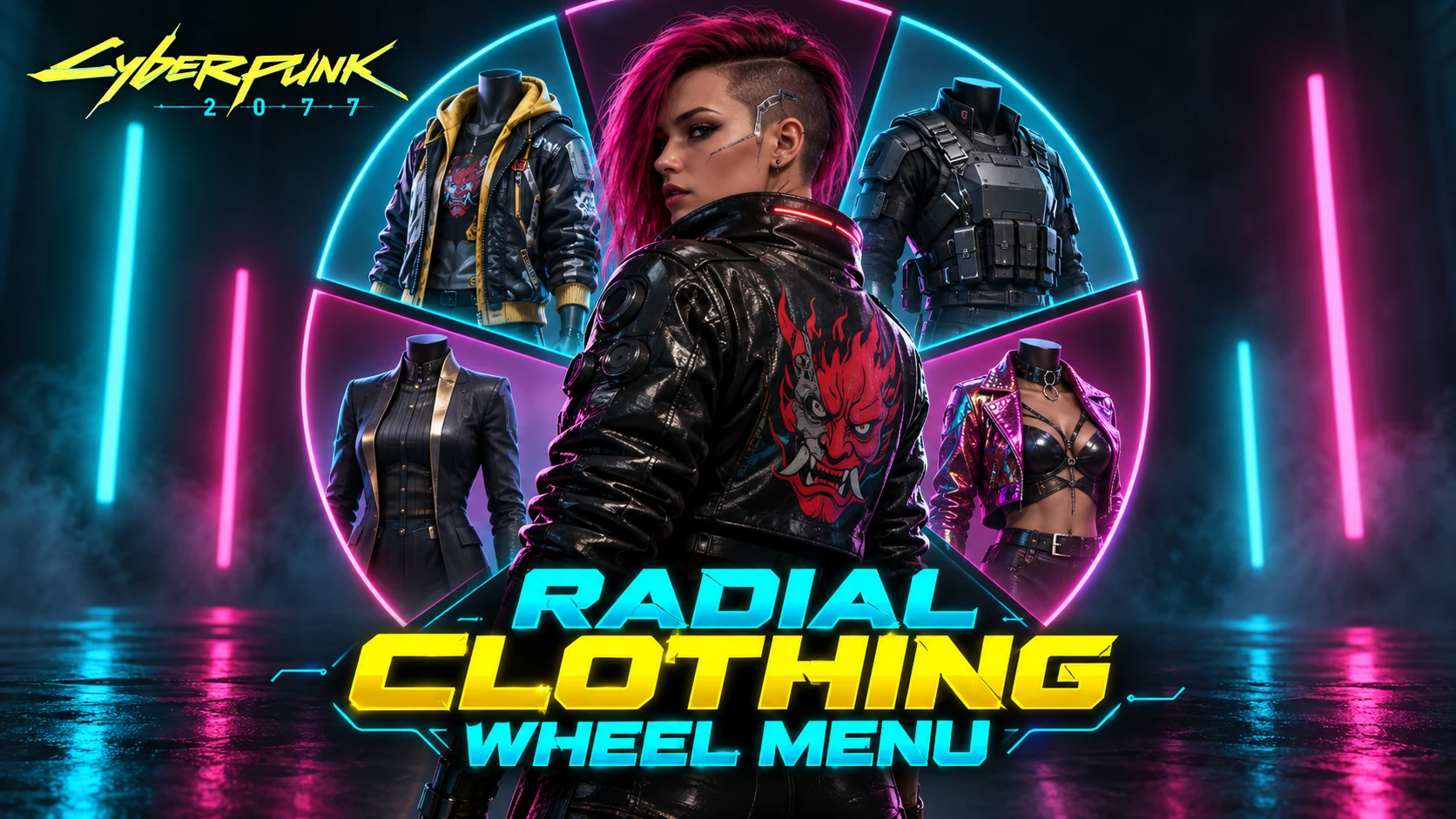
Raidal Clothing Wheel Menu adds an extra page to the weapon radial wheel for quickly changing clothes, switching outfits, and consuming food or drinks.
The vanilla weapon page remains available and is not replaced.
[youtube]Q3NFg918C6A[/youtube]
[size=4][b]Features[/b][/size]
[]Head, face, shirt, jacket, pants, and shoes slots[/]
[]Saved wardrobe outfit slot (supports equipment ex outfits)[/]
[]Food and drink slots[/]
[]Auto save outfits on the fly[/]
[]Cycle through available items using the vanilla radial-wheel cycle inputs[/]
[]Apply clothing, outfits, food, and drinks directly from the wheel[/]
[]Every clothing slot includes a None option for unequipping[/]
[]Empty slots display a clear None label instead of appearing blank
[size=4][b]Page Key[/b][/size]
While holding the radial wheel open, press any of the following:
[/]
[]Left trigger[/]
[]Right trigger[/]
[]Left bumper[/]
[]Right bumper[/]
[]Page up/down for keyboard/mouse players
[size=4][b]Outfits[/b][/size]
The Outfit slot uses Cyberpunk's saved wardrobe sets. Only wardrobe sets containing clothing are shown, and the real wardrobe-set number is used in the label.
If Equipment-EX is installed, the Outfit slot can use its named outfit sets instead. Equipment-EX is optional and is not a hard dependency.
If you use the save outfit function it will automatically save the outfit to the next available slot.
Selecting None on a clothing slot releases the active wardrobe set first, matching vanilla game behaviour.
[size=4][b]Requirements[/b][/size]
[/]
[]redscript[/]
[]Cyber Engine Tweaks[/]
[]Native Settings UI / Mod Settings
Optional (but recommended):
[list]
[]Equipment-EX — enables Equipment-EX outfit sets[/]
[]Radial Menu Upgrade for Idle-Computer-TV Anywhere mods — supported automatically[/]
[/list]
[size=4][b]Settings[/b][/size]
The following options are available under [b]Radial Clothing Page > Page[/b]:
[list]
[][b]Clothing page[/b] — enable or disable the additional page[/]
[][b]Remember last page[/b] — reopen the radial wheel on the last-used page[/]
[][b]Use Equipment-EX outfits[/b] — choose between Equipment-EX outfits and the game's saved wardrobe sets[/]
[/list]
[size=4][b]Compatibility[/b][/size]
The mod supports the Radial Menu Upgrade for Idle-Computer-TV Anywhere mods. Its archive is intentionally named
Optional page-position integration is also included for Object Manipulation Framework when that mod is installed.
[size=4][b]Installation[/b][/size]
Install the archive with your mod manager, or extract it directly into your Cyberpunk 2077 game folder while preserving the folder structure.
[size=4][b]Uninstallation[/b][/size]
Remove or disable the mod through your mod manager.
For manual installations, remove:
[/]
[][code]archive/pc/mod/#A0_RadialClothingPage.archive[/code][/]
[][code]r6/scripts/RadialClothingPage/[/code][/]
[][code]bin/x64/plugins/cyber_engine_tweaks/mods/RadialClothingPage/[/code]
[/]
正在加载版本记录…
正在加载评论…
评论在新手盒子客户端中发表,这里同步展示。