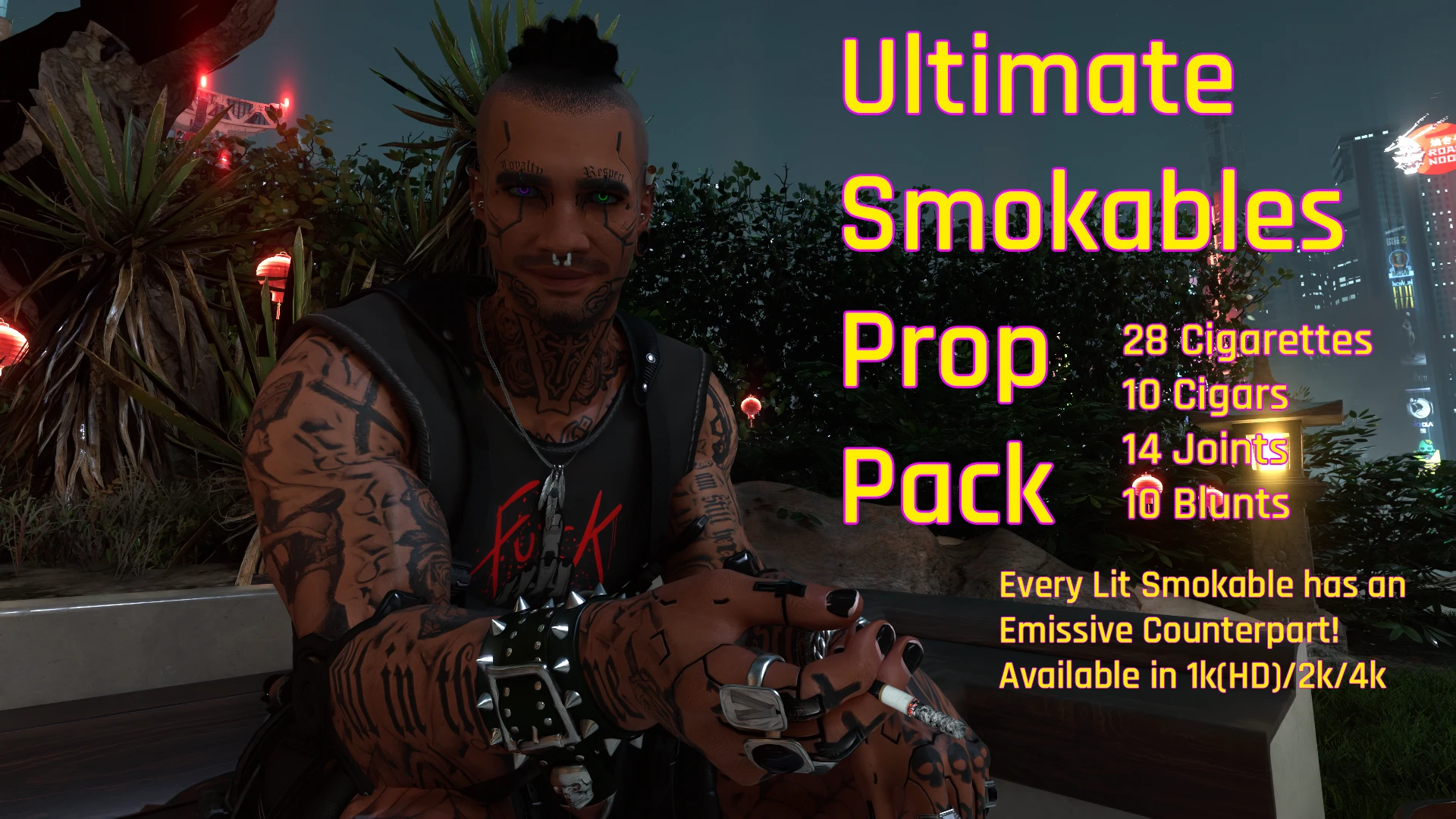
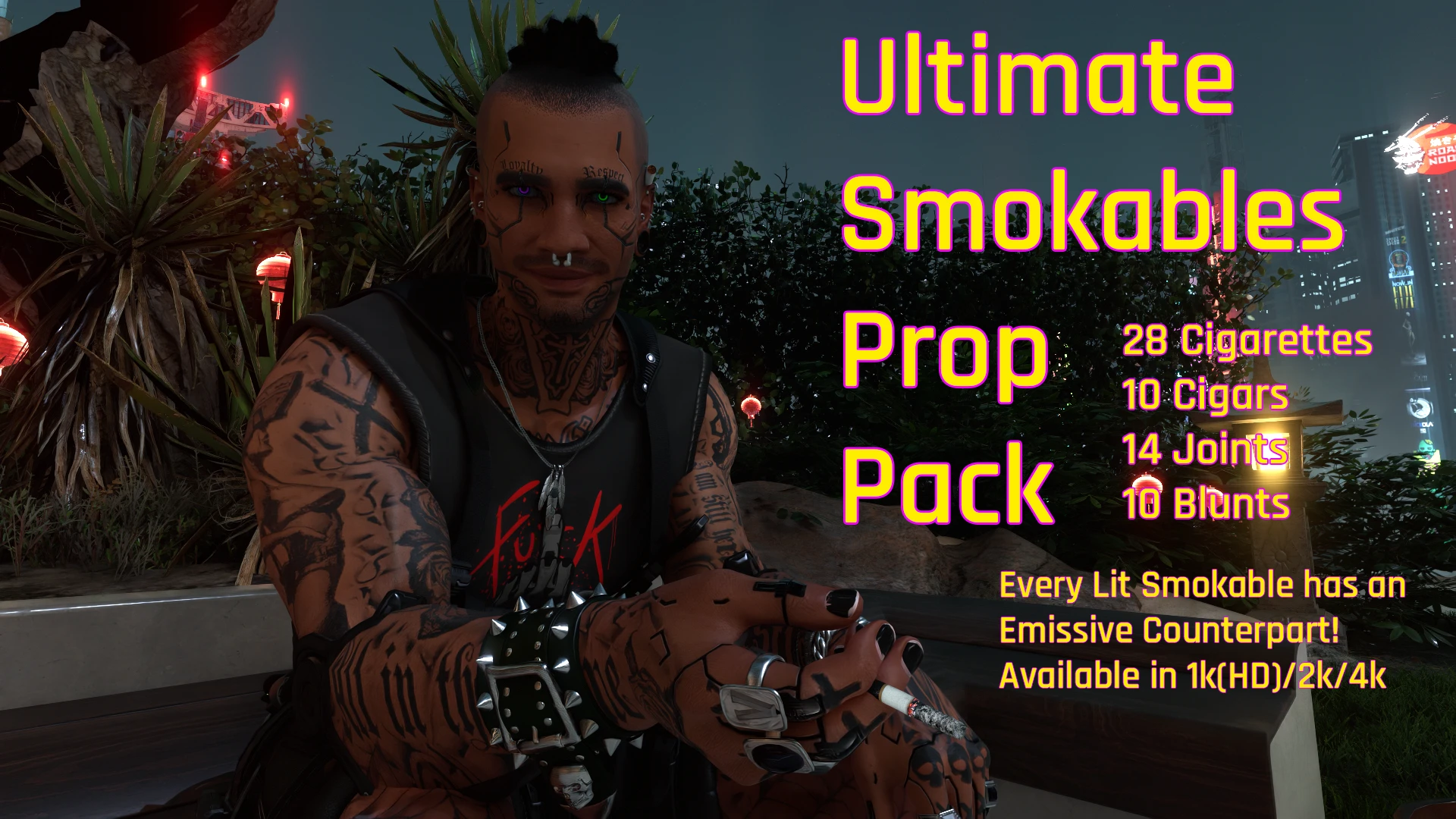
Ultimate Smokables Prop Pack
62 Smokables Props for AMM & World Builder
 查看大图
查看大图[size=4][b]Description[/b][/size]
[size=3]Ultimate Smokables Prop Pack Includes 62 Props! 28 Cigarettes (14 with Black Filters and 14 with Cork Style Filters), 10 Blunts, 14 Joints, and 10 Cigars.[/size]
[size=3]All props work in Appearance Menu Mod and World Builder. [/size]
[size=3]28 of the props are Emissive to make your night photos more realistic! If a prop is Emissive at the end of the Prop's Name there is an [b]- E[/b]. That prop will have a glow. Remember that the more light hitting the prop the dimmer the Emissive will appear. If a prop does not have [b]- E[/b] after it's name it will NOT glow.[/size]
[size=3]To find the props easily just search AMM or World Builder for [b]scby[/b]. It will find all of my props you have installed.[/size]
[size=4][b]Installation instructions[/b][/size]
[size=3]This Mod uses a Core File. You must install one of the 3 Core Files. They contain the textures for all of the props. [b]If you do not install a Core File all of the props will be invisible. [/b][/size]
[size=3]There are a 1k (HD) Core with 1024x1024 Textures, 2k Core with 2048x2048 Textures, and a 4k Core with 4096x4096 Textures. [/size]
[size=3][b]Warning:[/b] 4k Textures could bog down your computer if you don't have a massive amount of video memory. [/size]
[size=3][b]I recommend the 2k or 1k (HD) Core for most people.[/b] 2k looks amazing on my 3070rtx.[/size]
[size=3]Then you must pick which Prop file(s) you want. There is an All In One (which includes all of the props), or you can pick the Optional individual types of smokables to install, they are Cigarettes (Cigarettes AIO, Classic Cigarettes {Black Filtered}, or Cigarettes which has the cork style texture on the filter), Cigars, Blunts, and Joints. Any future add-ons will be added to the AIOs, Core Files and their own file.[/size]
[size=3][b]Use Vortex[/b] or extract the zips and just drop the Archive Files into:[/size]
[size=3][b]C:\Program Files (x86)\Steam\steamapps\common\Cyberpunk 2077\archive\pc\mod [/b][/size]
[size=3]and the bin folder into [b]C:\Program Files (x86)\Steam\steamapps\common\Cyberpunk 2077[/b][/size]
[size=3]To Uninstall just delete the files.[/size]
[size=4][b]Requirements[/b][/size]
[color=#D4D4D8][size=3][b][url=https://www.nexusmods.com/cyberpunk2077/mods/790]Appearance Menu Mod[/url] [/b]and/or [b][url=https://www.nexusmods.com/cyberpunk2077/mods/20660]World Builder[/url][/b] [b] Works with both.[/b][/size][/color]
[size=4][b]Shout outs[/b][/size]
[size=3][b][url=https://www.nexusmods.com/profile/YuseiYamoto?gameId=3333]YuseiYamoto[/url][/b] - This mod would not have been made without Yusei's help! Yusei you are a Saint for answering my boneheaded questions and teaching me how to make props! Thank you for everything you did! Please give him some love! He makes great mods![/size]
[size=3][b][url=https://www.nexusmods.com/profile/MeltingAngels]MeltingAngels[/url] [/b]- for their awesome Discord Server. You and the community you've built are kind and understanding. Thank you![/size]
[size=3][b]Cyberpunk 2077 Modding Community Discord Serve[/b]r for all their help with Emissive! Thank you![/size]
[size=3][b]men-of-nc AMM Discord Channels Members[/b] for all of the encouragement they gave me! Thank you![/size]
[b]The Photographers[/b] that took those awesome photos - [b][url=https://www.nexusmods.com/profile/MeltingAngels]MeltingAngels[/url][/b], Hugh Jackman, Valessa, [url=https://www.nexusmods.com/profile/ShadTenish]Shad Tenish[/url], Cyber Yeener, [url=https://www.nexusmods.com/profile/Vylkodav]vylkodav[/url], Darnexx, Vade, Cyb3RShad0WR3X, and [url=https://www.nexusmods.com/profile/Harle5yn/mods?gameId=3333]Harle5yn[/url]. Thank you for the great photos!
正在加载版本记录…
正在加载评论…
评论在新手盒子客户端中发表,这里同步展示。