建造宝箱补给
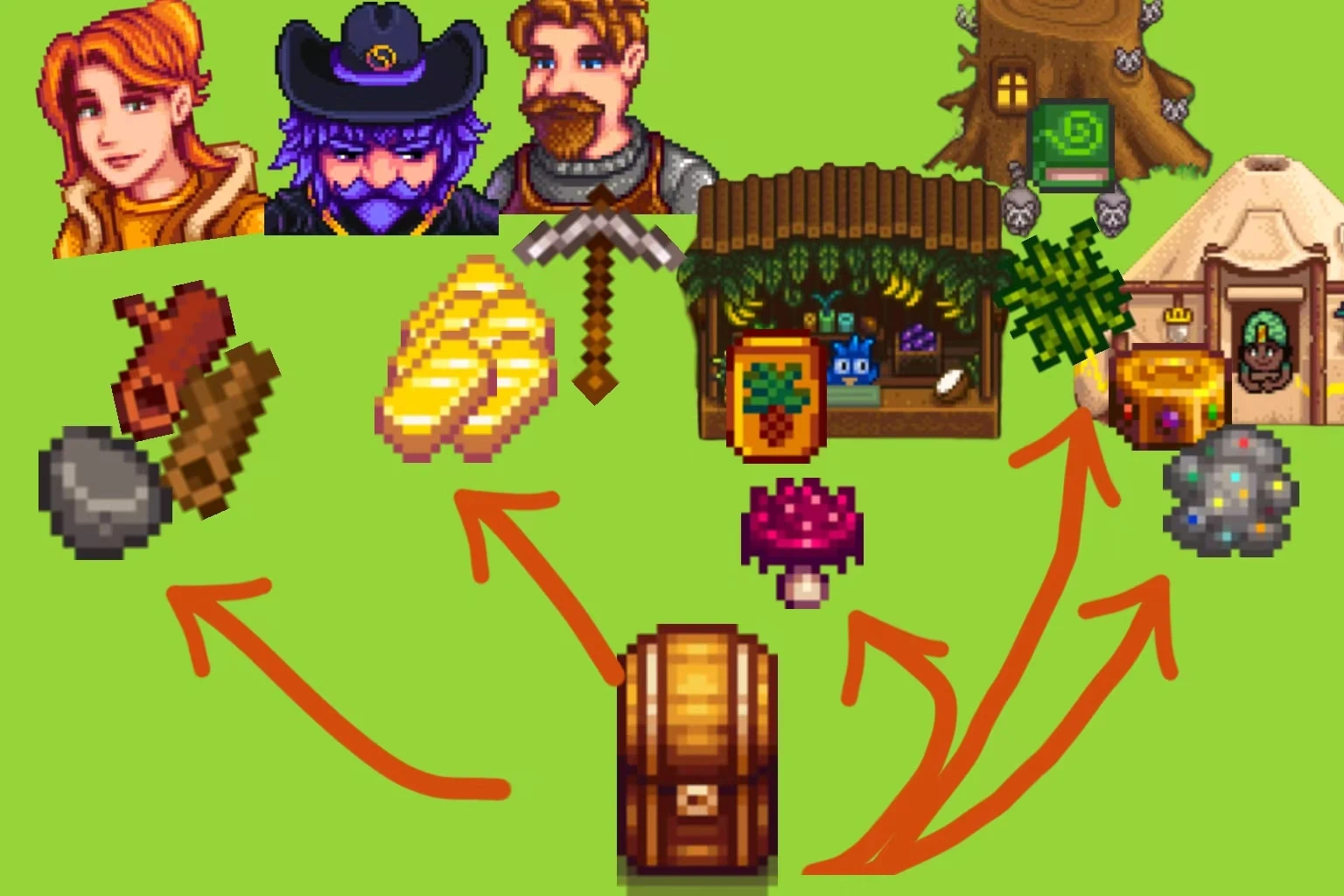
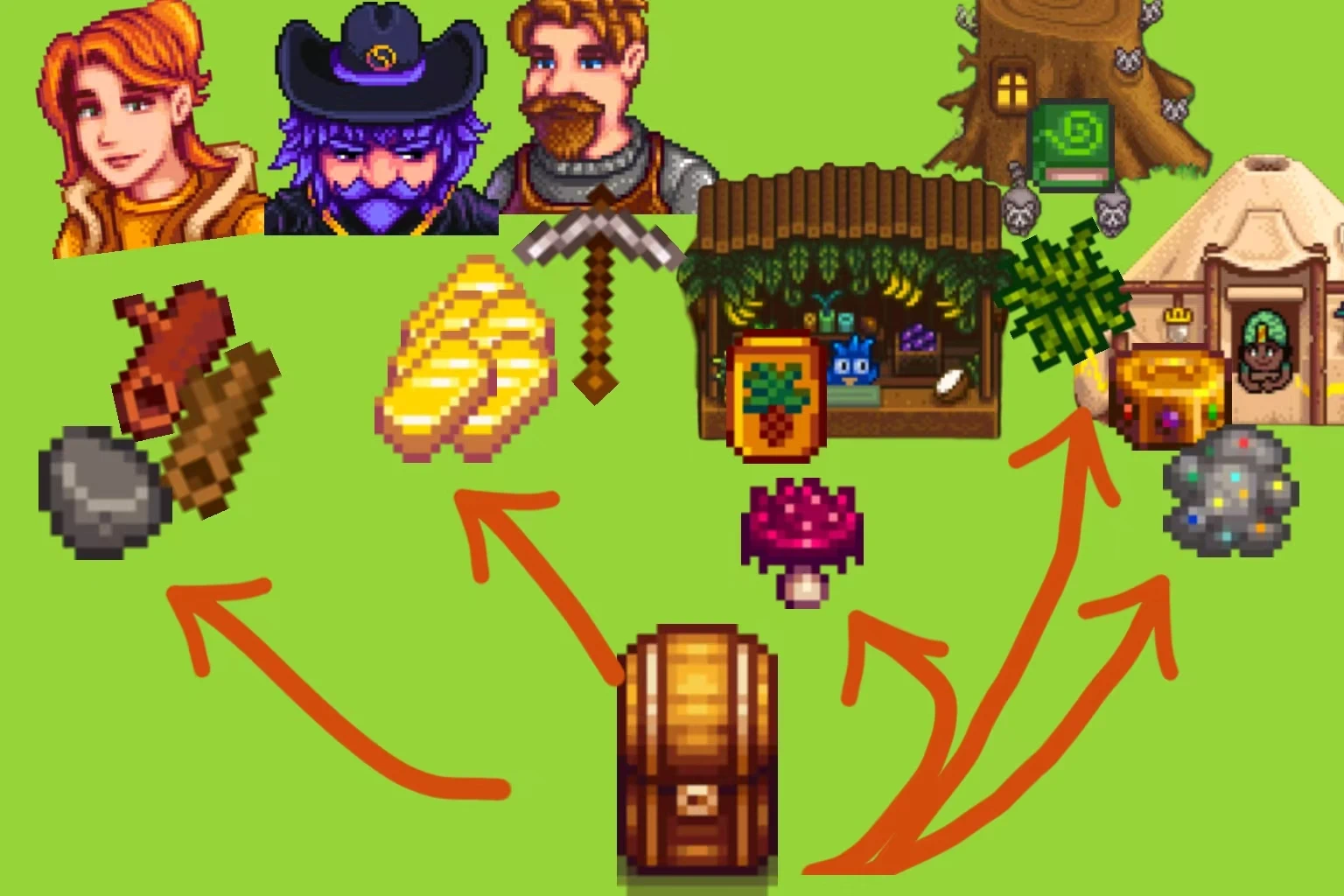
这个模组让你可以直接从罗宾、巫师、克林特和交易商店的箱子里取用建筑和升级材料。
 查看大图
模组介绍
建造和升级的时候,材料得先在背包里原版才认。箱子里的材料不算数, 于是每次都要先去箱子把木头、石头往背包里搬一遍,背包满了还搬不动。
Building Chest Supply 把全地图的箱子当成你的第二仓库:
- 判定时算上箱子 —— 材料列表从红字变白字、✔ 从灰变亮、商店价格从灰变白, 都代表"箱子里的加起来够了"
- 扣材料时直接从箱子扣 —— 缺多少扣多少,材料完全不经过背包
- 所以背包塞不塞得满、有没有空位,都不影响建造和交易
屏幕反馈:
- 成功从箱子扣料 → 弹星星

- 建造时材料不够 → 弹红叉

安装
- 先装好 SMAPI 4.x(游戏版本 1.6 或更新)。
- 把压缩包里的
BuildingChestSupply
文件夹整个丢进:
- Windows:
...\Stardew Valley\Mods\
- Android:
/storage/emulated/0/StardewValley/Mods/
(需先装 SMAPI 安卓版)
Mod Introduction
When building or upgrading, the game only recognizes materials that are in your inventory by default. Materials stored in chests do not count. This means you have to move wood, stone and other resources from chests into your inventory every time, and you cannot transfer more if your inventory is full.
Building Chest Supply treats all chests across the map as your secondary storage:
- Chest contents are included in checks — Red text on the material list turns white, checkmarks light up, and shop prices change from gray to white, all indicating that your total materials (including those in chests) meet the requirement.
- Materials are deducted directly from chests — Only the required amount is taken, and items never pass through your inventory.
- This means whether your inventory is full or has empty slots no longer affects building and trading.
On-Screen Feedback:
- Material successfully taken from chest → Popup star

- Insufficient materials for building → Popup red cross

Installation
- Install SMAPI 4.x first (for game version 1.6 or newer).
- Place the entire
BuildingChestSupply
folder from the archive into:
- Windows:
...\Stardew Valley\Mods\
- Android:
/storage/emulated/0/StardewValley/Mods/
(SMAPI for Android must be installed first)
正在加载版本记录…
正在加载评论…
评论在新手盒子客户端中发表,这里同步展示。