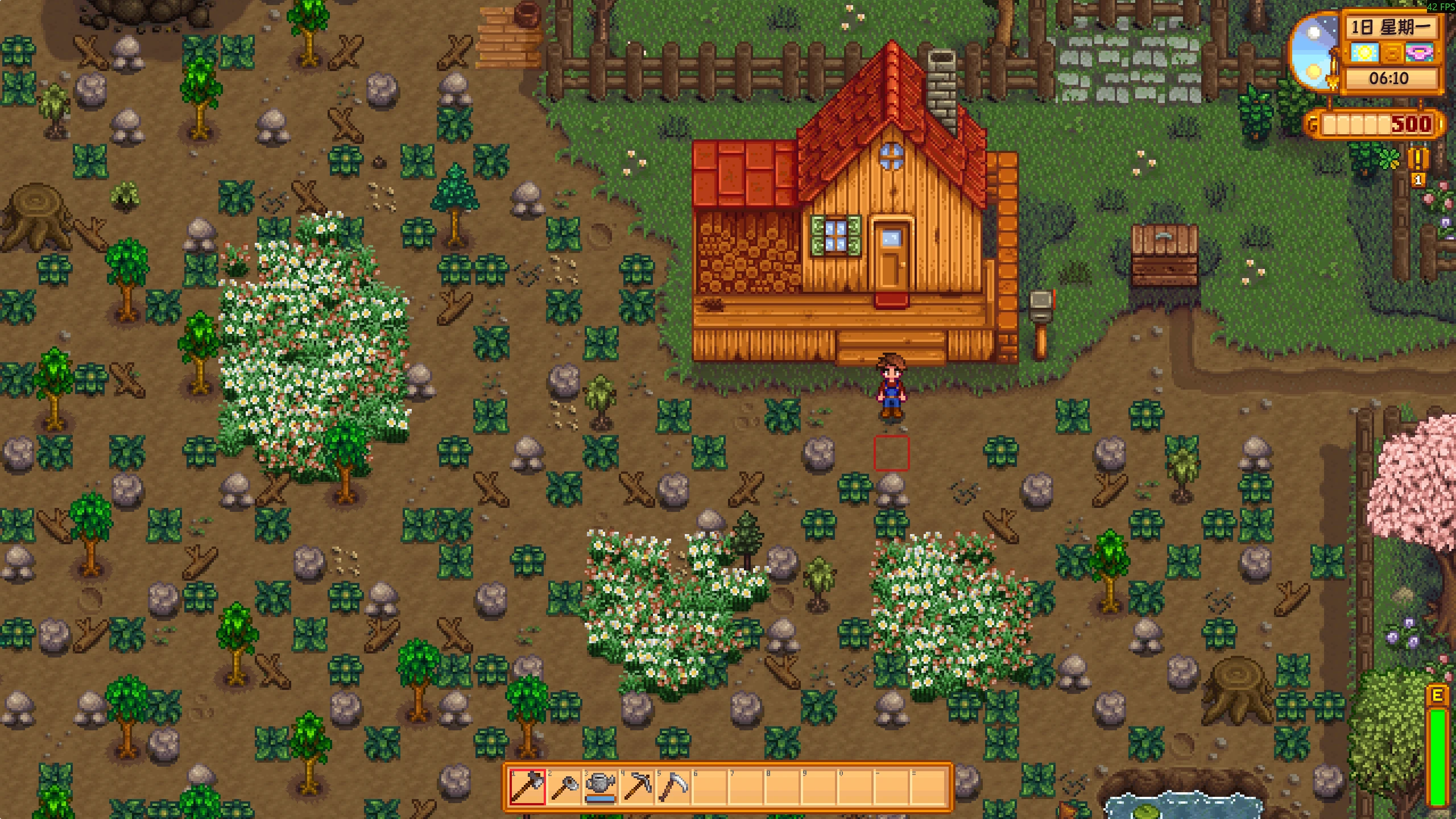
多行工具栏
显示所有背包行,告别 Tab 切换。 Show every backpack row on the HUD toolbar at once — no more pressing Tab.
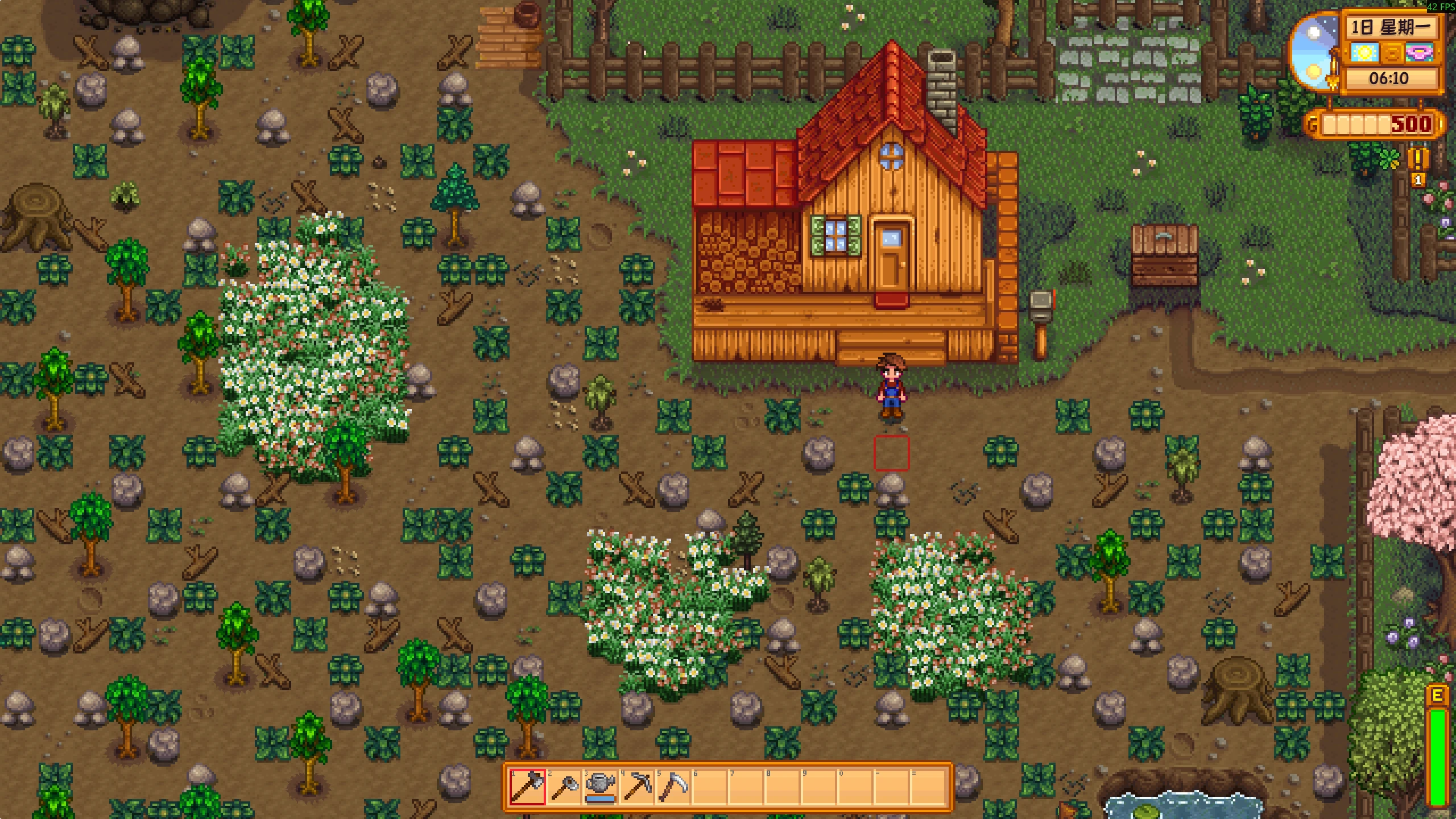 查看大图
Multi-Row Toolbar · 多行工具栏
⚠️ AI 声明 / AI Disclosure
本 mod 完全由 AI(Codex,基于 GPT 的编程代理)编写;人类参与者仅进行了功能测试与审核,未编写任何代码。
This mod was entirely written by an AI (Codex, a GPT-based coding agent). Human involvement was limited to testing and review — no code was written by a human.
显示所有背包行,告别 Tab 切换。 Show every backpack row on the HUD toolbar at once — no more pressing Tab.
English
What it does
In vanilla Stardew Valley the backpack holds up to 36 items split into three rows of 12, but the
HUD toolbar only shows one 12-slot row at a time and you press Tab to switch rows. This mod shows
all of your backpack slots on screen at once:
| Backpack size | Layout |
|---|---|
| 12 slots | 1 × 12 (vanilla) |
| 24 slots | 2 × 12 |
| 36 slots | 2 × 18 |
The 36-slot backpack becomes 18 × 2 (two rows of 18) instead of three rows of 12, so everything fits on screen without covering too much of the world. The two rows share a single border and sit tight together.
Features
- All backpack slots visible at once, no
Tabswitching. - Single shared border around the whole toolbar (no doubled borders between rows).
- Click any slot to select it; press the use key to use the selected item.
- Item tooltips on hover, including the sell-price tooltip if UI Info Suite 2 is installed.
- Optional integration with Generic Mod Config Menu.
Requirements
- Stardew Valley 1.6 or later (tested on 1.6.15).
- SMAPI 4.0 or later (tested on 4.5.2).
Install
- Install SMAPI.
- Download and unzip the mod into your Stardew Valley
Modsfolder, so the structure isMods/MultiRowToolbar/MultiRowToolbar.dllandMods/MultiRowToolbar/manifest.json. - Launch the game through SMAPI.
Configuration
Configuration is available in-game via Generic Mod Config Menu, or by editing
config.json next to the mod. Options:
| Option | Default | Description |
|---|---|---|
Enabled |
true |
Master switch for the multi-row toolbar. |
DisableToolbarRotation |
true |
Disables the vanilla row rotation (Tab / controller shoulder buttons). |
ExtraRowSpacing |
0 |
Extra vertical pixels between rows; can be negative down to -16. |
Notes & known limitations
- In the 36-slot (18 × 2) layout, slot selection is mouse-only: the number keys are disabled because 18 columns has no natural 1–12 hotkey mapping.
- In the 24-slot (2 × 12) layout, the number-key labels only appear on the bottom row (the row the hotkeys actually control).
- Controller selection of the extra rows and split-screen multiplayer are not implemented and not tested.
- Backpacks larger than 36 slots (e.g. "Bigger Backpack") will fall back to an 18-column multi-row layout and are not specially tuned.
- The 18 × 2 layout needs enough horizontal room (~1200 px); it may overflow on very narrow windows.
Changelog
- 0.1.0 — initial release.
简体中文
功能简介
原版星露谷的背包最多 36 格,分成三行、每行 12 格;但 HUD 工具栏一次只显示一行,需要按 Tab
切换。这个 mod 会把你背包里的所有格子一次性显示在屏幕上:
| 背包大小 | 布局 |
|---|---|
| 12 格 | 1 × 12(原版) |
| 24 格 | 2 × 12 |
| 36 格 | 2 × 18 |
36 格背包会变成 18 × 2(两行、每行 18 格),而不是原来的三行 12 格,这样不会占用太多 纵向屏幕空间、挡住游戏世界。两行共用一条外边框,紧凑贴合。
特性
- 所有背包格子一次性常显,无需按
Tab切换。 - 整个工具栏只有一圈外边框,行与行之间没有重复边框。
- 鼠标点击任意格子即可选中,按使用键即可使用。
- 悬停显示物品说明;安装 UI Info Suite 2 时还会显示售价提示。
- 可选接入 Generic Mod Config Menu 在游戏内配置。
环境要求
- 星露谷物语 1.6 或更高版本(已在 1.6.15 上测试)。
- SMAPI 4.0 或更高版本(已在 4.5.2 上测试)。
安装
- 安装 SMAPI。
- 将压缩包解压到星露谷的
Mods文件夹,目录结构应为Mods/MultiRowToolbar/MultiRowToolbar.dll和Mods/MultiRowToolbar/manifest.json。 - 通过 SMAPI 启动游戏。
配置
可通过游戏内的 Generic Mod Config Menu 修改,或直接编辑 mod 目录下的 config.json。选项:
| 选项 | 默认值 | 说明 |
|---|---|---|
Enabled |
true |
多行工具栏总开关。 |
DisableToolbarRotation |
true |
禁用原版行旋转(Tab / 手柄肩键)。 |
ExtraRowSpacing |
0 |
行与行之间的额外纵向间距(像素),最低可到 -16。 |
注意事项与已知限制
- 36 格(18 × 2)布局下,格子选择仅支持鼠标:因为 18 列没有自然的 1–12 数字键映射, 数字键会被禁用。
- 24 格(2 × 12)布局下,只有下面一行显示数字快捷键角标(因为快捷键只对这一行生效)。
- 手柄选择额外行、分屏多人模式未实现且未测试。
- 超过 36 格的大背包(如 “Bigger Backpack”)会回退为 18 列多行布局,未做专门适配。
- 18 × 2 布局需要足够的横向空间(约 1200 像素以上),在过窄的窗口下可能溢出。
更新日志
- 0.1.0 — 首个版本。
正在加载版本记录…
正在加载评论…
评论在新手盒子客户端中发表,这里同步展示。