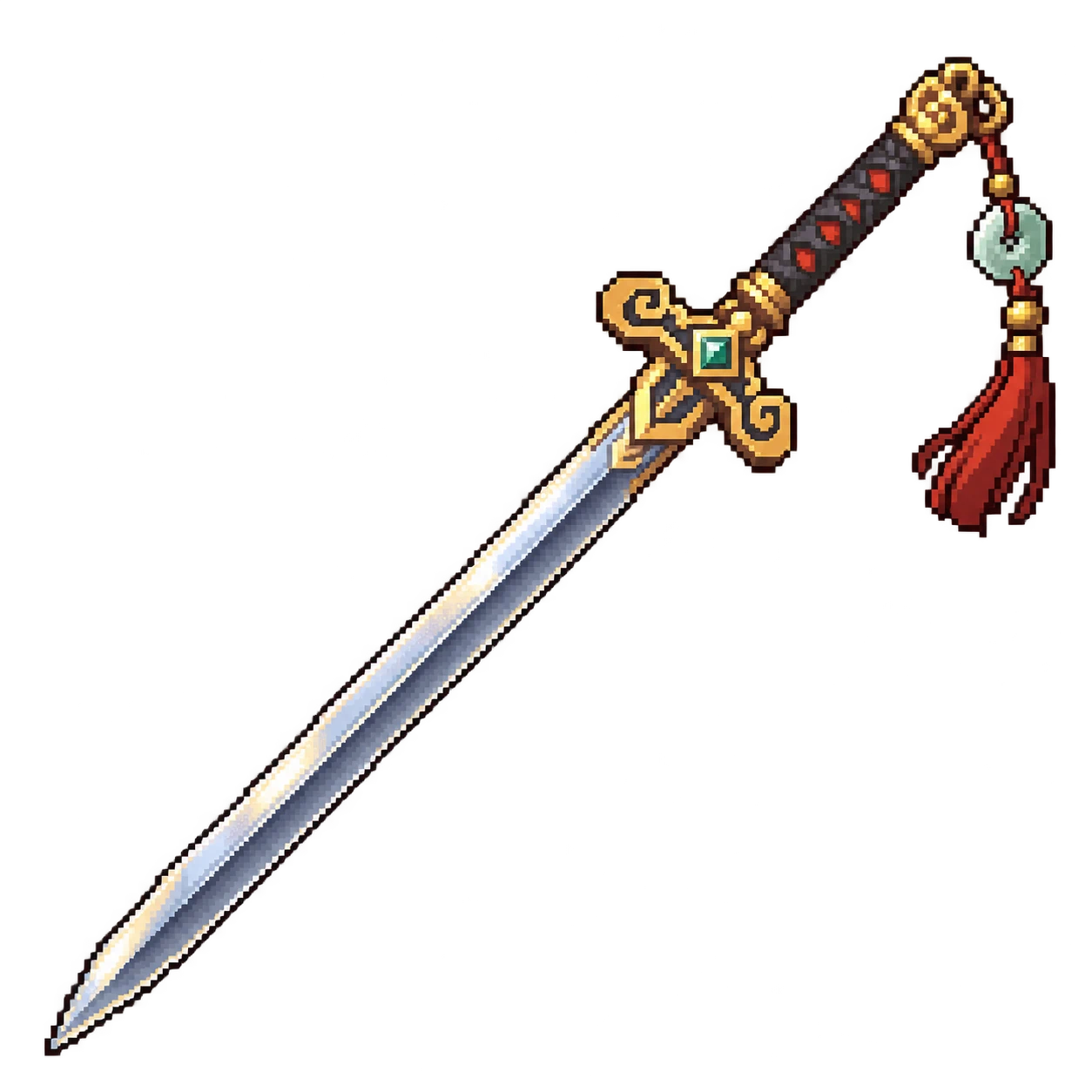
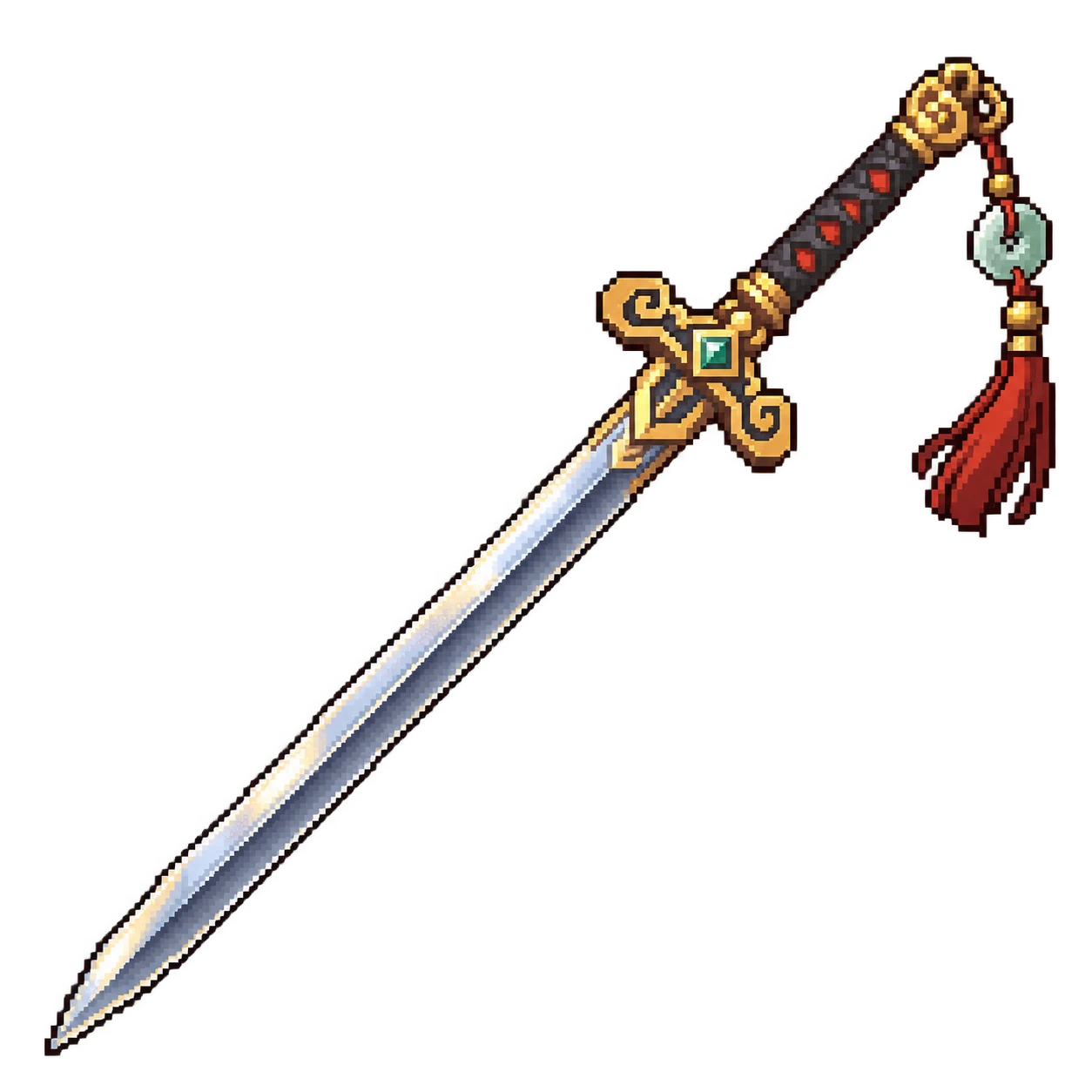
飞剑
御剑飞行,跨过障碍,攻击敌人!Ride a flying sword, summon a spirit blade, and cross rivers and lakes. Includes keyboard or mouse steering, trinket-slot equipment, multiplayer, and adjustable speed, damage, and riding protection.
 查看大图
ALT+F1
踩上飞剑,也让飞剑替你战斗
把御剑带进星露谷:飞剑既能载着玩家移动,也能自动寻找附近可攻击的敌人,绕敌、瞄准并直线突刺。御剑时可以召唤一把灵体飞剑负责攻击,脚下的实体飞剑继续承载玩家;与敌人接触时,还能造成单独设置的御剑接触伤害。
飞剑和灵体剑带有拖尾,剑尖会跟随移动方向,树木和前景保持正常遮挡。攻击遵循原版怪物的防御和保护状态,例如石头蟹收壳时不会被强行攻击。
功能特点
- 键盘或鼠标御剑。 键盘使用原有移动按键;鼠标模式不需要按住方向键,光标越远飞得越快,靠近人物即可停车。鼠标悬停快捷栏时保持进入前的方向与速度。
- 跨越河湖和普通障碍。 可以飞过普通石头、矿物和野草,直接从普通岸边进入河湖,也能从其他合法岸段上岸。荷叶和无护栏木桥可以正常经过。海水仅开放距可达岸边三格以内的范围;围栏、墙、树干、机器、瀑布、悬崖及未解锁的进度障碍仍会阻挡。
- 饰品栏装备,腾出双手。 飞剑可以装备在放仙女盒的原版饰品栏中。用中键上下剑,手中的工具保留原有操作;切换到炸弹、木材等物品时,人物照常双手举起,物品跟随人物浮起。
- 可调御剑减伤。 支持0–100%减伤;设为100%时,在剑上不受伤害,下剑后恢复正常受伤。御剑期间也免疫史莱姆黏液及其他负速度效果。
- 切图保留状态。 进出地图和矿洞后保留骑乘与召唤状态。对话、菜单和地图加载会暂停移动,结束后提供新的移动输入即可继续。
- 支持多人联机。 房主负责飞剑与伤害结算。各玩家独立设置操控、速度、减伤、自动召唤和作弊饰品栏;两套攻击伤害范围由房主设置。
水面和没有落脚空间的位置不能下剑,也不能卸下承载玩家的飞剑。手持飞剑御剑时,切换到其他物品需要先到可以安全落脚的地面;装备在饰品栏中的飞剑则允许照常切换手中物品。
获取飞剑与解锁方式
安装后,每个角色会收到一次矮人来信。云纹飞剑在矿井内的矮人商店出售,售价100,000金。
可以按原版流程打开矮人入口并掌握矮人语,再前往购买。也可以在设置面板点击**“解锁矮人商店”,直接移除通往矮人的原版巨石,并让执行该操作的角色掌握矮人语。该操作立即生效、永久保留,取消设置不会撤销;售价仍为100,000金。联机时,只有房主可以使用此按钮。
饰品栏默认按原版战斗精通解锁。 如果想提前使用,可以开启面板中的“作弊饰品栏”**: - 仅在尚未解锁战斗精通、且原版饰品栏未开启时可用,默认关闭。
- 只增加可使用的栏位,不授予精通,不改变技能经验、精通经验或原版饰品掉落条件。
- 开关点击后立即生效并保存,不随取消设置撤销。
- 关闭时,栏内装备退回背包,栏位恢复隐藏。背包满时需先腾出一格;飞剑正在水上承载玩家时,需先上岸。
- 正常解锁战斗精通后,原版接管栏位,保留装备,作弊按钮禁用。
操作方式
| 操作 | 功能 |
|---|---|
| 选中手中的飞剑 | 飞剑在人物身侧悬浮 |
| 手持飞剑时右键 | 上下剑;附近原版交互优先 |
| 手持飞剑时左键 | 开启或关闭自动攻击 |
| 饰品栏装备飞剑后按中键 | 上下剑,手中其他物品保留原有左右键 |
| Alt+F1 | 打开设置面板 |
可以设置什么
| 设置项目 | 可设置内容 | 默认值 |
|---|---|---|
| 操控方式 | 键盘 / 鼠标 | 键盘 |
| 键盘飞行速度 | 正常步行速度的10–500% | 200% |
| 鼠标最低、最高速度 | 各10–500%,最低值不能高于最高值 | 50% / 250% |
| 飞剑攻击伤害最小、最大值 | 各1–100000,最小值不能高于最大值 | 130 / 150 |
| 御剑接触伤害最小、最大值 | 各1–100000,最小值不能高于最大值 | 130 / 150 |
| 御剑减伤 | 0–100%,100%完全免伤 | 0% |
| 自动召唤灵体剑 | 饰品栏中键上剑时是否自动召唤 | 开启 |
| 作弊饰品栏 | 未正常解锁时提前启用或关闭栏位 | 关闭 |
数值直接在输入框填写整数,百分号自动保留;回车确认,Tab切换输入框,百分比项目也可使用滑块。普通设置点击“保存”后生效,面板提供恢复默认和取消选项;小窗口可滚动查看其余项目。设置随角色保存,面板快捷键也可在
config.json的
MenuKey中修改。
攻击伤害会受敌人防御影响。御剑减伤按玩家原版防御结算后的实际伤害计算;部分减伤的剩余伤害向上取整,100%时完全免伤。开启“自动召唤灵体剑”只决定饰品栏中键上剑时是否召唤,默认开启。
语言与安装
提供中文和英文两个安装包,Mod语言独立于游戏语言。只安装其中一个版本,将包内的
FlyingSword文件夹放入
Mods,通过SMAPI启动即可。升级或更换语言时退出游戏、替换文件夹并保留自己的
config.json。联机时所有玩家需安装相同版本。
A sword to ride, and a blade to fight beside you
Bring sword flight to Stardew Valley, inspired by xianxia, Chinese cultivation fantasy. Your flying sword can carry you across the map and automatically target nearby vulnerable enemies, circle them, aim, and thrust. While riding, you can summon a separate spirit blade to fight while the physical sword stays beneath your feet. Colliding with enemies while riding deals separately configurable contact damage.
Both blades leave trails, follow your movement direction, and remain behind trees and foreground scenery where appropriate. Attacks respect enemy defense and native protection states, including a Rock Crab hiding in its shell.
Features
- Keyboard or mouse steering. Use your normal movement keys, or steer entirely with the mouse. A farther cursor means faster flight; bring it close to stop. Hovering the hotbar preserves your previous direction and speed.
- Cross rivers, lakes, and ordinary obstacles. Fly over ordinary stones, ore, and weeds. Enter freshwater directly from ordinary shores and leave at another accessible bank. Lily pads and unrailed wooden bridges are traversable. Ocean flight is limited to three water tiles from an accessible shore. Fences, walls, tree trunks, machines, waterfalls, cliffs, and locked progression barriers still block passage.
- Equip the sword and keep your hands free. Put it in the native trinket slot used by the Fairy Box, then middle-click to mount or dismount. Your held tools keep their normal actions. Bombs, wood, and other carried items retain the native overhead pose and move with your airborne height.
- Adjustable riding protection. Choose 0–100% damage reduction. At 100%, you take no damage while riding; dismounting restores normal damage. Riding also prevents slime slows and other negative movement-speed effects.
- Keep your state across maps. Riding and summoning survive map transitions and trips in and out of the mines. Dialogue, menus, and map loading pause movement; provide fresh movement input afterward to continue.
- Multiplayer support. The host handles sword and damage calculations. Each player has independent steering, speed, protection, auto-summon, and slot-cheat settings. The host controls both attack-damage ranges.
You cannot dismount over water or where there is no safe place to land. You also cannot remove the equipped sword that is carrying you there. When riding a sword held in your hotbar, switching to another item requires safe ground; a trinket-slot sword lets you switch held items normally.
Getting the sword and unlocking access
Each character receives a Dwarf invitation after installation. Buy the Cloud-patterned Flying Sword from the Dwarf inside the mines for 100,000g.
Unlock the entrance and learn Dwarvish through normal gameplay, or use Unlock Dwarf Shop in the settings panel. This removes the original entrance boulder and grants Dwarvish understanding to the character using the button. The change applies immediately and is permanent, even if you cancel the settings draft. The sword still costs 100,000g. Only the host can use this button in multiplayer.
The trinket slot normally requires Combat Mastery. To use it early, enable Cheat trinket slot: - Available only before Combat Mastery and while the native slot is locked. Off by default.
- Enables the slot without granting mastery or changing skill XP, mastery XP, or native trinket-drop eligibility.
- Applies and saves immediately; cancelling the settings draft does not undo it.
- Disabling it returns the equipped item to your inventory and hides the locked slot. Make room first if your inventory is full, and return to shore if the equipped sword is carrying you over water.
- Earning Combat Mastery preserves the normal slot and equipment and disables the cheat button.
Controls
| Input | Action |
|---|---|
| Select the sword in your hotbar | Makes it float beside your character |
| Right-click while holding the sword | Mount or dismount; nearby native interactions take priority |
| Left-click while holding the sword | Toggle automatic attacks |
| Middle-click with a trinket-slot sword equipped | Mount or dismount; other held items keep their normal mouse actions |
| Alt+F1 | Open settings |
Available settings
| Setting | Options or range | Default |
|---|---|---|
| Steering | Keyboard / Mouse | Keyboard |
| Keyboard flight speed | 10–500% of normal walking speed | 200% |
| Mouse minimum and maximum speed | 10–500% each; minimum cannot exceed maximum | 50% / 250% |
| Sword attack minimum and maximum damage | 1–100000 each; minimum cannot exceed maximum | 130 / 150 |
| Riding contact minimum and maximum damage | 1–100000 each; minimum cannot exceed maximum | 130 / 150 |
| Riding protection | 0–100%; 100% prevents all damage while riding | 0% |
| Auto spirit sword | Automatically summon when mounting via the trinket slot | On |
| Cheat trinket slot | Enable or disable the slot before its normal unlock | Off |
Type whole numbers directly into the boxes; the percent sign stays automatic. Press Enter to confirm or Tab to move between boxes. Percentage settings also have sliders. Regular settings apply when saved, with Restore Defaults and Cancel available; scroll to reach additional options in smaller windows. Settings are saved per character. You can also change the panel shortcut through
MenuKey in
config.json.
Enemy defense affects attack damage. Riding protection reduces final damage after the player's native defense calculation, with remaining damage rounded up for partial protection. At 100%, no damage is taken. Auto spirit sword only controls automatic summoning when mounting through the trinket slot, and is on by default.
Language and installation
Separate Chinese and English packages set the mod's language independently of the game's language. Install only one edition. Place its
FlyingSword folder in
Mods and launch through SMAPI. Exit the game before updating or switching editions, replace the folder, and keep your
config.json. All multiplayer participants need the same version.
正在加载版本记录…
正在加载评论…
评论在新手盒子客户端中发表,这里同步展示。