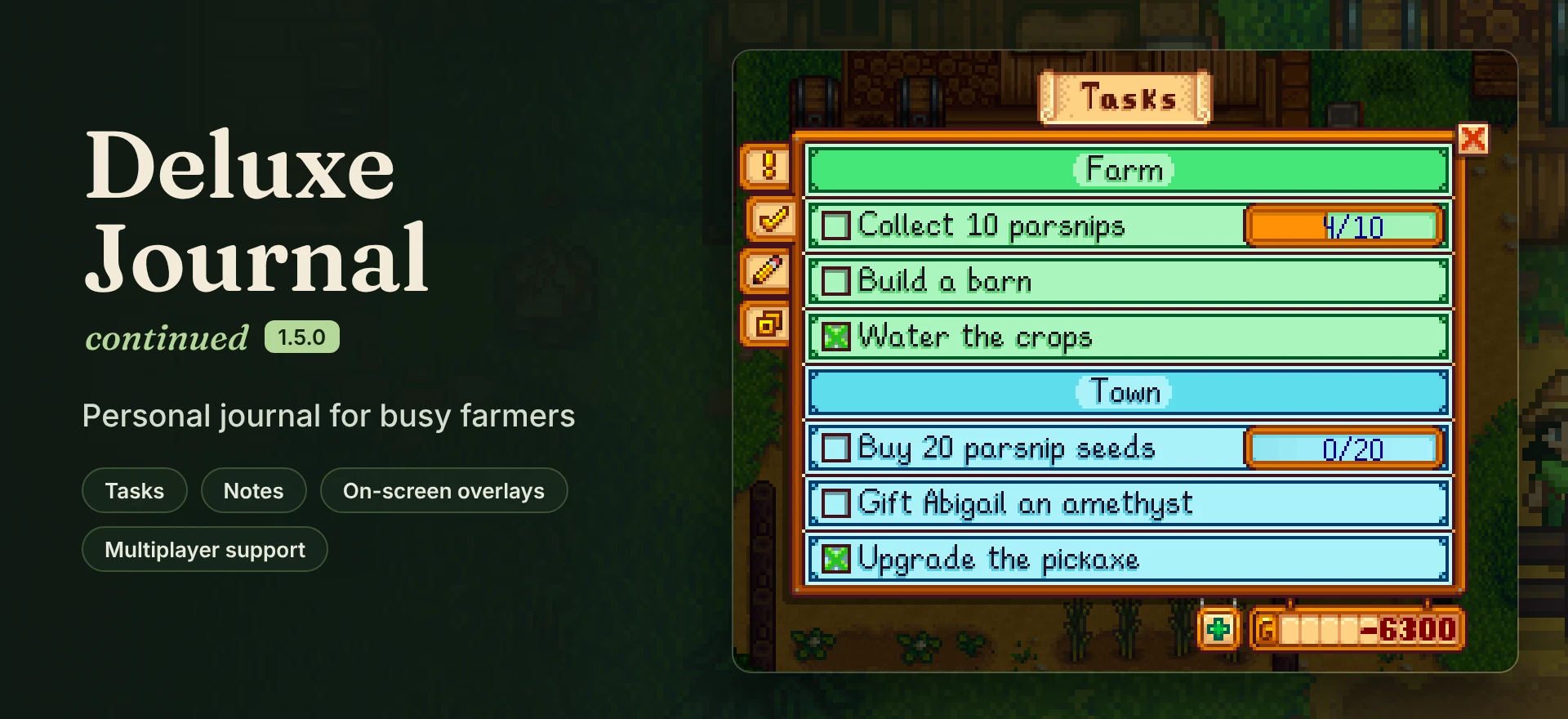
豪华日志续篇
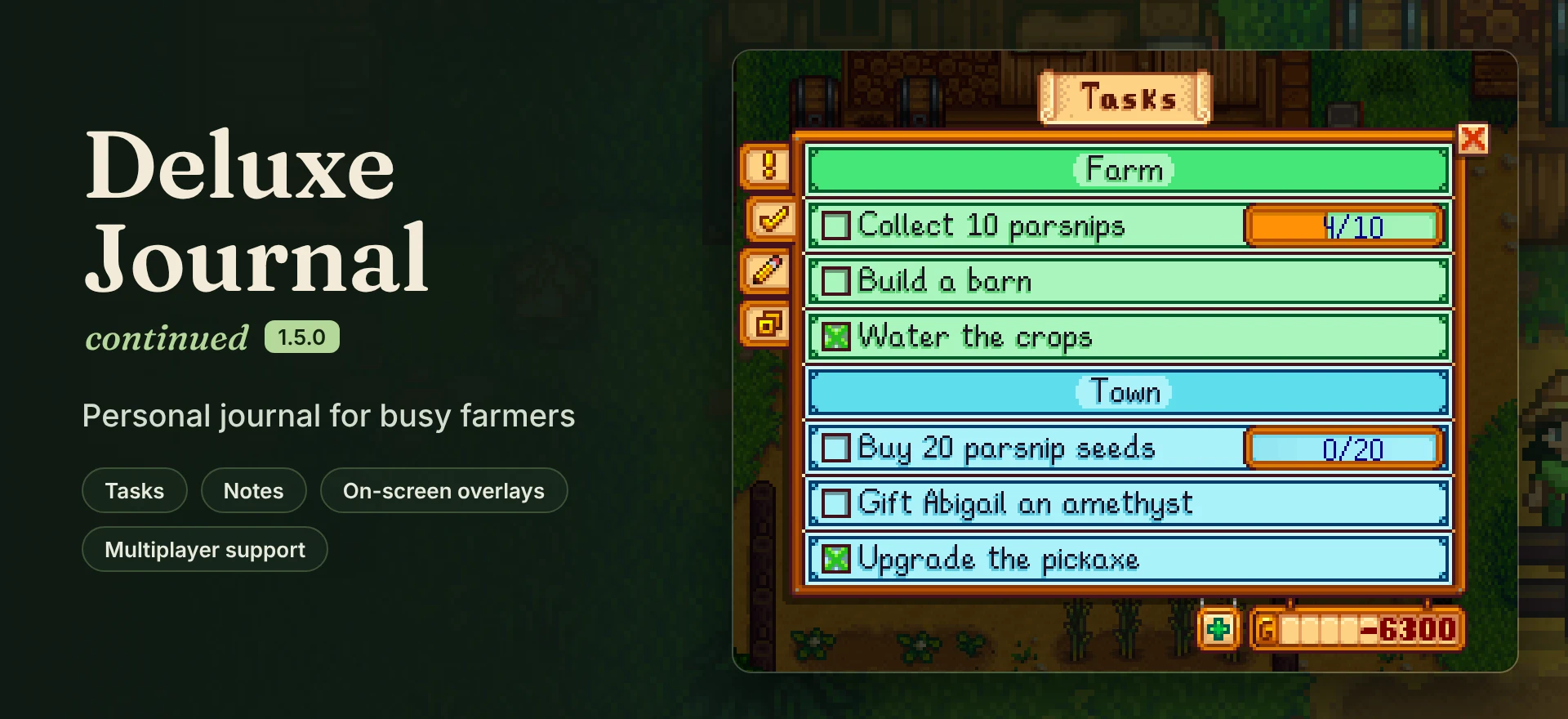
由MolsonCAD制作的Deluxe Journal社区分支版,修复了错误。升级游戏内日志,增加新功能以追踪日常事务。创建具有多种自动完成条件的待办事项列表,或在笔记页记录所需事项。
 查看大图
[center][img]https://staticdelivery.nexusmods.com/mods/1303/images/43805/43805-1792029797-1433156582.png[/img][/center]

[center][url=https://dalink.to/kauf0][img]https://staticdelivery.nexusmods.com/mods/1303/images/43805/43805-1792029878-1278522707.png[/img][/url] 喜欢它吗?一个认可能帮助其他农夫发现它。[/center]
![https://dalink.to/kauf0][img]https://staticdelivery.nexusmods.com/mods/1303/images/43805/43805-1792029878-1278522707.png[/img][/url]](https://dalink.to/kauf0%5D%5Bimg%5Dhttps://staticdelivery.nexusmods.com/mods/1303/images/43805/43805-1792029878-1278522707.png%5B/img%5D%5B/url%5D)
[center][img]https://staticdelivery.nexusmods.com/mods/1303/images/43805/43805-1792029835-1798372522.gif[/img][/center] [size=4][b][color=#b4d799]1.5.0 版本新增内容[/color][/b][/size]

- 击杀怪物任务。 追踪单个怪物的击杀数,或整个冒险者公会的目标,比如"击杀 1000 只史莱姆"。由 Celize 提议。
- 任务日志整合。 当两个模组都安装时,你的任务会显示在 [url=https://www.nexusmods.com/stardewvalley/mods/46966]Quest Journal[/url] 中。由 RafiaBee 贡献。
- 悬浮窗文字大小。 每个悬浮窗在悬浮窗页面都有各自的文字大小设置,从 60% 到 100%。
- 重新着色支持。 重新着色现在可以使用 Content Patcher,因此它们能在模组更新后继续生效。
外加一堆修复,包括农夫雇工的任务终于能在多人游戏中保存了。完整列表见更新日志标签页。
[center][img]https://staticdelivery.nexusmods.com/mods/1303/images/43805/43805-1792029847-158337532.gif[/img][/center] [size=4][b][color=#b4d799]任务[/color][/b][/size] 像你平时说话那样写:"买 20 个防风草种子"、"送阿比盖尔一个紫水晶"、"击杀 10 只史莱姆"。日志会自动理解你的意思,并在你实际完成时勾选掉。

[quote][b]智能添加没有识别出来?[/b] 按回车键或点击灯泡进行智能添加。确定按钮始终会创建一个由你自己勾选的普通任务。 命令来自模组的翻译:默认是英语,而法语、波兰语、葡萄牙语和中文有各自的翻译(新的 kill/slay 命令目前在所有语言中都是英语)。物品、村民和建筑名称必须与你的游戏语言中的拼写一致。你随时可以使用添加菜单中的扳手手动设置任务。[/quote]所有英语命令: [spoiler]
- 购买: buy, purchase, get
- 出售: sell, ship
- 收集: collect, chop, harvest, gather, forage, fish, catch, mine, dig, find, search, retrieve, get, make
- 制作: craft, cook, create, make, get
- 送礼: gift, give
- 建造: build, construct, upgrade, buy, purchase, get
- 农场动物: buy, purchase, get
- 工具升级: upgrade, buy, purchase, get
- 击杀: slay, kill, defeat, hunt
像 get、buy 或 make 这样的共用词会根据其后的内容来区分:物品、动物、建筑或工具。[/spoiler]
[center][img]https://staticdelivery.nexusmods.com/mods/1303/images/43805/43805-1792029854-1793190207.gif[/img][/center] 给任务设置一个重复周期(每天、每周、每月、每年,或在你完成后每隔 N 天),它就会自动回来。将任务分组到标题下:标题下的任务会采用标题的颜色,除非你给它们单独设置颜色。拖动可重新排序。

[center][img]https://staticdelivery.nexusmods.com/mods/1303/images/43805/43805-1792029861-348506114.gif[/img][/center] [size=4][b][color=#b4d799]便签和悬浮窗[/color][/b][/size] 便签用于记录一切非任务的内容,它们会自动保存,即使你在睡觉前退出游戏。

悬浮窗让你的列表保持在屏幕上。在悬浮窗标签页中开启一个,按底部的编辑模式来拖动和调整其大小,并在那里设置文字大小和颜色。按 O 键显示或隐藏它们(锁定的悬浮窗保持原位)。
[i]GIF 中的缩放框仅为本页面添加。[/i]
[size=4][b][color=#b4d799]良好兼容[/color][/b][/size]
- 多人游戏和分屏。 每个想要日志的人都需要安装该模组,主机也需要安装,这样农夫雇工的任务才能被保存。
- [url=https://www.nexusmods.com/stardewvalley/mods/26194]QuickSave[/url]: 快速读档后任务会继续计数。
- 由 RafiaBee 制作的 [url=https://www.nexusmods.com/stardewvalley/mods/46966]Quest Journal[/url]。
- 重新着色: 由 KickingBadger 制作的 [url=https://www.nexusmods.com/stardewvalley/mods/19724]Earthy Interface[/url],由 CountessSage 制作的 [url=https://www.nexusmods.com/stardewvalley/mods/32169]Earthy Recolor[/url],由 mmitski 制作的 [url=https://www.nexusmods.com/stardewvalley/mods/51206]Cat Valley[/url]。这些会替换图像文件,因此在更新 Deluxe Journal 后需要重新安装它们。要制作一个?使用 Content Patcher 配合下面的资源名称,它就能在更新后继续生效。
- 翻译: Français、Polski、Português、中文。1.5.0 中添加的文本在这些翻译跟上之前会以英语显示。一直有人要求西班牙语:如果你能帮忙,i18n 文件在 [url=https://github.com/kauf0/DeluxeJournal/tree/master/i18n]GitHub 上[/url]。
[spoiler]使用 Content Patcher 编辑这些(替换文件也仍然有效),然后在评论中发布你的重新着色,我会将其添加到列表中:
- Mods/MolsonCAD.DeluxeJournal/UI
- Mods/MolsonCAD.DeluxeJournal/AnimalIcons
- Mods/MolsonCAD.DeluxeJournal/BuildingIcons
- Mods/MolsonCAD.DeluxeJournal/ColoredTaskMask [/spoiler]
[size=4][b][color=#b4d799]安装[/color][/b][/size]
- 需要 Stardew Valley 1.6.9+ 和 [url=https://smapi.io]SMAPI[/url] 4.1.0+。已在 SV 1.6.15 和 SMAPI 4.5.2 上测试。
- 解压到 Mods 文件夹并通过 SMAPI 启动。像打开普通日志一样打开它:日志按钮或按 F。
- 从原版 Deluxe Journal 过来?请先移除它(如果你更改过任何选项,请复制其 config.json 过来)。你的任务、便签和悬浮窗会自动迁移。
- 只从 Nexus 或 GitHub 下载。其他网站上的副本不是我的,可能过时或更糟。
发现 bug? 请在 Bugs 标签页中发布,附上你的 SMAPI 日志([url=https://smapi.io/log]smapi.io/log[/url])、你的游戏语言,如果是视觉问题请附上截图。没有日志的话我基本只能靠猜。
[center][url=https://dalink.to/kauf0][img]https://staticdelivery.nexusmods.com/mods/1303/images/43805/43805-1792029874-1238154822.png[/img][/url] 无法打赏?一个认可或一份好的 bug 报告同样有帮助。[/center]
![https://dalink.to/kauf0][img]https://staticdelivery.nexusmods.com/mods/1303/images/43805/43805-1792029874-1238154822.png[/img][/url]](https://dalink.to/kauf0%5D%5Bimg%5Dhttps://staticdelivery.nexusmods.com/mods/1303/images/43805/43805-1792029874-1238154822.png%5B/img%5D%5B/url%5D)
[line] [center]Deluxe Journal 由 [url=https://www.nexusmods.com/stardewvalley/mods/11436]MolsonCAD[/url] 制作(MIT)。此版本由 kauf0 维护。 Quest Journal 整合由 RafiaBee 完成。翻译由 Caranud(FR)、DzikiSzogun(PL)、Vlgor(PT)和 Puffeeydii(ZH)完成。 此版本的想法和 bug 报告:SilverJD、Lunluna、Celize、MistressOfUniverses、RoseProse、Zombiekilla05,以及评论中的其他所有人。 [url=https://github.com/kauf0/DeluxeJournal]源代码[/url] · [url=https://github.com/MolsonCAD/DeluxeJournal]原始源代码[/url][/center]
正在加载版本记录…
正在加载评论…
评论在新手盒子客户端中发表,这里同步展示。