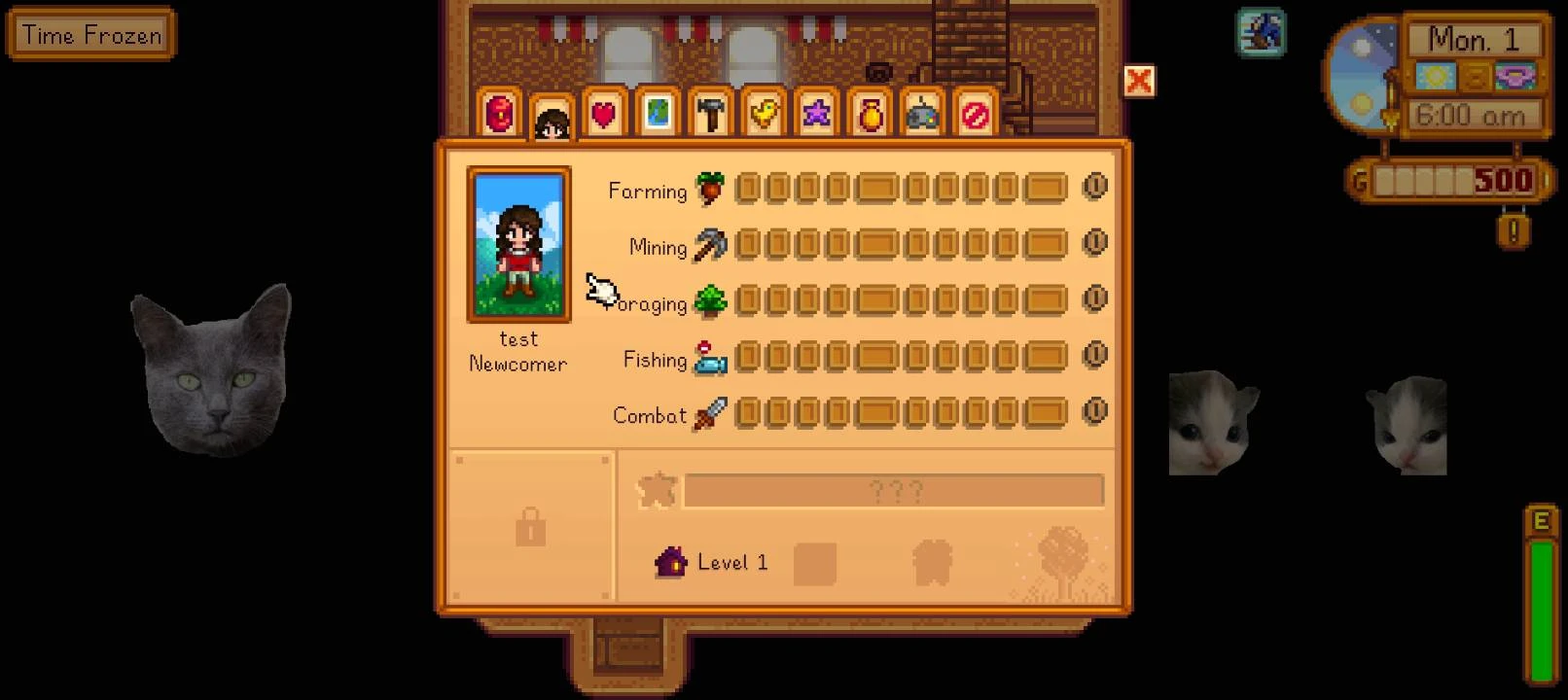
Cinderbox - Play Desktop SDV on Android
A launcher that lets you run the official desktop version of Stardew Valley on your Android device natively. Runs a custom fork of latest SMAPI version and has 99% mod compatibility.
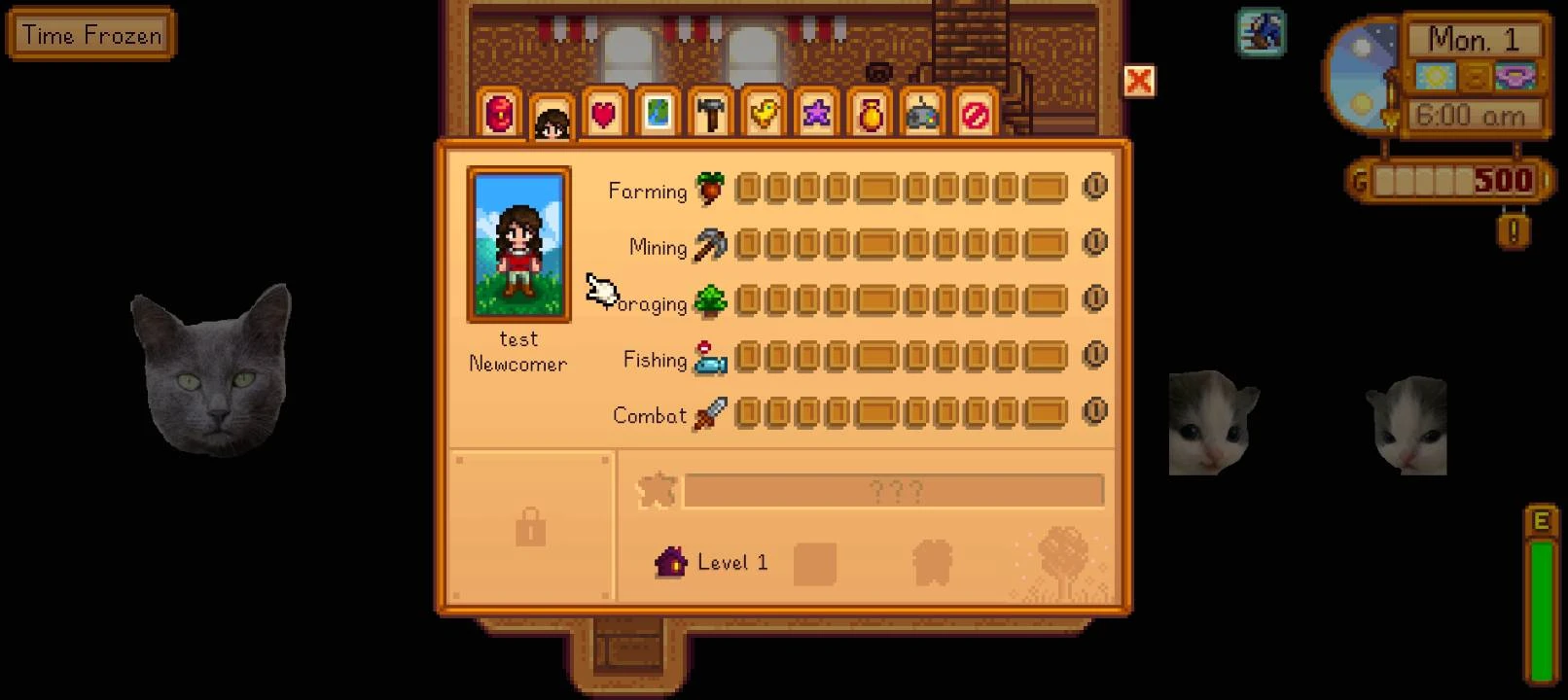 查看大图
查看大图[color=#6aa84f][b][size=6]Cinderbox[/size][/b][/color]
We've built a launcher that lets you run the official PC version of Stardew Valley on your Android device natively! Zero emulation, no translation layers. The latest SMAPI version and Harmony have also been reworked, with >99% of mods reported as compatible.
[color=#b6d7a8][b][size=4]Installation Guide[/size][/b][/color]
[list=1]
[]Compress your Stardew Valley folder to a zip file. To find your SDV folder in Steam: go to Library > Right-click Stardew Valley > Manage > Browse Local Files.[/]
[]Download from here, extract, and install the APK from the zip file.[/]
[]Launch the app to begin the setup flow. It will ask you for your zipped file and extract the contents to the correct folder.
[b]As of v0.8.0, you can now choose to login directly to your Steam account from Cinderbox, and download your game files. You'll need to authenticate from your Steam app.[/b][/]
[]After game extraction, you can download the latest SMAPI for Cinderbox directly in the app or from the GitHub page: [url=https://github.com/Ekyso/SMAPI-For-Cinderbox]https://github.com/Ekyso/SMAPI-For-Cinderbox[/url][/]
[/list]
[color=#b6d7a8][b][size=4]Additional Info[/size][/b][/color]
[list]
[]No game files are provided in the APK. It will not run by itself.[/]
[]Third-party licenses can be found [url=https://github.com/Ekyso/Cinderbox/blob/main/THIRD-PARTY-NOTICES.txt]here[/url].[/]
[]Source code will be available in the [url=https://github.com/Ekyso/Cinderbox]official Github repo[/url].[/]
[]Answers to commonly asked questions can be found in our [url=https://github.com/Ekyso/Cinderbox/wiki]wiki[/url].[/]
[/list]
[color=#ffcc00][size=4][b]New on v0.8.0![/b][/size][/color]
Part of the new initial setup process is an option to download and add the [color=#ffcc00][b]Cinderbox Pack[/b][/color].
These are some add-on mods that may be considered essential, either by making it easier to play on touchscreen, changing controls to something you may be more comfortable with, or being a version of some features from the mobile game.
Some of these mods have their standalone mod pages. Being part of the pack means you don't need to hunt for them separately.
[spoiler][color=#00cccc][size=3][b]UI Info Suite 2 Redux[/b][/size][/color]
A highly customizable version of the UI Info Suite 2 mod. You can move everything around. Includes Inspect Mode, which freezes character movement so you can tap on things to check without picking the item up or walking towards the item.
[color=#00cccc][size=3][b]CinderTap[/b][/size][/color]
Cinderbox's very own tap-to-move. Features include:
[list]
[]Auto-attack for [b]both[/b] melee and slingshot.[/]
[]Drag to queue using tools, as well as dropping or taking items from machines.[/]
[]Curve fishing rod direction. Just aim to the side of your farmer.[/]
[/list]
[color=#00a7a7][size=3][b]SoManyMods[/b][/size][/color]
[list]
[][b][color=#00cccc]SoManyElements[/color][/b]
The framework. The mods in this group need this to work.[/]
[][b][color=#00cccc]SoManyToolbars[/color][/b]
Allows you to customize your toolbars. You can create your own Inventory toolbar. You can also add Key and QuickAction toolbars, which function as virtual keyboards and allow you to enter commands.[/]
[][b][color=#00cccc]SoManyButtons[/color][/b]
Lets you customize the appearance of the Virtual Joypad buttons.[/]
[/list]
[size=3][b][color=#00cccc]LetMeRemap[/color][/b][/size]
For controller or handheld users! Lets you remap your buttons.
[size=3][b][color=#00a7a7]Cinderbox Essentials[/color][/b][/size]
[list]
[][b][color=#00cccc]Better Keyboard[/color][/b]
Scalable on-screen keyboard with CJK IME (pinyin, kana-to-kanji, Hangul jamo) for controller text entry.[/]
[][b][color=#00cccc]Better Shipping Menu[/color][/b]
Adds a quantity box and allows shipping in bulk.[/]
[][b][color=#00cccc]Better Shop Menu[/color][/b]
Makes it easier to shop and not buy things on accident by adding a quantity box and allows buying/selling in bulk.[/]
[][b][color=#00cccc]Cinderbox Carpenter Touch[/color][/b]
Just makes the build menu easier to deal with on touchscreen.[/]
[][b][color=#00cccc]Cinderbox Cave Levels[/color][/b]
Adjusts the appearance of the level text and icons to keep them visible even with differing UI scales.[/]
[][b][color=#00cccc]Cinderbox DayTimeMoneyBox[/color][/b]
Lets you customize the appearance of the DayTimeMoneyBox, with options for vanilla PC, mobile, and hybrids! On the vanilla setting, you can tap on the box to open the in-game options.[/]
[][b][color=#00cccc]Cinderbox Elevator Scale[/color][/b]
Adjusts the cave elevator menu so it's easier to select choices.[/]
[][b][color=#00cccc]Cinderbox Fishing Bar[/color][/b]
Keeps the fishing bar at a fixed, centered screen size regardless of the UI scale and zoom level.[/]
[][b][color=#00cccc]Cinderbox Horse Hitbox[/color][/b]
Lets the horse fit in single tile spaces, like on mobile.[/]
[][b][color=#00cccc]Cinderbox Tooltips[/color][/b]
Shifts tooltips away from the touch point.[/]
[][b][color=#00cccc]Cinderbox Zoom Range[/color][/b]
Extends the UI Scale and World Zoom to a 75-500% range.[/]
[/list][/spoiler]
[color=#b6d7a8][b][size=4]Support[/size]
[/b][/color]
For quick support, please join the [url=https://discord.gg/cinderbox-1464708507923124264]Cinderbox Discord server[/url]. If a mod does not work on Cinderbox, please come to us first. Do not harass mod authors or members of the Official SDV server.
正在加载版本记录…
正在加载评论…
评论在新手盒子客户端中发表,这里同步展示。