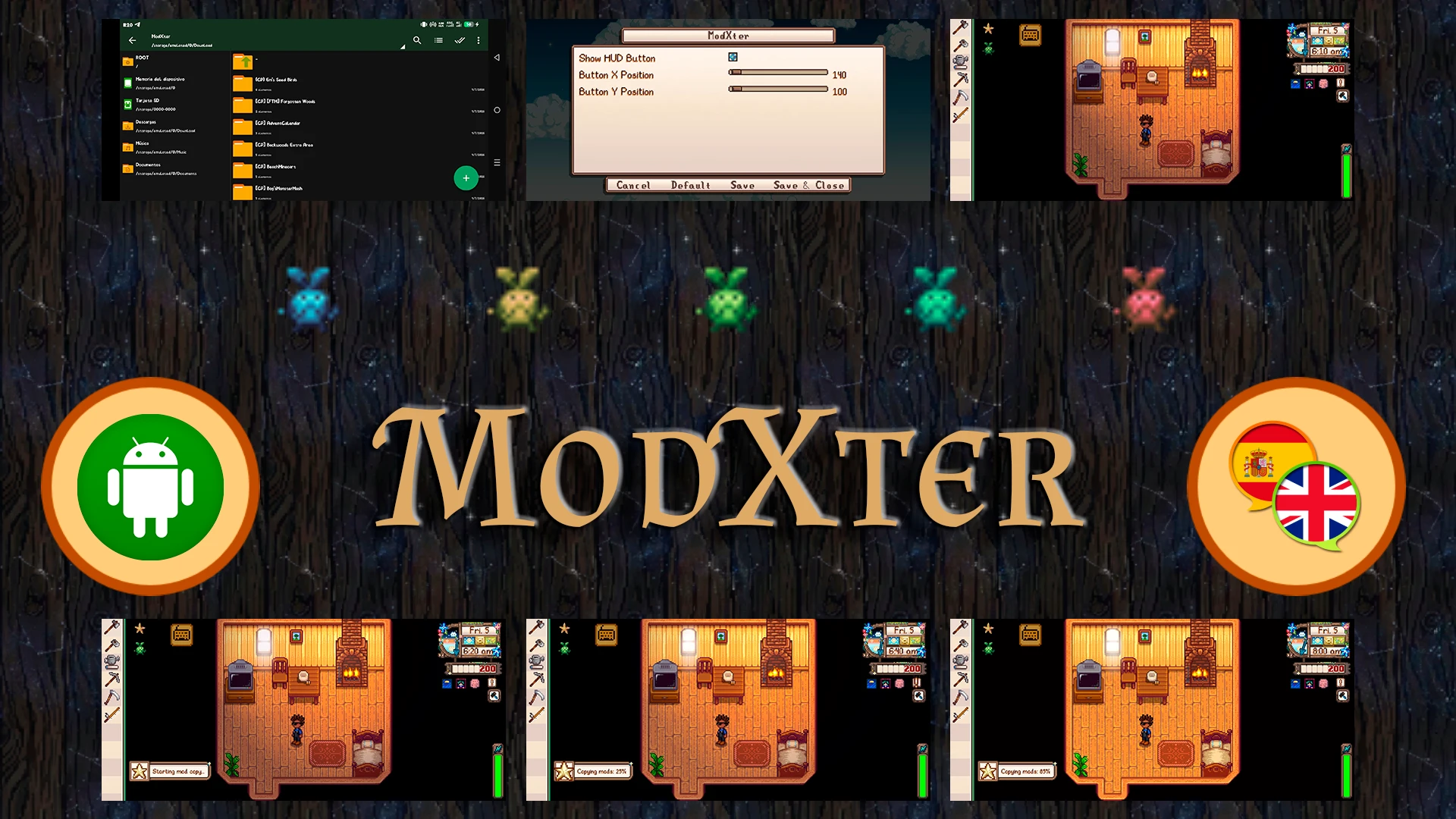
ModXter - Android MOD 导出工具
厌倦了每次换手机就丢失模组吗?不用再担心了!ModXter 会为所有已安装的模组创建备份副本。
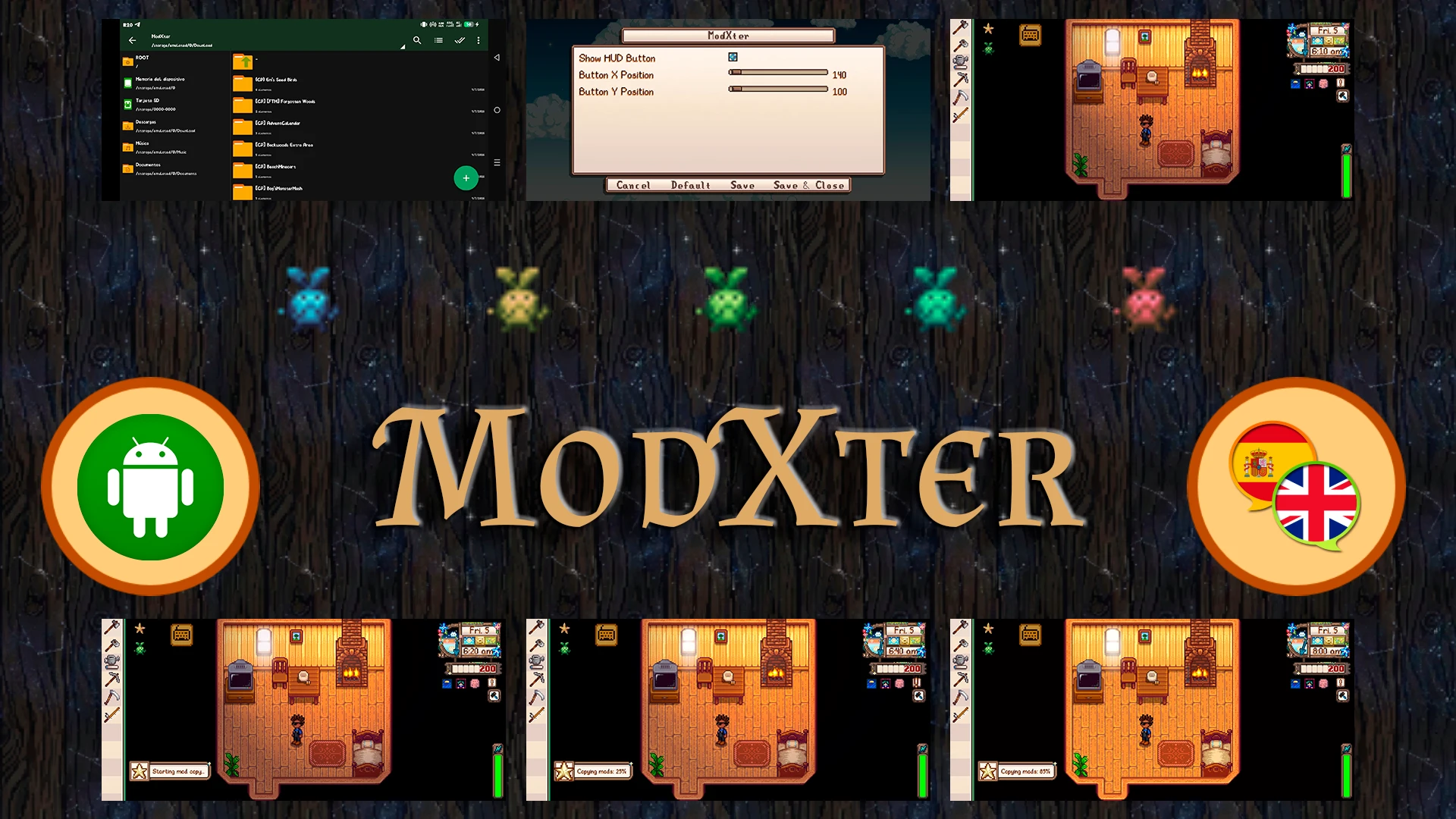 查看大图
查看大图[center]# MODXTER
🌎 Languages / Idiomas English: Native support. Español: Traducción completa incluida.[/center]
📜 WHAT IS MODXTER?
ModXter is a lightweight utility mod designed specifically for Stardew Valley on Android. It allows you to easily back up and export all your currently installed mods to your device's public Downloads folder with a single tap or command!
Whether you are testing new custom assets, debugging, or just want a safe backup of your mobile modding setup, ModXter makes the process seamless.
✨ KEY FEATURES
- One-Click Export: Copies all contents of your Mods folder directly to /storage/emulated/0/Download/ModXter/.
- Interactive UI Button: Includes a handy on-screen button for quick access. You can easily toggle its visibility on/off and adjust its X/Y coordinates to fit your screen layout perfectly.
- Live Progress Tracking: The copying process runs asynchronously in the background. It sends native in-game HUD messages every 5% of progress, letting you know it's working without freezing your game!
- GMCM Integrated: Full support for Generic Mod Config Menu. You can tweak the button's position, visibility, and settings seamlessly without leaving the game.
- Multilingual (i18n): Includes built-in translation support with English and Spanish available right out of the box.
- Console Command Support: Prefer the classic way? Just open the SMAPI console keyboard and type copy.
⚙️ HOW TO USE
- Launch the game and load your save.
- Tap the ModXter on-screen button (or open the SMAPI console and type copy).
- Keep playing! You will see HUD messages updating you on the copying progress (5%, 10%, 15%...).
- Once it reaches a 100% success message, check your device's Download/ModXter folder to find all your mods safely copied.
📥 INSTALLATION
- Install SMAPI Android.
- (Optional but highly recommended) Install Generic Mod Config Menu to easily manage the UI button settings.
- Download this mod and install it using SMAPI.
[center]Developed with ❤️ by JavCombita[/center]
正在加载版本记录…
正在加载评论…
评论在新手盒子客户端中发表,这里同步展示。