SaveSmith
《影之刃零》非官方离线存档编辑器。可编辑尘埃、材料、成长道具、死亡与首领记录。便携式 exe,支持自动备份。请先退出游戏。MIT 许可。与 S-GAME 无关联。
 查看大图
SaveSmith / 存档酱 — Phantom Blade Zero
Unofficial offline save editor for Phantom Blade Zero (Steam AppID 4115450). 非官方单机存档修改器,仅限已购买正版、本地单机使用。与 S-GAME Studio / S-GAME Publishing 无关联。
Features / 功能(当前版本侧重影之刃零)
- Dust(意识尘埃)数量
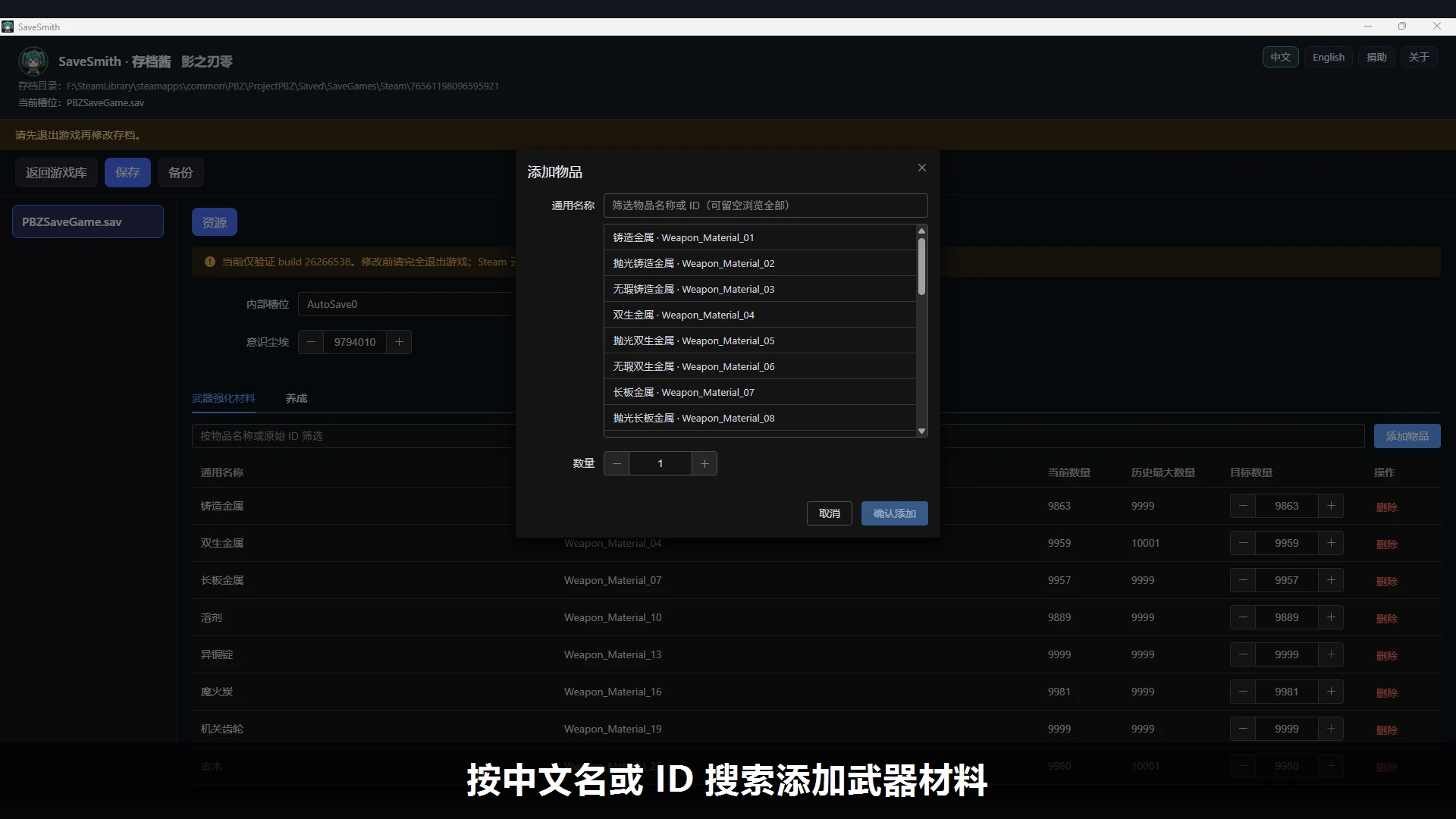
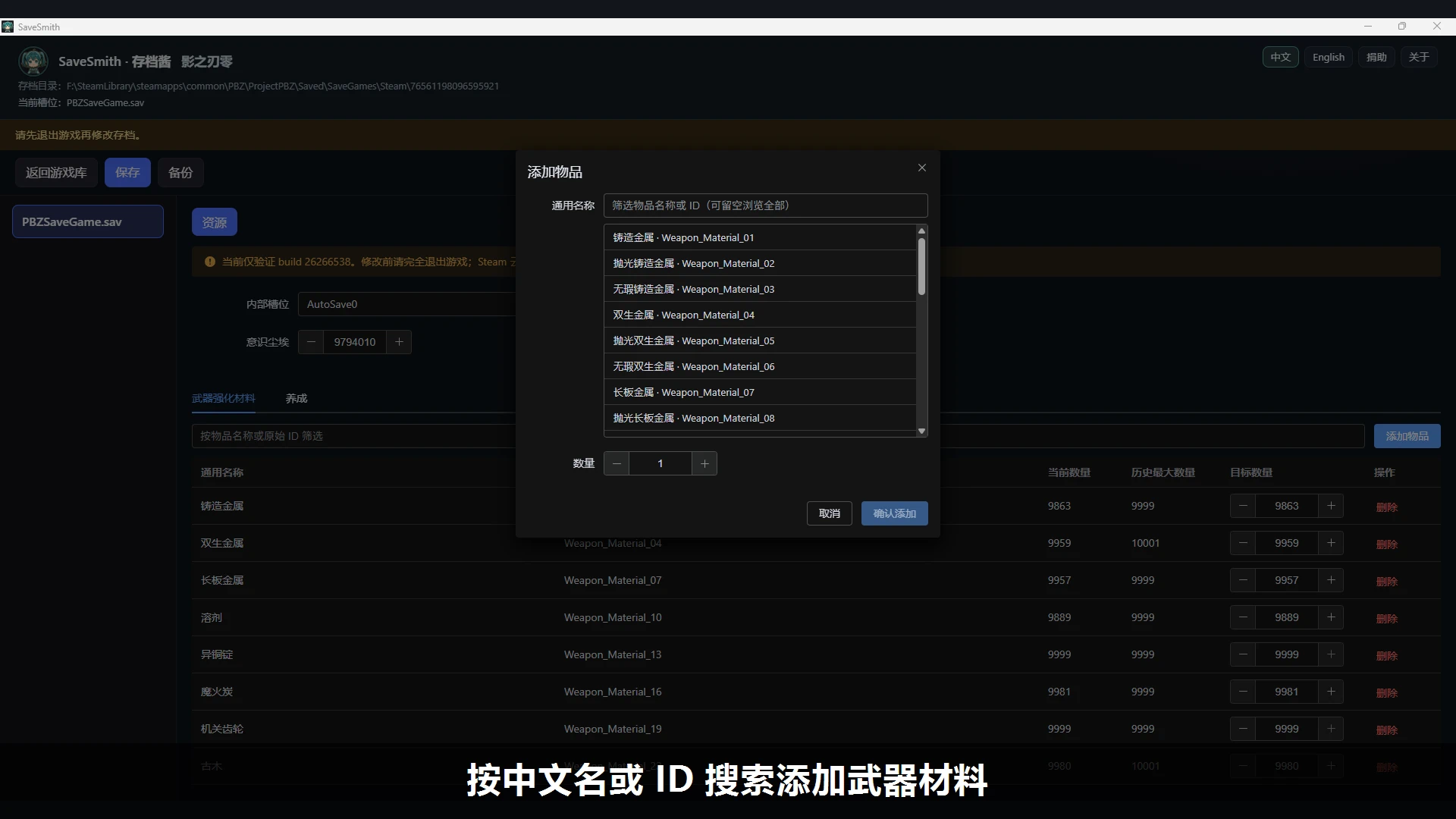
- Weapon upgrade materials — search / add / edit / delete(武器强化材料)
- Growth items(养成)
- Records tab:total deaths + per-boss death counts(战绩:累计身陨 / BOSS 被击杀次数)
- Auto backup before save(保存前自动备份)
This Nexus page ships the full SaveSmith portable build; Phantom Blade Zero is one supported game module. 本页提供完整 SaveSmith 便携版;影之刃零是其中已支持的游戏模块之一。
Requirements / 要求
- Windows + WebView2
- Verified against Steam build 26266538(当前仅验证该 build)
How to use / 用法
- Fully quit the game. Prefer disabling Steam Cloud. 完全退出游戏;建议暂时关闭 Steam 云同步。
- Run
SaveSmith-*-windows-x64.exe, open Phantom Blade Zero, pick the save folder. 运行便携 exe → 打开影之刃零 → 选择存档目录。 - Edit → Save. Use Backup if needed. 修改后点保存;需要时用备份。
- HeyBox / record viewers: SaveSmith rewrites dirty slots as zlib. If a viewer fails to parse, load the save in-game and save once (game often rewrites Oodle), then re-sync. 小黑盒等战绩查看器: 本工具脏槽写回为 zlib。若解析失败,请进游戏加载并再保存一次,再同步查看器。
Source / 开源
GitHub: https://github.com/gundamff/SaveSmith Release: https://github.com/gundamff/SaveSmith/releases/tag/v0.17.2 License: MIT
Disclaimer / 免责
Modifying saves can break progress. Keep backups. Do not use for multiplayer or distributing modified saves. Support the official game. 改档有风险,请先备份。勿用于联机或传播已改存档。请支持正版。
正在加载版本记录…
正在加载评论…
评论在新手盒子客户端中发表,这里同步展示。