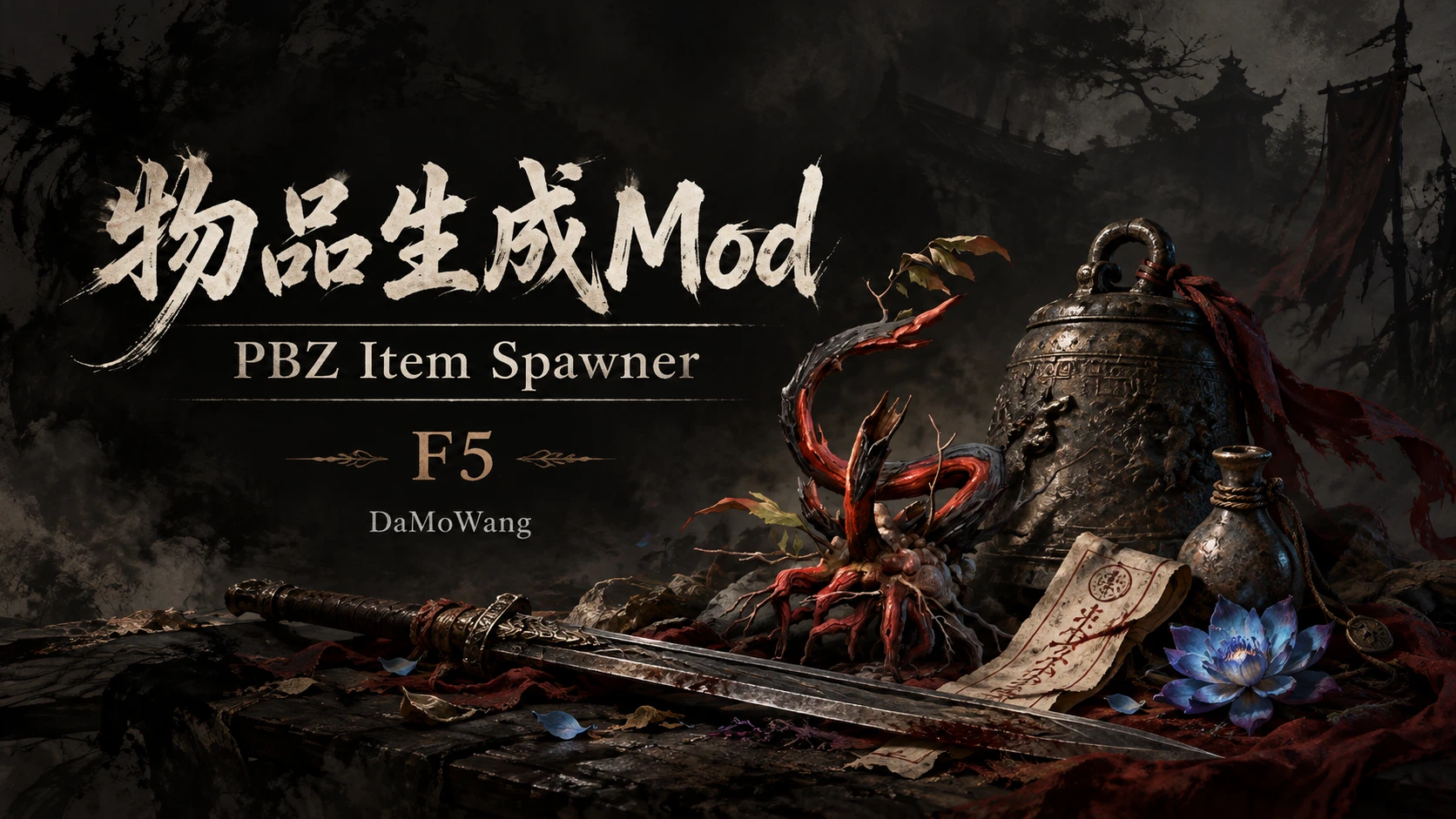
PBZ Item Spawner(Requires UE4SS)
Press F5 to open the item spawner menu. Spawn items freely with support for multiple languages.
 查看大图
PBZ Item Spawner 0.1.5
## Installation
1. Close the game completely and run InstallMOD.exe.
2. The installer detects Steam directories automatically. If none is found, select the PBZ game root.
3. Manual installation: merge this package's platform folder into the PBZ game root.
4. Start the game. Press F5 to open/close the menu; Esc to return.
## Usage
- 763 entries with native names, icons and descriptions. Categories do not overlap, except for All.
- Search by name or ID, select an item, enter a quantity and click Spawn.
- The list and details show ownership. The spawn area shows the owned quantity and the maximum you can add.
- Up to 999 regular items per request. Owned unique items are not added again; equipment is not replaced automatically.
- Follows the game's text language (15 languages). Does not modify original game files or edit saves offline.
## Uninstallation
Close the game completely and run UninstallMOD.exe. To uninstall manually, delete only platform/steam/ue4ss/Mods/PBZItemSpawner/dlls/main.dll and enabled.txt. Do not delete the entire ue4ss or Mods folder. Backups, settings and other Mods are preserved.
正在加载版本记录…
正在加载评论…
评论在新手盒子客户端中发表,这里同步展示。