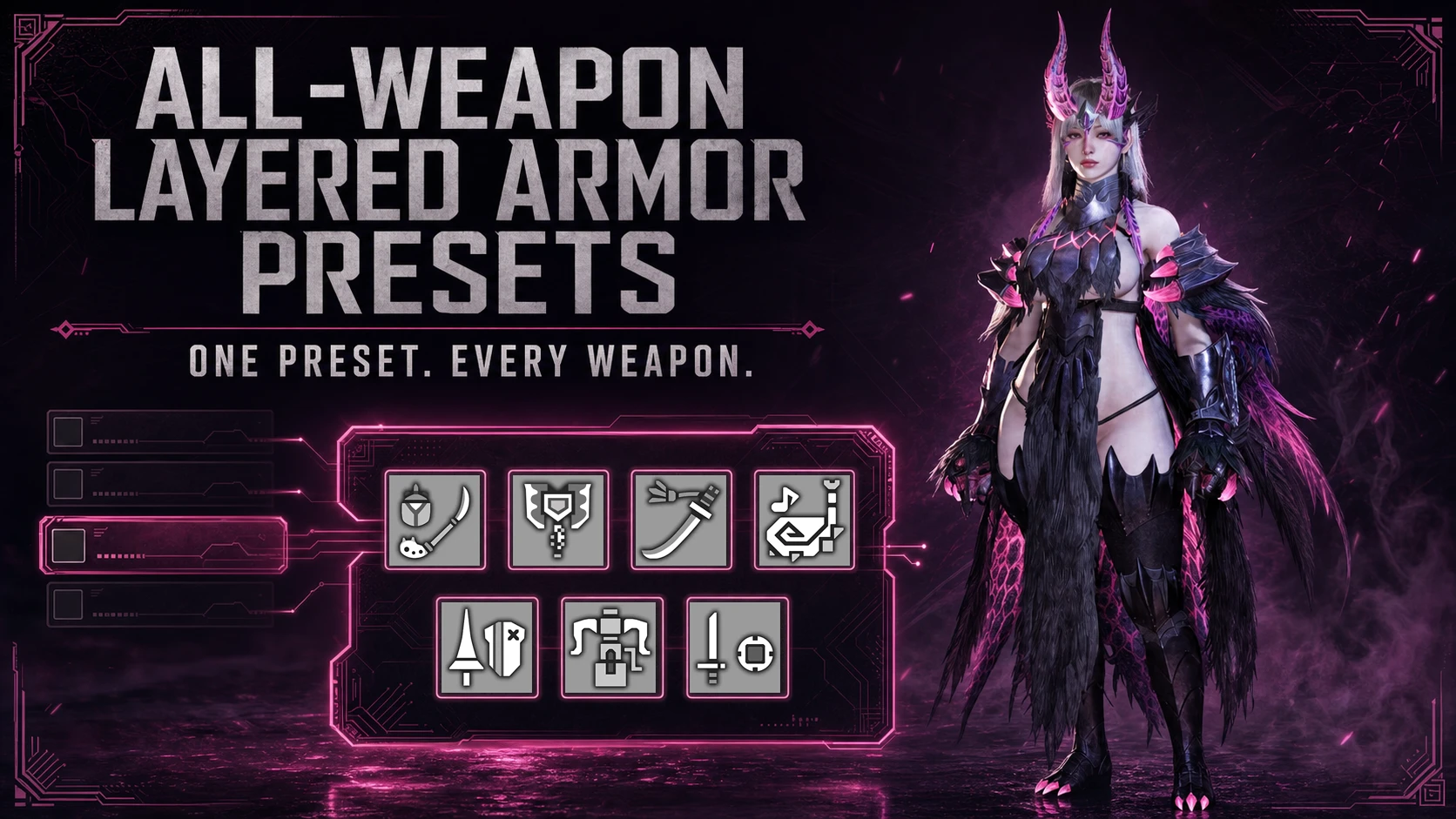
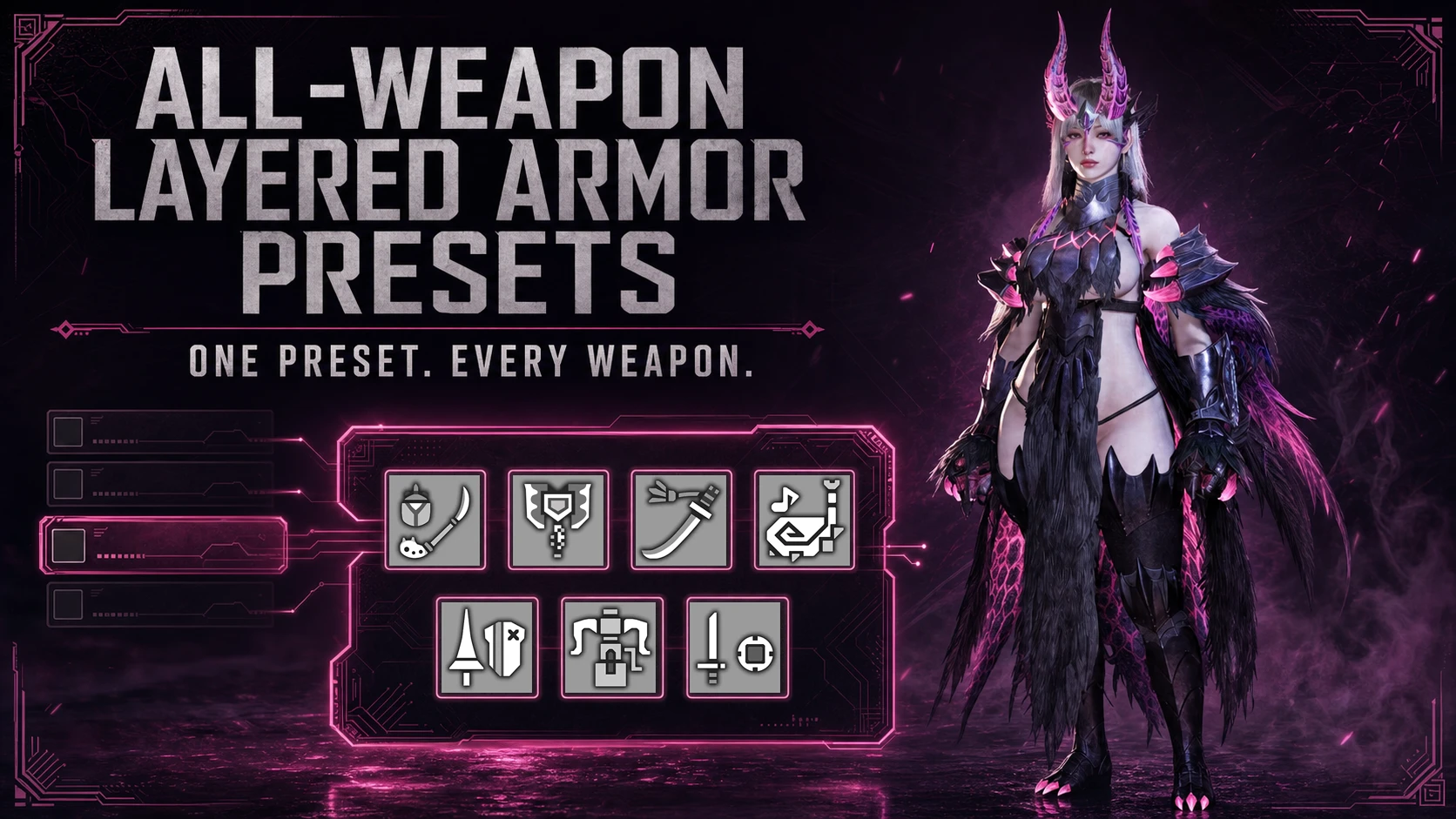
All-Weapon Layered Armor Presets
One layered armor preset now saves ALL types of weapons. ------每一套幻化预设现在可以保存所有种类的武器幻化。
 查看大图
查看大图
[b][size=6][font=Arial Black]Description[/font][/size][/b]
[line]
[size=4]游戏原生幻化预设通常只能保存当前装备的主、副武器幻化。当你从操虫棍切换到盾斧、太刀或其他武器时,经常需要重新选择与防具外观相配的武器幻化。
本 Mod 扩展了游戏原生幻化预设,使每套预设都可以分别保存:[/size]
[list]
[][size=4]14 种武器类型[/size][/]
[][size=4]主武器位与副武器位[/size][/]
[][size=4]每套预设最多 28 项武器幻化[/size][/]
[/list]-------------
The game’s native layered armor presets normally remember only the layered appearances of the currently equipped main and secondary weapons. When switching from Insect Glaive to Charge Blade, Long Sword, or another weapon type, you often have to select a matching layered weapon again.
[size=3]This mod extends the native layered armor presets so that every preset can remember:[/size]
[list]
[][size=3]All 14 weapon types[/size][/]
[][size=3]Main and secondary weapon slots separately[/size][/]
[][size=3]Up to 28 layered weapon entries per preset[/size][/]
[/list][heading][line]
[size=6][font=Arial Black]How to Use[/font][/size]
[line]
[/heading]
[list=1]
[][size=4]应用一套游戏原生幻化预设。[/size][/]
[][size=4]设置当前武器的幻化,然后覆盖该预设,即可将这把武器的幻化保存进去。[/size][/]
[][size=4]更换其他武器并重复覆盖,可以逐渐为同一预设补全全部武器。[/size][/]
[][size=4]之后切换武器或装备时,Mod 会自动应用该预设中对应的武器幻化。[/size][/]
[/list][size=4] 每次覆盖只更新当前主、副武器对应的记录,不会清除其他已经保存的武器。[/size]
[size=4]Mod 数据会跟随游戏的正常保存流程自动保存,不需要单独操作。仅手动更换武器幻化而不覆盖预设,不会更新其中保存的记录。[/size]
[size=4]--------------[/size]
[list=1]
[][size=4]Apply a native layered armor preset.[/size][/]
[][size=4]Set the layered appearance for your current weapon, then overwrite the preset to save it.[/size][/]
[][size=4]Switch to other weapon types and overwrite the same preset again to add them.[/size][/]
[][size=4]The matching layered weapon will then be applied automatically whenever you change weapons or equipment.[/size][/]
[/list][size=4] Each overwrite updates only the currently equipped main and secondary weapon entries. Other saved weapon types are preserved.[/size]
[size=4]The mod data is saved automatically together with the game’s normal save process. [/size]
[size=4]Manually changing a layered weapon without overwriting the preset will not update its saved entry.[/size]
[line]
[center][size=5][font=Times New Roman]Includes a read-only preset browser showing all saved weapon appearances.[/font][/size] [/center]
[img]https://staticdelivery.nexusmods.com/mods/6993/images/4683/4683-1785663217-223576601.png[/img]
[line]
[b][size=6][font=Arial Black]Installation instructions[/font][/size][/b]
[line]
[size=4][color=#D4D4D8]Install via Fluffy.[/color][/size]
[size=4]The resulting path should be:[/size]
[code]MonsterHunterWilds/
└─ reframework/
└─ autorun/
└─ MultiLayeredWeapon.lua[/code]
[line]
[size=6][font=Arial Black][b]Requirements[/b][/font][/size]
[line]
[color=#D4D4D8][size=5]REFramework.[/size][/color]
![https://staticdelivery.nexusmods.com/mods/6993/images/4683/4683-1785663217-223576601.png[/img]](https://staticdelivery.nexusmods.com/mods/6993/images/4683/4683-1785663217-223576601.png%5B/img%5D)
正在加载版本记录…
正在加载评论…
评论在新手盒子客户端中发表,这里同步展示。