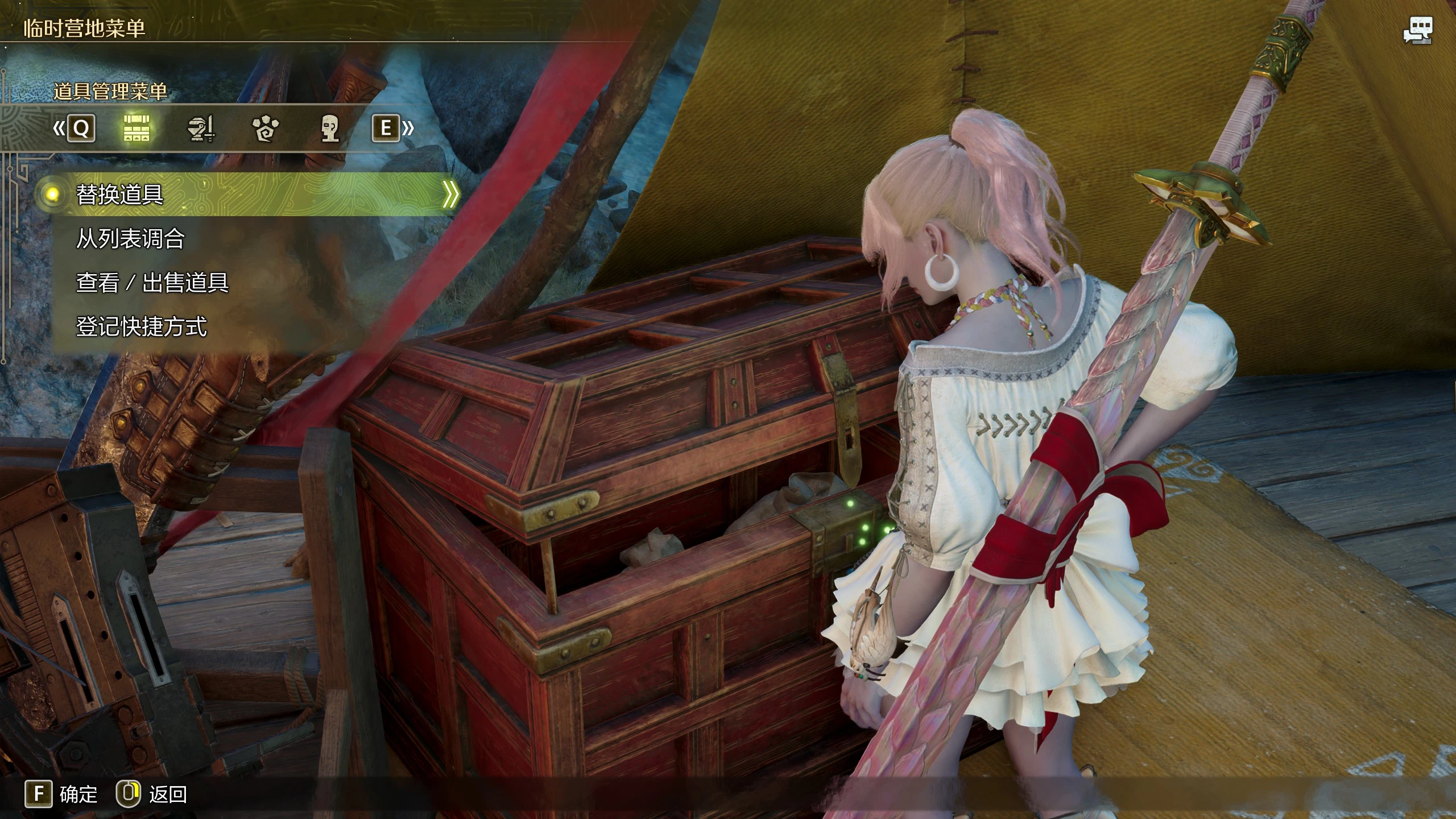
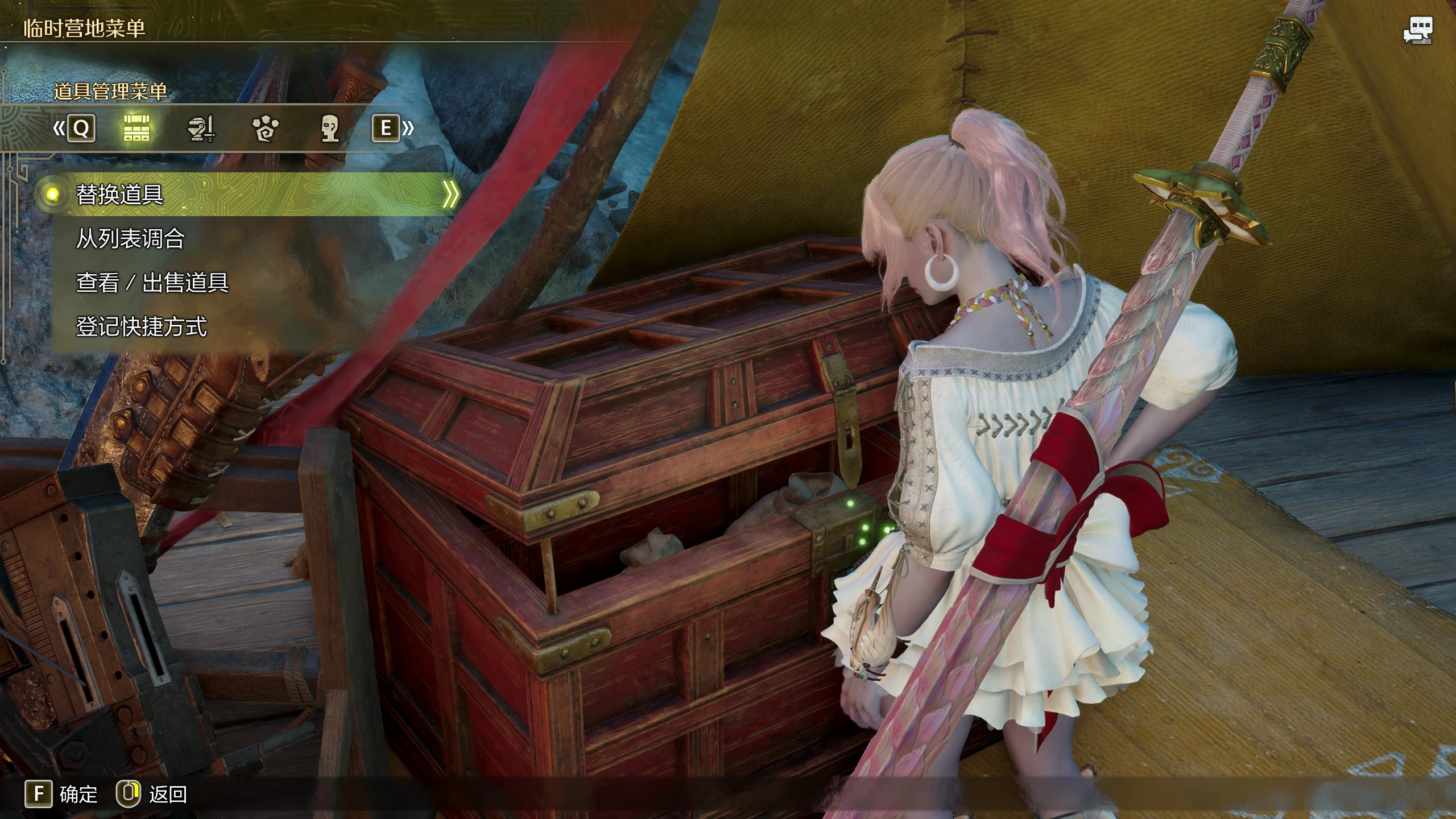
Hi-res Chest
Chest texture extracted from the 77GB high-resolution texture pack (pre–January 28 update)
 查看大图
查看大图[size=4][b]Description[/b][/size]
[color=#D4D4D8]I hated blurry chest, but my VRAM wasn’t enough to run the 77GB high-resolution texture pack (pre–January 28 update) — so I made this mod. [/color]
[size=4][b]Installation[/b][/size]
If high-resolution texture pack is installed, move [b]re_dlc_stm_3308900.pak.sub_000.pak ( [i]located in the DLC folder [/i]) [/b]to your game root folder.
Rename it following your existing [b]re_chunk_000.pak.sub_000.pak.patch_xxx.pak[/b] number sequence.
Example:
re_chunk_000.pak.sub_000.pak
re_chunk_000.pak.sub_000.pak.patch_001.pak
re_chunk_000.pak.sub_000.pak.patch_002.pak
......
re_chunk_000.pak.sub_000.pak.patch_015.pak
[b]re_dlc_stm_3308900.pak.sub_000.pak → re_chunk_000.pak.sub_000.pak.patch_016.pak[/b].
Then, install the mod with [b]Fluffy Mod Manager[/b] or manually.
Manual installation: Extract the file, then paste [b]HiresChest.pak[/b] into your game root folder.
Rename it following your existing [b]re_chunk_000.pak.sub_000.pak.patch_xxx.pak[/b] number sequence.
Example:
re_chunk_000.pak.sub_000.pak
re_chunk_000.pak.sub_000.pak.patch_001.pak
re_chunk_000.pak.sub_000.pak.patch_002.pak
......
re_chunk_000.pak.sub_000.pak.patch_015.pak
re_chunk_000.pak.sub_000.pak.patch_016.pak
[b]HiresChest.pak → re_chunk_000.pak.sub_000.pak.patch_017.pak[/b].
正在加载版本记录…
正在加载评论…
评论在新手盒子客户端中发表,这里同步展示。